





bonienl
Community Developer
-
Joined
-
Last visited
Everything posted by bonienl
-
I changed the upload to create a new file instead without overwriting the existing file. The name of the new file has a sequence number included, similar to what browsers do when downloading files. Note that you can upload multiple files at once by selecting them in the opened window. Basic and Advanced mode do not exist anymore. The title bar has become a selectable folder structure.
-
@hawihoney thanks for testing. You found a regression error, where the screen is not updated after the Upload function finished. I made a fix.
-
Latest Unraid version 6.10.0 has WireGuard integrated with all the latest additions and corrections. The separate plugin is no longer maintained, I recommend you upgrade Unraid to 6.10.0.
-
Thanks for reporting. Yes, the plugin does not take into consideration non standard ports. This needs to be added.
-
It looks like we have some regression error in Unraid 6.10.0, please open a bug report.
-
The location indicators are there to see instantly on which devices a share exists, and secondly the indicators are clickable and actionable. This means - for example - you can move or copy the content of a share on the selected device to another device. It defeats the purpose to hide the location column, but to address your OCD all rows are now shown with the same height, which is actually only an "issue" when looking at the <SHARE> level.
-
This plugin adds a file manager functionality into the GUI. The user can use this functionality to do (simple) file operations without the need of opening other applications. It is not a substitute of MidNight Commander (mc) or any of the docker based file managers, you can use whatever fits your requirements best. To run this plugin you need to have Unraid 6.10.0 stable version installed.
-
How are you copying? From disk share to disk share, which should give the fastest transfer rate. Or from user share to user share, which may get a speed penalty. Though 10/15 MB/s is very low for an internal transfer with SSDs involved.
-
LOL. I don’t know my own plugins anymore. Thx for helping out.
-
Thanks for reporting. I made a fix, new version is available. Note: Unraid stable version 6.10.0 is required now for this plugin
-
Which plugin did you install?
-
Ok, this is a regression error. I made a fix Thanks.
-
Yes, please continue under dynamix v6 plugins for support.
-
Of course this plugin is not for everyone. With most things - if you understand what you are doing, there are no problems
-
There seems to be difficulties with reading the file last modification time for some of your files. Does it happen with a specific folder or resource?
-
It is a first start indeed, may need tweaking going forward The plugin will change the floor value if new value is different from the old value, regardless of what the old value is (including 0). The idea is that the floor value gets automatically adjusted based on the content stored in the share. This way it is a set and forget feature for the user. All shares are taken into account, including shares in pools. A share with vdisks is the exception to the rule, currently there is no way to treat such a share differently. Good point though. Give it a try, and let me know your observations and possible improvements!
-
We had an internal discussion about this subject, and @jonp came up with the bright idea to make dynamic settings based on the largest file present in each share. I turned his idea into a new plugin Dynamix Share Floor. This plugin creates a cronjob which can run at a given interval and scans each existing share for the largest file present. It then calculates a (rounded) share floor based on the scan result and updates the share settings if the current floor value is different. The scan routine works with a minimum floor of 500 MB, if a share is empty or has only small files it will get this minimum set. The new feature can be found under Settings -> Scheduler -> Share Floor Settings There is a Update Now button to perform a manual scan and update immediately.
-
I made an update, please try version 2022.05.17a.
-
I made an update with a faster implementation, please try.
-
When a file or folder exists on multiple disks, then a search under "User" shows all the disk locations, see example below This makes it easy to search for duplicates.
-
Under Display Settings, change Listing Height = Fixed This is the consequence of looking up the disk location(s). Anything under /mnt/user or /mnt/user0 needs an attribute lookup, which consumes more time. Ps. It helps to install the Dynamix Cache Directories plugin, which keeps folder listings in RAM.
-
This could be due to the high number of items and PHP running out of memory, not sure! I have revised the browse function a bit to avoid a potential error depending on file names. The disk location(s) is now added in the search results.
-
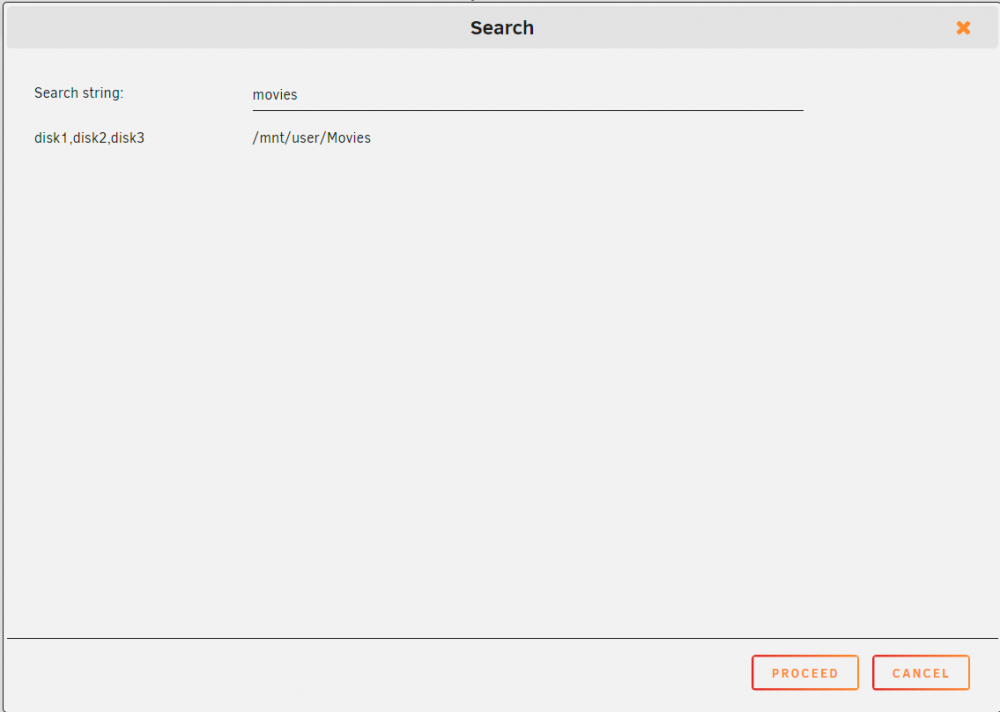
Added a Search function, see new version.
-
@hawihoney thanks for using and testing the plugin I made a fix for the bug you found, a new version is available. Regarding MOVE. Copy and move operations are executed in the background using rsync. This always involves a copy action, followed by a delete action (if move is done). This is done as a fail-safe operation in case an incompatible source + destination is chosen by the user (though DFM does not allow such an operation). Most people know this as the "User Share Copy Bug.". See
-
This is solved in Unraid version 6.10, currently available as a release candidate.





