SliMat
Members
-
Joined
-
Last visited
Everything posted by SliMat
-
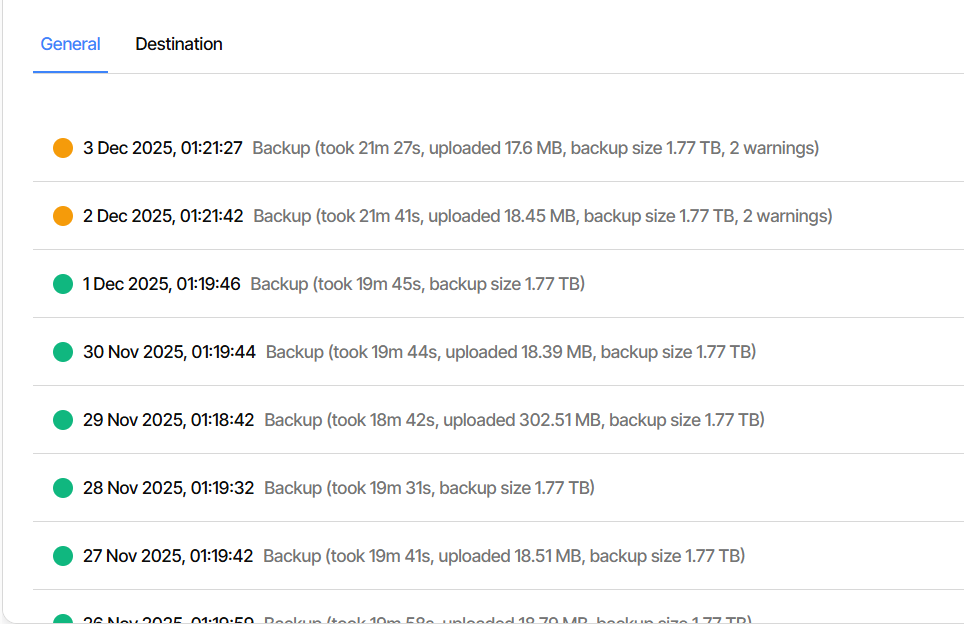
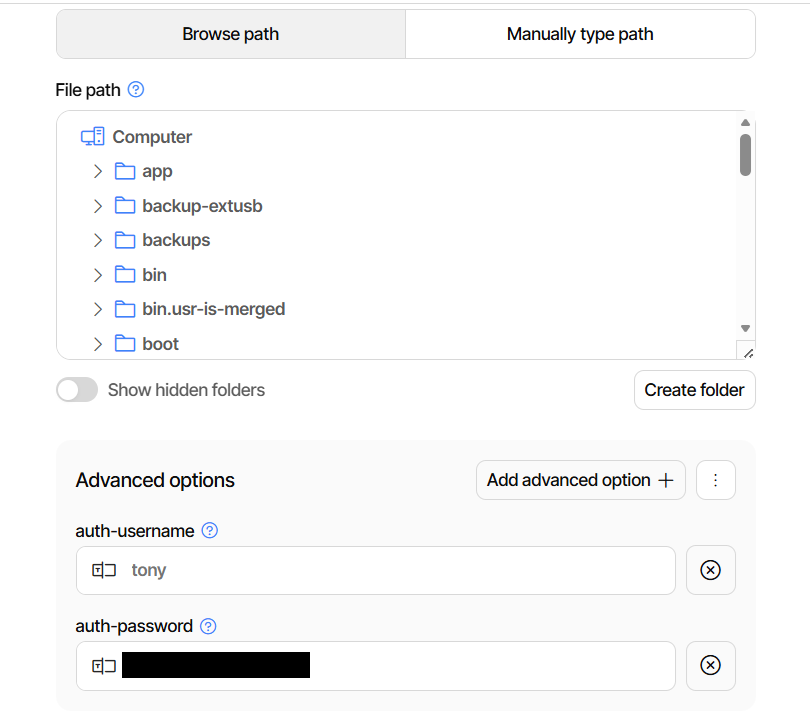
Hi Guys Duplicati has been running fine for months, but a couple of days ago I updated from the UnRAID docker page and ever since then I get warnings... When I check the logs it shows; "2025-12-03 01:00:00 +00 - [Warning-Duplicati.Library.Main.Controller-UnsupportedOption]: The supplied option --auth-username is not supported and will be ignored" I seem to remember when I set it up, it couldnt access my source share because of username / password required... so I set authorisation; It looks like this feature has been depracted... can anyone advise how to fix this? Thanks
-
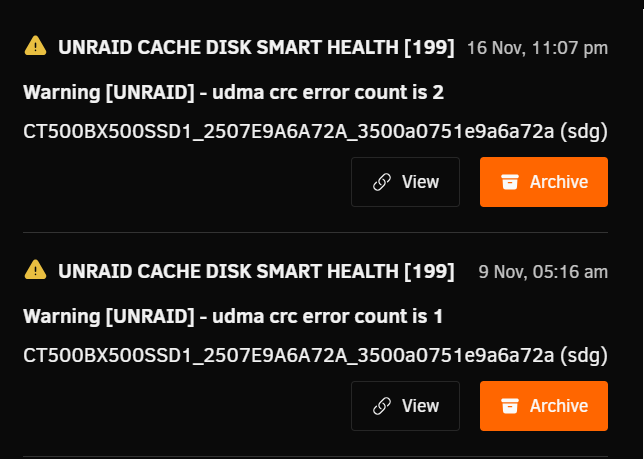
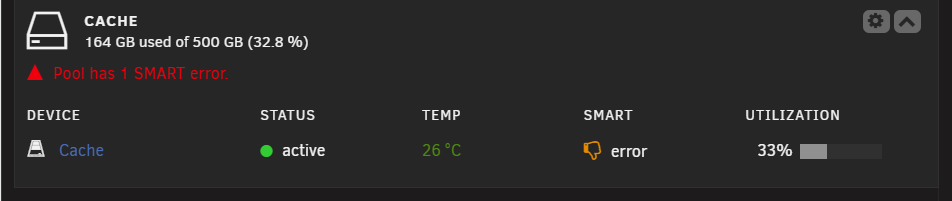
OK... today I received another error... now showing that UDMA CRC Error Count is 2... So, I will remove the RAID enclosure and check all the connections are clean and well seated... but cant do this till the weekend. Or would the general recommendation be to just replace the SSD? So, is there any plugins which will backup my cache disk in case it fails, so I can recover my apps/VMs etc? Thanks
-
Ah, thanks - found it...
-
Thanks.... although I dont actually see a "fail" tab - is it somewhere else;

-
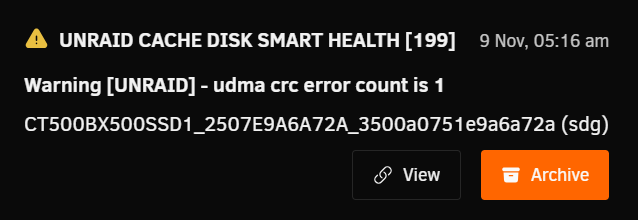
I have another disk notification appeared today... The machine which is listing this (HP Proliant ML310e v2) has a disk enclosure so I dont think this can be a cable/connection issue. Do I need to worry about this error? I haven't been able to reboot it yet, to see if it clears! I have attached diags... any thoughts appreciated. Thanks in advance unraid-diagnostics-20251109-1616.zip
-
Marked as solved because there is another thread on this - thanks
-
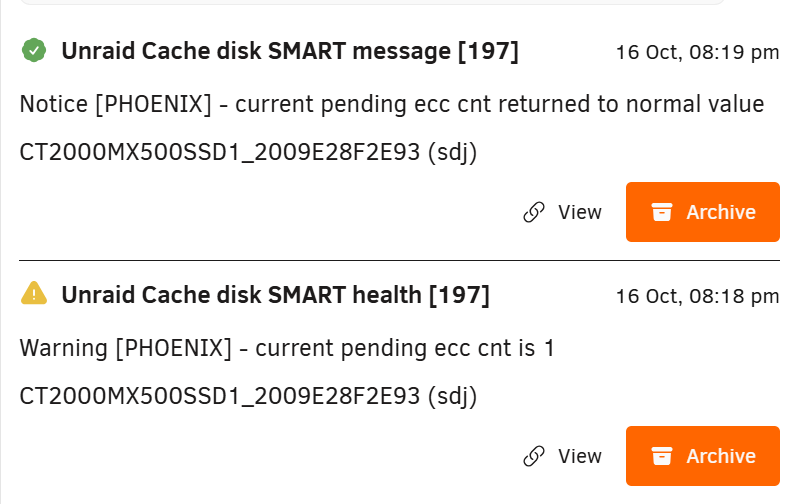
Hi All Apologies for all the questions I have had recently... but it seems to be one problem after another. I received these messages on my production server a few minutes ago and am guessing its to do with error correction as the machine is an HP Proliant DL380 G9... but in many years I have never seen this message and don't know if it is an indication of another imminent failure, or if I need to do anything. The cache disk is a 2Tb SSD, which is currently empty as I had massive issues with /appdata config information, so moved everything to the array, rebuilt all the dockers and havent yet moved anything back to the new cache disk! Log attached. phoenix-diagnostics-20251016-2026.zip
-
Thanks - parity disk is rebuilding... do I need to worry about the other error reports saying there were problems with all the disks in the array? Is there any idea why this has happened as this machine has been running trouble-free (apart from when I have done something wrong) for many years? Thanks again
-
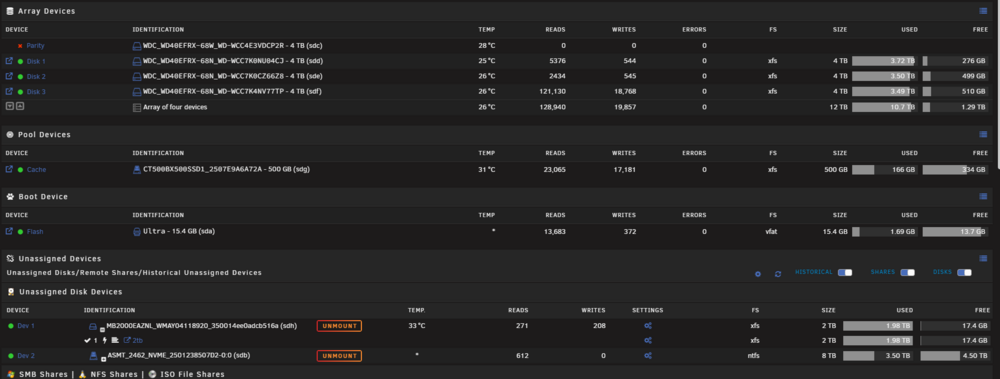
Thanks @JorgeB When I walked into the office, all the system fans were running at 100% (HP Proliant ML310e) so obviously something was wrong. Rebooted and it has come on, and fans are running normally... but parity disk is still showing a red X; I have received numerous warning emails on reboot; Dev 1 is an old 2Tb disk I use for CCTV and I remember it had some errors, so I am not worried about this one. This machine is using a P420 RAID controller. Thanks unraid-diagnostics-20251013-1659.zip


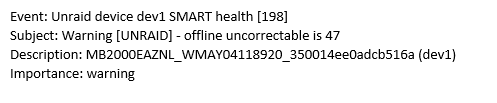
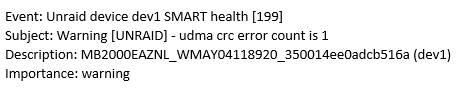
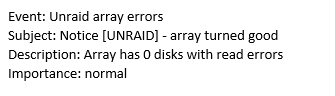
-
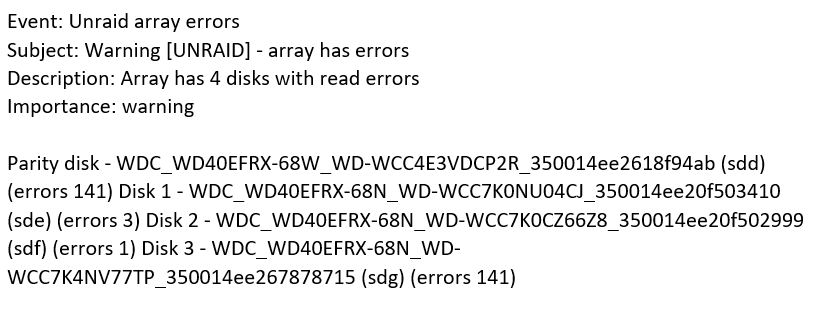
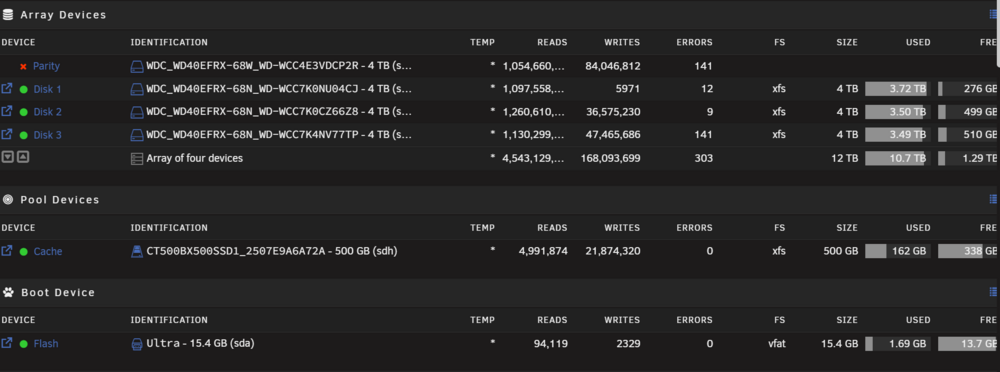
Update - just had an email to say all 4 disks have failed... Just taken another diags and attached again. Should I shut the server down (remotely) as I am not there, to preserve data loss? Thanks unraid-diagnostics-20251013-1155.zip
-
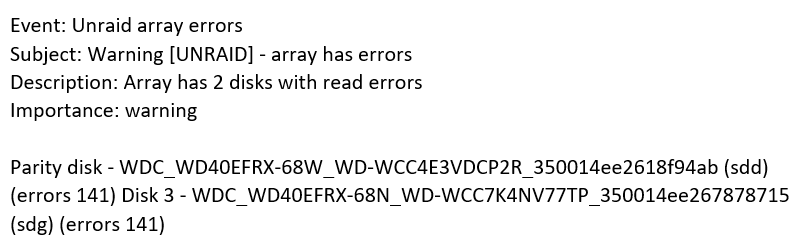
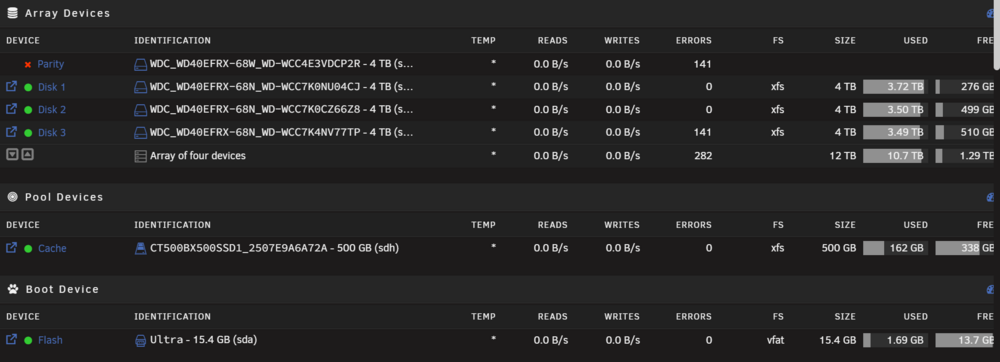
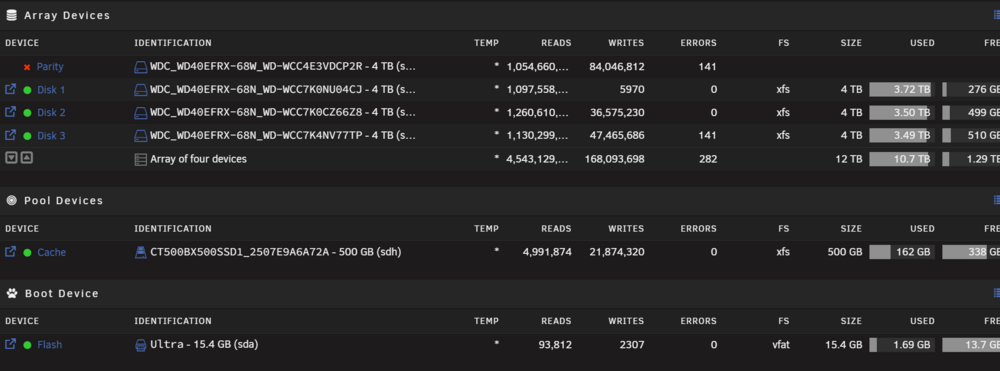
Hi all My second UnRAID server has just reported some errors, but I am not sure I am interpreting them correctly... The error (email) I received says; But when I look on the server I see... The messages seem to imply that the Parity Disk & Disk 2 have, or are, failing! But, what's the chances of 2 disks failing and both reporting 141 read errors? Attached is the diags - can someone confirm which disk(s) have failed and should be replaced... and perhaps why its saying 2 disk have failed identically? My gut feeling is that only the Parity Disk needs to be replaced... but I dont want to miss something and end up with avoidable data loss. Thanks in advance unraid-diagnostics-20251013-1149.zip
-
Looks like everything has come back now... thanks @JorgeB I just dont like rebooting when it goes wrong in case it makes things worse... I now also have my 2Tb SSD listed as a cache drive... I plan to leave all the dockers configs stored on /mnt/user/appdata - rather than moving back to /mnt/cache/appdata - is there a correct way to move the /mnt/user/appdata folder to use the cache disk only... or any threads you recommend to set the cache disk back up. I plan to use the old 500Gb SSD cache disk (which is now unassigned) as a hot store for VM backups etc ;-) Thanks
-
Thanks - Will try now... will let you know in 5-10 mins
-
OK, am thinking that a complete reboot is the only thing left to try - any thoughts??
-
OK, I have unassigned the new large cache disk and reassigned the smaller one and still get no shares visible!!!
-
OK, I have disabled dockers & disabled VMs in settings, restarted the array and still have no shares 😢!!
-
I could stop array... disable VMs and dockers... bring array online again and then enable them one at a time to see if one works and one doesn't to try and see if its one or the other causing the issue?
-
Pretty sure I moved everything to /mnt/user/share - but the issue is that I cant see any dockers now to check this...
-
Worried if I reboot it might make things worse :(
-
The old cache drive was empty... everything was moved to the array first... so I am not magically expecting any data. My query is that after stopping the array, removing the small cache drive, assigning a larger (also empty) drive in the cache slot and restarting the array... all my shares/VMs/dockers have vanished - but shares are still accessible (at the moment) via mapped shares on a Windows machine.
-
OK, desperate to try something as all my clients are offline... does anyone know if a host reboot will make things worse... or should I un-assign the (unformatted) large cache disk and re-assign the old smaller (empty) cache disk then restart array to see if that helps? Any pointers appreciated.
-
Interestingly if I try and access the shares using \\192.168.76.25\ in Windows (the servers IP) I see no shares... but my mapped drives in Windows still work and show the data!?!?!
-
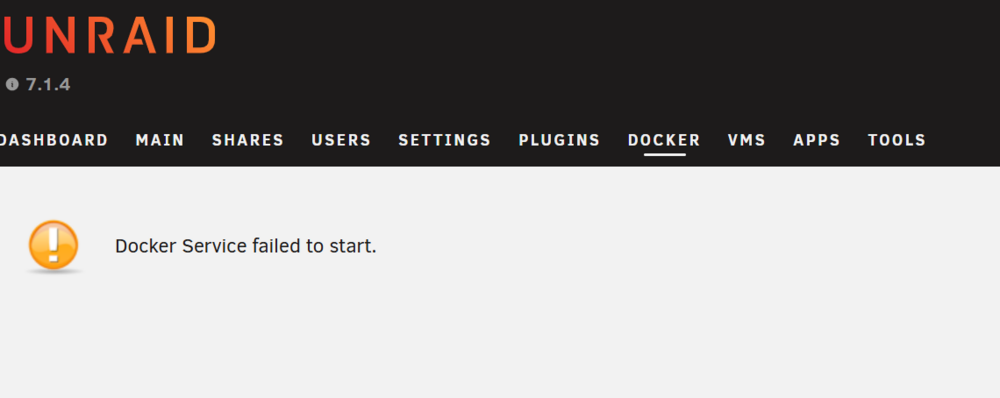
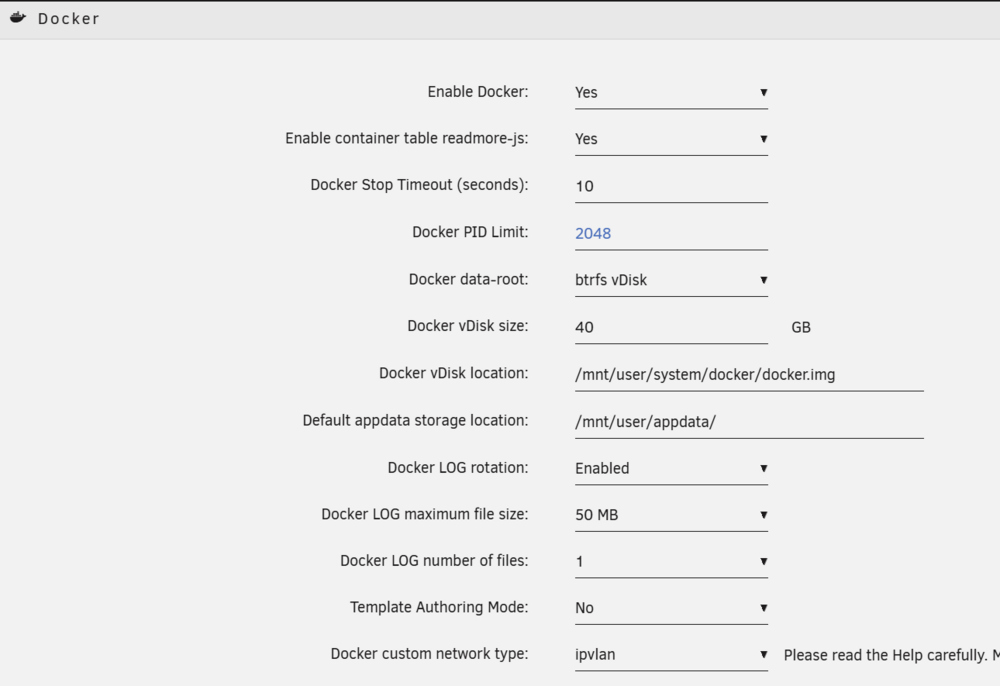
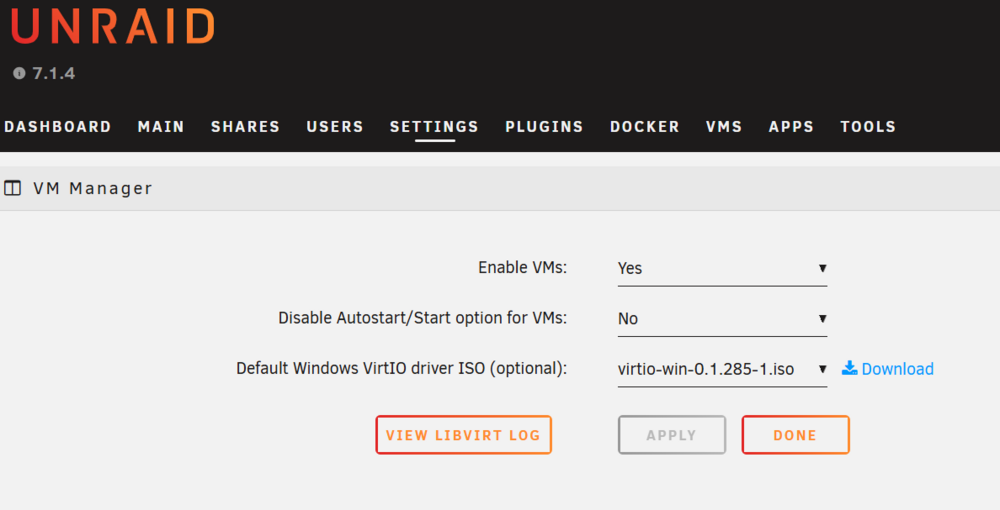
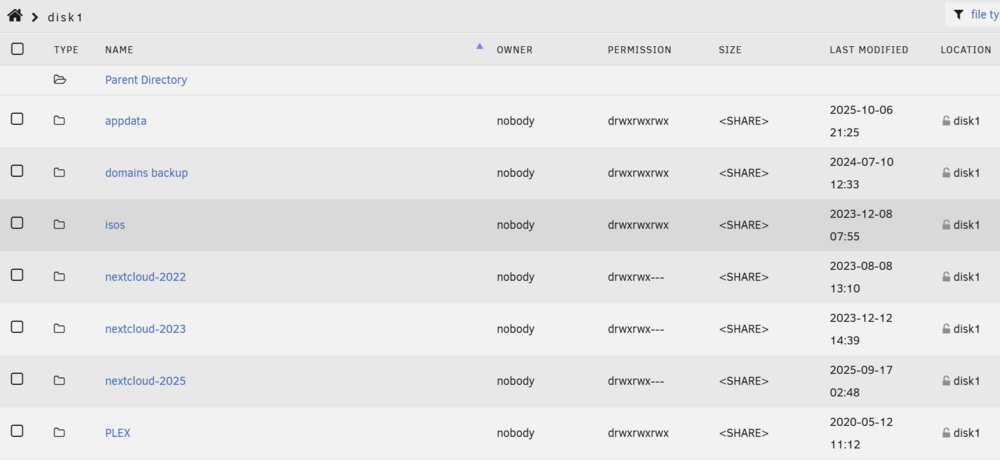
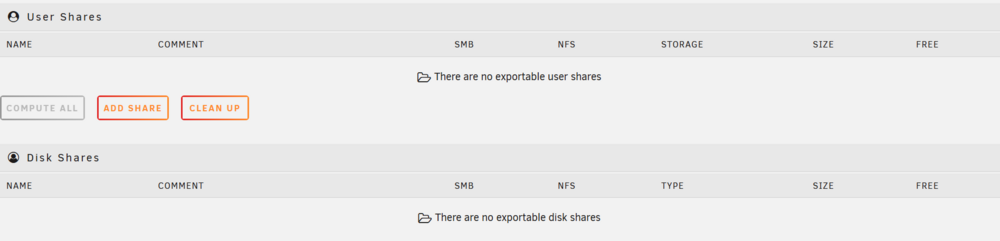
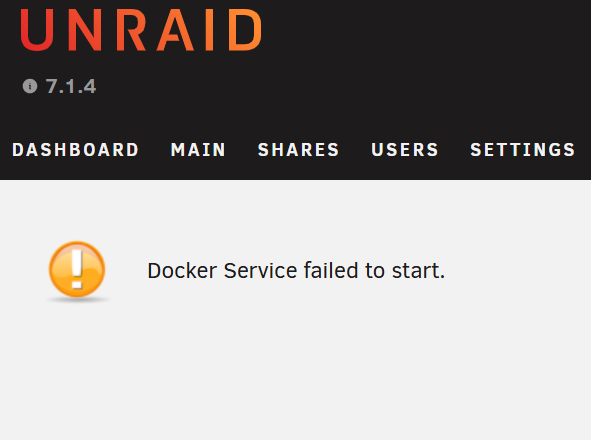
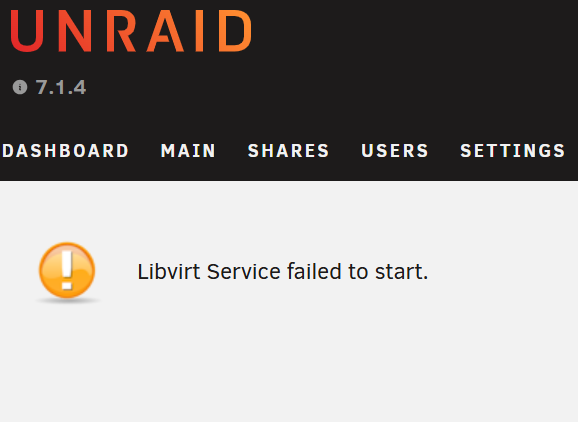
Hi All I am panicking now as I stopped the array, de-assigned my old small cache drive, assigned my new larger cache drive & restarted the array. BUT... I now have no shares... No dockers (says "Docker Service failed to start.")... & No VMs (says "Libvirt Service failed to start.")... Array is running and new cache disk is showing as "Unmountable: wrong file system"... but I have the format option available! When I look directly on the disks I can see the shares; But am at a loss what to do now?!?! This means my production server is offline completely... I don't want to reboot and make it worse without some guidance. Diags are attached Can anyone help urgently? Thanks in advance. phoenix-diagnostics-20251009-1026.zip
-
Is the screenshot I showed above the correct way to move to avoid duplicates?
-
Does this look the correct way to do this, I haven't started it till I know its correct...