





erdius
Members
-
Joined
-
Last visited
-
I ran the tool new permissions, which should give 777 on directories, but instead i get 666? This is on a single btrfs pool drive. It seems to work on every other share except for this one and another. I can fix permissions from the command line, but why is the tool not working? mars-diagnostics-20260326-1801.zip

-
not sure if it's just me, but using the beta version from CA, I don't see any compose option (I enabled in header), in either the header or the docker tab. EDIT: ignore me, I didn't see the apply button all the way on the bottom of the plugin screen. All is working
-
Instead of as card could I use this for my old iPod via usb?
-
what is the min capacity of the boot drive? I have a 16GB optane nvme that I would like to use, is that too small?
-
seems to be failing on containers that have tailscale. archiving volume /usr/local/share/docker/tailscale_container_hook: opening source root: open /usr/local/share/docker/tailscale_container_hook: not a directory
-
It's the continue button after reading the changelog that is required to click to complete upgrade. Maybe someone else can post a screen as i went through other means as a workaround to upgrade, but basically continue is "bright" until I hover my mouse over it, then it dims and does nothing when I click it. If i take mouse off of continue button, the button undims. I then try to click it again and it dims and does nothing.
-
The continue button dims out everytime i try to click on it. This happened in safari, brave and firefox on mac
-
thanks, i just scanned and added a few items. I then went to remove the ones i didn't need and they seemed to stick and came back on page refresh. SHould also add I'm on the new beta
-
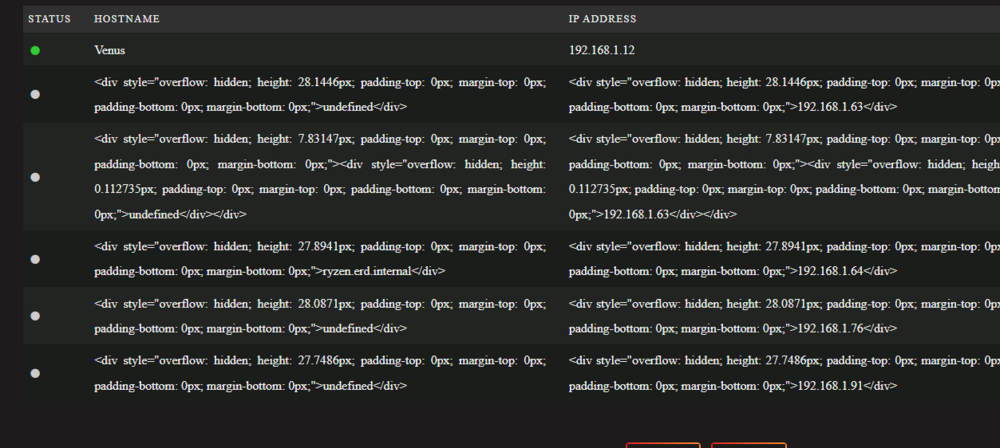
H thanks for this. For some reason I always get the stuff as seen below. I delete those entries but they always seem to come back.
-
No NFS. I took the cowards way out and formatted the cache and restored a backup, all is working as expected now.
-
To add to this, docker is acting weird, i tried to add a docker app and get this error message mkdir /mnt/user/appdata/watchstate: no space left on device. there is obviously space on that device
-
o ok thanks, so no reason to believe the doom messages? Any reason why my appdata is not showing as exclusive?
-
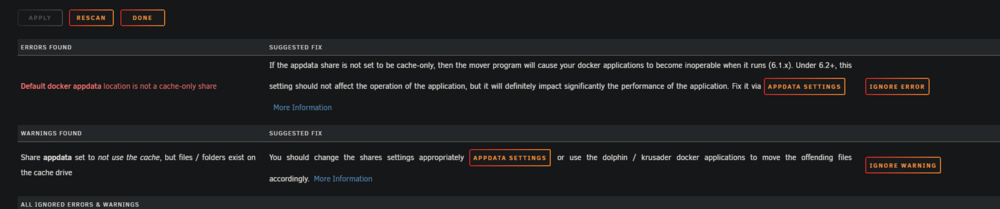
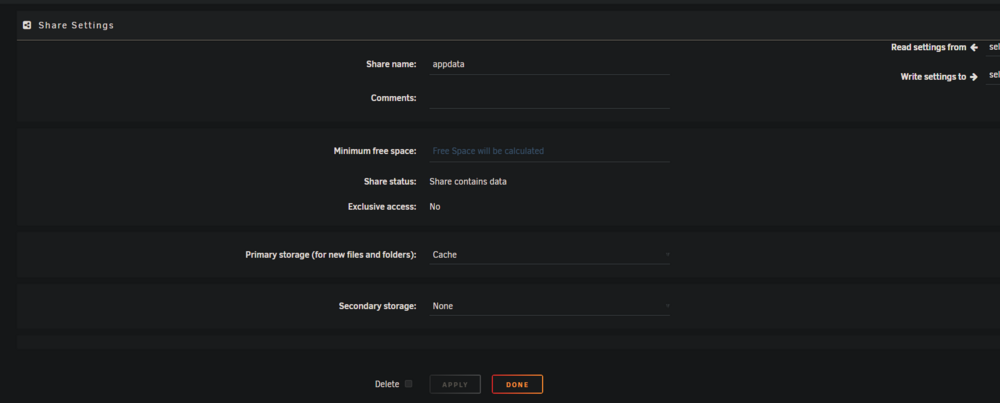
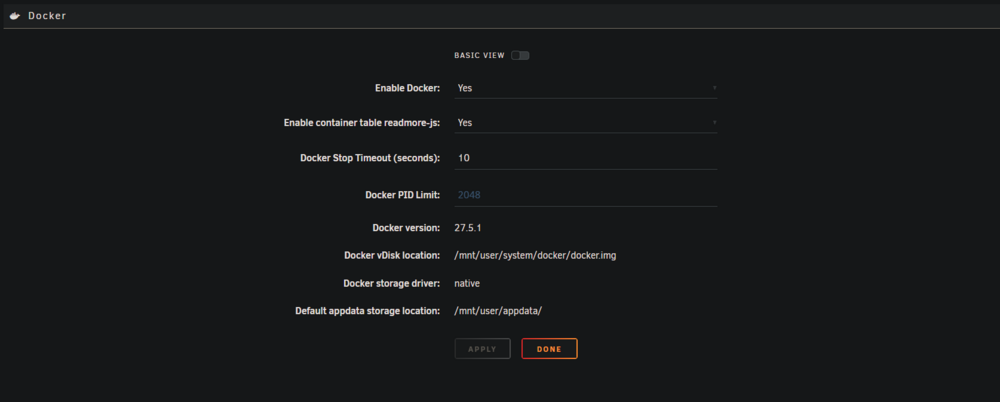
I have 2 pools, no array. A cache zfs pool (2nvme) that I'm getting errors on in fix common problems. I'd also like to get this appdata share to use exclusive access. All files appear to be on cache but it still says no. Can someone maybe see why i'm getting the errors below? I've tried to search but the solutions don't seem applicable from what i saw. thanks to anyone who can assist ps, i'm also on the new beta, not sure if that is causing any issues or not mars-diagnostics-20250804-0828.zip

-
I am still on a 10th gen intel and run mainly plex and the arrs. The 10th gen is running like a champ, but i would like some of the benefits of the newer chipsets and don't really want to run a 13 or 14th gen. I'm not sure which way to go, obviously the intel ultra would cost a bit more, but i would be set for the next 8-10 years with it, so spend an extra 300 and future proof, or just go with an ARC GPU card on the cheaper side and ride the 10th gen for another 5 years Any thoughts from anyone in a similar situation?
-
having this exact same issue




