






Spazhead
Members
-
Joined
-
Last visited
Everything posted by Spazhead
-
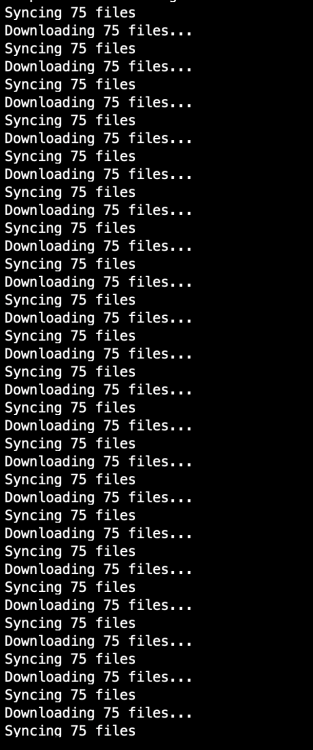
after i got it working, it synced all my files, but the log shows syncing 75 files continuously, I ran a compare on my local machine dropbox with the docker drobox folders and they are equal, so all files are synced but log shows it trying to sync 75 files???
-
try this, open dropbox web on the same browser first without clicking the link, after logging into dropbox, make sure you have enough links available, dropbox free allows only 3 devices. delete obsolete ones to make room. now goto dropbox log file and click the link to activate. worked for me
-
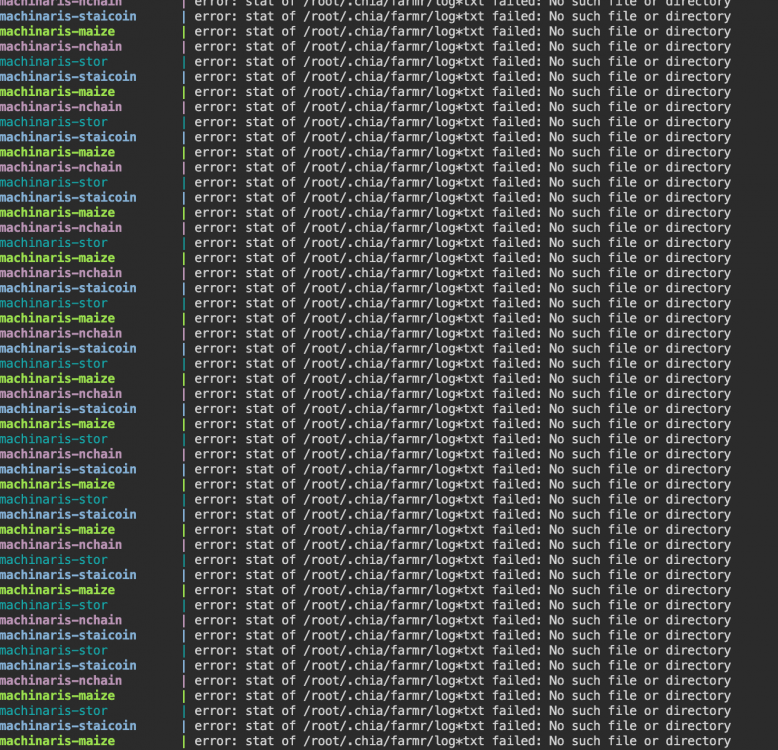
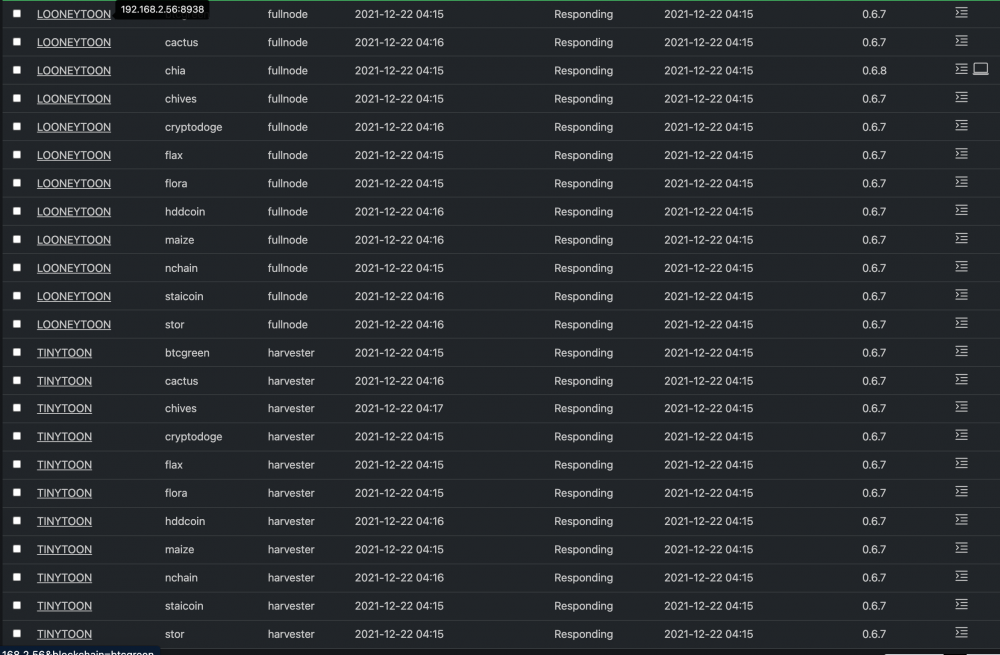
error: stat of /root/.chia/farmr/log*txt failed: No such file or directory happening on all docker forks 0.6.7 doesn't seem to affect harvesting, i'm still winning on all forks daily hopefully fix in next update
-
deleted docker, remove link to dropbox, deleted the appdata dropbox directory, reinstalled dropbox, relink to drop box, working again.
-
after update, here is my log file, it's not starting up. stuck.

-
I found out what was causing my issue with the flickering, If i'm logged into the web gui on 2 diff machines, like on the server it self and on my laptop, if one machine is one i/o and the other is on MB/s, it will flicker between the 2 options.
-
just did another uninstall and reinstall and reboot, issue is now gone
-
just tried that, still the same, just downloaded firefox to see if it was a chrome issue, and still the same.
-
lol, trust me, i've clicked that over a 1000 times to see if it made a difference. if i click it to i/o, it does not flicker, only when I use transfer rate.
-
sample video of main page Screen Recording 2021-10-29 at 9.46.03 AM.mov
-
yes it does, and only on the unassigned devices, the array and pool devices do not flicker back and forth
-
i'm using Docker-compose only. hopefully we can add icons in the future.
-
having an issue with one of my unraid servers, it just started to happen, the display would change between read/write as shown in the file uploaded. I uninstalled both plugins and reinstalled, and rebooted. still the same. Does not happen on my other 2 servers Screen Recording 2021-10-29 at 9.30.16 AM.mov
-
My OCD kicks in when i see no Icons
-
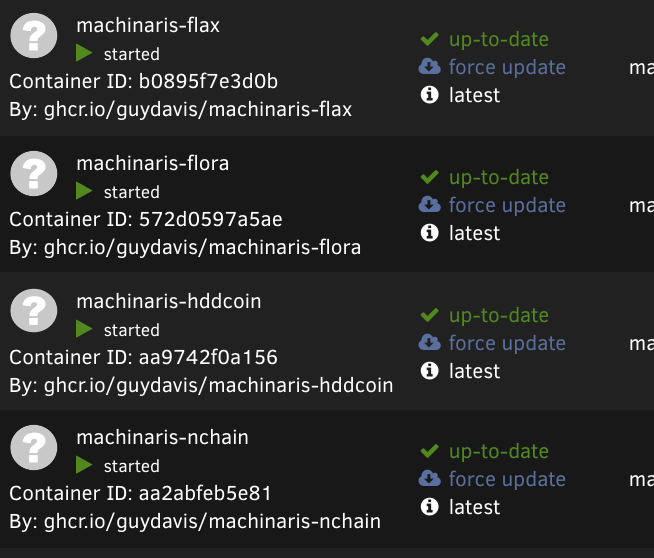
is it normal to have no Icons on the workers?
-
i temporary fixed my issue by deleting the 3 new lines, and restarting the docker.. hope it gets fixed soon..only way for me to get in was to add http://192.168.2.56:8926/plotting/jobs plus still IP hostname not fixed yet.
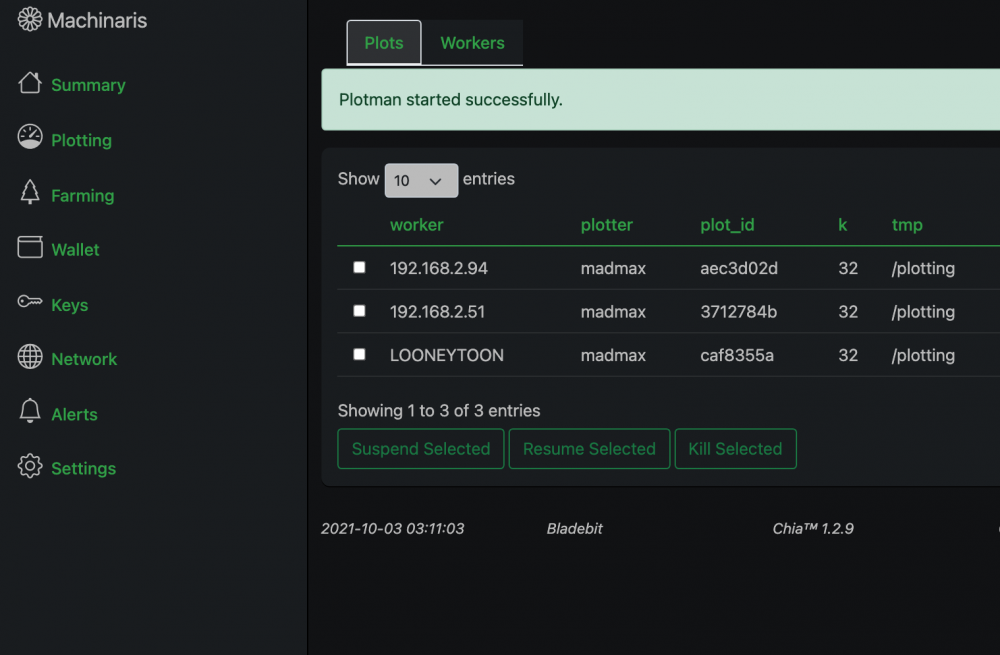 upadte, cannot access web gui, keeps saying its controlled by my IP address. I click on link , endless loop....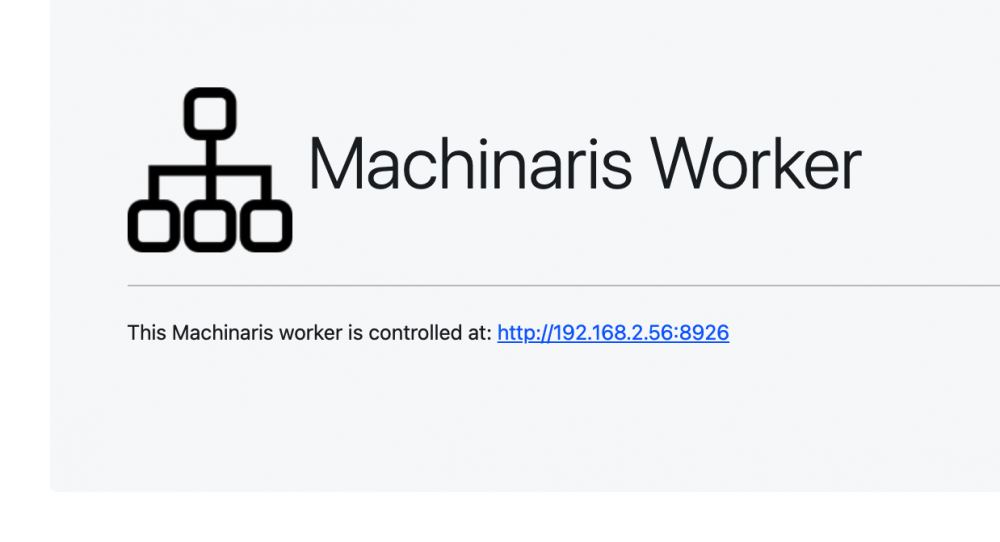
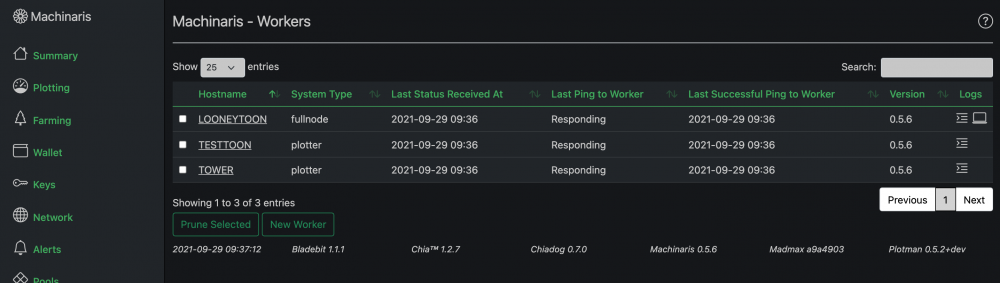
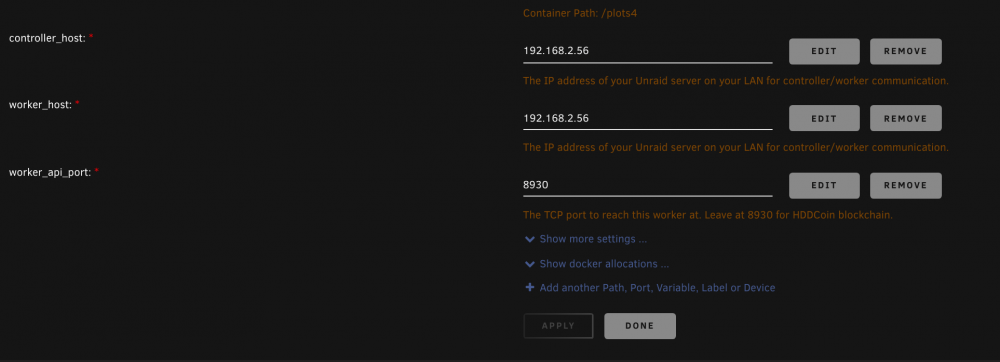 hi there, how can i fix this, hostname shows in Worker tab but IP shows in the Plotter tab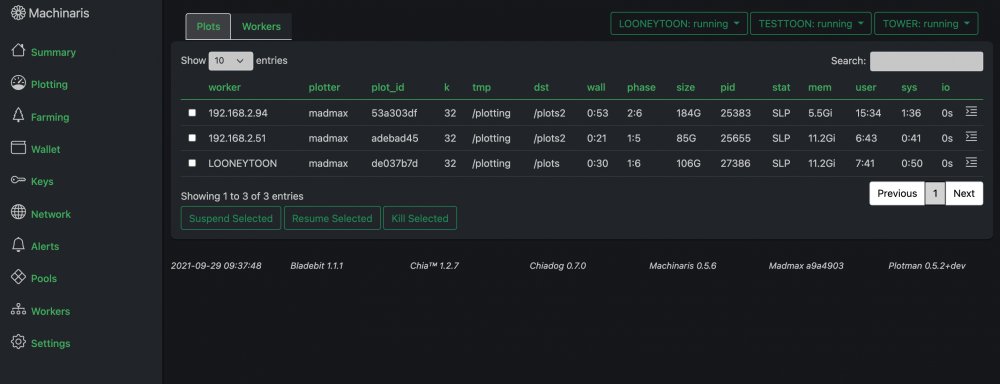
 well i don;t know how much memory you have, but try the minimum 110G, and make sure nothing else is running, VM/Dockers etc that use memory up.hi there, could you specify exactly which Q35 machine version you used. thanksopen unriad terminal wondow, type the following mkdir /mnt/ram mount -t tmpfs -o size=115G tmpfs /mnt/ram/ add path into your machinaris setup inside machinaris plotting config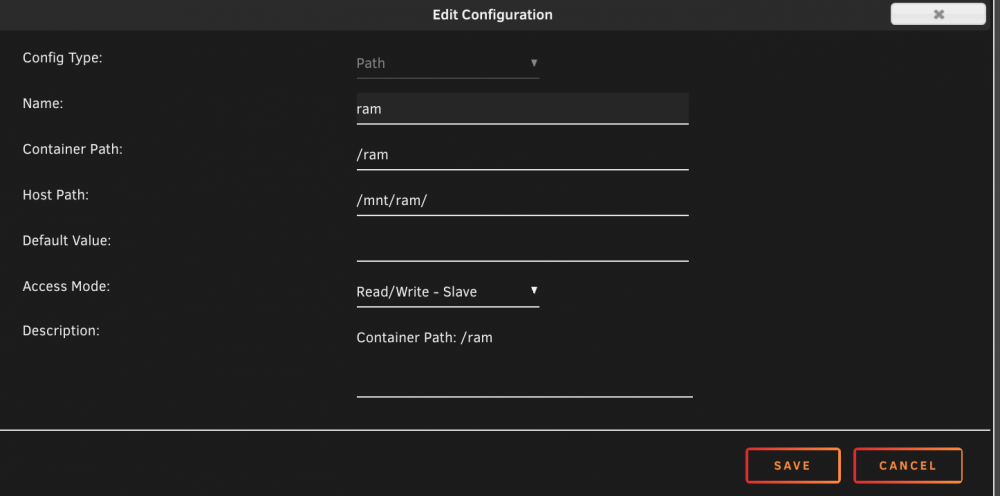
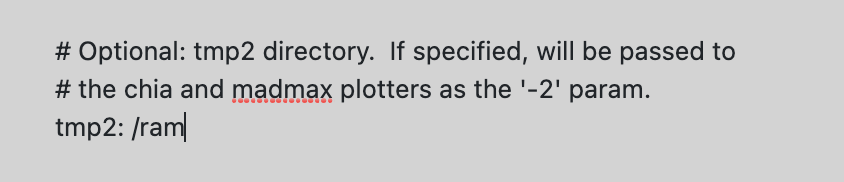 so it seems like in the "show more settings" , plots_dir is listed twice for some reason, and if you use the upper one, the lower one will take precedence, so either use the lower plots_dir, or delete one on them, I chose to delete one of them.. now it works..thank you so much!!!!!!




