





theangelofspace15
Members
-
Joined
-
Last visited
-
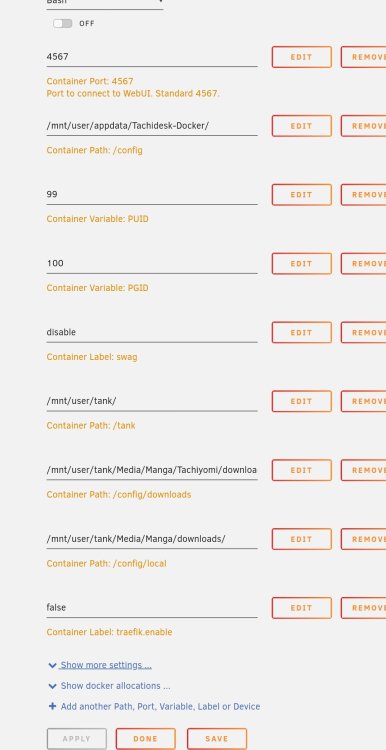
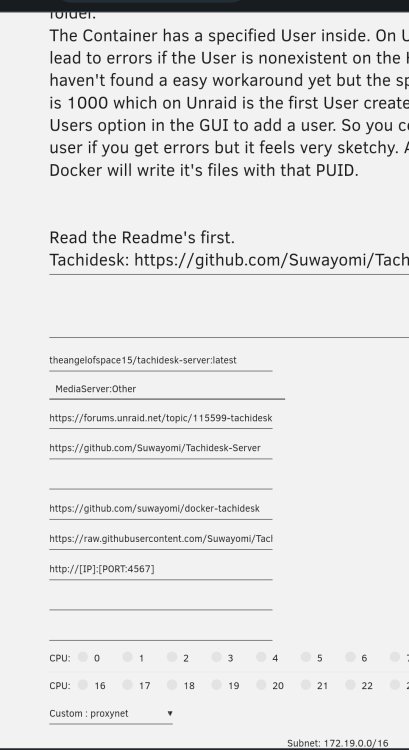
Well, i didnt see any comment lol but in case anyone eant to give ot a try this os how it looks. `Config` is your config file, `/config/download` the folder the app downloads manga, `config/local` your local library.
-
Did you tried my container? Thanks should fix it. As well.
-
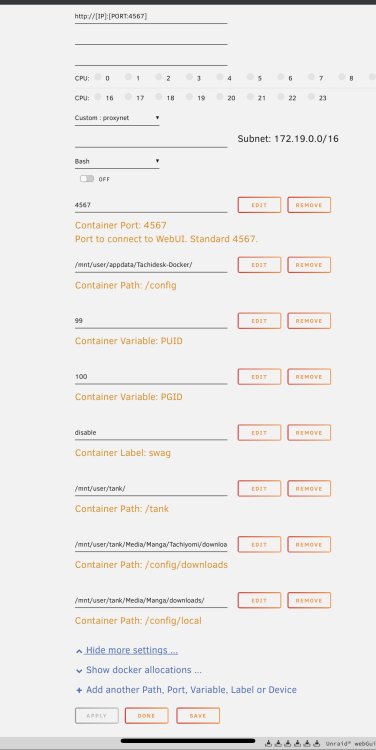
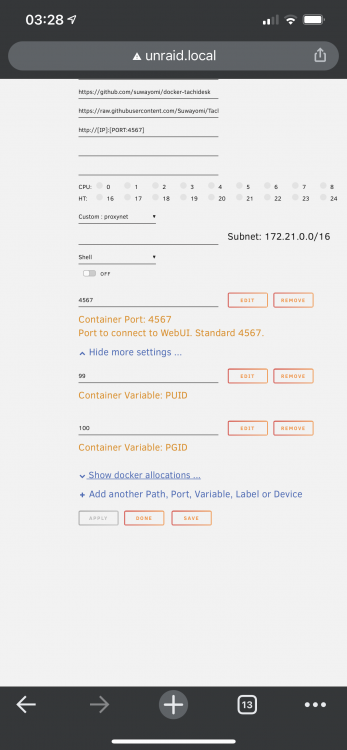
If you are still having problem. Try this container. `https://hub.docker.com/r/theangelofspace15/tachidesk-server` or change you image to use `theangelofspace15/tachidesk-server` Set `PUID` to your user id `PGID` to group id `/config` to your config file (like: /appdata/tachidesk` `/config/downloads` to download folder `/config/local` to local library the image is based on linuxserver alpine base images so it should use things like docker mods but I havent test it.
-
are there conflicts if I still run the pluging in 6-12.RC5? do I need to uninstall the plugin now that zfs is native in RC5?
-
I havent have time to check but it shouldnt be hard by changing the dockerfile. I might yake a look one day. I have not been using tachidesk so I stopped T/Sing.
-
How do I create a zfs pool with rc5? and I dont see ashift option. is it default to 12?
-
is the code close source? I would like to take a lot at the code and see what it does in the background if possible.
-
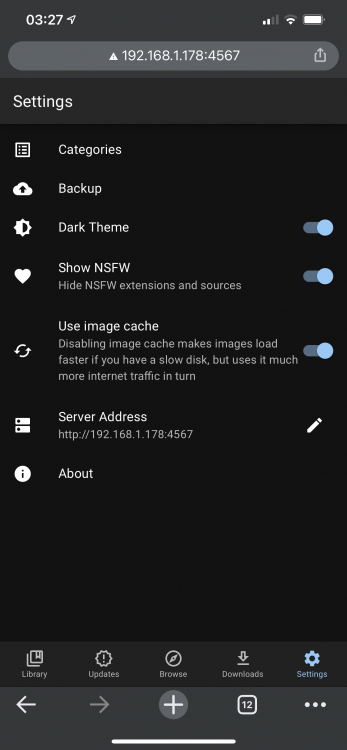
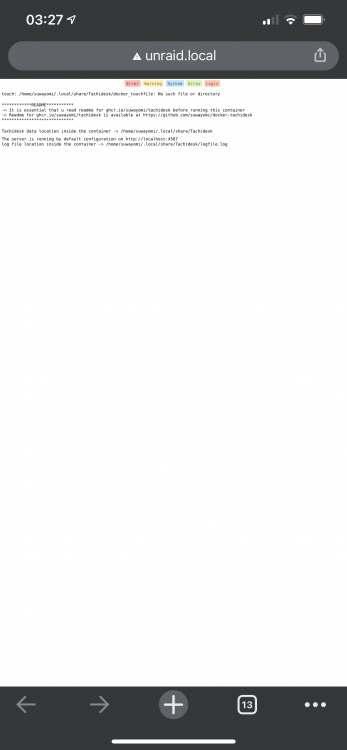
It did works removing all paths.
-
The zpool is just a share with a symlink to a zfs pool. Dockers and dockers app are in the pool and all ny other containers have been running fine for years like that. So it is not relevant. I did try reinstalling l, but still same problem.
-
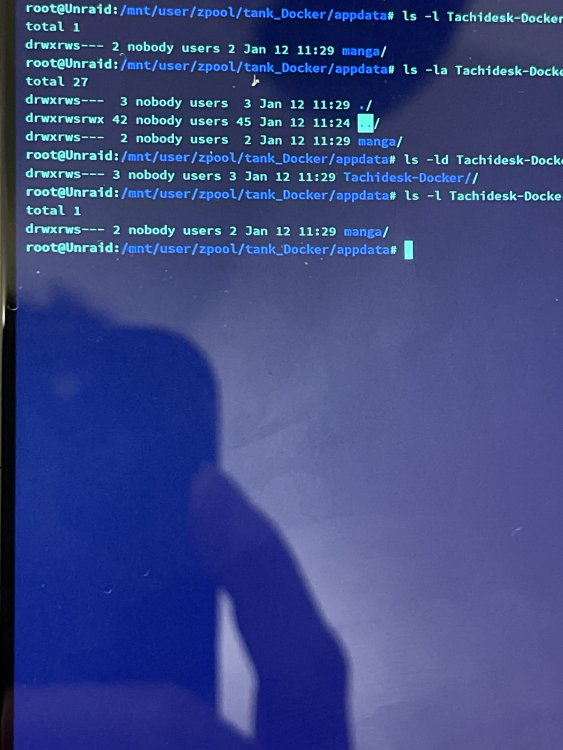
```Tachidesk data location inside the container -> /home/suwayomi/.local/share/Tachidesk The server is running by default configuration on http://localhost:4567 log file location inside the container -> /home/suwayomi/.local/share/Tachidesk/logfile.log /home/suwayomi/startup/startup_script.sh: line 18: can't create /home/suwayomi/.local/share/Tachidesk/logfile.log: Permission denied``` there are no files inside the Tachidesk-Docker folder, beside a manga/ folder
-
Was anyone able to fix the permission error? Im having the same problem default settings
-
I have a nvme that was use as a slog for my zpool. i got the notification for the update so I went ahead and updated and reboted the server. after the reboot, the nvme is not detected anymore causing my zpool to be degrated.
-
updating my pcie nvme does not get detected.
-
is there a way to use h265 gpu HW? thanks.





