icedragonslair
Members
-
Joined
-
Last visited
-
Will do thx
-
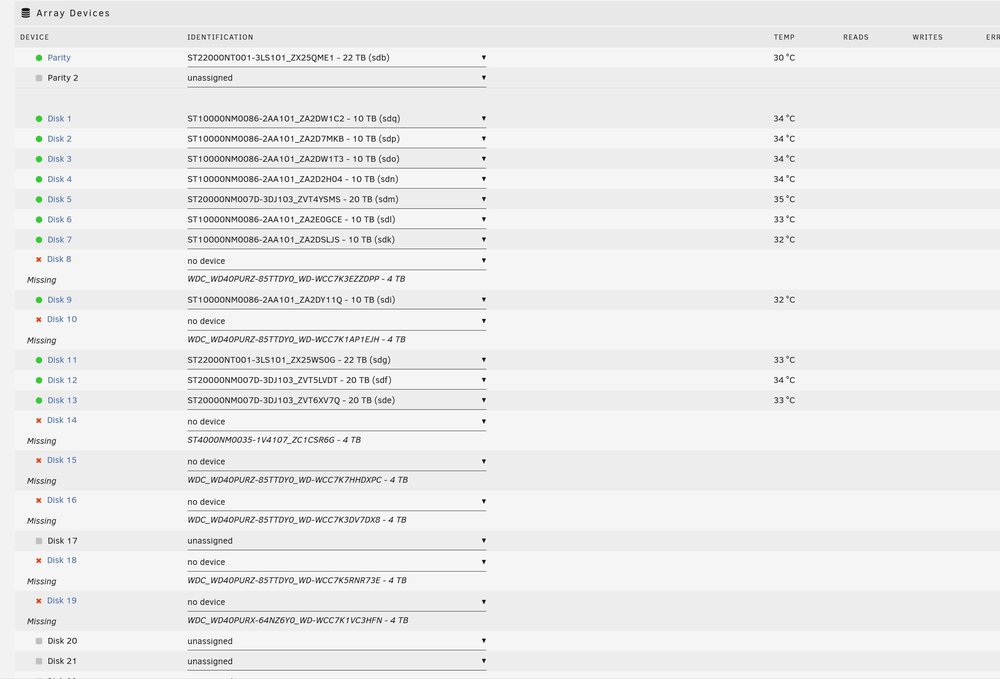
The screenshot above is where it ended up, with nothing changed after the drives were removed and the new config was done oer instructions. That is exactly what I did, and again, to make sure of it.
-
Tried and redone, no difference :(
-
Actually, I have done that as well as pool and all. nothing happens, and that is why I am confused. I have done this a few times in the past, and this has never happened.
-
Any ideas here would be awesome
-
Okay, I shut down the server, removed the drives, restarted the server, and all looked well with the server showing the proper drives missing. I then went and tried to do a new config and got no results at all. All the drives are empty. Is there a limit to the amount of drives to remove at a time? Otherwise what am I doing wrong now?...lol I have put the drives back in and restarted the server and array to make sure all is well and it is fine.
-
Will attempt tomorrow Thx Loads, Rick
-
One last question then. Am I better off waiting until after doing this to install the second parity or not?
-
I agree, is there a better way without taking forever, or many days at least?
-
I am adding a second parity and hoping to remove 4 drives (shrink the array) as well. I have moved all the data from the drives and am looking to do this properly to cause the least amount of pain...lol. Am I correct in assuming that I can remove the drives and then reconfigure (new config), running parity rebuild? I am very hesitant to do it this way with no parity, since it is what I call a large server, and the data is very long and arduous process to recover. Any advice here is greatly appreciated as always. Thanks all, Rick
-
I am upgrading both parity drives and removing three old drives. I have three old wd efrx 2TB drives to remove (used ckear-me script), the first one was removed flawlessly and took about 5 hours, the second one I had to abort after 18 hours as I was sure something was wrong. It is a very large array, but I surely do not believe it, expecially since they were empty (except for clear-me folder), should take that long. It had removed the 'clear-me' folder required for identification by the script. Am I correct to assume something went wrong and that I was correct in aborting the script? At this point should I replace the parity drives, remove the empty drives and rebuild the array keeping the original parity drives just in case? log_10162023.txt
-
I guess i stay at 6.9.0 then
-
Has this ever been resolved, I am still at 6.8+ and will never go to 6.9 unless it does...
-
Yes. I ended up removing everything and reformatting the disc. I have replaced the data and all is back to normal.
-
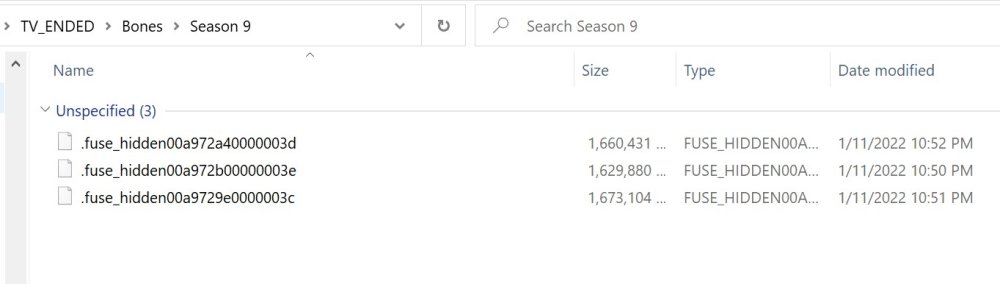
I have checked permissions and still have not been able to get rid of these guys Any help is much appreciated thanks Info in sig is correct