





SiRMarlon
Members
-
Joined
-
Last visited
Everything posted by SiRMarlon
-
man that took a long as time but it finally connected and I am up and running! Thanks @binhex
-
So I figured I would give this a try since I have been getting really shitty speeds. Anyway I want to make sure that I didn't do anything wrong here. This is what I am getting in my logs. Let me know if there is something wrong or if I should be patient with this. I pretty followed your instructions, was able to download the test version and move over the new OpenVPN Files.
-
Man the speeds on these non-port forwarding servers suck. My speeds have been cut by more then 65%
-
So yeah PIA Port Forwarding is Broken for me as well. Went ahead and set Strict port forwarding to no and I was able to get reconnected again. I also went ahead and submitted a ticket with PIA to add to all this. Hopefully they fix this. My year comes up in December and if they choose not to fix this I we'll just have to find another provider I guess!
-
Not sure if you have the option to switch your VPN location but I moved to a different server and Deluge seems to be working without me having to restart. Still have the issue where the Torrents won't clear on their own.
-
Rolling back to this version fixed my issues. I am able to see all data now. Thanks for that!
-
Log attached. Log.txt
-
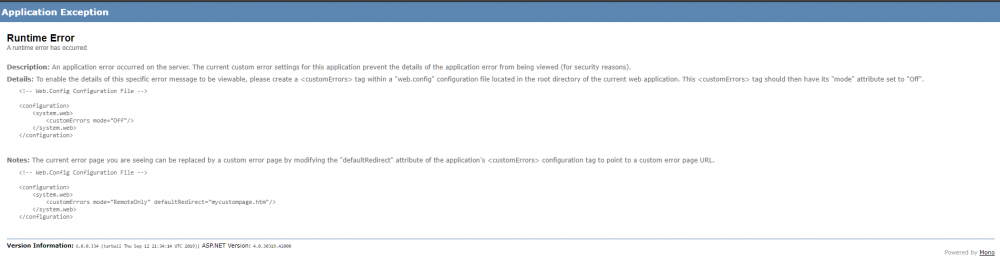
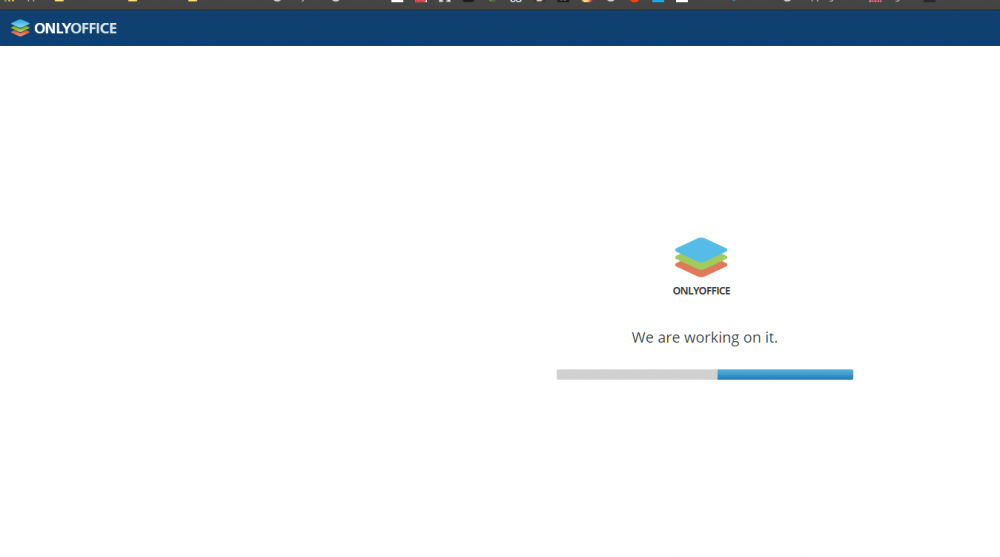
After some fiddling around I am not stuck on this page lol
-
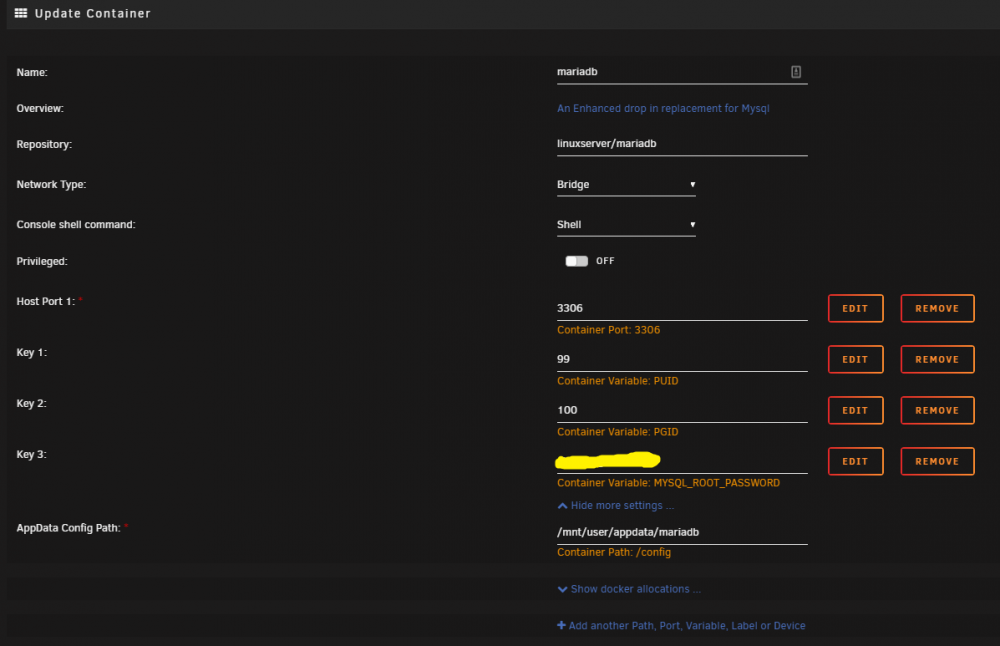
Okay so this noob needs some help. I have installed the OnlyOffice Docker container and I've setup my subdomain but I seem to be stuck on this screen. Now looks like someone before mentioned something about attaching OnlyOffice to a database? I am extremely new to this world. I do have MariaDB running but how would I go about getting only office connected to MariaDB? Do I just add the variables inside the Maria DB docker settings, and then point OnlyOffice to that?? sorry for the noobish questions just trying to make sense of this shit
-
Hey everyone, I am hoping someone can help me out here with 2 issues I seem to be having. The first one is that after a while, could be a few days or a week or two Deluge will not download anything. The Torrents from Sonarr and Radarr will queue up but they will just sit there until I restart deluge. Once I restart it starts downloading with no issues. I am running deluge with PIA VPN. I don't have any speed issues like some people have mentioned but my torrents just won't download after a while. Is there a way to possibly setup a automatic restart of dockers in Unraid that I have not found? The 2nd issue I am having is I can't seem to be able to get torrents to remove themselves after they have been downloaded. I have auto remover installed but It doesn't seem to be doing anything. No matter what I do with the settings. The torrents will download then seed for a little bit then just pause and stay paused forever until I manually log in and remove all them. So if anyone has any insights on how to fix these issues that would be greatly appreciated. Thank you!
-
Okay finally got it working! Thanks for the tip!
-
AHHHHH okayyyy ... let me give that a try!
-
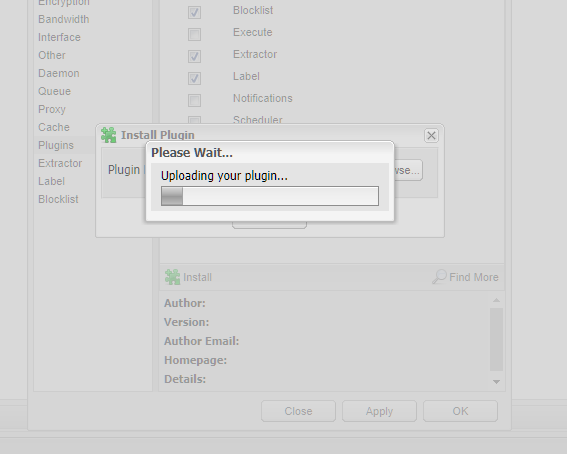
😂 okay I must be doing something wrong here ... I open deluge, I go to preferences select plugins, then choose install, I browse to my download folder and select the .egg file that I downloaded from your link, hit install ... a tiny window pops ups for a fraction of a second and then nothing happens. Could this maybe be a permissions thing where it can't write to the folder? Is there any way I can install this manually? This window pops up for a fraction of a second
-
Yeah man I don't know ... guess it's not working on my end. I just tried the two newest ones I could find. 0.6.6-py3.8 that was posted on the forum yesterday and 0.6.8 from Git
-
AutoRemovePlus-0.6.1-py2.7egg
-
I don't know if I am doing something wrong or what but I still can't get the plug-in to install. I select it, looks like its going to do something and nada ... I don't see the plugin in the plugin folder as well. Any suggestions??? Ohh and everything is up to date.
-
Any word on this? I really hate having to manually go in and remove torrents.
-
Are you using these from within Jackett? Did you test the connection in Jackett to make sure it works? Sounds like the specific private tracker you are trying to use might be the issue.
-
This just answered the question I had! Good ol search function!
-
So I take it we are not able to install any plug-ins right now? Been trying to get Auto Remove plugin to work but it's not taking.


