






TheShadowDuke
Members
-
Joined
-
Last visited
Everything posted by TheShadowDuke
-
I'm reasonably sure one of my drives keeps getting disabled because the sata port on the drive cages that came with my RSV-L4412U is getting iffy on maintaining proper connection. I'm seriously considering replacing it with this from Icy Dock. That would give me three additional drives to the front of my case, and should be better quality than a direct replacement from Rosewill. Is there any reason I shouldn't do this?
-
I won't use ApplePay, but I would use crypto. Might look into getting a wallet set up for Bitcoin, ETH, and others. I'd happily pay for another license or two in SHIB right now.
-
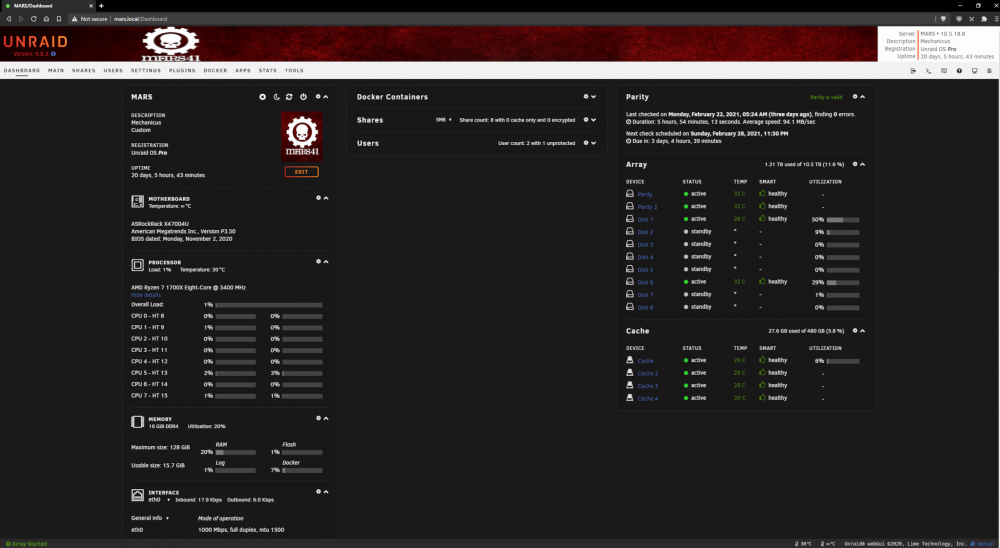
My simple banner. I suck with GIMP, took me maybe 15 minutes to do this.
-
I have a EAP245 v1. Is there a way to force the rollback to 3.2.x?
-
The preisthood of the cult of the machine god in Warhammer 40k. My UNRAID server is named MARS41 because that is the designation of the forgeworld of Mars and the home of the adeptus mechanicus.
-
Is there a way I could convince you to do an Adeptus Mechanicus themed version?
-
Well, I got the same message and it told me to post my log. I'm honestly not even sure what I'm looking at/for to be honest. I'm pretty new to this side of things. mars-diagnostics-20210124-1821.zip
-
Any chance of getting AMD drivers working for this? I have a spare RX570 laying around I could use for transcode and handbrake.


