





Masterwishx
Members
-
Joined
-
Last visited
Everything posted by Masterwishx
-
So what you wrote is most correct: Moving threshold = move after this threshold. Freeing threshold = free upto this treshold (until pool size + file size > freeing)
-
Yep fillup is only for Array->Cache
-
Did you checked help description of options?
-
When share is array -> cache in share settings
-
What Unraid version ? you can post debug.zip downloaded from Help menu
-
Just play with options in test mode enabled, and see the logs , also read the help description of options its very easy to setup , also you have default setup just change to what you need. Then disable Test Mode
-
Yep you can make file to ignore folders/files, just check help description of this optionWhy not to use ignore list option?Now I got it, you want option to excudule folder/file from move all hidden file?I meaned to override shares. So you can set different options for it. Is the sharename "data"? You can use ignore folders/files?This is not plugin version... It's min unraid version of the plugin compatible with.What unraid version 6.12?Do you fine now ?Check notification if log is disabledSorry i forgot already added to notification in some versions befor ....Can someone with unraid 6.12 , test plugin befor release?Please read posts above, mover cmd was fixed /created to work as it should but seems in 6.12 emhttp calling mover without start, will be fixed in next version. You can run mover by: "mover start" in cmd it will call "age_mover start"So it should move after 95% until 50%Yep i see it , i checked the docker prs from LT in WebUI github it seems something was changes like : LAN IP:Port etc ...Using customized CSS by @Mattaton also checked without , glob icon seems have a href : `<a href="http://:3008" target="_blank"><i class="fa fa-globe" aria-hidden="true"></i></a>`
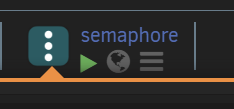
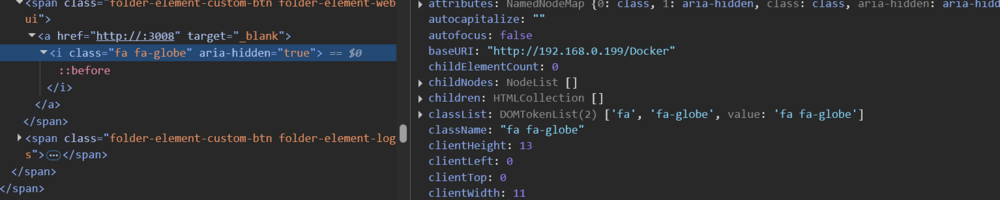 Webui (glob) button of containers from the left side when open folder are working fine only glob button in the containers and in advanced menus: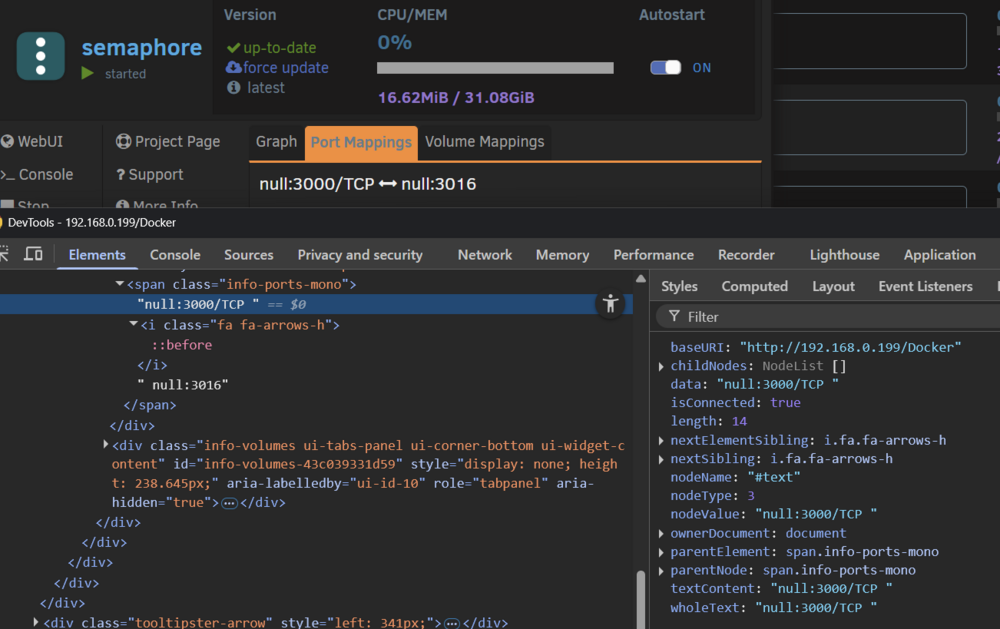
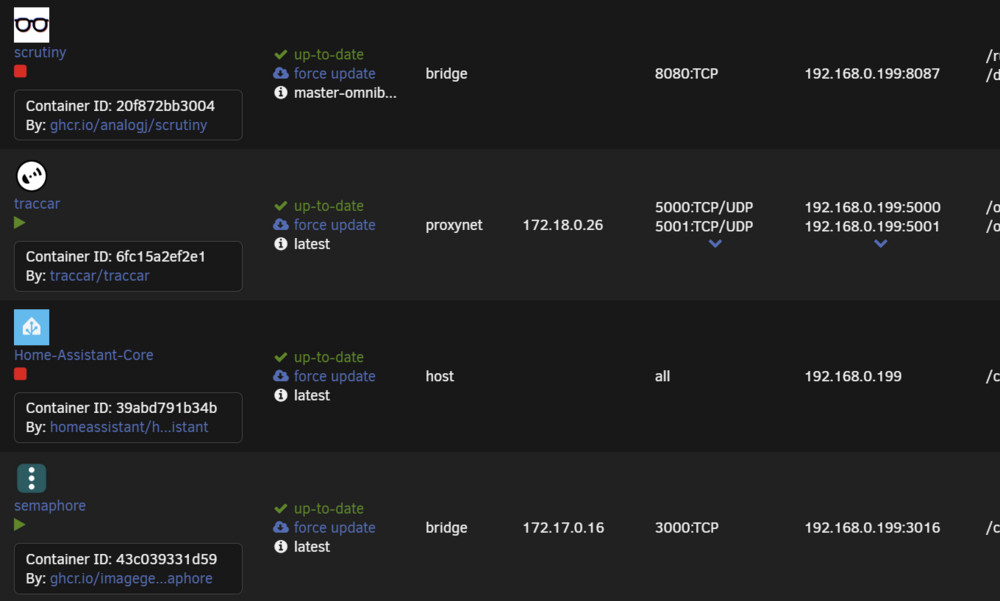
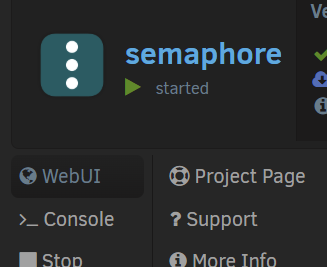
 I found I have issue on bridge network and custom network only.@VladoPortos had you chance to check the issue with null maybe ?Just refresh page and try again




