





Masterwishx
Members
-
Joined
-
Last visited
Everything posted by Masterwishx
-
You can open issue in github for it
-
Yep, if i remember correctly the code
-
I need to check the code for this, but you or any user can help with : 1. Make pr or open issue in github 2. Make donation 3. Test the code befor released You can choose whatever you like
-
You can use script by @ronia posted above
-
I think you can try use old config
-
Yep, this is what description says
-
I will check it
-
No, clean only parent folder of moved files
-
Disable file validation
-
Then just open issue in github, the link is in help part of latest version of plugin and upload log and debug files
-
Do you enabled option for delete folders ?
-
Check new version for fixed it
-
Check new version with fix for the long list files
-
Pushed the new version.
-
Will try to check it
-
github.com/masterwishx/ca.mover.tuning Just copy files from /tmp/ca.mover.tuning
-
But still please check if you have only one loggingFolder="/tmp" delete if you have other same or loggingFolder=" ".
-
OK found a bug will be fixed in next version, check plugin config file for : loggingFolder="/tmp" delete if you have other same or loggingFolder=" "
-
Seems I got this issue on test server, will check it
-
Please open github issue with logs
-
You can just use mover option not to run when parity. But this issue with schedule need to be fixed if I will find why it's happening
-
did you changed permissions for /tmp folder ?
-
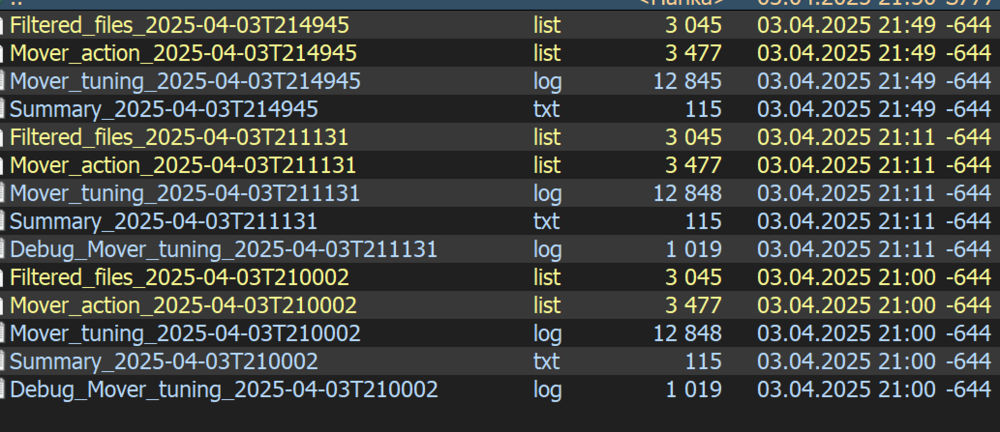
Sorry cant reproduce this issue in /tmp: There is new setting for this , you can change parent folder for Logs . By default /tmp , read description
-
If disable debug it's not working?
-
Is the latest version working fine for delete folders?


