





StephenMF
Members
-
Joined
-
Last visited
-
I have tried nextcloud 3 times now. they have all died. will give this guide a go.
-
OK. Thanks. I will kill my current AIO and try this... when I have some time.
-
This is second time I tried installing Nextcloud - First one stopped working... not sure how. So I tried "fool proof" AIO and after some weeks that stopped working. Maybe because of something I did - Maybe not. It was just running. did not really put anything on it, did a couple of updates, did a couple of backups... and suddenly i get access errors, like described here. https://help.nextcloud.com/t/nexcloud-aio-on-unraid-will-not-start-three-of-the-dockers/219954
-
What about the Nextcloud AIO VM? Same issues?
-
You have tips on what to guides to follow then?
-
vivaldi.com/
-
Same problem here, any news about this?
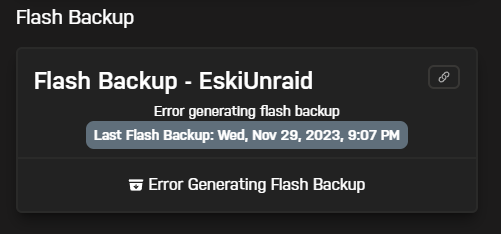
-
I ended up reviving my Synology NAS with an 18TB HD. Installing Synology Moments. My plan is to back up the Moments pictures to Unraid. I think I tried 5 Unraid solutions. Either my skill level is not high enough or the unraid solutions had different drawbacks or where not mature enough. :-( Maybe someone has better luck than me? Hope it helps. Stephen
-
Did not work. But thanks for the hint. https://192.168.0.112:4434 Worked!!! 🙂
-
I think I am in the same boat. Can not access GUI at 192.168.0.112 or through MyServers link I see my apps and can access them at 192.168.0.112:XXX I see my server and shares in windows explorer. What to do?

