





Mr Q
Members
-
Joined
-
Last visited
Everything posted by Mr Q
-
yep syncthing is broken after update, it even corrupted my plex database for some reason ! i have/had the linuxserver version
-
sorry for my comment but when something goes wrong I get quite frustrated
-
what is the problem? maybe reinstall? please help always the same with this plugin, things like this happens atleast every 6 months, if it's fixt i won't be updating this anymore, or i won't use it anymore

-
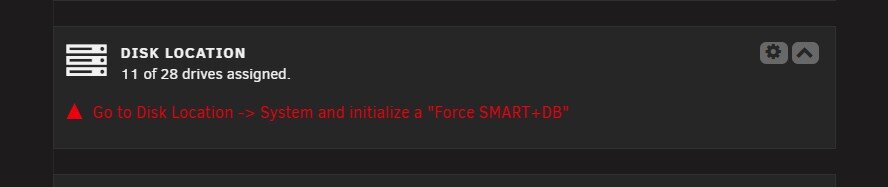
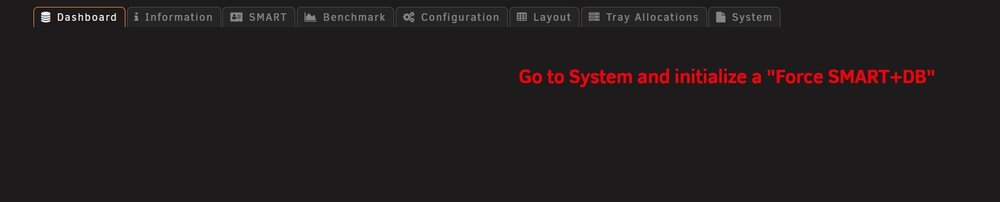
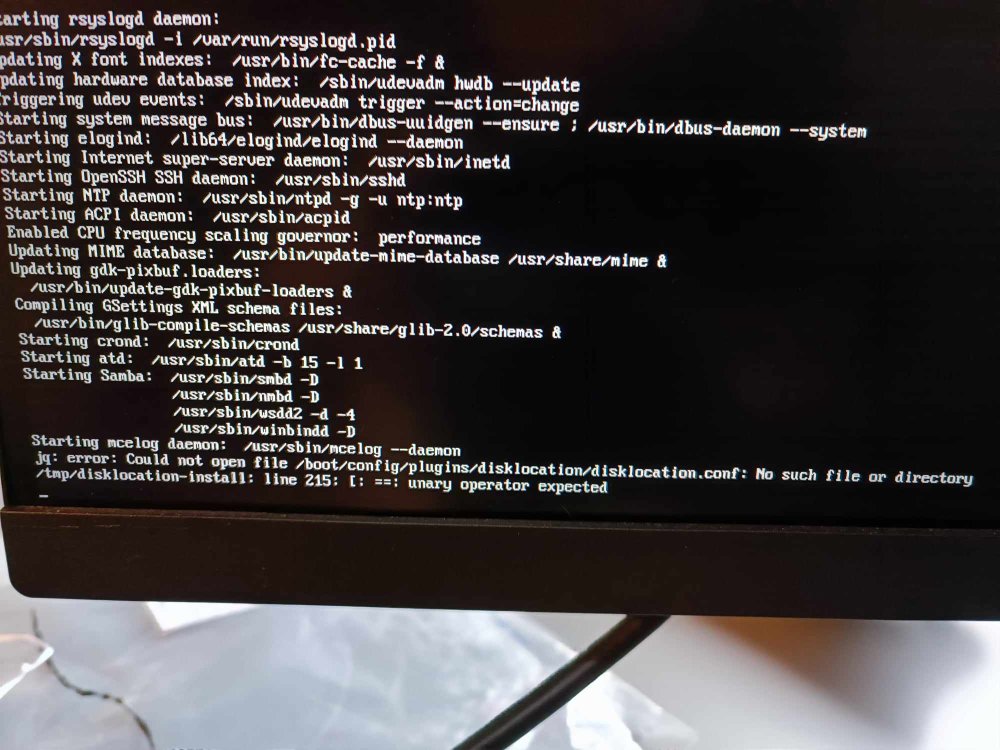
1. Integrated backup of shares to other pools and/or shares on that pool 2. ZFS Cache size adjustment in webguiok thanks, you can remove this postgo into settings of disklocation and update the settings, this fix worked for methe last update of disklocation (2024.10.27-1337) causes the dashboard to be blank-Multiple Arrays -More than 2 parity disks -Zfs arc cache adjusment in webgui (More than a year ago it was said that this was coming in the webgui), 1/8 is to low, max 3/4 would be nice -Easy way to Shrink Array -All the above 😛now my other problem, the usb won't start automatically even if boot device is set correctly, i have to do boot overrideI have already solved it myself, in the same way, thanksit works in in safe mode but can't delete pluginsHi, i just upgraded my server from a threadripper to a 13900k but unraid won't start because of plugin error, also the usb won't start automatically even if boot device is set correctly. 13900k Asus Proart Z790 Creator wifi 96gb ddr5 ram Please help, this is my main server
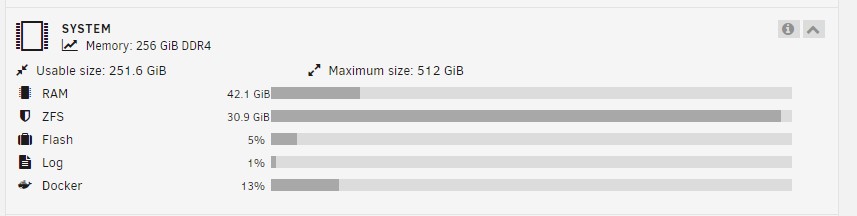
 unraid 6.12.8: Docker Scrub doesn't work, gets stuck after 1 secondHello, When can we adjust the zfs cache use? (easy way, webgui) I can only use 32Gb ram for zfs cache from my 256Gb ram and that is far from enough. Greetings Mr Qfound it During system boot, the file /etc/modprobe.d/zfs.conf is auto-generated to limit the ZFS ARC to 1/8 of installed memory. This can be overridden if necessary by creating a custom 'config/modprobe.d/zfs.conf' file. Future update will include ability to configure the ARC via webGUI, including auto-adjust according to memory pressure, e.g., VM start/stop thankshi david, thanks for the reply, but 1/4 of 256 is 64, so why is my zfs cache limit 32?Hi there, Why is ZFS Cache limit to 32Gb? Can we change this, i have 256Gb ram in my main server and want to use at least 128Gb for ZFS Cache, is this possible Greetings Mr Q
 ok login on my server plugin works after 30 minutes trying, Thanks for your timemade the changes on my backup server, that server login works fine, after that i wanted to login to the my server plugin on my main server and there the new login doesn't work. Thankshi, had to change my password for my servers, needs 12 characters now, don't know why, did it and now i can't login with one of my servers, please fix thisFixed, had to do a complete powercycle, power off and back on, sorryFixed, had to do a complete powercycle, sorryBecouse of New version 6.11.2 my sata card is no longer recognized https://www.amazon.nl/gp/product/B09K3FT3ZZ/ref=ppx_yo_dt_b_asin_image_o05_s03?ie=UTF8&th=1 even after a roleback to version 6.11.1 please fix this, my server is down now !!!





