





Ezekial66
Members
-
Joined
-
Last visited
Everything posted by Ezekial66
-
Jorge how can I confirm my 9206-16e is in IT mode? the F/W is 20.00.11.00 and for the first few dozen boots trying to diagnose issues it would say the BIOS was 00.00.00.00 but now it is saying 07.18.01.05. I want to try to rule it out as the problem but I don't know how to confirm its ACTUALLY in IT mode.
-
Hey folks, So i switched to some new JBOD enclosures (https://www.supermicro.com/en/products/chassis/3u/836/sc836be2c-r1k03jbod) for my server and have both enclosures connected to an also new (the old enclosures had different SAS connections) 'Dell TFJRW LSI Quad Port SAS 6Gbs PCI-e HBA 9206-16e' card that is on F/W 20.00.11.00. It is showing up in Unraid under system devices but will not show any of the hard drives in either enclosure. It does not show any of the drives during boot either. Not sure what to do here to fix this issue and have my drives populate. Both JBOD enclosures were tested prior to pickup to test all drive bays and everything checked out (seller was using linux and a different hba when testing) maverick-syslog-20230909-1758.zip
-
Hey folks, I've been trying to set up a remote access for my emby server and in the midst of troubleshooting i noticed that despite putting in a port forward on my router, port 443 will not open. Its currently set on 1443 internal, 443 external. Same issue when attempting to set up remote access through MyServers, port forwarding 13856/TCP to port 1443, no connection. I called my ISP and they said they dont block ports but not sure i believe them. What else could it be? is there a simpler way through windows or something else for me to test the 443 port?
-
Apologies on the delay, I was away for the weekend. I thought the domain was the main 'no-ip' address (in this case hopto.org), as I don't own the domain, and my subdomain is the one I created in step one of the guide? (in this case, waltflix). Going to pm you if that's alright as we're starting to get into more detailed info and I'm unsure of what should be kept confidential and what I can share.
-
Currently it is set up as waltflix. So the custom domain I created is named that. In the adjusted sample file that is what I have the server_name set to, as that is what theh guide referenced. I then have the set $upstream_app set to EmbyServer for the name of the docker container, and the $upstream_port set to 8096 EDIT: Yes I also went through setting up the custom docker network and just followed the same name he used in the guide. Both dockers are setup on that network.
-
yes this is the conf file I adjusted and re-saved without the sample extension. the server name is adjusted from emby to your subdomain name you created. and the upstream app is adjusted from emby to match the docker, which when using the official app is EmbyServer. I have adjusted both those settings. The port is also correct.
-
Is that how it works though? My understanding was just that his subdomain he created was emby, not that it’s emby, then his subdomain, then the domain. If I try to go to emby.XXXX.hopto.org it just comes back saying “ip address cannot be found”, vs if I go to XXXX.hopto.org I still get the swag screen. Also yes I checked the logs and confirmed it is approving an SSL cert so I’m all good there, but I don’t know how I would confirm it’s for emby specifically?
-
Hey there, Yes I followed the setup included in the link exactly. I created a subdomain using NO-IP.com having the domain hopto.org. I edited the emby.subdomain.conf.sample file to reflect the subdomain I am using, as well as the adjusted docker name of "EmbyServer" instead of "emby". I resaved it as "emby.subdomain.conf". Should I be deleting the old sample file once I resave the new file? Thanks for replying.
-
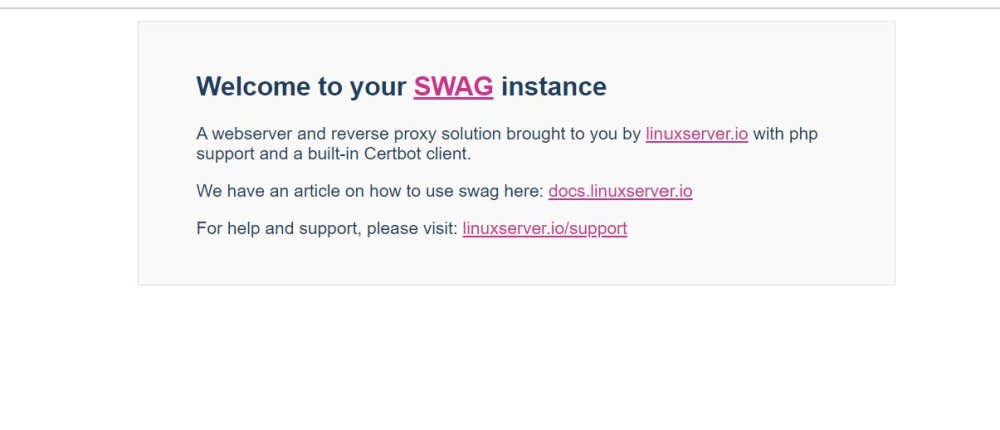
Hey Folks, I went through this setup guide posted in 2021 for using Swag with Emby: https://emby.media/community/index.php?/topic/94566-guide-setup-emby-with-hw-transcoding-on-unraid-remote-access-through-reverse-proxy-using-swag/page/2/ I followed the guide half a dozen times and now keep getting the same result. At the very end when I go to test the subdomain (XXXX.hopto.org) it has this Swag popup and that's it. Everything says it is running fine, and all settings appear to be EXACT when compared with the guide. This is also a brand new server with no other dockers. Anyone have a clue what my problem is here? maverick-diagnostics-20230323-1222.zip
-
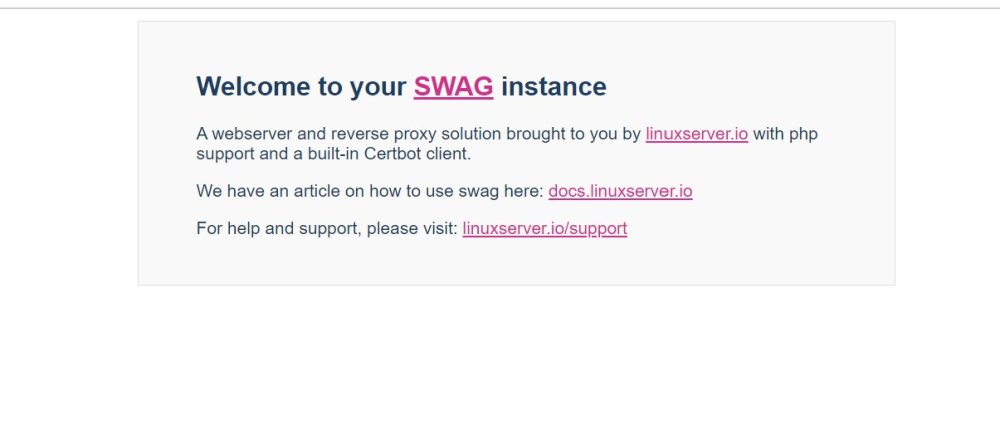
Unfortunately I'm unable to post in the docker container support page (maybe I'm too new?) I've spent the better part of the last 16 hours attempting to run through this guide: https://emby.media/community/index.php?/topic/94566-guide-setup-emby-with-hw-transcoding-on-unraid-remote-access-through-reverse-proxy-using-swag/ I have followed everything to the letter half a dozen times, but when I get to the very end and attempt to test the domain, I get this message (pic attached) on the screen, where as it should be going directly to the Emby login page. Can anyone help to troubleshoot why I'm having this issue? I'm at my wits end and have been troubleshooting and retrying this for the last 12 hours with no luck. Diagnostics log is also attached. maverick-diagnostics-20230323-1222.zip
-
Didn't even know that was an option after initial setup to be honest. But I switched it to DHCP and it installed no problem. How can I have it on a static IP though if it wont connect properly?
-
Hey everyone, This is my second time setting up this server. I had no issues downloading the plugin the first time and the only difference network wise I believe now is that its a static IP. I keep getting this response when attempting to download the plugin: plugin: installing: community.applications.plg Executing hook script: pre_plugin_checks plugin: downloading: community.applications.plg ... plugin: community.applications.plg download failure: Network failure Executing hook script: post_plugin_checks I pinged the server from my home PC and can access the WebGUI no problem, but I don't know if that's just due to the local network and actually the server cant access the internet. Diagnostics are attached. Thanks folks, appreciate this great support community! maverick-diagnostics-20230322-1715.zip
-
Hey everyone, This is my second time setting up this server. I had no issues downloading the plugin the first time and the only difference network wise I believe now is that its a static IP. I keep getting this response when attempting to download the plugin: plugin: installing: community.applications.plg Executing hook script: pre_plugin_checks plugin: downloading: community.applications.plg ... plugin: community.applications.plg download failure: Network failure Executing hook script: post_plugin_checks I pinged the server from my home PC and can access the WebGUI no problem, but I don't know if that's just due to the local network and actually the server cant access the internet. Diagnostics are attached. Thanks folks, appreciate this great support community! maverick-diagnostics-20230322-1315.zip
-
Ahhhh that’s why ok. I was worried about stopping the array so that’s why I didn’t see it. Will attempt now.
-
That’s about what I figured thank you. Where would I find the functions to change the fs? thank god the parity remains valid that was my biggest worry lol 😂
-
They were second hand drives from a friend. He was using them in a NAS but I am unsure if it was unraid or not.
-
maverick-diagnostics-20230321-0553.zip
-
I just started up my first unraid server. Got the OS installed and all the drives showed up. I assigned all the drives (6 disks and 1 parity). Now i just waited 24 hours for the thing to run, and as soon as its done, its says all the drives are basically completely full. What is happening?
-
Looks like this worked. Thank you very much.
-
I do have the keyfile URL, It comes up "Error 4" when i try to input it. Should I attempt the manual installation?
-
Hey guys, So I went to redeem my license key on my new setup of unraid. Everything was going great until I had an error pop up saying: "Error installing your new key Failed to license new key" Now my server still shows "No keyfile", but whenever I go back through the purchase option on my server it immediately reads: "Unable to purchase key for this GUID BUID ------------- may already have a key" What's the deal?


