Lappen71
Members
-
Joined
-
Last visited
Everything posted by Lappen71
-
Ignore the comment you directing to me? Are you really this stupid. Mind you business i got the answer i wanted.
-
Yes it's rude and not for you decide. You don't know anything what i want or need so mind your own business.
-
Ok thanks for your answer
-
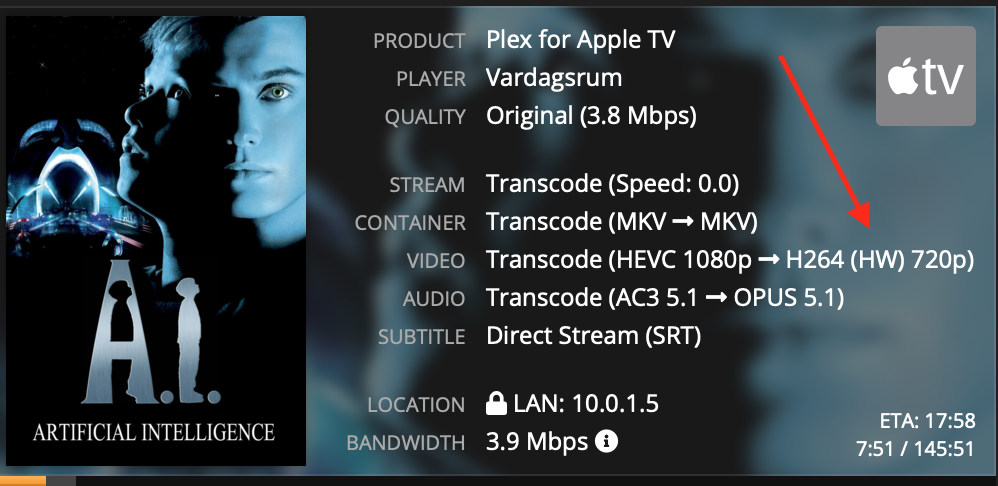
Its an Intel Xeon E3 1225 v3 It you look at the picture it shows hw even with HEVC but only in one place.
-
Because with many streams my CPU don't keep up. With Quicksynk HW that's not an issue. I used to own a MacMini and HW transcode could manage more streams.
-
Why? Because i don't have the money to buy a dedicated graphs card.
-
Because some doesn't have a choice
-
No i have Inte Xeon. But why does it show hw anyway?
-
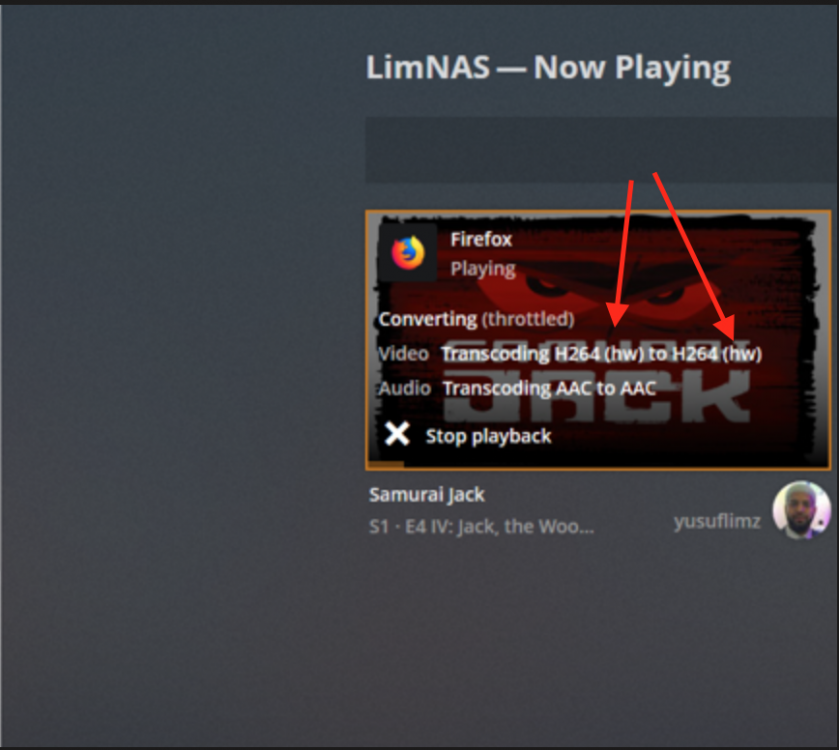
I have followed the guide without problem. But I'm not sure it works anyway. Because when i compare how it looks i see only one hw and others have two. Why?
-
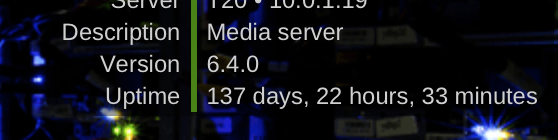
137 days,22 hours and counting ?
-
Aha ok ?
-
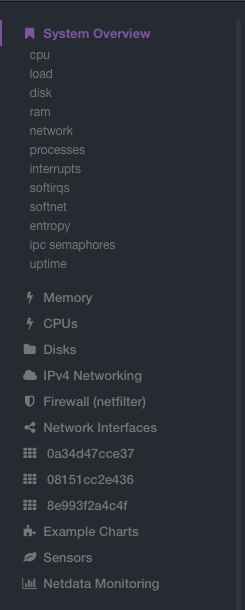
Thanks for the answer but I don't see Application in side meny.
-
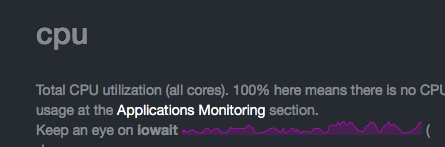
Why doesn't Application section work? Nothing happens when I click on it. And I don't see it on Github to install
-
A rescan didn't help. But afterwards i rebooted my server it worked ?
-
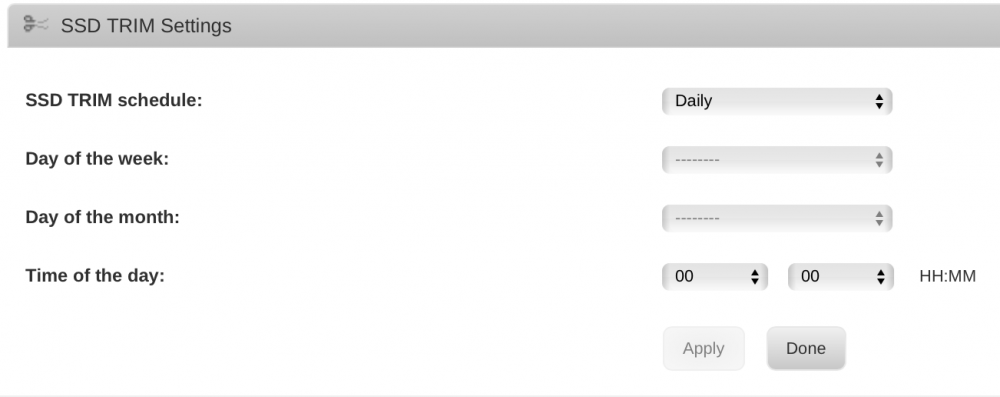
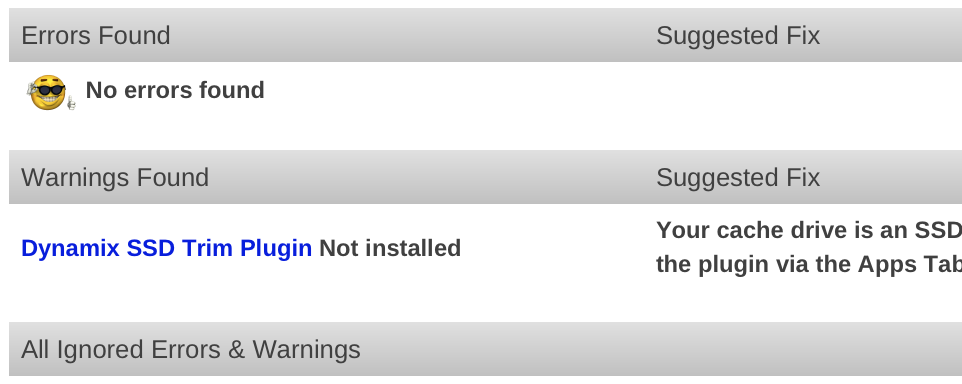
I dont understand why i get error message that SSD-trim isn't installed and activated when it is???

-
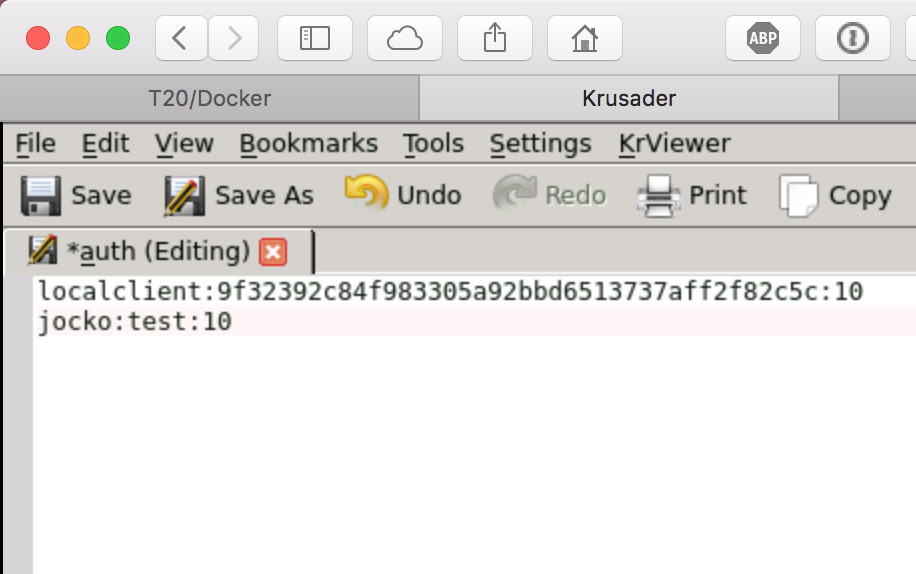
Maybe this is a general question about Deluge. I don't under stand why i can't add a user and password to Deluge. Apparently i need it to get Couchpotato to communicate with Deluge. I used Krusader to edit Auth file and added username and password,restarted Deluge. But i never get the opportunity to choose user when i start Web-gui. What am i doing wrong?