





Kristijan
Members
-
Joined
-
Last visited
Everything posted by Kristijan
-
Can you give me detailed instruction how to start Veeam B&R in your docker. I setup docker with this screenshot, but I dont know how to install veeam. Tnx
-
Hi, After I apply xml I cant see new network in VM (When create new VM). What I must to do? Where I can edit this xml again?
-
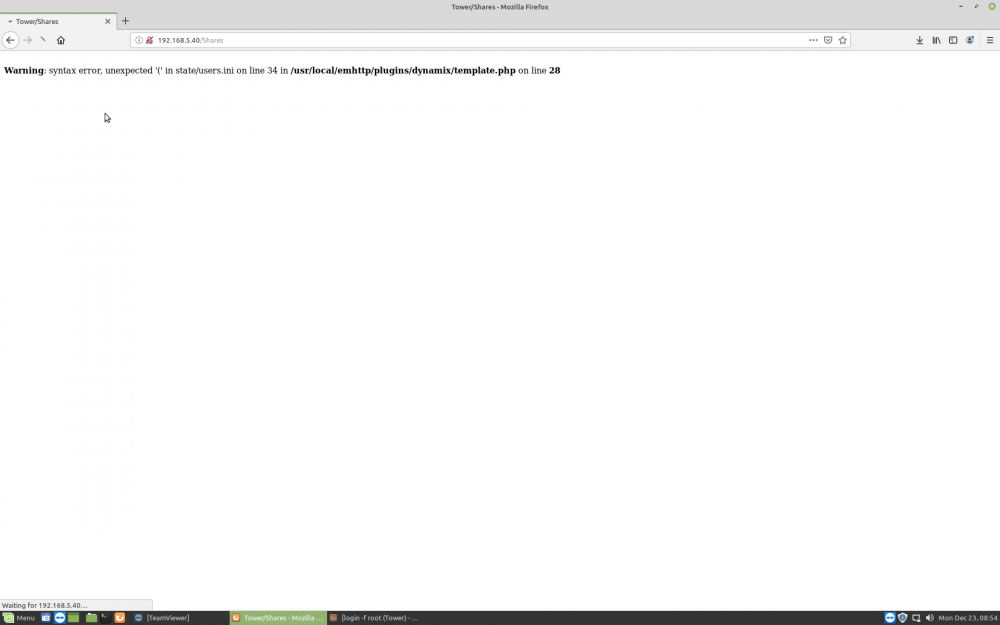
Hi guys. I edited Description for one user (for FTP access), and put "" in descriptin. After that, I do not have any users under users, but access normally work. How can I fix that? Where is file state/users.ini
-
The problem is in the as.conf view. I didn't notice right away. I resolved this problem edited as.conf. Tnx
-
No, I updated orderly, no updated from older verison. This is my as.conf, what i need uncoment?
-
Hi guys, I cant login to admin open vpn. Today i upgraded, everything work ok, i can connect to serve, but when I open admin UI ang login i give following error.
-
Tnx. This is working. I have one folder which contain 7 subfolder and all users have FTP acess. I want one user only have RW, but other only read. In this situation a must add every directory and DenyUser. My question is, is it possible add RW permission only for one user? but other have automatically denied permission if i didn't define?
-
Tnx, but i dont undrestand. I have this situation. I want try setup FTP acess for two differenet users, one RW permission one only R on same home directory.
-
Hi guys, I am new in Unraid. I use proftpd and works perfectly. Can you tell me how i can give only read permission for specific user? I define home directory in description of user and this user have RW permissons. How i can restart proftpd service via terminal?
-
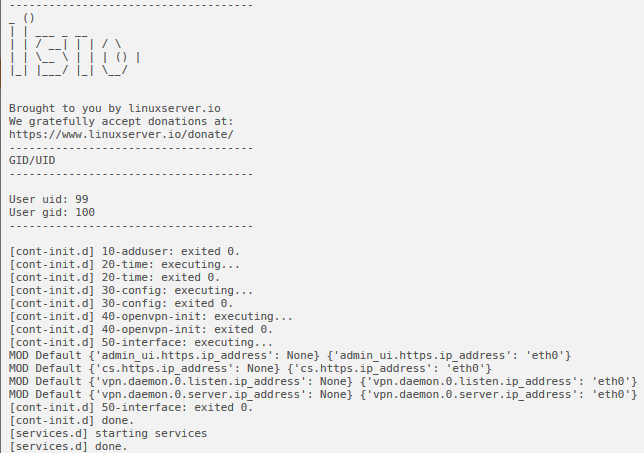
Now is ok, but i dont run force update, after this i can't connect to WEB UI and I must remove docker, delete open vpn folder in appdata, and start installation again.
-
Tnx. I sucess edit this conf. Everything now is ok, but i force update again can't connect to WEB UI. Is this normal? Can I normally update version of openvpn when it comes up.
-
I must edit as.config and comment creating defaut admin user after docker update.
-
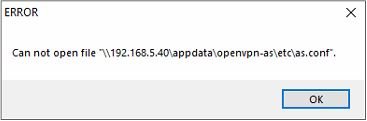
Ok, but I can't edit as.conf No permissions when docker is started. With version 2.6.1 i don't have this issue.
-
Ok, tnx. Where i can put command. When installing a docker and choising parameters and click apply command run auto.
-
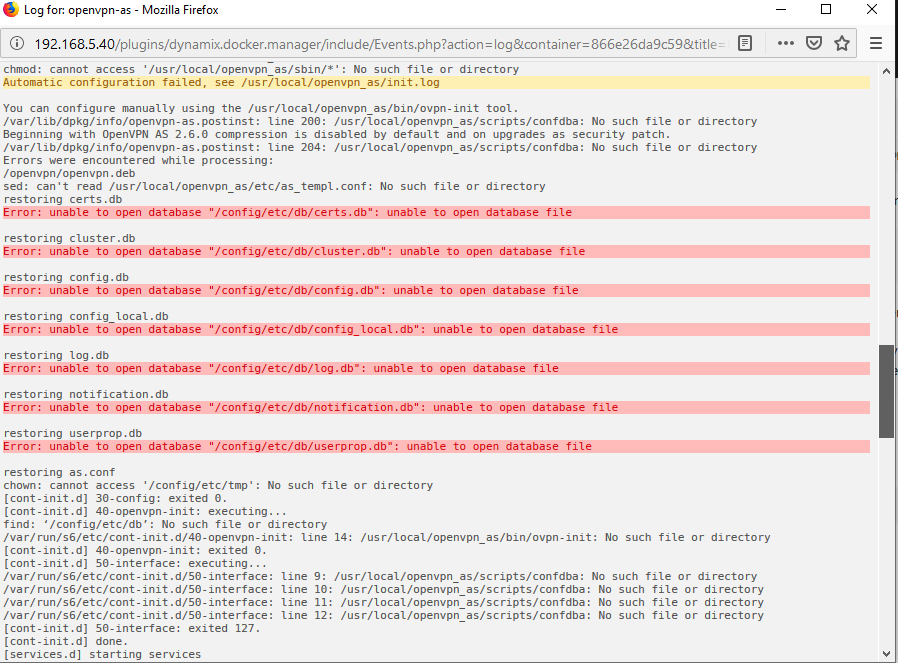
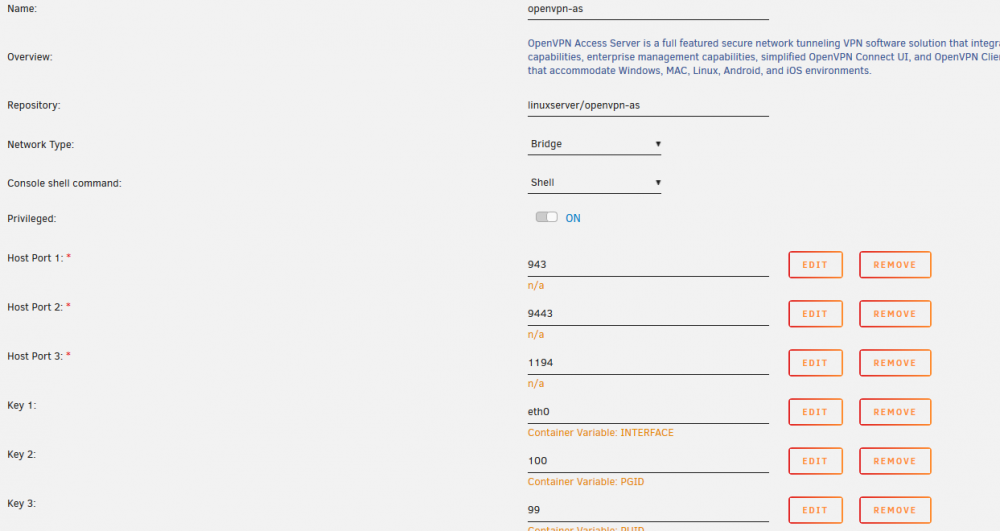
After 10 reinstall i access WEB UI now, but now when change to bridge, when connect to VPN, connection is sucessful, but I cant open nothing on remote side. What I do wrong? I put listen to eth0 interface, and UDP port 1194. On host this settings normally work. After restart open vpn docker i have error in logs. Why this error hapend. Again I cant connect to WEB UI
-
Yes, I try but no sucess. Again not connect to WEB UI. Change to bridge and eth0.
-
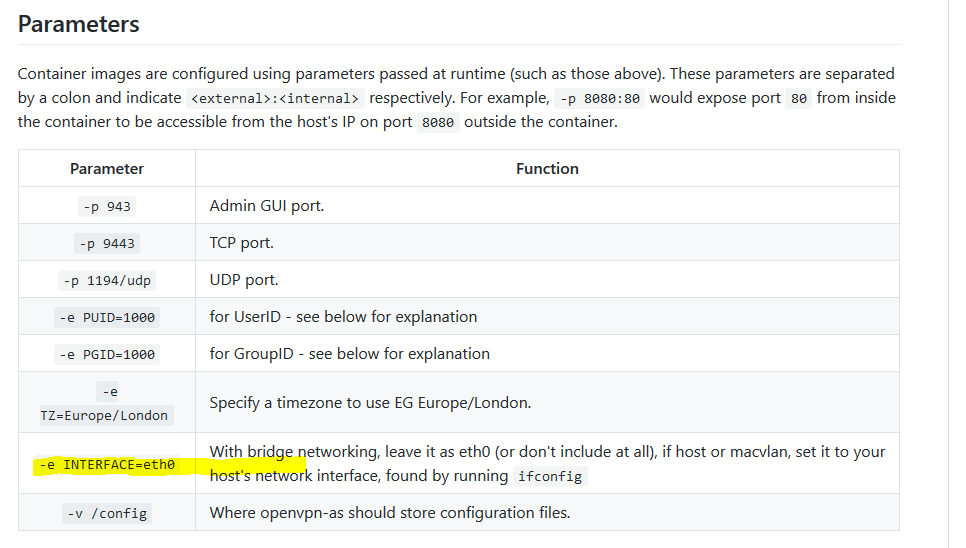
In readme I see this parameter.
-
I try update from 2.6.1 all ok, but cant connect to WEB UI, try remove openvpn and install again, all ok, but no connect to WEB UI. Command is: Command:root@localhost:# /usr/local/emhttp/plugins/dynamix.docker.manager/scripts/docker run -d --name='openvpn-as' --net='host' --privileged=true -e TZ="Europe/Warsaw" -e HOST_OS="Unraid" -e 'TCP_PORT_943'='943' -e 'TCP_PORT_9443'='9443' -e 'UDP_PORT_1194'='1194' -e 'INTERFACE'='bond0' -e 'PGID'='100' -e 'PUID'='99' -v '/mnt/user/appdata/openvpn-as':'/config':'rw' 'linuxserver/openvpn-as' 2d7236142effe43d3725c7944fa8b1a669f5edb4ced3600ffa101bd0812b1053 The command finished successfully! Log files in app data is empty. I try host and bridge mod, again can't connect to WEB UI, what wrong. Plese help.
-
I don't know which info is needed. I install openvpn over spaceinvader tutorial, but now when i update to new version can't connect to WEB UI. Which info is needed? Tnx
-
Hi, tnx, i read all on this link, but i don't know what i must do to connect to openvpn WEB UI. I always have "Web page cant be displayed". Sorry i am new in unraid. Last version open vpn working normally.
-
Hi, I upgrade to latest version, but can't open WEB UI, please help.
-
Hi guys, i try setup resilio sync to sync my unraid share folder to network share. Where i can put source and destination? I don't know how tu setup resilio sync. How to setup schedule sync? Can you help me please?
-
Hi, After last update plex docker server is unreachable. Docker is started. I try restart docker, but no working. Please help.
-
Tnx. All working. But i have 4 users which downloading torrents. Can i control on which location download is possible.
-
Hi, Can you tell me please, which user active transmission vpn use when downloading for connecting to share? I setup all share private, can downloading but not enter any credentials in active transmissionvpn. Please help.


