





blaine07
Members
-
Joined
-
Last visited
Everything posted by blaine07
-
Updated from 27.0.0.0 > 27.0.1 by changing container tag and waiting for update to “finish.” When I was done I was presented with this: The fix was to run this command: docker exec -it NEXTCLOUD-CONTAINER-NAME occ db:add-missing-indices Does this/can this/should this be baked into upgrade script(s) on startup of container with new tag post upgrade process?
-
And I just got the github email - thank YOU
-
My instance is prompting today to update to Nextcloud 27.0.1 - the correct answer is I just want to wait for container to be updated to update it? My container is locked to "lscr.io/linuxserver/nextcloud:version-27.0.0" but I do NOT see a 27.0.1 container release so I just wait and I do NOT upgrade in Nextcloud itself?
-
I apologize. I’ll open my own thread tomorrow, but yes, it seems at exactly 30 minutes in it “recovers”
-
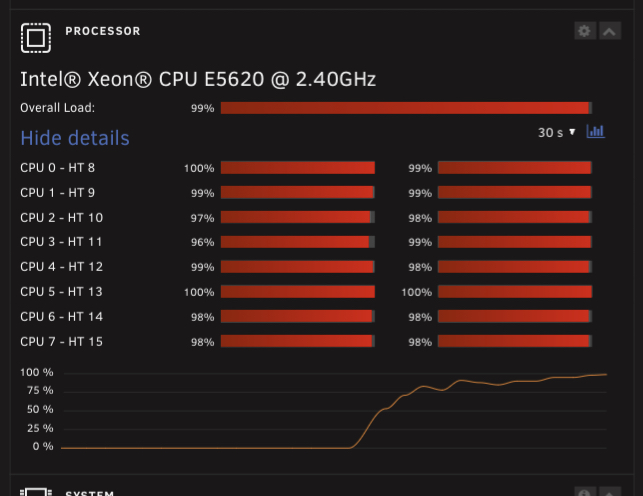
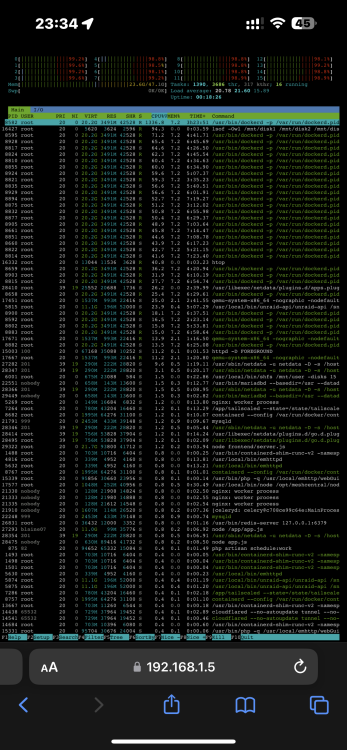
On 6.12.2 and 6.12.3 Everytime docker starts it stays like this a substantial amount of time. Do not have plex here; but Jellyfin. Anyone else see this?
-
Just chiming in to say; I am in same boat as above - cron job is NOT running... Oh and files were "last edited" "in 2 hours" LOL; well some. Some are correct and say XXhours ago or yesterday etc.
-
So do I need to stay locked onto “lscr.io/linuxserver/nextcloud:version-27.0.0” or what’s recommendation for things like this with fixes and such? Or will the fixes move to “…-27.0.0.”?
-
Anyone else seeing this issue with most recent iOS app update?; https://github.com/nextcloud/ios/issues/2492
-
Thank you for clarification. I’ve pinned “27” for now - thank YOU!
-
How can I change the tagged image to 25? I tried changing "lscr.io/linuxserver/nextcloud" to "lscr.io/linuxserver/nextcloud:25.0.0" but it literally crashes UnRaid.. Have to restart :\ (command for docker and for unraid stops working entirely, hardware stats stop working, etc.) Am I tagging the wrong image? There's the version but also other variants like 25.0.0-ls233 and amd64-25.0.0, etc. I'm on an intel processor, an i5-10600K, latest UnRaid 6.12.1. This might help? https://info.linuxserver.io/issues/2023-06-25-nextcloud/
-
For my own curiosity sake why would he change image to “…/nextcloud:version-27.0.0” and then back down to “…/nextcloud” I am on Nextcloud 27; is it fine to just leave myself locked to “…/nextcloud:version-27.0.0” or after the upgrade are we supposed to change back to “…/nextcloud”?
-
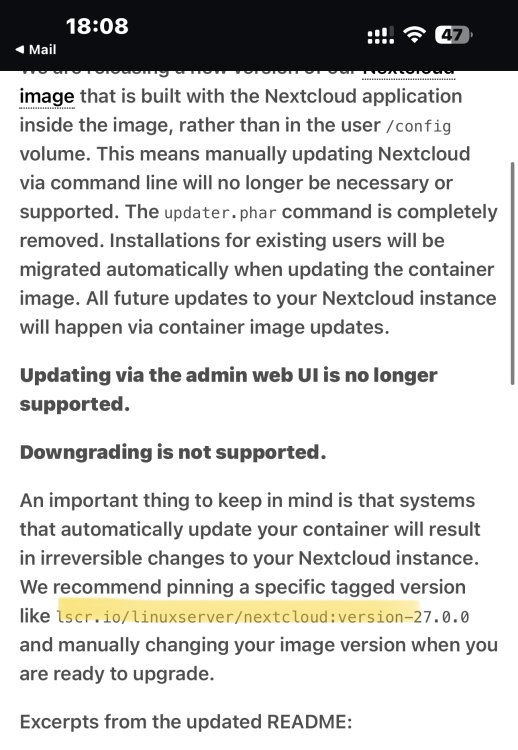
Oh wow, this is a big deal. I don’t see a tag for 27 that I’m on… I’m just on “latest”m I am dumb:
-
I don’t understand why you’d ever let it get 2 major versions behind I guess is where I struggle.
-
Reading the first post on how to keep Nextcloud up to date is a ton of value. The last 8/12 posts are the same issue(s) over and over. What version of Nextclouds “…recent update broke everything…?”
-
I just want to say - in the first post of this thread is how to update Nextcloud using the command line. That is the most reliable and successful way to upgrade Nextcloud itself. All these silly back and forth browser button tricks could be eliminated by simply following instructions in first post. Y’all gonna end up with something corrupt and have a real situation you’re stuck in messing around.
-
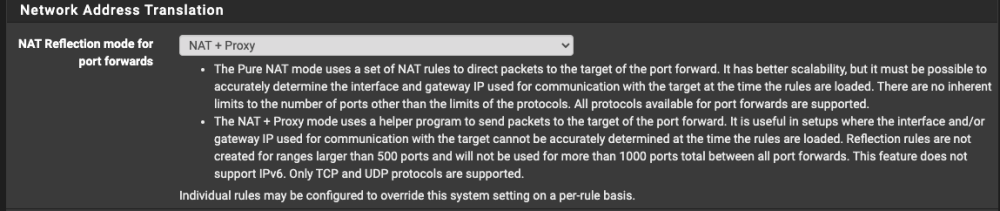
I figured mine out - but never had to muck with such setting before. In pfSense I had to change Nat Reflection for that port forward group to "Pure NAT". My default mode for the firewall has always been "NAT + Proxy": On port forwards for RustDesk I had to change it to ""Pure NAT": Not sure if this may help some other lost person later but ich777 THANK YOU for your confirmations that it was just something stupid I was up to! Thanks!

-
I can't seem to get the container for RustDesk working at ALL today. Not seeing anything in docker logs. Forwarding ports to Unraid server from pfSense. A record on Cloudflare with proxy off to home IP/pfSense. What could I be doing wrong?
-
Seems to have worked; thank YOU!
-
So stop container, delete them ALL(inside log folder), start container and they’ll all re-create?
-
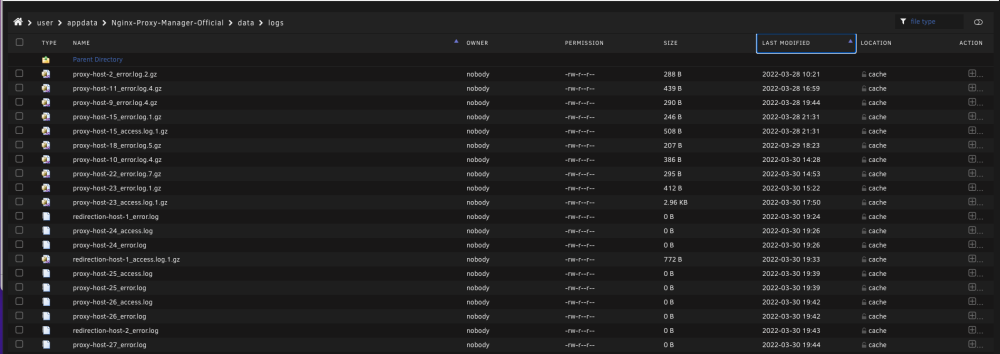
Can you please provide more context about adding to your "/boot/config/go" file? I ran this: https://github.com/NginxProxyManager/nginx-proxy-manager/pull/1140 And it said nothing needed rotated as not older than 7 days, BUT in my log folder I have a *lot* of logs not edited in more than 7 days. I wonder if I could just delete all those from say last year for example with no ill effects?
-
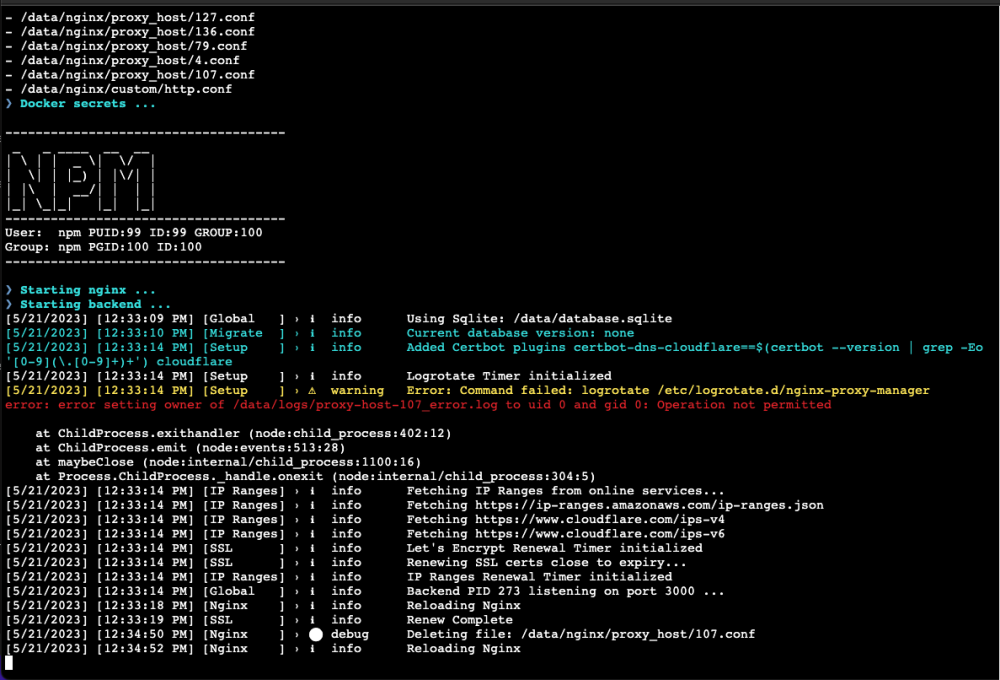
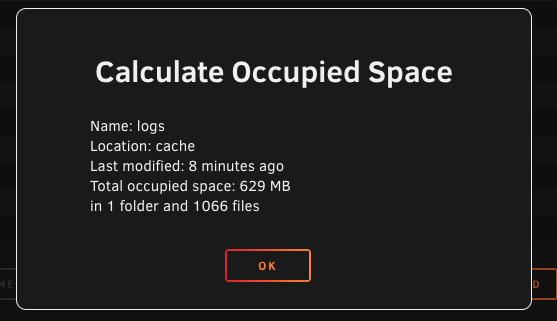
I may have to resort to Github but any ideas on Logrotate timer issues: Seems as it's not purging as it should be: Some logs back all the way to March of 2022. Anyway I can safely purge these myself if nothing else? https://github.com/NginxProxyManager/nginx-proxy-manager/issues/2938
-
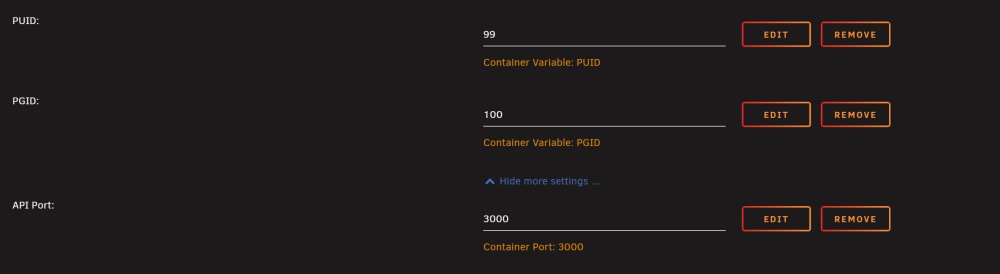
Currently mine is operating with these parameters: Last few weeks/month have been extremely difficult with all the container/permission changes he's been toying with. I am finally on 2.10.3 all seems to have "settled down". I realize it isn't the containers doing/Unraid but I REALLY wish there was a export all hosts option so that some of the burden of "starting over" could be reduced.
-
Thank YoUUUU for the prompt response, as usual! Can’t wait to give it a whirl!
-
In Unraid is their a trick/way to get the time to report correctly as far as in the AUDIT Log? When I have a log the time stamps do NOT match; about 5 hours off.
-
Seeing it again here today, too, FWIW. Several may be "LSCR" containers..







