Everything posted by frodr
-
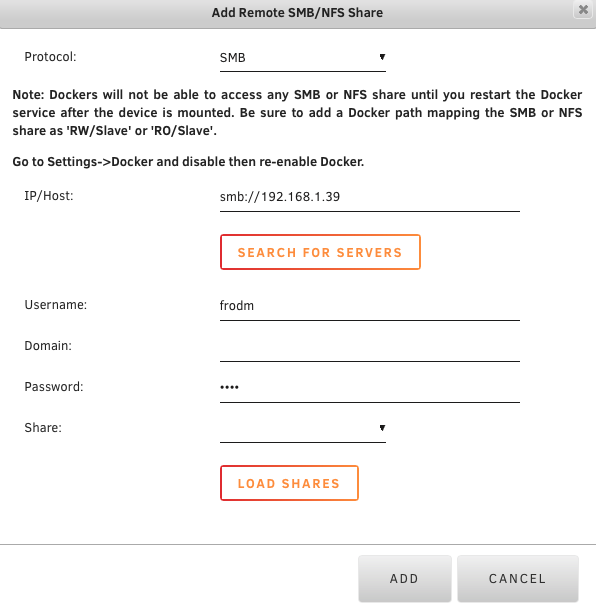
Not able to load shares or mount. Log attached. Log.rtf
-
The Search Button blinks, and nothing happens.
-
Tried that, not working.
-
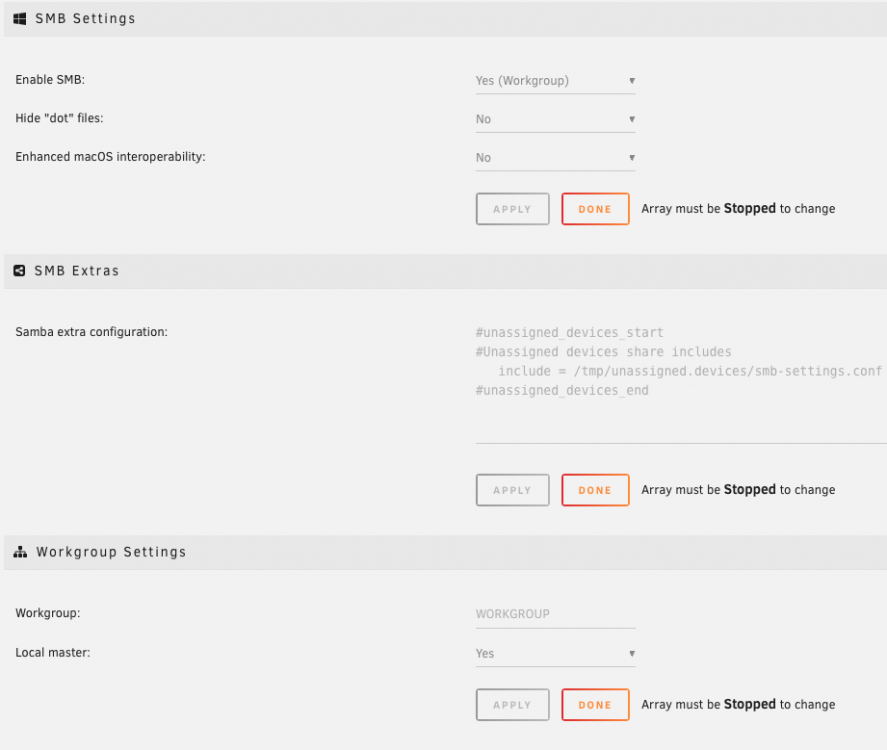
Hi. The Server do not seem to recognise smb devices, not finding NAS or MBPro. Both are set up smb. What is the domain setting, Workgroup? I be happy for any help. Cheers, Frode Running 6.7
-
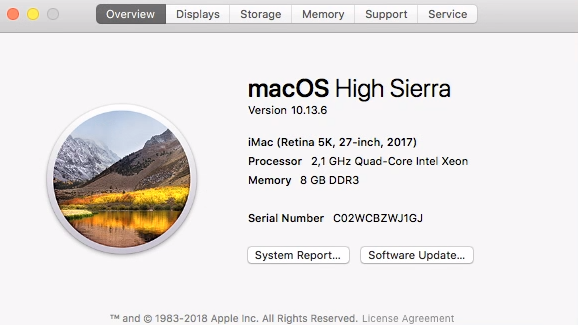
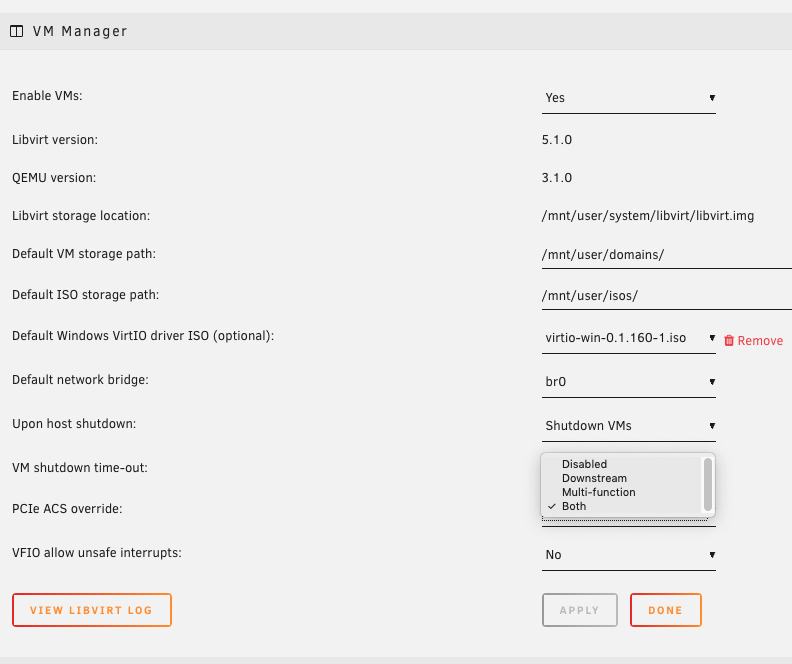
Hi, MacOS kvm is running. Also running with GTX 1070 passthru, but the GPU is not seen by the OS. The GTX 1070 is a Mac flashed GPU from Macvidcards, is such likely to work? If yes, then the question is what must cange in my setup? Link to the xml: https://www.dropbox.com/sh/3x5cqsy6nloqb5n/AAAHZdhRSx8DKxJdgT6_YxD7a?dl=0