Meannekes
Members
-
Joined
-
Last visited
Everything posted by Meannekes
-
Problem solved.. but i dont know why 😅 i missclicked and opened the "isos" Share from unraid.. and it just worked. My "media" Share still does not work.. dont know why, maybe some error or so because i renamed it once.. everything else is set up the same way like "isos" right now. Created a new Share for my media Stuff, and it works.. will transfer my Files over and delete the old Share Not solved.. after i moved 5-6 isos Files and my Music Flac Files, i get the same error on the new share.. Maybe some Sh** with äüö or so.. cant think of anything else right now, before moving i had access to the new Share, will investigate further after moving it back again i still have no access with the Oppo. (Moving everything with "Dynamix File Manager". after deleting the share and creating a new one i copied the Movies with my Windows VM on unraid and i have access, cant understand why a share is not accessable anymore after using "Dynamix File Manager" on it. i checked ownership and rights on every File and everything looked fine.
-
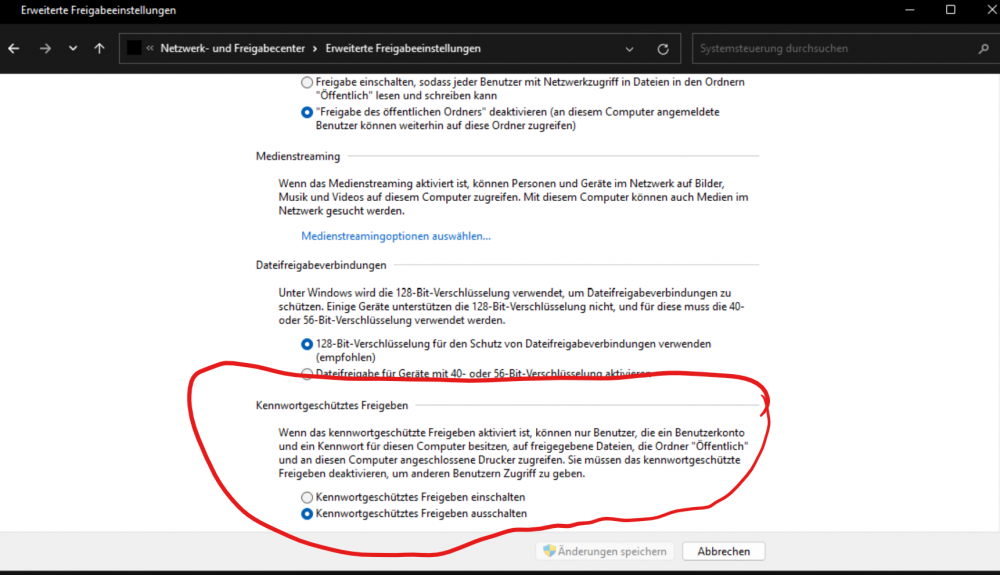
My tests with a Windows Share wasnt working until i deactivated Password Protected Sharing in Windows Sharing Konfigurations. Before that, i had the same issues on Windows with the wrong Account Password. Now i have to find out, how to get that working on unraid. (again it is already on "public")
-
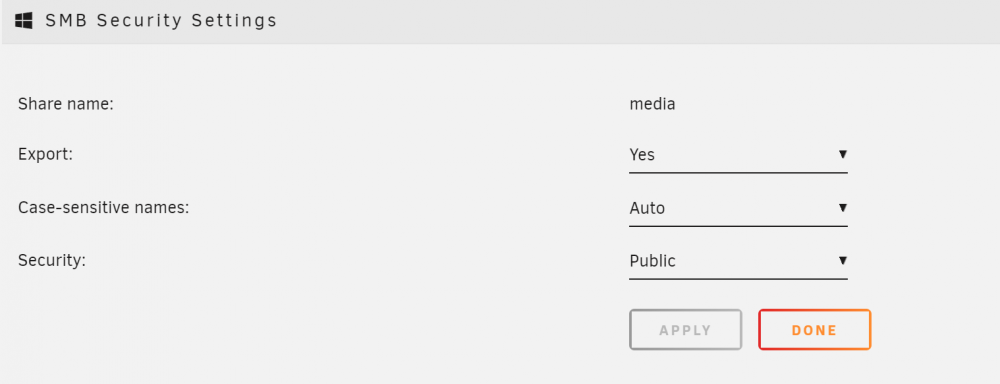
i tried all 3 settings, but right now it is on Public. yes, i can see the share and after entering my Password it tells me, it is wrong. no, i have a 4 digits password, only numbers. Also tried a test Account Name "a" and password "a", no luck here, always wrong password.. i found a lot that had to activate smb v1, but it didnt helped for me. also found some with Linux Server and they had to to add "ntlm auth = yes" to smb.conf (which is smb extras here as far as i know) what someone with debian Server needed, was that in smb.conf: server min protocol = NT1 ntlm auth = ntlmv1-permitted but i dont know how to write it right in unraid
-
But it is working if i connect to a smb Share on my Windows Machine. So it must be something with the Share on unraid.
-
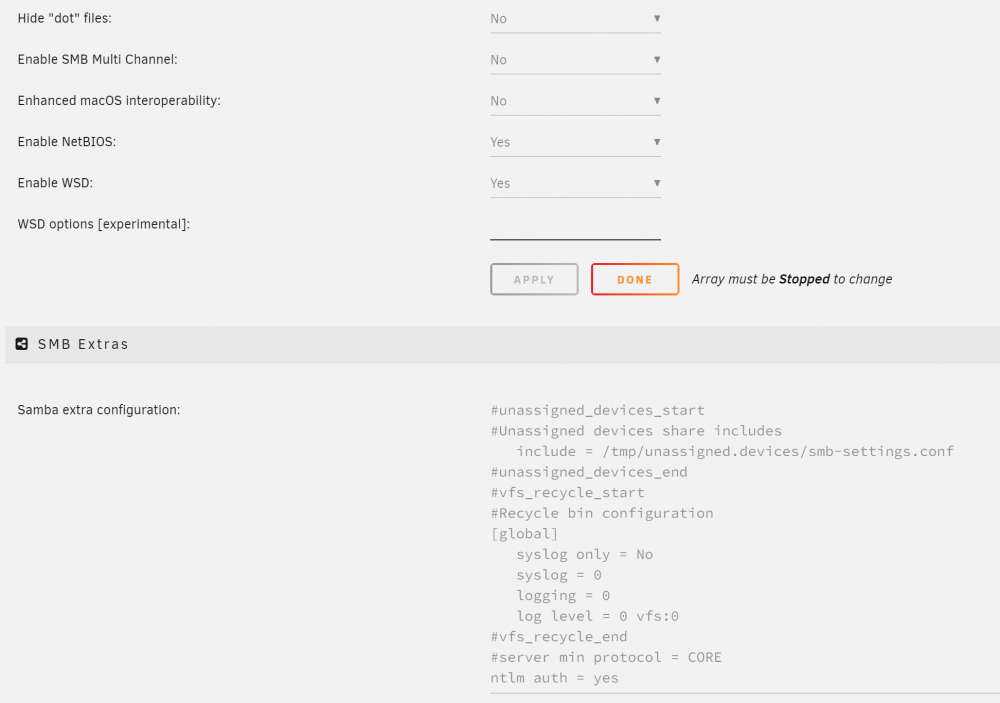
Hello, hope you guys can help me out here. i got my Oppo today and it cant connect to my SMB Share, it always tells me the Account is wrong. What i have done without success: -adding "ntlm auth = yes" to SMB extras -adding "server min protocol = CORE" to SMB extras, but "removed" it with an # right now -enabling NetBios (SMB v1?!) SMB is working fine all my other devices..
-
today i was on my unRaid Server remotly and everything worked fine. in the upper right corner i saw, i wasnt logged in?! (but was before last time i was on my server a few days ago) without thinking alot about that i just signed in and now my Server is listet offline and i cant reach it anymore from here at work. i´m on RC2
-
And you can Access VM´s via VNC ✌️ Right now i´m at work and access my VM at home. So i can open my Dockers and files from there

-
thats the reason i gave my mx500 back and bought an Samsung 870 evo plus. i dont like to deactivate SMART checks.. yes it is a false alarm on this SSD normaly, but what is if there is a real error of this kind on an MX500, you wouldnt notice it. just my 2 cents.
-
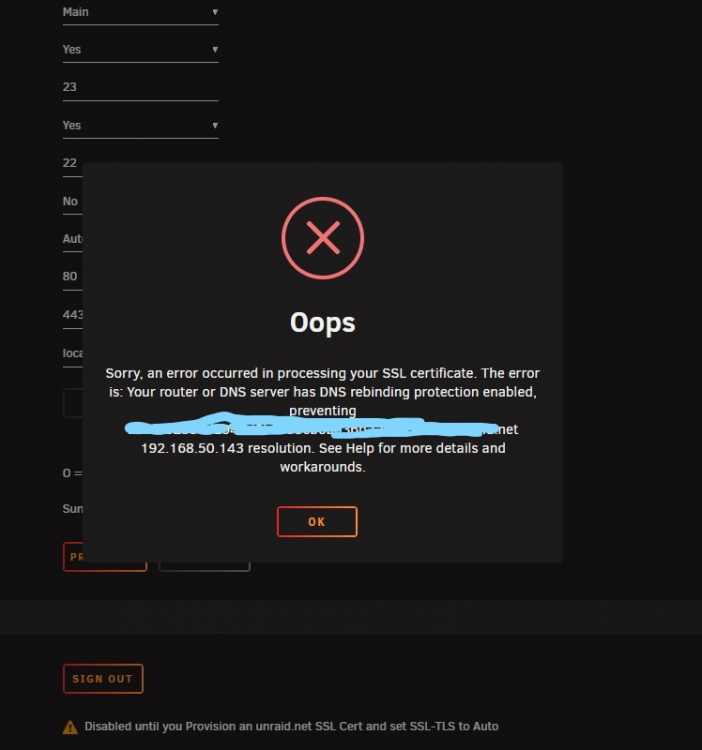
Hey @ljm42 My Unraid Server is on the newest Version 6.9.2 i have a similar issue, my dns ist set to my old ip 192.168.178.120 but i changed it to 10.0.0.2.. now i´m stuck with the same issue, so my ip cant be resolved, and i already waitet for the dns to get updated with no luck:
-
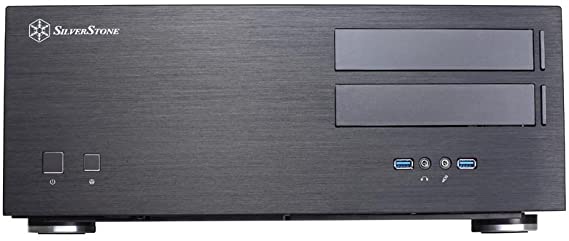
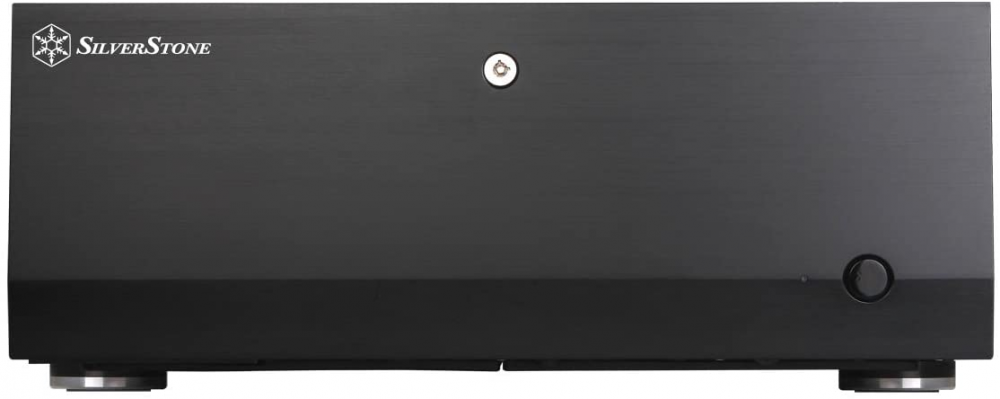
Hey Guys, nice work from everyone contributing! would Love to see the Silverstone GD08 & GD07 thanks