CorserMoon
Members
-
Joined
-
Last visited
Everything posted by CorserMoon
-
For those that find this later, I seemed to have remedied this by performing 2 cold reboots followed by a btrfs scrub and btrfs rebalance. I'll keep an eye on the error stats and will report back if they climb again.
-
Title explains it. Immediately upon reboot into 7.3.1, alerts started on excessive read/write errors on both drives in the cache pool. I rebooted into Memtest which passed w/ 0 errors. Seems odd that both drives would fail at the same time and right after an upgrade. They are high endurance nvme ssds mounted in a pci-e adapter. Appreciate your help as always. logs attached. executor-diagnostics-20260622-1903.zip
-
It eventually stopped after a few days.
-
So I've installed the NUT plugin, set Enable Manual Configuration to "for UPS Driver", and added pollonly lbrb_log_delay_sec = 3 lbrb_log_delay_without_calibrating to the conf at the bottom of the plugin page (and disabled Unraid's default APC daemon). But the plugin still shows "Active Alarm(s) - On Line - Replace Battery". Im using version "default (2.8.4 stable)". Do I still need to use the "preview (latest build)"?
-
Thanks @JorgeB . Appreciate your help as always.
-
Yea, I've already started reinstalling apps (I shouldn't need to re-create the docker.img though since it's already there?). I am just baffled that both docker and VM images vanished after a clean shutdown/reboot. What are the issues that you saw with the pool? I'd like to fix anything I can.
-
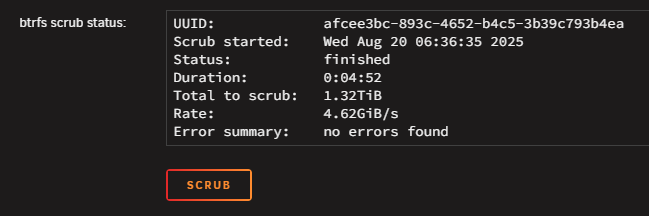
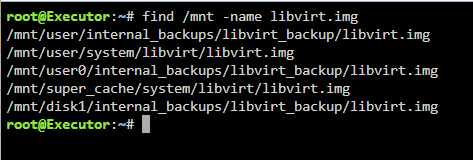
The copy at /mnt/user/internal_backups/libviry_backup is a couple years old. I was going to create a backup routine but clearly I didn't follow through. I did the same search for docker.img :

-
My house lost power earlier, and despite being plugged into a line interactive UPS and performing a clean shutdown, upon reboot, both docker containers and VM's are gone. The boot drive, cache drives, and array appear to have mounted correctly. Since both docker and VM's are gone, I am thinking corruption to boot drive as opposed to corrupted docker image. Not sure where to go from here, appreciate the help. Attached diagnostics. corsermoon_diags.zip
-
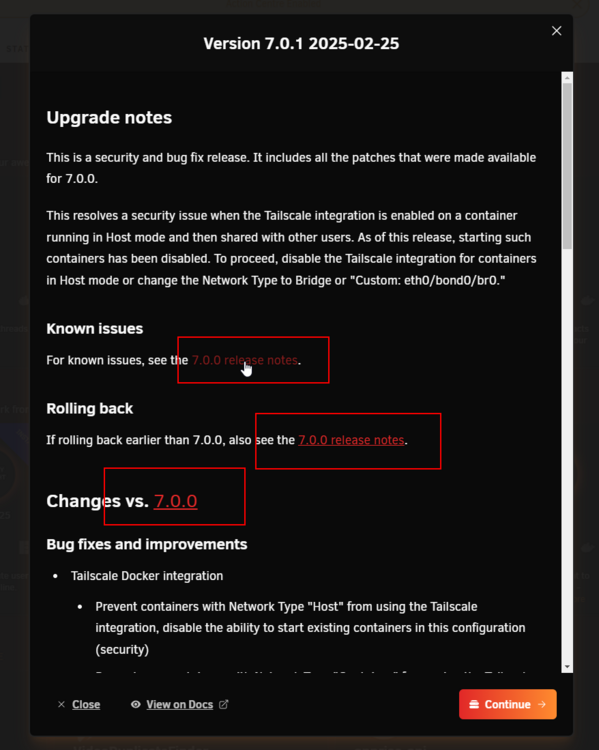
The 3 links to "7.0.0 release notes" in the upgrade notes are broken. Should this be in the Bug Reports forum? Bad link: https://docs.unraid.net/go/release-notes/7.0.0#known-issues
-
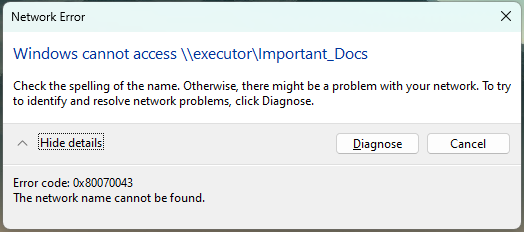
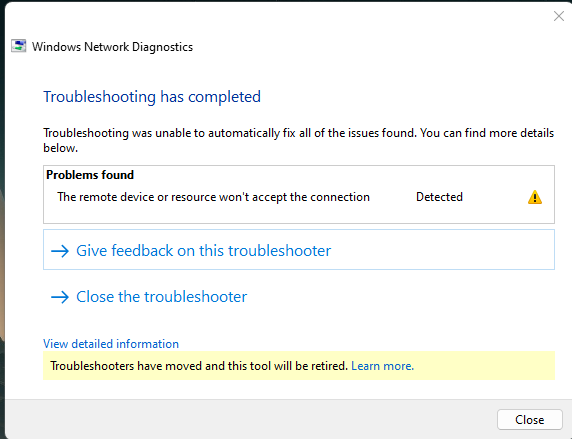
Earlier today I was working, accessing shares as normal, and all of a sudden, they became inaccessible: After some troubleshooting, I figured out that they are accessible via the server's IP as well as the .local TLD. Same behavior on other computers in the house. This is annoying since just about everything that links to the server uses the name instead of IP and I am not excited about changing them all. Troubleshooting steps: Updated to 6.12.14 and rebooted Rebooted desktop PC Tried accessing from Windows 10 and 11 Turned SMB off/on removed "local" from TLD setting in Management Access settings Any ideas what's going on? diagnostics-20241205-1317.zip
-
I had this same issue. Making a random change (I changed the description slightly) and APPLYing semed to fix it.
-
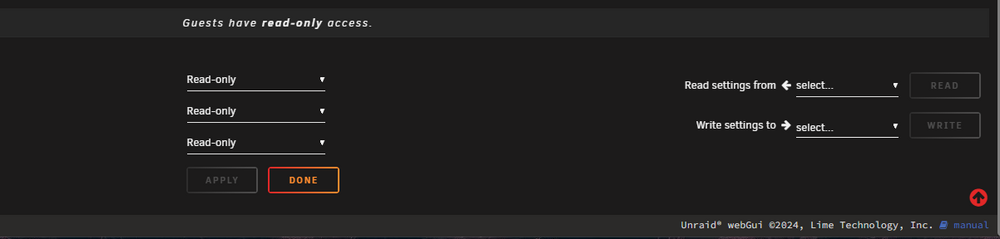
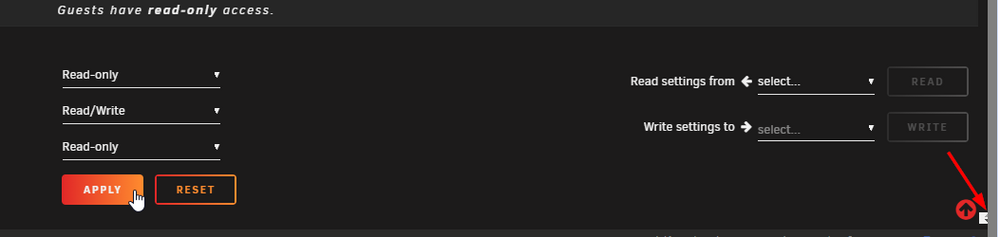
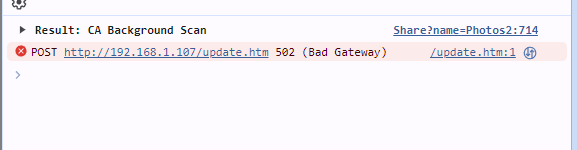
Last night I created a new share and used the "Read Settings From" dropdown to import settings from another share. The share created but now I am unable to make any changes (such as setting the user permissions, changing name, even deleting the share (it's empty). When I make any change, the corresponding Apply button lights up (as expected) but nothing happens when it is clicked. A tiny white box appears at the bottom right of the browser and the browser console shows a 502 Bad Gateway error. Any thoughts on what's going on?
-
I have Hotio's Duplicacy container running but I am unable to get SMTP emails working. The container config is the same as as other containers that have working SMTP emails (bridge network, smtp server address, username, password, TLS port 465) but when testing the email in the web UI, I get error: Failed to send the email: read tcp 172.x.x.x:37342->198.x.x.x:465: i/o timeout. where 172.x.x.x is the container IP and 198.x.x.x is the SMTP server IP. There are no container logs and the duplicacy logs in appdata say the same thing without any additional info. I've confirmed that I can ping and telnet the SMTP server from within the duplicacy container. I just cant figure out why it's not working. Any other ideas?
-
Cam here to say that this fixed it for me.
-
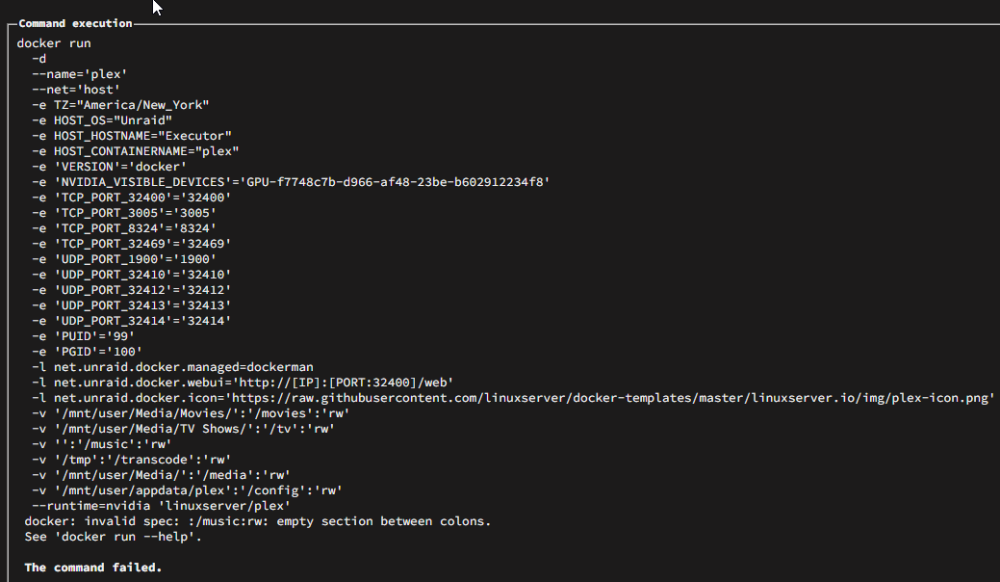
OK, so for whatever reason, a valid music directory is required (I never had one set up[ in the past). I supposed I could have just removed that parameter as well.
-
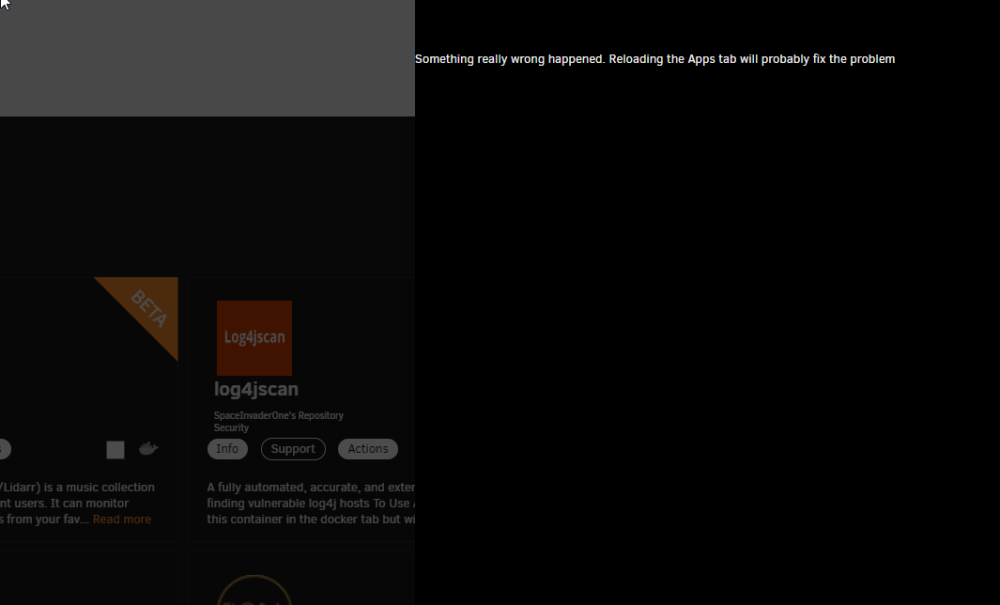
EDIT: SOLVED. I just upgraded from 6.12.4 (I think?) to 6.12.8. Upon reboot, plex docker is gone. Attempting to reinstall via Previous Apps results in this error: Also, maybe unrelated, after clicking DONE, I get this error: Any ideas?
-
WOO! Got it working by unassigning both cache drives, starting array, stopping array, reassigning cache drives, and starting array. Thanks to THIS POST.
-
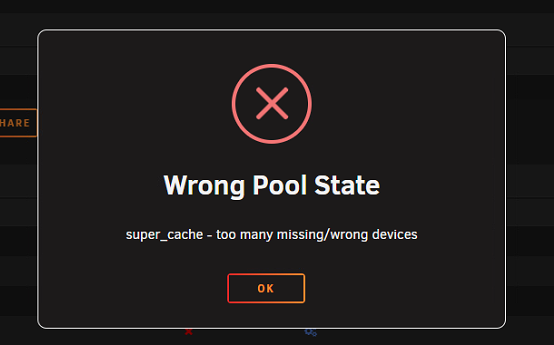
@JorgeB OK, I reseated the nvme drives and the missing one is back. I reassigned it to its original spot but I am unable to start the array due to the above error (Wrong Pool State). Here is what the GUI looks like: Not sure how to overcome that error. Any help appreciated. Sorry to bug you.
-
Now getting this error when trying to start the array. Latest diags attached. diagnostics-20231025-1554.zip
-
So I manually deleted many gigs of data off the drive, but free space according to the GUI didn't change, still 279GB free. I tried running Mover but it didn't seem to start because there is still data sitting on the cache drive that is configured to move onto the array when mover is invoked. I then rebooted the server and the free space didnt change and the files that I deleted are back. I am stuck and don't know what I am doing wrong. EDIT: At this point it seems to make sense to reformat the pool (since I have the backup from the Backup/Restore Appdata plugin). Is there a guide on how to do this? And I also have the issue of the missing cache drive so not sure how to knock the cache pool back down to 1 drive again (it wont let me change the number of devices from 2 back to 1). Or maybe a better idea to just pop in a replacement ssd so I'm back up to 2 drives first and then reformat the pool? Additional weird observations: As stated in my OP, I was also trying to add new drives to the array. At that time I added them but paused the disk-clear when I noticed issues. I've since removed the new disks, returning those array slots to "unassigned" but now every time I reboot the server, all those drives are back and disk-clear starts! I tried using one of the aforementioned HDDs to replace the missing cache drive and provide additional space so hopefully btrfs would be able to balance but cache pool still mounting as read-only and I received a new error: Unraid Status: Warning - pool BTRFS too many profiles (You can ignore this warning when a pool balance operation is in progress)
-
Thanks so much for your help. Last questions for now: Would it make sense that 1 of the cache drives dying would lead to this full allocation issue? Could it be resolved by just replacing that 1 dead drive? I'm just trying to figure out if I have 1 issue or multiple different issues.
-
So what is the difference between allocation and free space? What would cause allocation to fill and is there a way to monitor for that? It's just weird that all this starteed happening after one of the cache drives just disappeared. Would full allocation cause this? I also just noticed that when the array is stopped and I am assigning/un-assigning disks, this error sporadically pops up briefly then disappears: EDIT: I tried to start the Mover process to move any extraneous data of the cache drive but the mover doesnt appear to be starting.

-
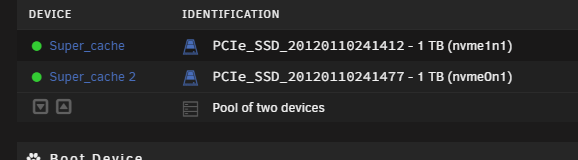
I don't think it actually is full though. The "Super_Cache" pool has 2 1TB drives (super_cache and super_cache 2). 1 disappeared (aka missing) but everything was working fine after I acknowledged that it was missing, since the drives were mirrored (1TB actual space). I was having no issues with docker until this morning. I monitor that capacity closely and they were ~70% full before all this happened. GUI currently shows the remaining drive (super_cache 2) w/ 279GB free space. Strangely, du -sh super_cache/ shows total size of 476GB. But regardless, it shouldn't be full. side note, that link throws this error: You do not have permission to view this topic.

-
I recently dismantled a secondary, non-parity protected pool of several hdds. 2 of these drives are to replace the existing single parity drive of array and the remaining to be added to array storage. I have run into a lot of cascading issues which has resulted in the docker service not starting. Here is the general timeline: Stopped array in order to swap a single 12tb parity drive for 2x14tb parity drives. As soon as the array stopped, one of my 2 cache drives (2x1tb nvme, mirrored) disappeared. Shows missing and not in disk dropdowns. My first thought is that it died. Immediately restarted the array (without swapping the parity drives) and performed a backup of the cache pool to the array via the Backup/Restore Appdata plugin. Completed successfully. Everything, including docker, working normally. Ordered new nvme drives to replace both. Stopped array and successfully replaced swapped parity drive as outlined earlier. Parity rebuilt successfully. Stopped array to add remaining HDDs to array storage. Added, started array, and disk-clear started automatically as expected. Got notification "Unable to write to super_cache" (super_cache is the cache pool). Paused disk-clear and rebooted the server. Same error upon reboot. In the interest if troubleshooting, I increased docker image size to see if that was the issue but the service still wouldn't start. I AM able to see/read files on cache drive but can't write to it. A simple mkdir command in appdata share errors saying it's a read-only file system. My best guess is that both nvme drives failed? Or maybe the pci-e adapter they are in failed? Any thoughts or clues from the attached diagnostics as I wait for the replacement drives to arrive? diagnostics-20231025-1118.zip
-
Thanks to help and recommendations from @JorgeB, I've learned that my cache pool (2 nvme drives set to mirror) have some uncorrectable errors (based on Scrub results). THIS older thread recommends backing the cache pool files onto the array, wiping/reformatting the drives, and moving the files back onto the cache pool. What is the best practice for moving 600GB from these onto the array? Rsync via webUI terminal? Krusader? Something else? And for the "wiping/reformatting" portion, is this the proper command? blkdiscard /dev/nvmeX