






unraid888
Members
-
Joined
Everything posted by unraid888
-
Hi, Thanks for the suggestion. After many hours I finally tried i440fx-7.1, that finally did the trick and the VM seems stable so far. Fingers crossed it remains.
-
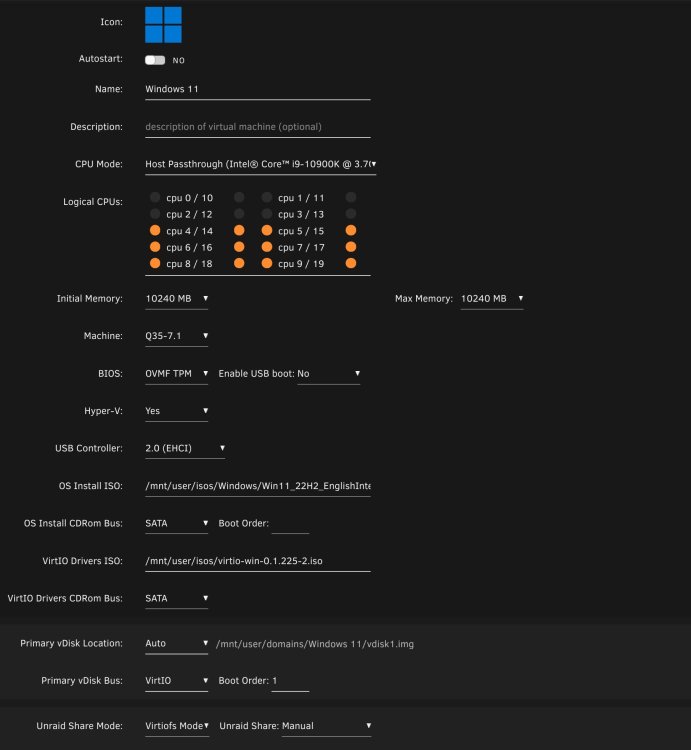
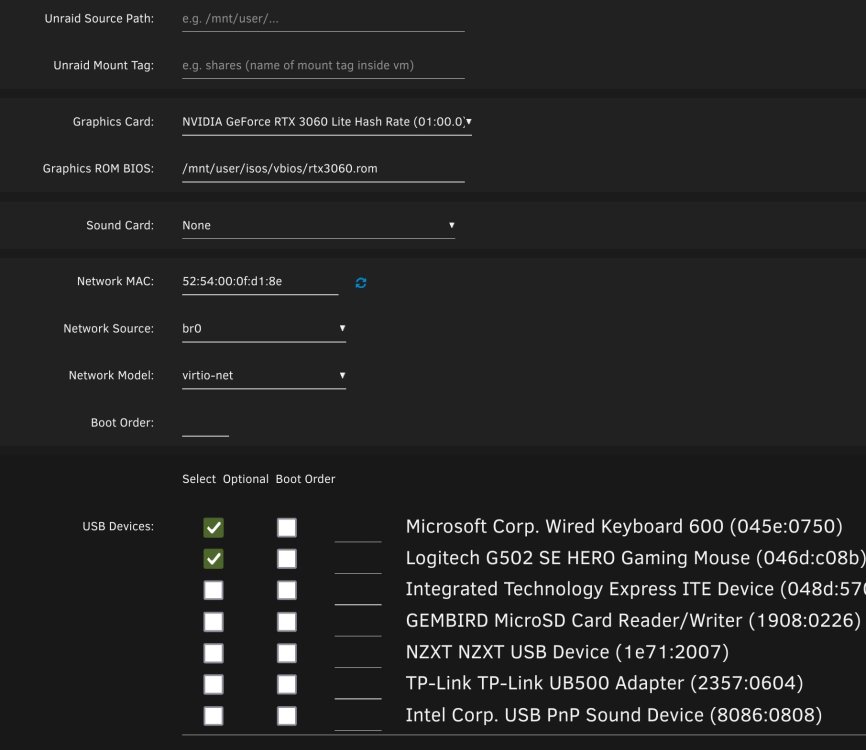
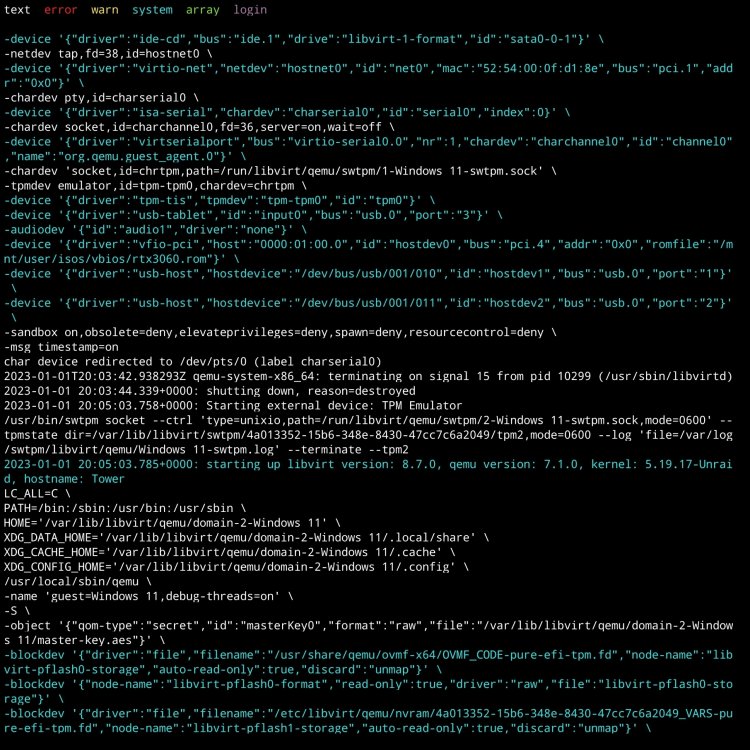
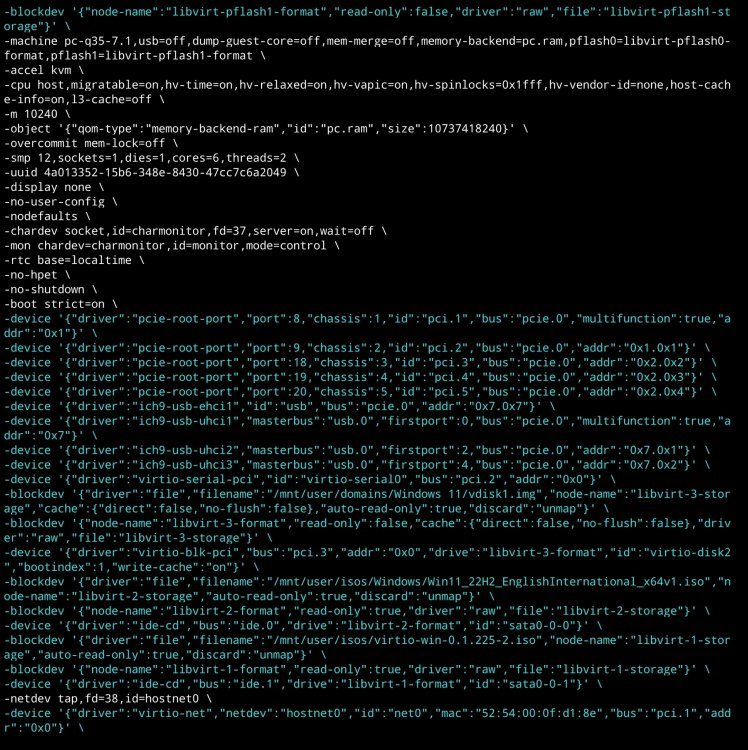
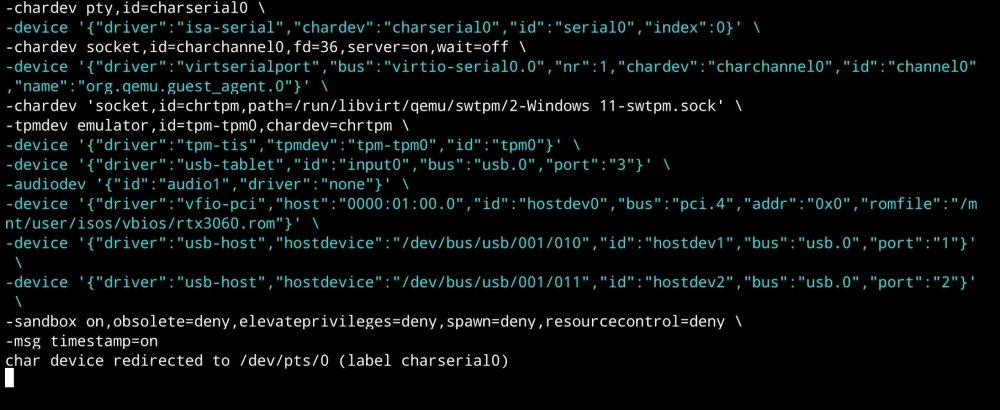
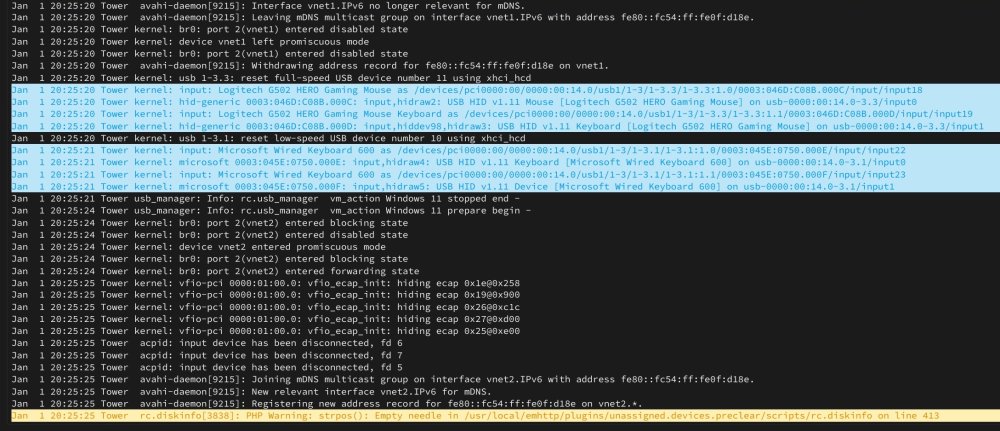
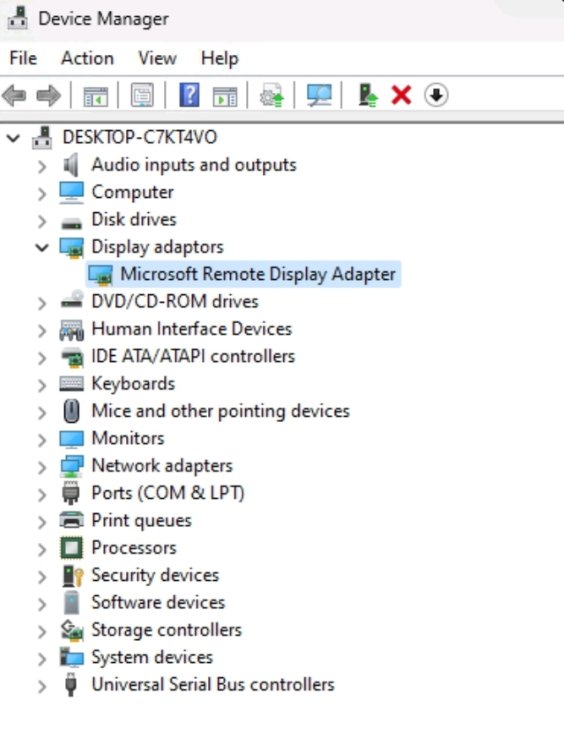
Evening, I am banging my head against a brick wall with this problem and so I'm hoping someone can point me in the right direction. I'm trying to set up a Windows 11 VM. Everything goes fine, I pass through the 3060 graphics card with the relevant bios and I'm set. Then after varying periods of time, it will simply fail to start. It no longer registers on the network, no image on the monitor, can't RDP in, no errors (that I can see) in the log, nothing. I've deleted and started over 9 times over the past few days, even tried with Windows 10, but each time the same thing happens. Other than the server being on and the VM being off, nothing is happening to the server. I have started the VM several times over the last few hours and on this occasion everything seemed to be fine, but I've just come to start it up again and nothing. I have attached screenshots of the VM template and the VM log. I can provide the system logs if they are needed. Any suggestions would be greatly appreciated. If any further information is required, please let me know. Many thanks. ***UPDATE*** After endless reboots, I read on another topic that the on board Nvidia audio also needs to be bound in the VM template otherwise that can cause issues, so I have done that and rebooted the server. On a side note, I initially stopped binding the audio as I thought that was causing the issue in the first place. Anyway, the VM now boots, but I can only access via RDP as the 3060 is not showing up in the Device Manager.
-
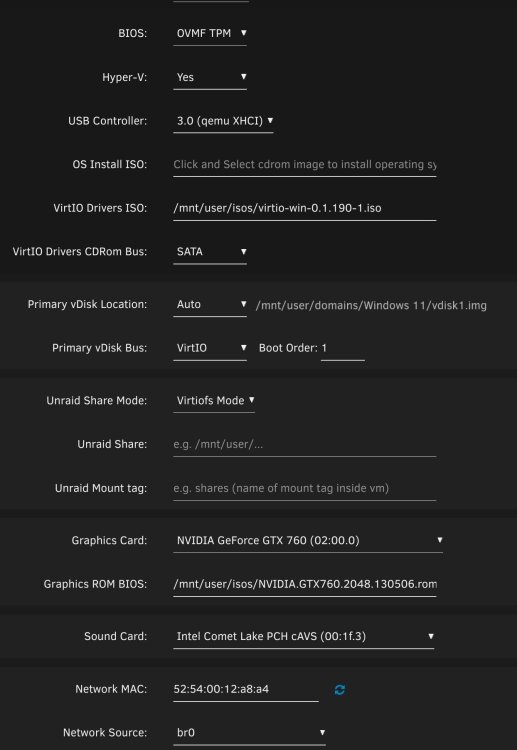
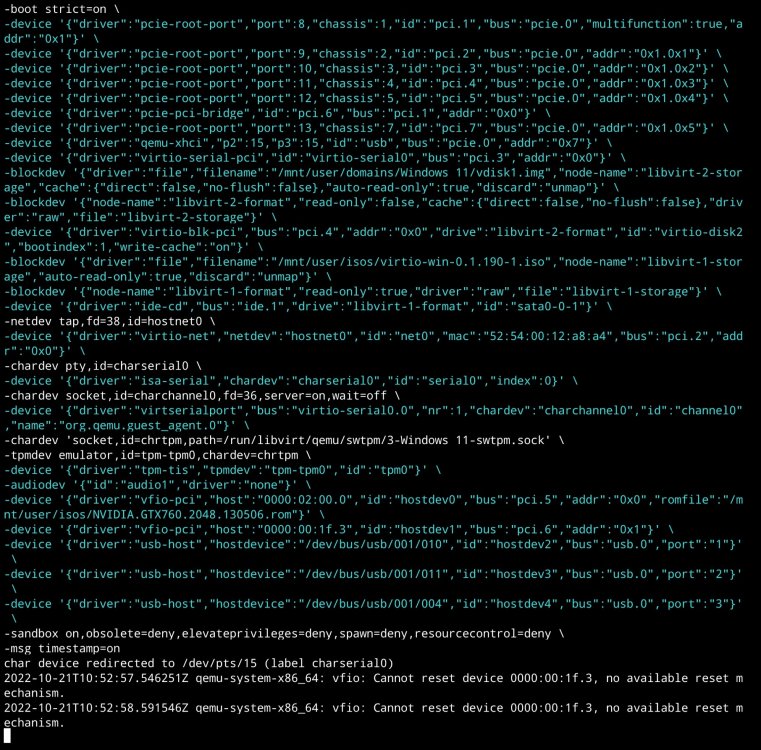
Right, so I pushed ahead and ran; qemu-img convert -p -S 512 /dev/disk/by-id/nvme-Sabrent_Rocket_Q_7FD407090DDA92030729 -O qcow2 /mnt/user/domains/win11/vdisk.img Which produced a 500gb image which is about right for the size of the VM, however when I ran it, the VM would say it was running, display the attached log information, but I could not connect and the assigned IP was not taken. I then deleted the image and ran; qemu-img convert -p -S 512 /dev/disk/by-id/nvme-Sabrent_Rocket_Q_7FD407090DDA92030729 -O raw /mnt/user/domains/win11/vdisk.img This produced a 2tb image however the same issue happened when I ran it. I have only ever had this one VM, and it was setup with the unassigned nvme. Do I need to do anything in the VM template other than changing the image location?
-
Thank you and for everyone else's help with this. Apologies, I'm not familiar with these commands or qcow2, would a command of something like this then work or should it be amended to utilise qcow2; qemu-img convert -p -S 512 /dev/disk/by-id/nvme-Sabrent_Rocket_Q_7FD407090DDA92030729 -O raw /mnt/user/domains/win11/win11image.img
-
Would something like this work in my circumstances? https://forums.unraid.net/topic/108711-how-to-turn-a-physical-windows-10-install-into-a-win10-vm-on-unraid/#comment-995942
-
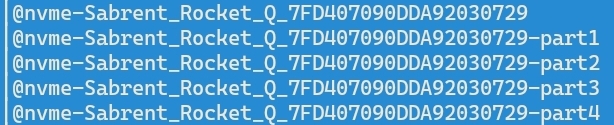
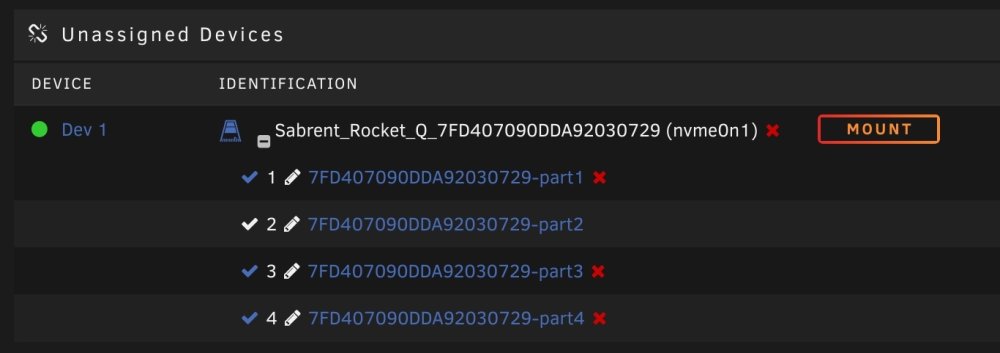
Hello all, Apologies if this is in the wrong place, but I'm after moving my single Windows VM from my dedicated "unassigned Sabrent NVME" to my main array. My VM Primary vdisk location with the VM template is; /dev/disk/by-id/nvme-Sabrent_Rocket_Q_7FD407090DDA92030729 Looking in this location with MC shows five files; My unassigned drive shows the below under the main unraid tab; Can anyone please advise how I can make the move. I use the VM for 30 minutes each month and so the speed decrease will not matter, but I want to ensure the transfer goes smoothly and nothing is lost. Many thanks.

-
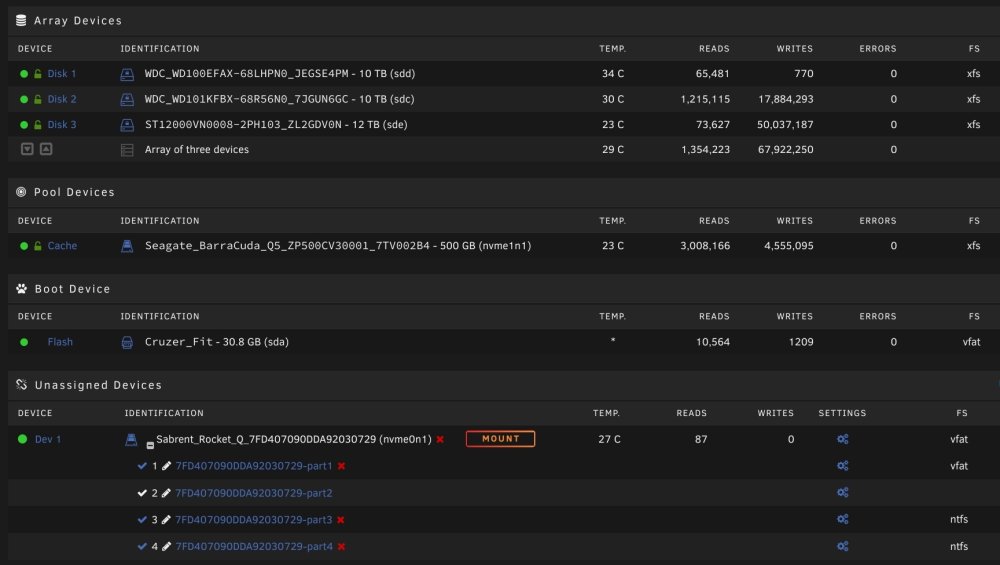
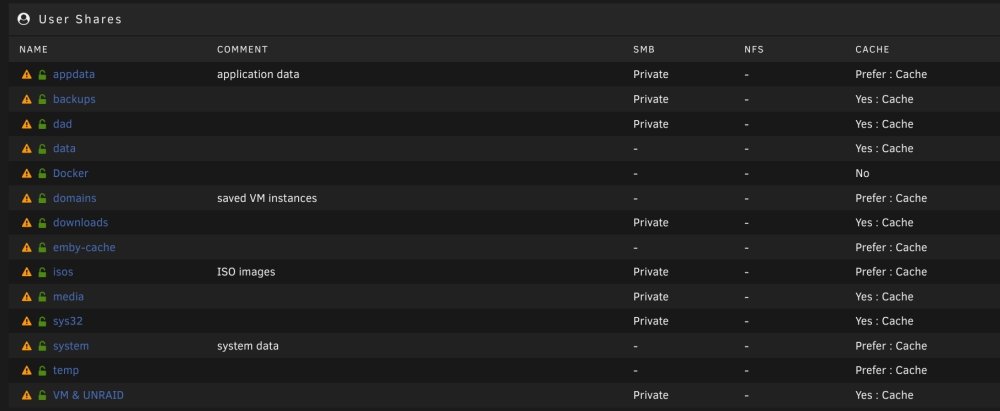
I haven't to be honest mate, but what I am going to try is moving my Windows VM from my 2tb Sabrent NVME unassigned drive to my main array (still reading up on that process so as not to lose the VM). I appreciate that the VM performance will take a big hit but I only use the VM for 30 minutes each month so the Sabrent will be much better used as a dedicated download drive. I'll then keep my app data including EMBY on my cache (500gb Barracuda NVME), so hopefully once things have downloaded, the only time it moves (from Sabrent to Array) will be during the night when MOVER activates. Hopefully I'm not overlooking any glaring issue. Open to suggestions though. On a side note, I've noticed that my system does not get nearly as bogged down when Sonarr is turned off. When it's on, and it may just be a coincidence, but my system is unusable, even though the docker page shows that Sonarr itself is using minimal resources.
-
Cheers mate, appreciate the reply. This whole issue is driving me to my whits end. If anyone can solve this issue I'll gladly PayPal you £50.
-
With all the unRaid changes and closer Nvidia implementation over the last few months, is the Nvidia plugin still required? I'm only interested in Emby being able to utilise my Nvidia card for transcoding.
-
On closer inspection, does anyone know what this process is, it is always at the top of the list when my system drops to a crawl after a download.

-
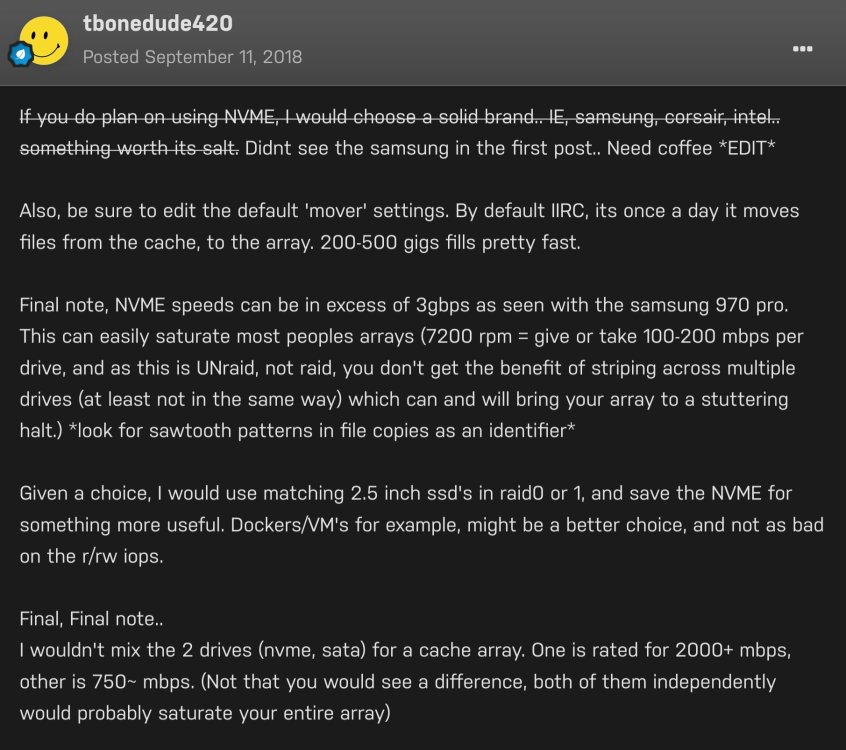
Just found a post from @tbonedude420 which may explain my issue. If this is the case would the introduction of a further "faster" drive, as part of the array be possible? That way downloads are made direct to NVME, but then when copying to the array for permanent storage (and currently bringing the system to a halt, potentially because my mechanical array HDD's can't keep up) I could have them copied to a faster SSD or something similar as a kind of bridge. I don't know if this is even possible, but at this point I'm open to any solution to remedy this issue.
-
6.11.1 Thanks for the mitigations suggestion, just tried it but unfortunately no change.
-
Been busy in work these past few days so only just had chance to really try the above, unfortunately no change, system still locking up, even with the smallest of TV show episodes. I definitely think I've got some sort of I/O issue (I believe it's called).
-
Hello buddy, yeah I'm running the latest unRaid build, no issues, other than the above but I had that before the upgrade.
-
Many thanks, I'll go and try this now.
-
A 3gb film is currently bringing my system to its knees. So much so I can't even run htop.
-
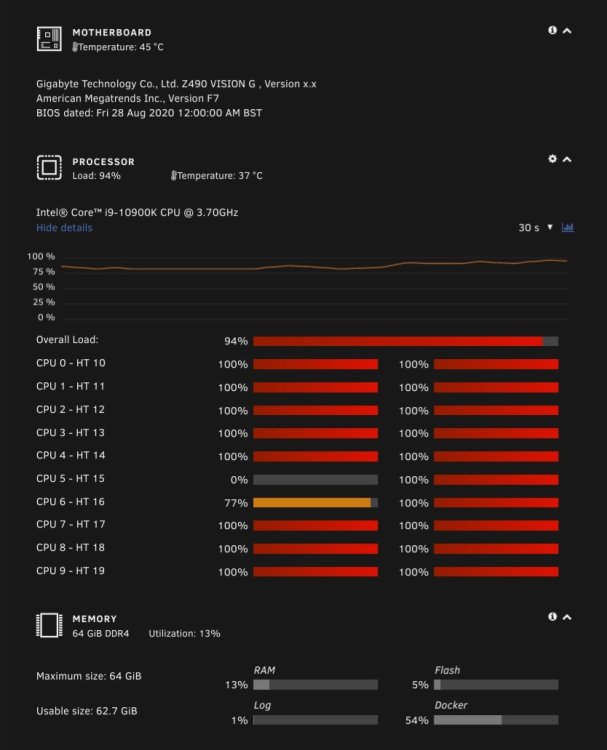
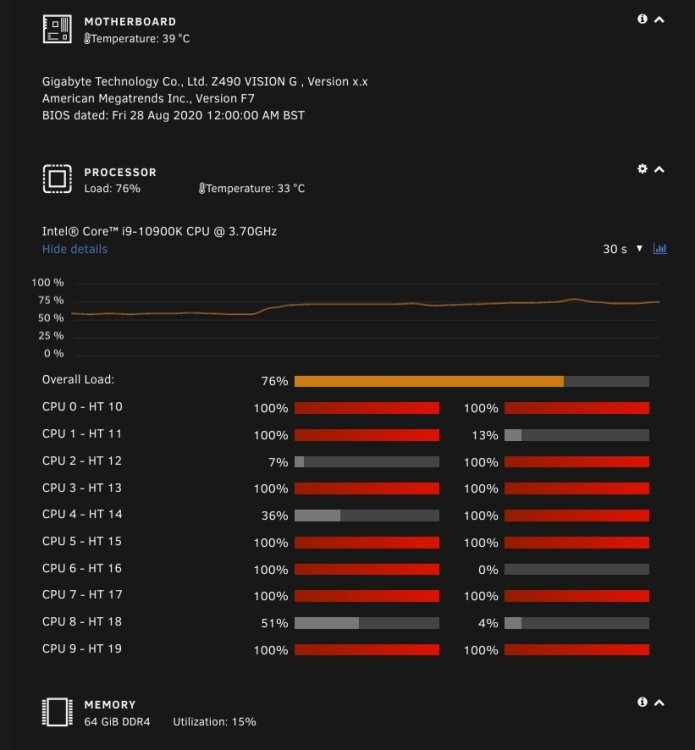
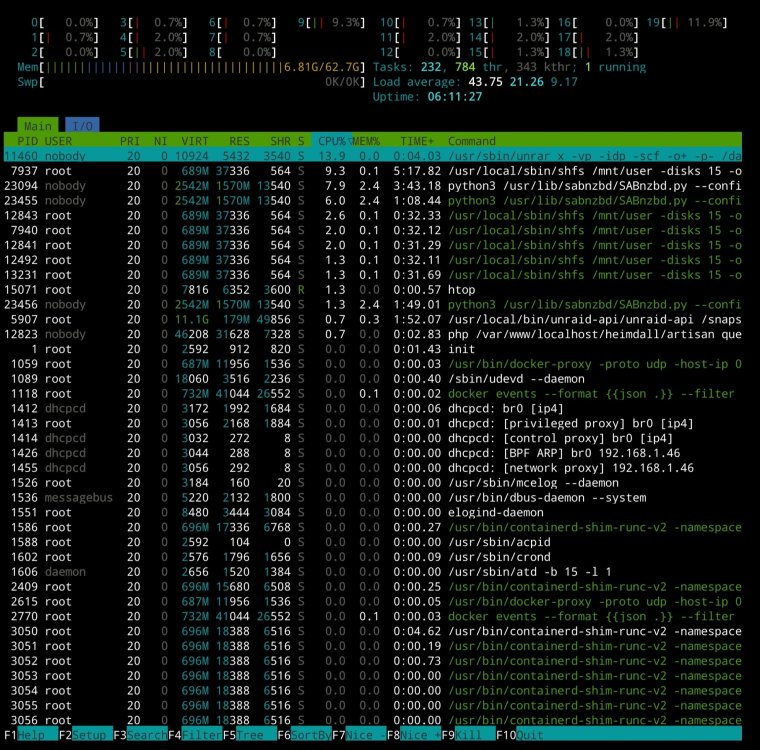
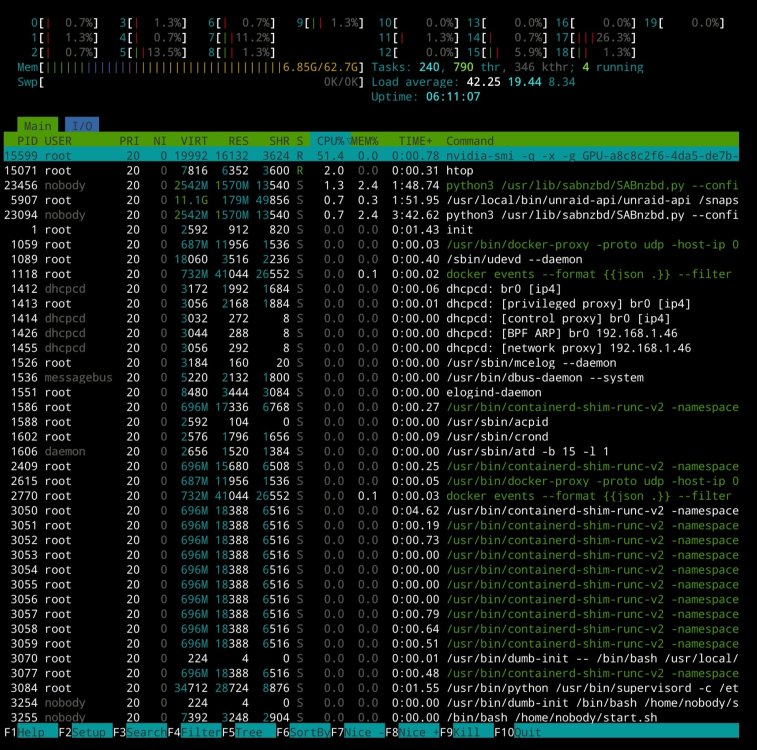
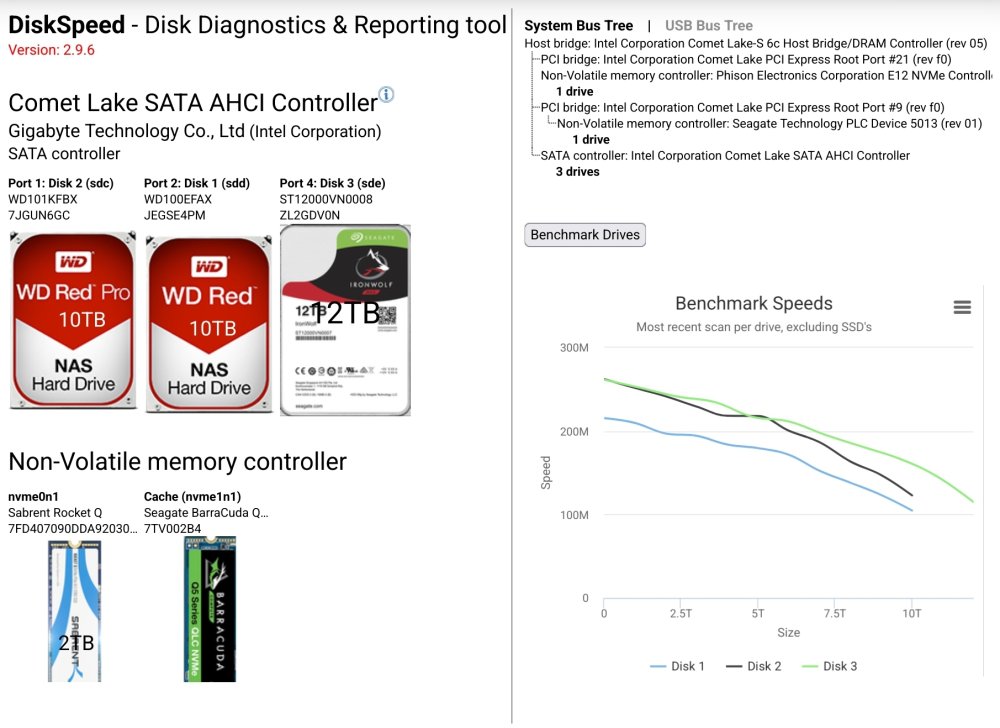
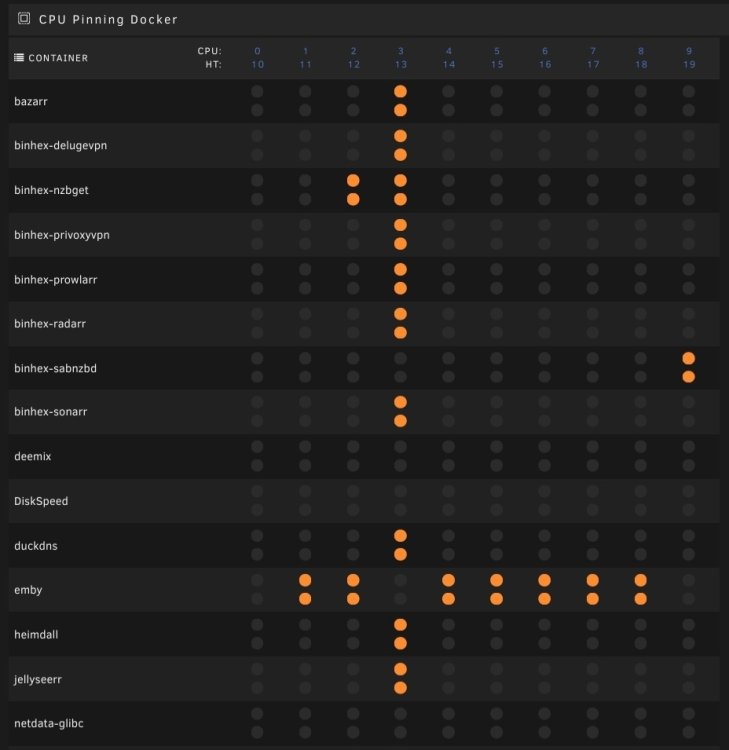
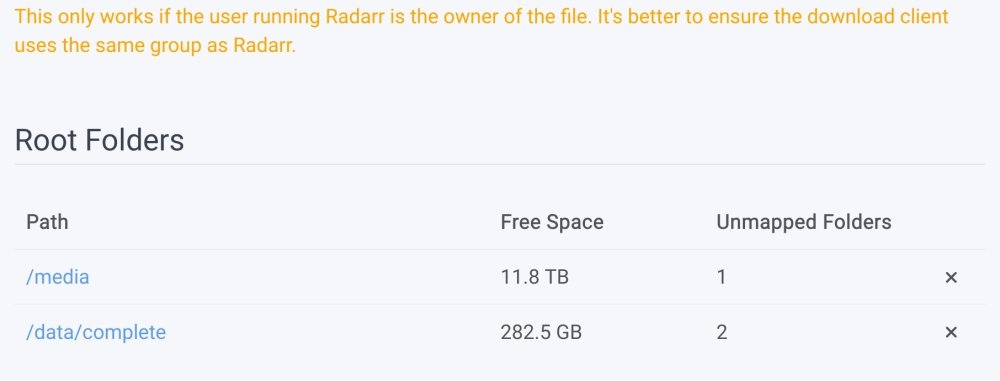
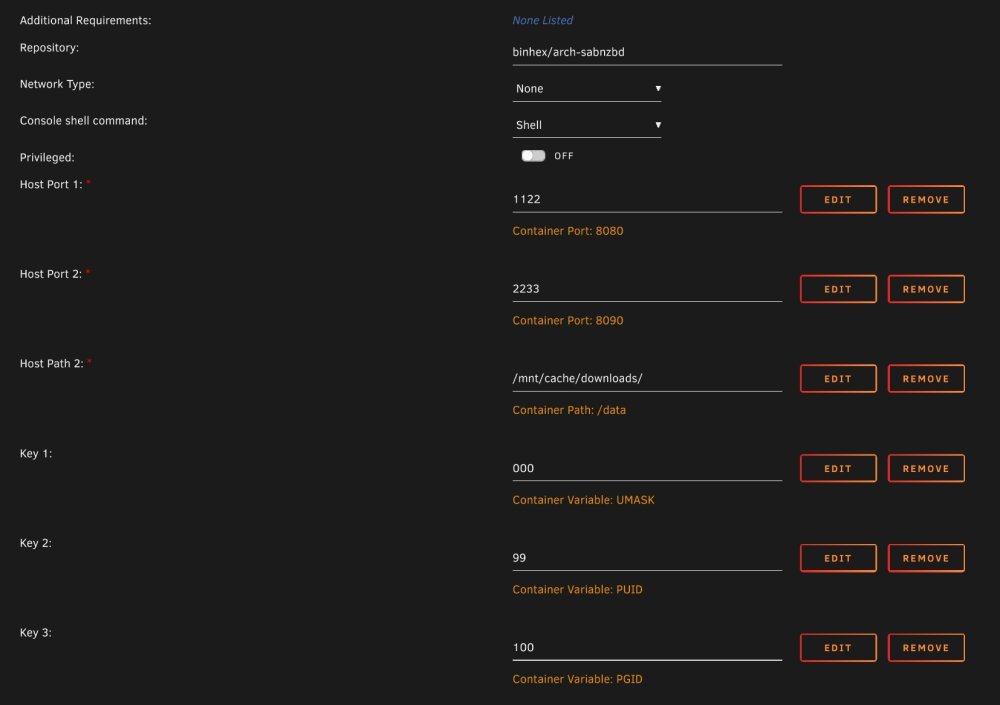
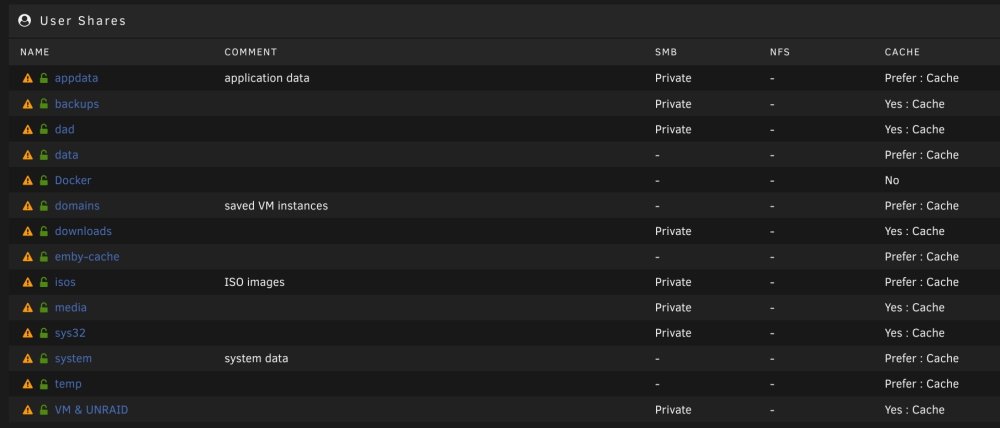
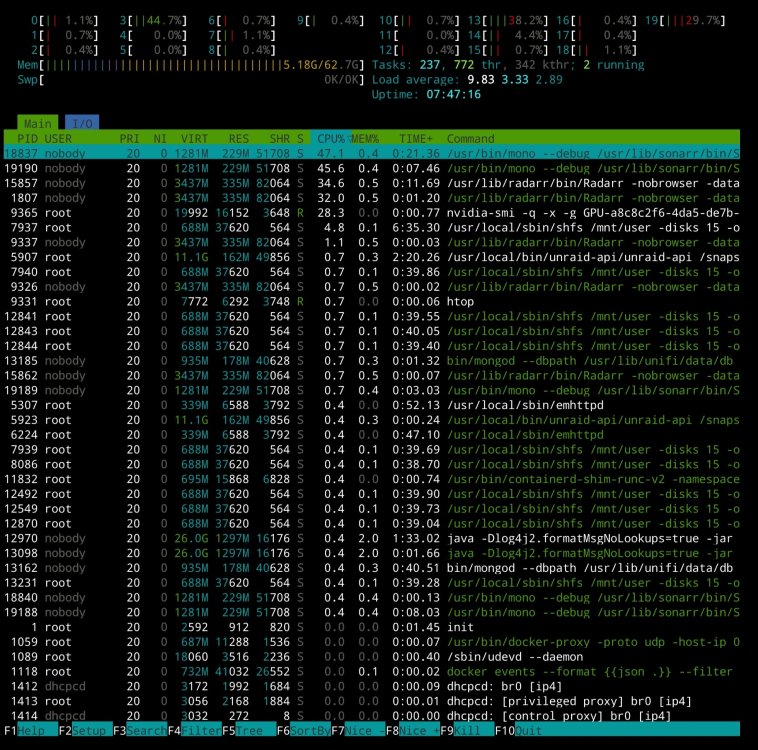
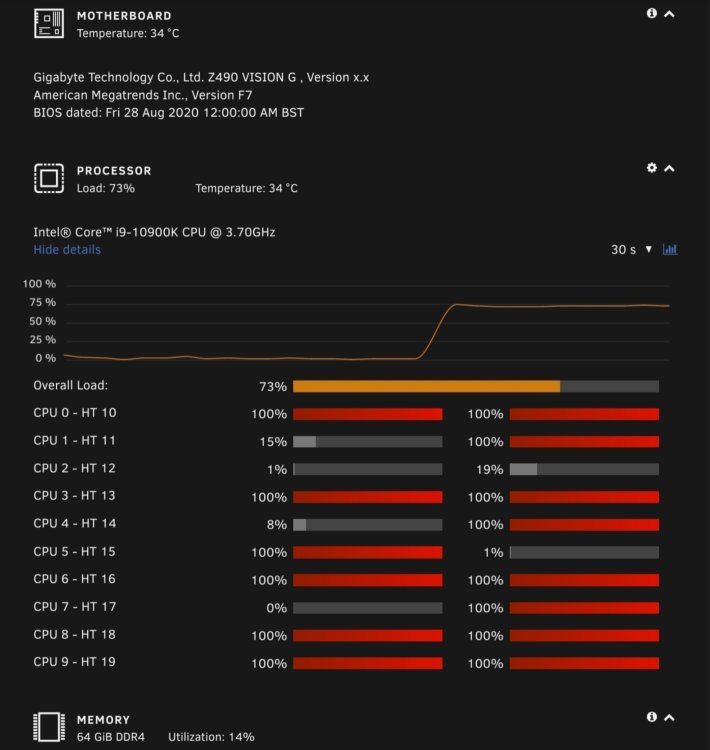
Afternoon all, I'm backed into a corner now and don't know how to resolve this. My system is now routinely unresponsive when unpacking/moving a finished downloaded media file. I have tried pinning SABNZB to just two cores however all my CPU cores pin which makes me think the issue is something other than SAB. For reference SAB downloaded and unpacks on a NVME drive then ultimately moves it to the array. I was of the belief my system was up to the challenge for being a media server, but I. Having second thoughts. I hope its just something simple that I've overlooked. I have run htop and the results are intermittent between the two relevant screenshots below. I can provide any information that is needed for some kind person to advise where I'm going wrong.
-
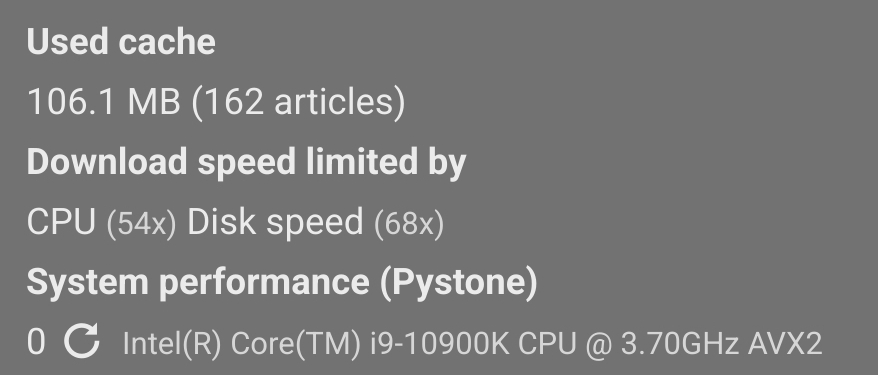
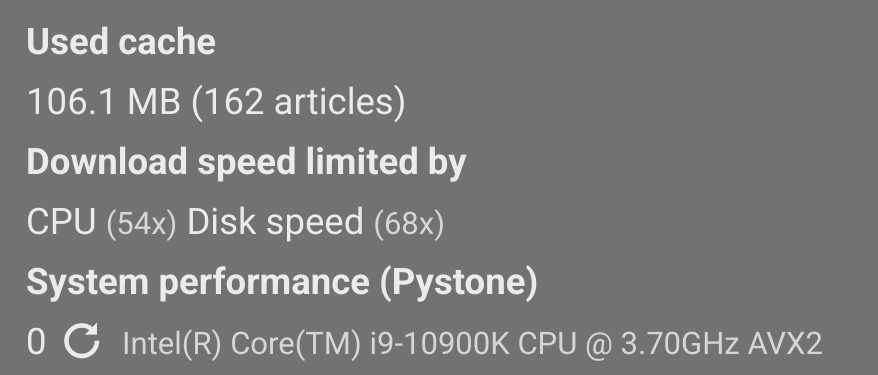
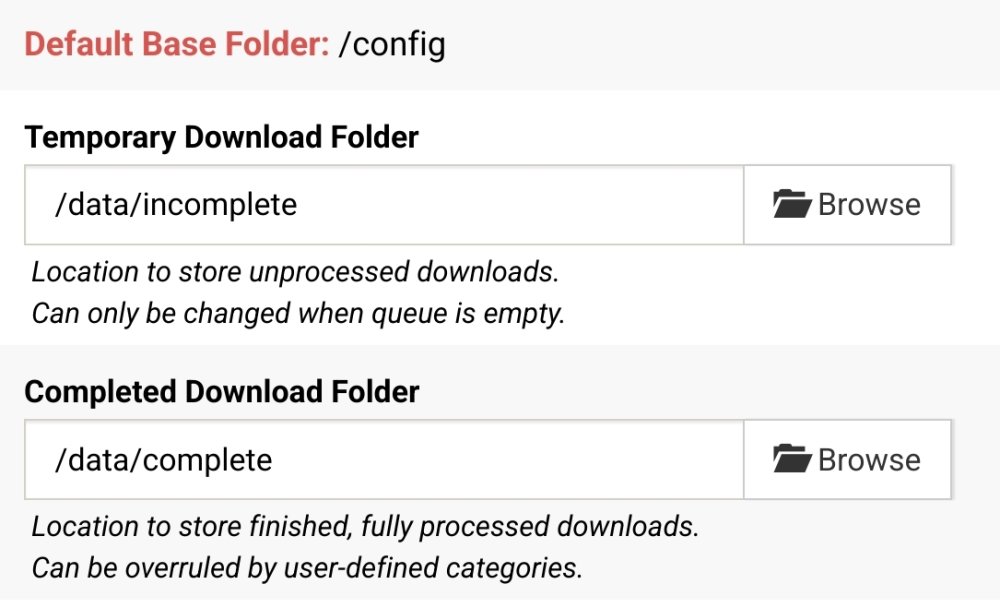
Hi, Many thanks for the suggestion. I've just updated to the latest however its still bringing my whole sever to a grinding halt, even causing Sabnzbd to restart sometimes. So frustrating. I have no idea what is causing it, nothing else is running. Looking in Sabnzbd status page, it shows the below, specifically that my CPU and Disk Speed are limiting my download speed. Could this indicate the issue does anyone believe?
-
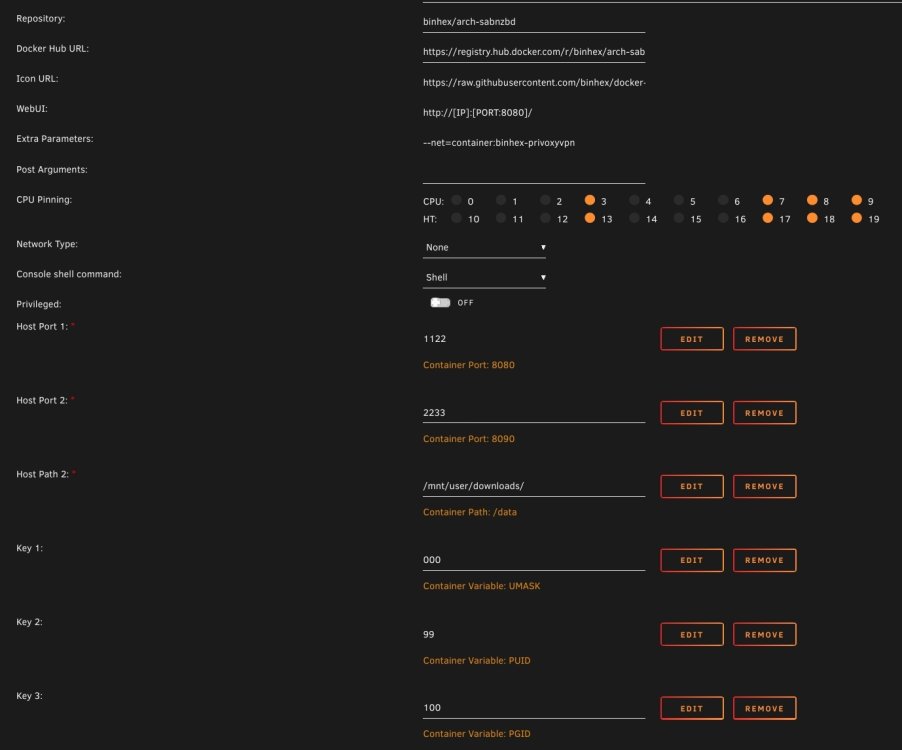
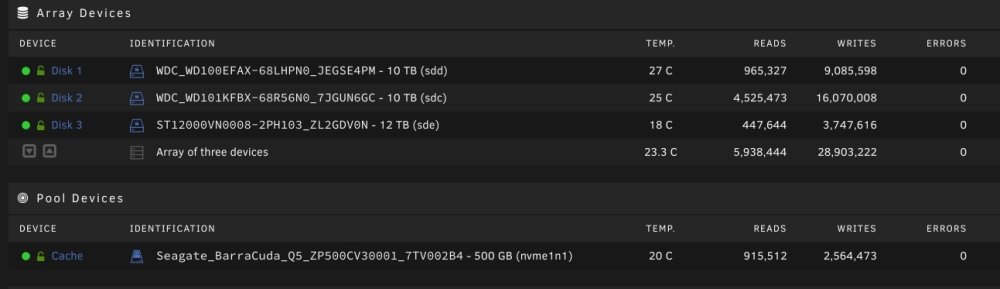
Hello all, I'm having an issue with Sabnzbdvpn and I was hoping someone could tell me what I'm doing wrong. Once SAB has finished a download, the system resources are maxed out and the system hangs whilst it unpacks and moves the file to its final location. Sometimes Sabnzbdvpn will crash and restart. I have a couple of mechanical HDD's that my movies are downloaded to and ultimately stored on. I also have an NVME cache drive, however I don't seem to have that set to be used by SAB. I do note however that when the system hangs, the NVME write count shoots up. Maybe this is somehow part of, or is, the problem. Any suggestions would be greatly appreciated.
-
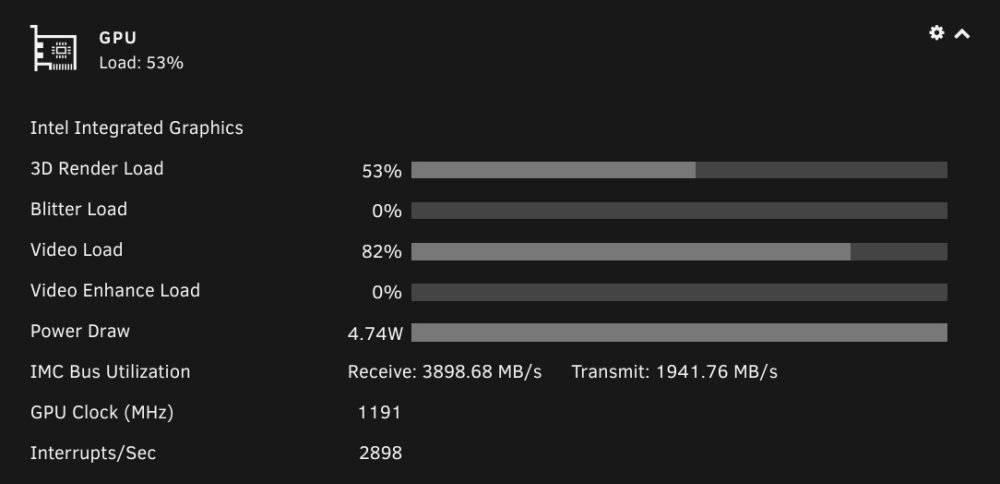
Hello, Many thanks for your prompt reply. I have just swapped over to the iGPU now and tried with one movie and it is put under a load of 53%. Would a dedicated card be better than the iGPU? On a side note, I have a NVIDIA 3060 for my VM, which is not used. Would that card be better for emby than a dedicated transcode card?
-
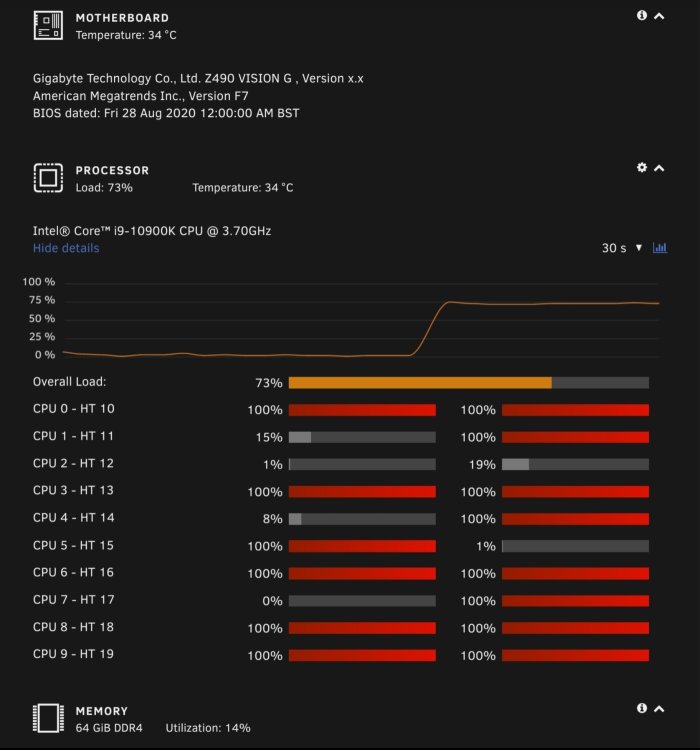
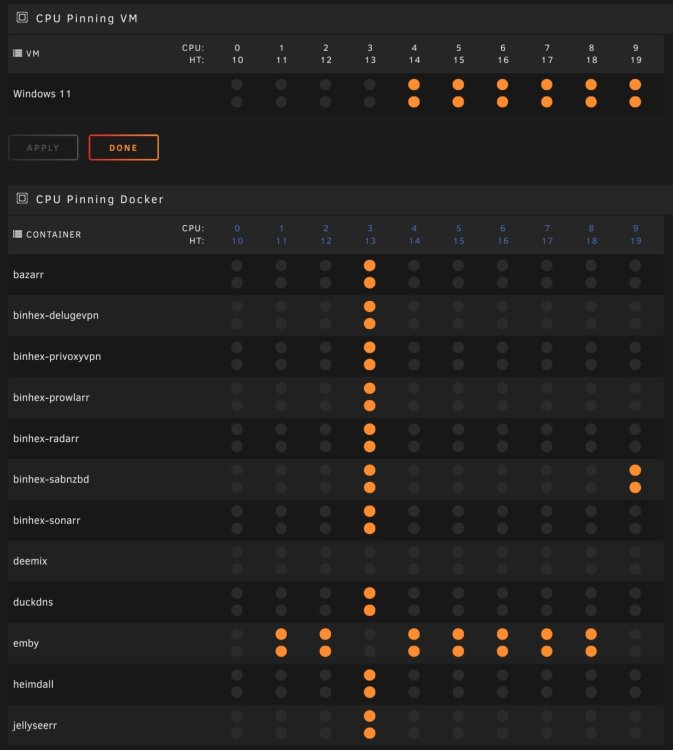
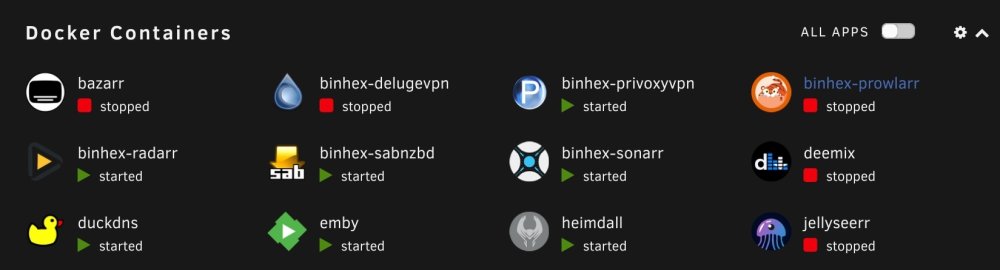
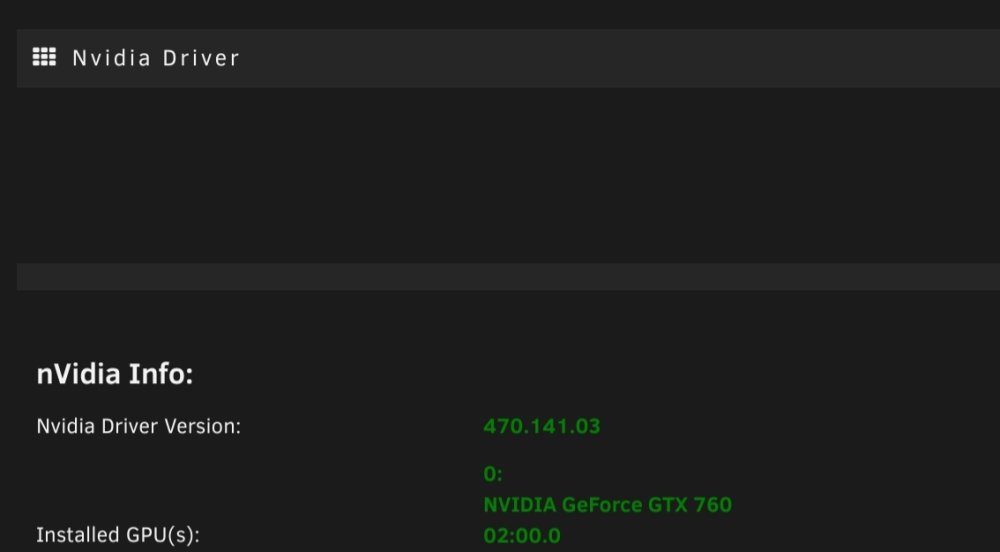
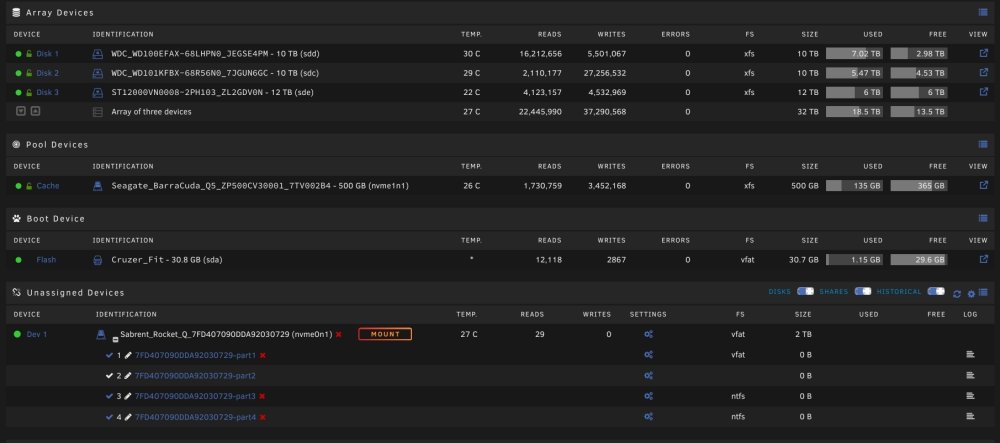
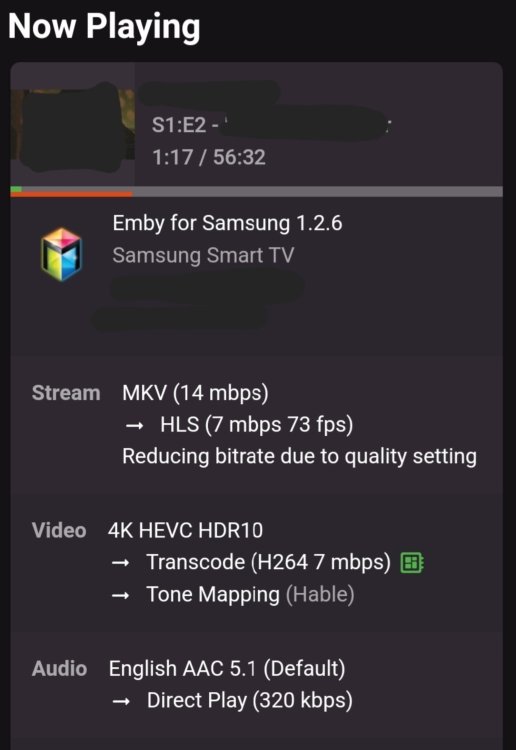
Good morning all, My unraid server has been ticking along without much alteration for around a year now. I predominantly use it as a media server via Emby and from time to time use a Windows VM, however this is literally only ever used for 15 minutes each month and is switched off for the rest of the time. I thought I had a half decent machine, with an i9-10900K, 64gb ram, 32tb hdd (mechanical) and 500gb cache (nvme), to run my media. The only thing that I think could be letting me down is that I use an old GTX760 for transcoding. My issues are; *The system comes to a complete standstill once a video has finished downloading and the system unpacks, moves to final storage location and obtains media art. Other than Sabnzbdvpn, Radarr and Sonarr, nothing else is using system resources, even those three use less than 1% (according to the docker advanced tab). *I will routinely have issues playing back media through my projector, and more specifically its internal speaker. The stream starts to break down, becomes choppy and unwatchable. I then need to activate a surround sound system. *One person is now using my Emby remotely, and their issues are magnified, with almost 50% of media not playing back. I have read about the iGPU being better than most cards however I am hesitant to go that route when my system is struggling as it is. I want my system to be able to transcode at least three streams, video and audio, with no issues. I have no problem in purchasing a P2200 (first card I saw after a search) or something similar if that will get the job done, I just need my server to be able to output a movie on demand, without any issues. Can someone please advise regarding the card, and also my cpu allocation as I think that may have something to do with it. Many thanks.
-
Hello gents, thank you both for replying. I ended up trying the USB Manager plugin first (as it was easiest...for me) and it worked a treat. Many thanks.
-
Hi, I have a Windows 11 VM setup and running great. I have today plugged in my Ledger Nano X, added it to my USB devices list in the VM, unfortunately however the Ledger Live app within Windows does not see it, it just sits there asking me to connect it to the PC. Anyone have any ideas? I've tried all the generic ones on the Ledger site (turn off antivirus etc), but nothing works. I've tried other cables, but still nothing. Many thanks.
-
Cheers mate, I'll have a try with both settings. 👍
-
Just finished making the switch in the bios mate, changed both from AUTO to 65Watts. System runs great so far, and the highest temp reached is 28 degrees. 👍





