





xenoblade
Members
-
Joined
-
Last visited
Everything posted by xenoblade
-
no, the container network is custom
-
Updated description.yes. i follow the container description to build
-
hi,there i add a new container in the unraid docker,set up a few port.but i got a problem,some port of this container i can not connected. such as port 10011 ,10052 ,11011 but i can connect the container's port such as 7600 i don't know why please help me thank you docker run -d --name='server' --net='proxy' -e TZ="America/Los_Angeles" -e HOST_OS="Unraid" -e HOST_HOSTNAME="Tower" -e HOST_CONTAINERNAME="server" -e 'AUTO_MYSQL_IP'='true' -e 'MYSQL_NAME'='mysql' -e 'MYSQL_IP'='172.19.0.9' -e 'MYSQL_PORT'='3306' -e 'GAME_PASSWORD'='7' -e 'AUTO_PUBLIC_IP'='false' -e 'PUBLIC_IP'='192.168.50.165' -e 'DP2'='false' -e 'GM_ACCOUNT'='user' -e 'GM_PASSWORD'='456' -l net.unraid.docker.managed=dockerman -p '7600:7600/tcp' -p '881:881/tcp' -p '20303:20303/tcp' -p '20303:20303/udp' -p '20403:20403/tcp' -p '20403:20403/udp' -p '40403:40403/tcp' -p '40403:40403/udp' -p '7000:7000/tcp' -p '7000:7000/udp' -p '7001:7001/tcp' -p '7001:7001/udp' -p '7200:7200/tcp' -p '7200:7200/udp' -p '10011:10011/tcp' -p '31100:31100/tcp' -p '30303:30303/tcp' -p '30303:30303/udp' -p '30403:30403/tcp' -p '30403:30403/udp' -p '10052:10052/tcp' -p '20011:20011/tcp' -p '20203:20203/tcp' -p '20203:20203/udp' -p '30703:30703/udp' -p '11011:11011/udp' -p '2311-2313:2311-2313/udp' -p '30503:30503/tcp' -p '11052:11052/udp' -v '/mnt/user/appdata/cz/server/log':'/home/cz/game/log':'rw' -v '/mnt/user/appdata/cz/server/data':'/data':'rw' --shm-size=8g tower-diagnostics-20231217-0223.zip
-
yes,you are right.thank you
-
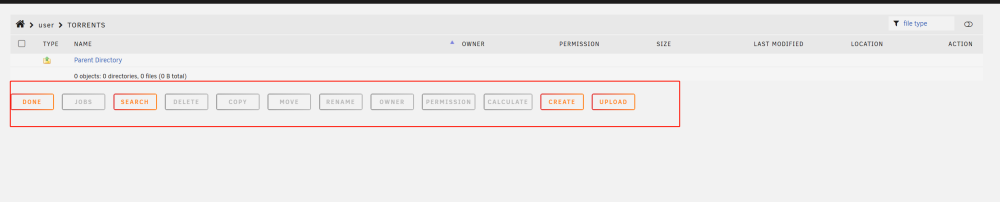
yes,i have 2 server,they both have Dynamix System Buttons plugin one is unraid 6.11.5,it has the UI bar.but the unraid 6.12.3 server not
-
hi,there in the unraid 6.12.3 i can't find this UI bar on shares file page Was it deleted or moved to another page? thanks all
-
我的可以原生支持2.5G网卡和pcie网卡
-
hi,there i want to try to create a custom network with IPV6 docker network create --ipv6 proxy but it did not work it shows this Error response from daemon: could not find an available, non-overlapping IPv6 address pool among the defaults to assign to the network how should i do? please help me,thank you
-
is there anyone knows how to work out it?
-
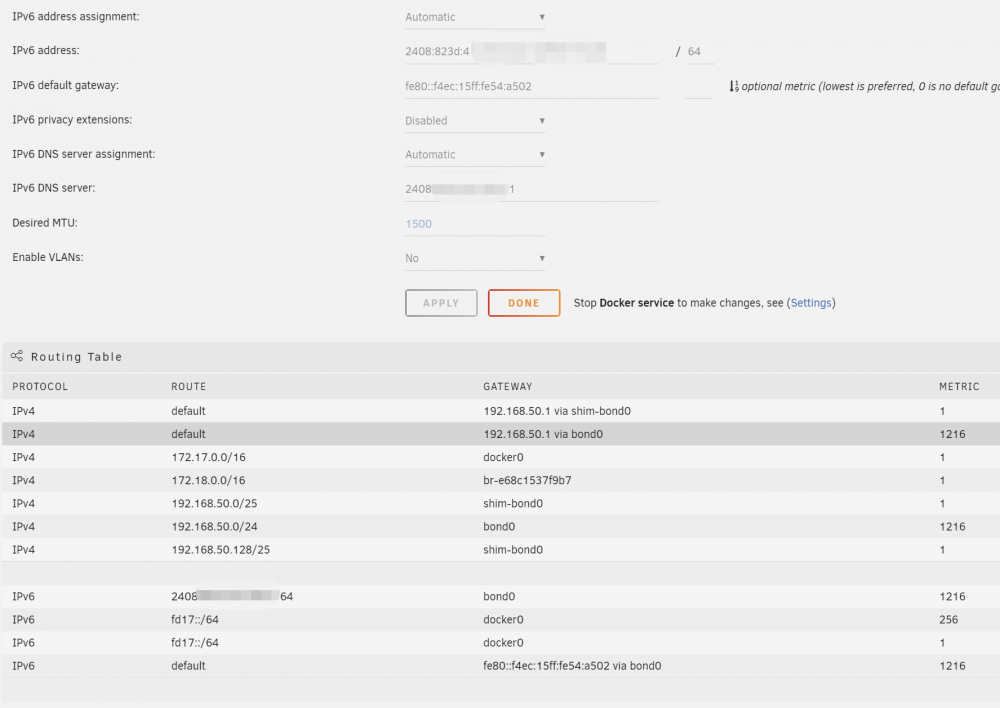
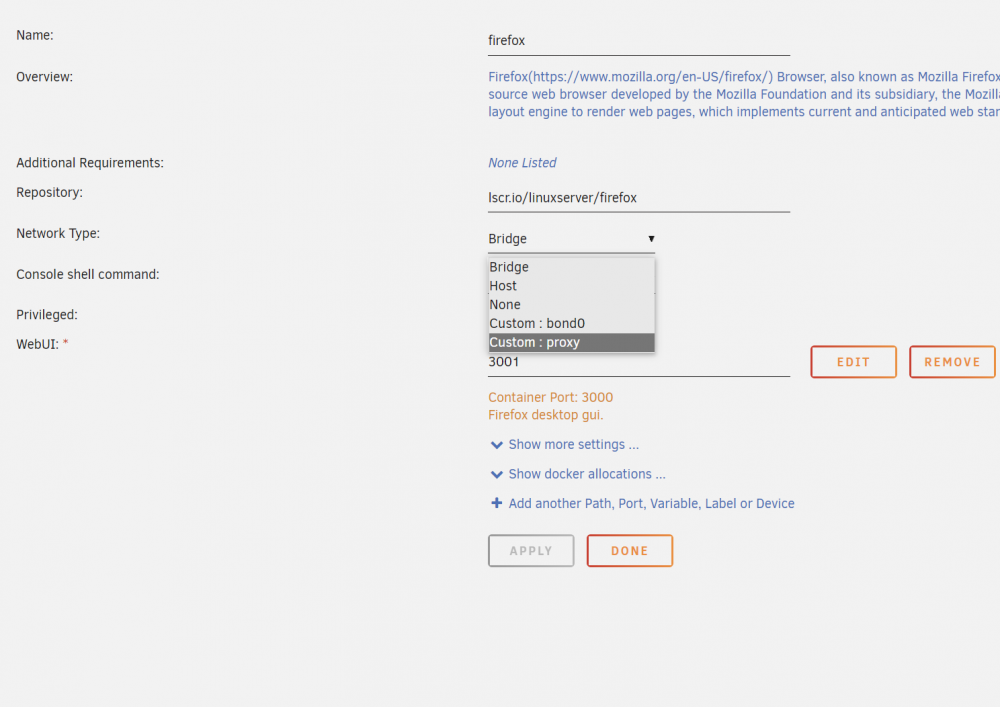
hi,there UNRAID VERSION: 6.10.3 when i set the docker network type to Bridge,host,custom bond0. the docker has IPV6 address but when i set the network to Custom proxy,it only have IPV4.there is no IPV6 address in the docker i want to know how should i do that i can get the IPV6 address in the proxy network type thank you
-
hi,i want to know how to set smtp on this docker thank you
-
thank you. i have solved my problem just change a few settings on the router,the unraid IPV6 address shows normally
-
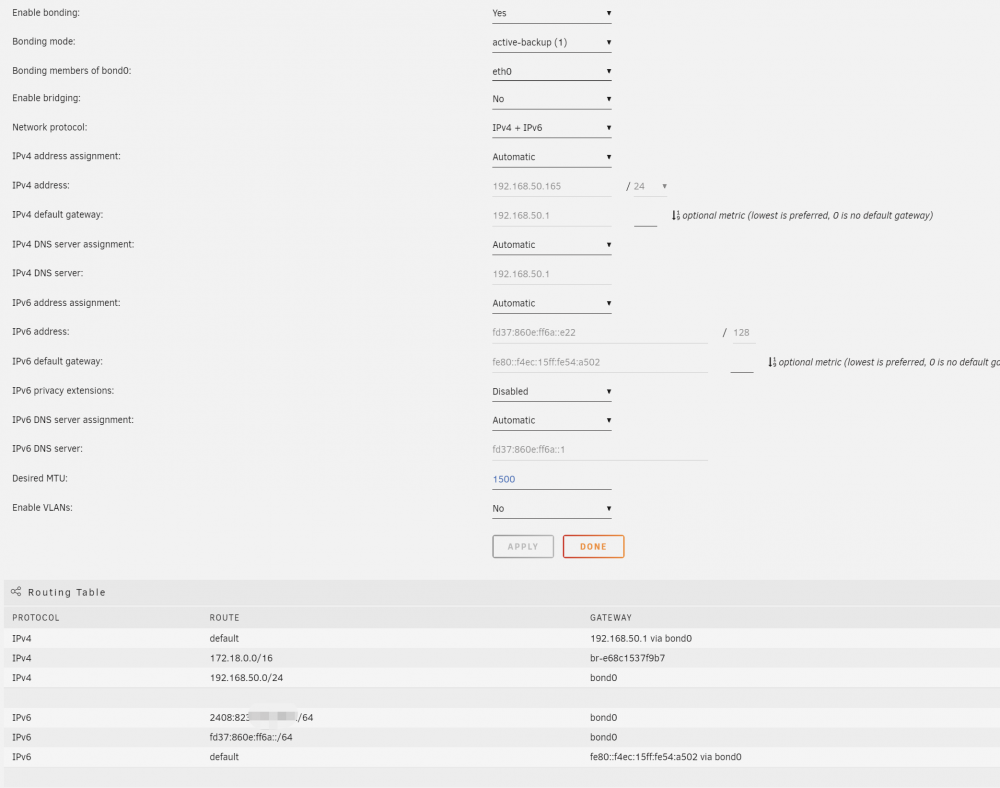
my router has dhcp ipv6.all my devices got IPV6 address but unraid servers Technically, the router shows that the unraid server has obtained IPV6. but the UNRAID do not shows that in the network settings
-
the unraid have IPV6 but the docker network can not get the IPV6 address tower-diagnostics-20220821-1637.zip
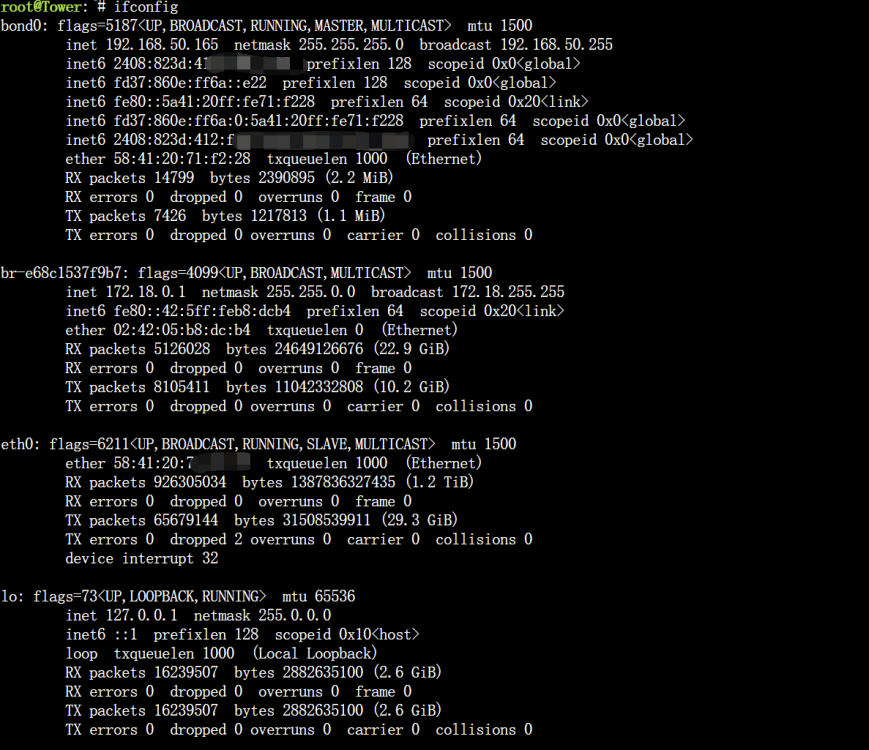
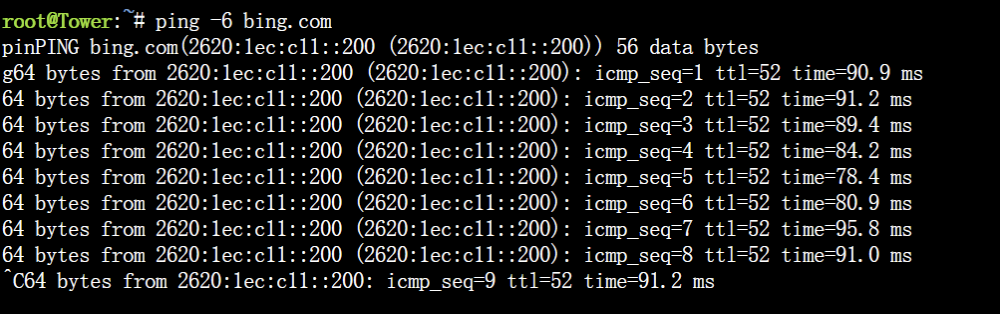
-
hi,there i got a problem about the copy speed,it has only has speed of the NIC speed smb copy speed network settings folder and main page when i tried to copy file to the unraid NVME or SSD .it got the same problem only have 150MB/S tower-diagnostics-20220818-2326.ziptower-diagnostics-20220818-2325.zip
-
yes,it is strange.when i copy file to the UNRAID. in the main page every drive's speed is 0 kb
-
楼主的问题解决了吗。我也遇到了一样的问题无法解决
-
ok.got it.thank you
-
and i also got another problem,when i stop all array.add the nvme to the Array Devices.the all docker has been dispeared.how could i recover them
-
it should be there now tower-diagnostics-20220818-2326.zip tower-diagnostics-20220818-2325.zip
-
tower-diagnostics-20220818-2256.zip
-
yes,i have tried.but i got the same problem it only has 126MB/S
-
i have tried.get the same result
-
no,my cache is ssd,i creat a folder use cache only.the speed should be over 220MB/S,but it still shows 120-150MB/S. the strange is the transfer speed is 270MB/S at the begining,then it came to 120-150MB/S
-
yes,the weird is.when i setting the ssd share folder.the speed is 150MB/S


