ruihere
Members
-
Joined
-
Last visited
Everything posted by ruihere
-
I just upgraded to 7.0.0. and want to try the snapshot function. I can create one. but I cannot see all the snapshots I have saved or how to restore my snapshot from the "VMS" tab?
-
@Squid I am AMD 5600U, and I got the same message: Jun 22 11:44:34 server mcelog: ERROR: AMD Processor family 25: mcelog does not support this processor. Please use the edac_mce_amd module instead. and I noticed that since I switched to AMD, my mac VM won't work anymore. I got this from my VM log: 2022-06-25T17:05:38.958203Z qemu-system-x86_64: warning: host doesn't support requested feature: CPUID.01H:ECX.pcid [bit 17] 2022-06-25T17:05:38.958268Z qemu-system-x86_64: warning: host doesn't support requested feature: CPUID.80000001H:ECX.fma4 [bit 16] 2022-06-25T17:05:38.959351Z qemu-system-x86_64: warning: host doesn't support requested feature: CPUID.01H:ECX.pcid [bit 17] 2022-06-25T17:05:38.959365Z qemu-system-x86_64: warning: host doesn't support requested feature: CPUID.80000001H:ECX.fma4 [bit 16] are they related ? thanks
-
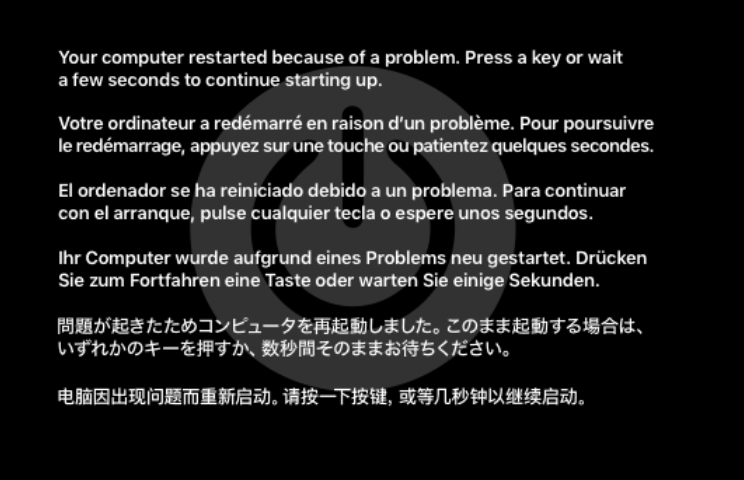
I got a new computer with AMD 5600U, and my Mac VM wont' work anymore, I have tried to do a clean install, but I cannot even get into the format disk part, when I run it, it keeps rebooting. When I checked the log, I got this: -cpu Penryn,kvm=on,vendor=GenuineIntel,+kvm_pv_unhalt,+kvm_pv_eoi,+hypervisor,+invtsc,+pcid,+ssse3,+sse4.2,+popcnt,+avx,+avx2,+aes,+fma,+fma4,+bmi1,+bmi2,+xsave,+xsaveopt,+rdrand,check \ -sandbox on,obsolete=deny,elevateprivileges=deny,spawn=deny,resourcecontrol=deny \ -msg timestamp=on char device redirected to /dev/pts/14 (label charserial0) 2022-06-25T17:05:38.958203Z qemu-system-x86_64: warning: host doesn't support requested feature: CPUID.01H:ECX.pcid [bit 17] 2022-06-25T17:05:38.958268Z qemu-system-x86_64: warning: host doesn't support requested feature: CPUID.80000001H:ECX.fma4 [bit 16] 2022-06-25T17:05:38.959351Z qemu-system-x86_64: warning: host doesn't support requested feature: CPUID.01H:ECX.pcid [bit 17] 2022-06-25T17:05:38.959365Z qemu-system-x86_64: warning: host doesn't support requested feature: CPUID.80000001H:ECX.fma4 [bit 16] qxl_send_events: spice-server bug: guest stopped, ignoring When I checked the Unraid syslog, I noticed this: Jun 22 11:44:34 server mcelog: ERROR: AMD Processor family 25: mcelog does not support this processor. Please use the edac_mce_amd module instead. Is that the reason? thanks
-
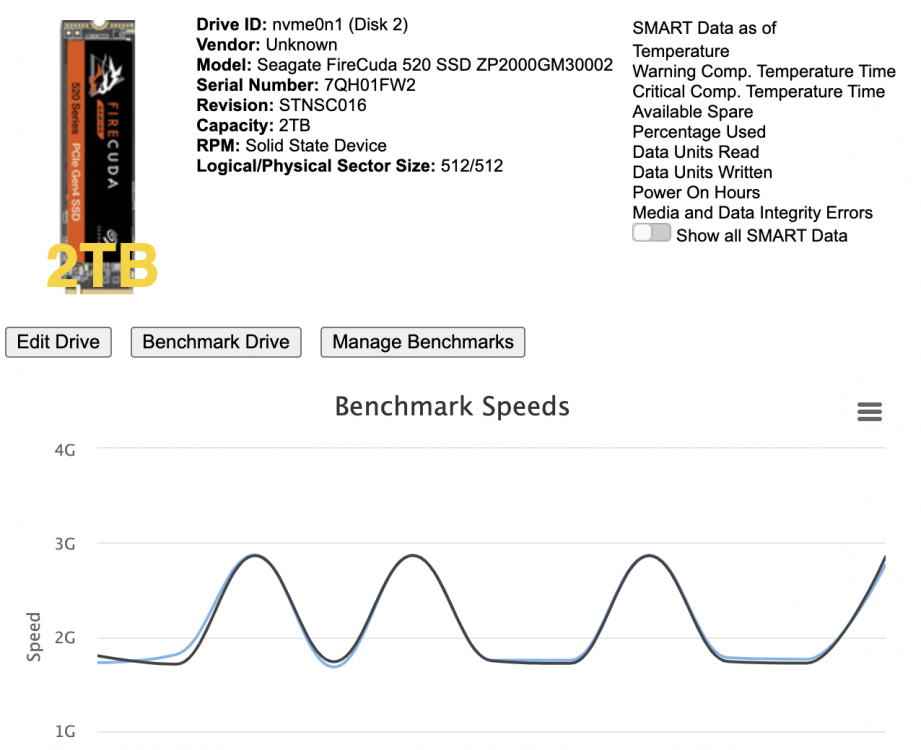
@jbartlett I am testing a few of my NVMe SSDs, and this one is quite stronage, Seagate FireCude 520, the speed was going up and down. Do you think I should replace this SSD? this one is a brand new one, can be on PCIe4, but I only have a PCIe3, so the speed was downgraded. but I should not been seeing up and down like this, right? I think something wrong with the brand new drive?
-
@bonienl I have AMD Ryzen 5 5600U and it failed to detect the temperture sensor drivers. Is there a way I can know my sensor drivers? thanks!
-
When I checked the log, it is saying: Jun 10 22:30:53 Tower kernel: amdgpu 0000:03:00.0: [drm:amdgpu_ib_ring_tests [amdgpu]] *ERROR* IB test failed on gfx (-110).
-
you are right, I enabled PCIe ACS Override on VM Manager page. then I can see my AMD igpu graphic card now. However, when I injected this card into my windows VM. I can get my VM boot up sucessfully, but no output on my monitor. I am thinking if I should setup vbios on my integrated amd grahic card.
-
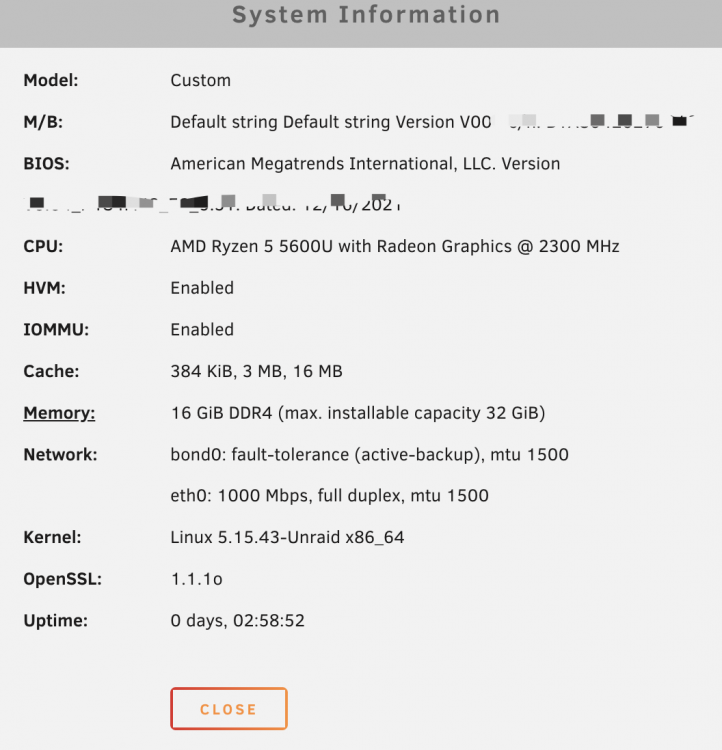
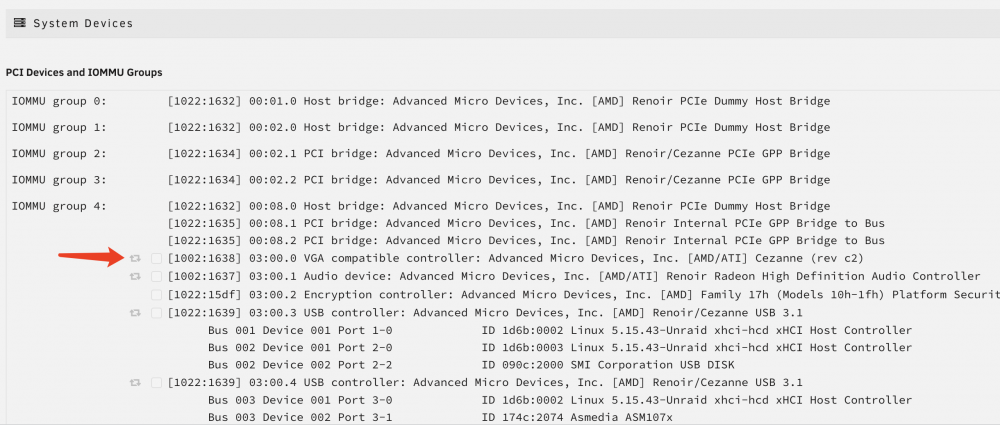
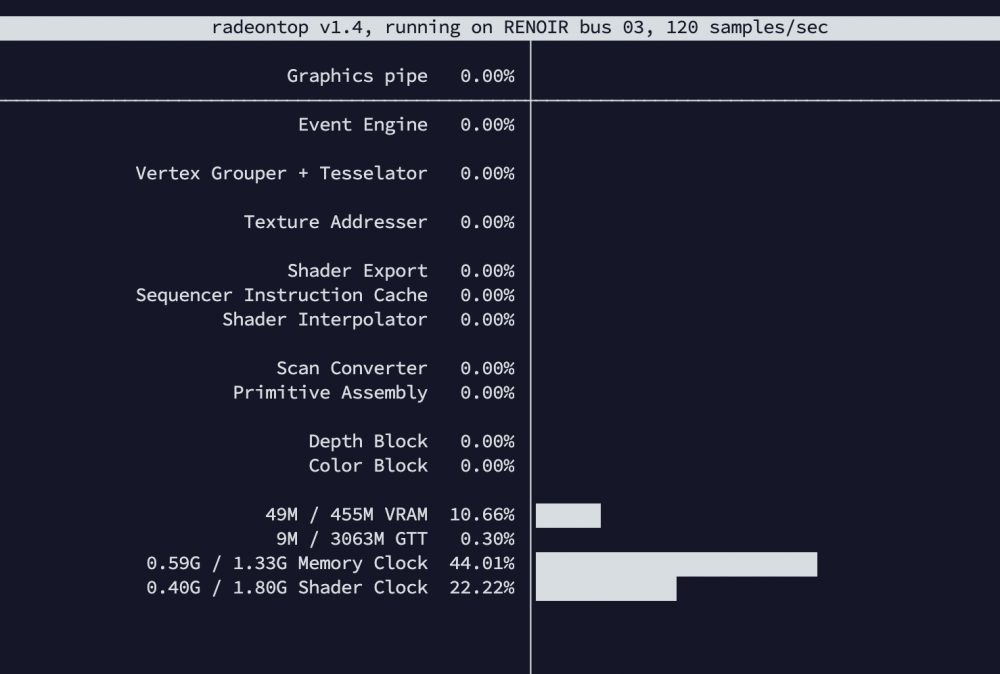
Hi, I have AMD 5600U with the integrated graphic card Radeon RX Vega 7, and I have enabled the HVM & IOMMU inside my BIOS, however I still see my graphic card greyed out and cannot let it passthrough? I am on 6.10.2, and I installed Radeon TOP. I can see that my GPO is functioning if I use /dev/dri on my docker apps. thanks
-
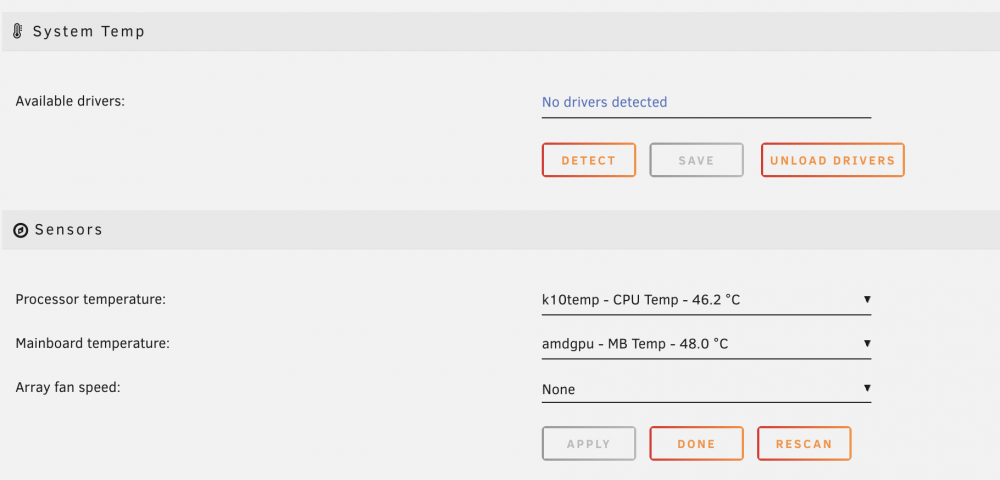
Hi, I have a mini pc with AMD Ryzen 5 5600U , when I tried to setup the system temperture display, it said " No drivers detected". I am on 6.10.2. Is there a way I can find out which drivers I need for my AMD CPU? thanks
-
Hi, I want to mount some cloud storage accounts as a local drive in Unraid for additional storage. I know the most popular one is the Rclone, but I am more into a GUI way of setting things up. ( Don't want to setup rclone for read/write mount, scheduled rclone sync/backup via bash without any alerting for errors, etc) It looks like there is one called ExpanDrive can do the job ( but not sure how I can set a large cache for it, or set up offline sync/selective sync). Also there is one called Insync headless, that one seems satisfy all my needs( Linux , selective-sync). but with costly yearly license. Anyone has a better way of mounting cloud storage ? ( GUI preferred, with selective-sync or large cache setup for faster access cloud content). thanks
-
I did and monitor for about one hour, all the file actitivies are on my SSD drive. nothing on my usb hard drives.
-
@SimonFboth sdc and sdb are unassigned drives, they are external USB3.1 G1 harddrive enclosure. is there a way to find out which app/process spin them up?
-
@SimonF here it is thanks! tower-diagnostics-20220521-0738.zip
-
I also checked the system log, my SATA harddrive has the spindown record: May 20 06:50:11 Tower emhttpd: read SMART /dev/sdd May 20 07:20:12 Tower emhttpd: spinning down /dev/sdd May 20 10:00:53 Tower emhttpd: read SMART /dev/sdd May 20 10:32:31 Tower emhttpd: spinning down /dev/sdd May 20 11:05:28 Tower emhttpd: read SMART /dev/sdd May 20 11:37:28 Tower emhttpd: spinning down /dev/sdd May 20 15:16:21 Tower emhttpd: read SMART /dev/sdd May 20 15:48:42 Tower emhttpd: spinning down /dev/sdd May 20 18:12:23 Tower emhttpd: read SMART /dev/sdd May 20 18:49:27 Tower emhttpd: spinning down /dev/sdd
-
@SimonF here is my output: root@Tower:~# hdparm -C /dev/sdb /dev/sdb: drive state is: standby root@Tower:~# hdparm -C /dev/sdc /dev/sdc: drive state is: standby root@Tower:~# smartctl -n standby /dev/sdb smartctl 7.3 2022-02-28 r5338 [x86_64-linux-5.15.40-Unraid] (local build) Copyright (C) 2002-22, Bruce Allen, Christian Franke, www.smartmontools.org Device is in STANDBY mode, exit(2) root@Tower:~# smartctl -n standby /dev/sdc smartctl 7.3 2022-02-28 r5338 [x86_64-linux-5.15.40-Unraid] (local build) Copyright (C) 2002-22, Bruce Allen, Christian Franke, www.smartmontools.org Device is in STANDBY mode, exit(2) root@Tower:~#
-
I am using MediaSonic HUR5-SU31C, 2 Bay Proraid USB 3.1 Type-C, it supports spin down. but somehow they are not
-
this is a very old post, but I want the same thing as @xlordnashx. Do we have any better solutions? or still the SMEasy is the best solution so far? The one I love most is this one from QNAP, the Cloud Storange Gateway. so the local NAS is acting as "Edge" location, cache the content from cloud. https://www.qnap.com/solution/cloud-storage-gateway/en-us/
-
Hi, I have a mini pc , and I use a USB 3.1 external harddrive enclosure to add more storage. I saw my internal hard drive spins down correctly, however, my harddrive on USB enclosure never spins down? thanks
-
it's the same experience as this one:
-
sorry @Squid somehow I missed your reply. I tried differernt combinations: 1. only jellyfin+plex, the graphic was gone after a few hours 2. jellyfin+plex+ VM. the graphic card also was gone after a few hours. and the graphic card in VM not working. yellow mark.
-
Hi, I am experiecing the same issue as this topic here: When I boot up Unraid, I can see my graphic card inside the System Devices under "Tools". and I can use it on Jellyfin/Plex fine. But after a few hours, I cannot see my graphic card anymore inside System Devices. What is the cause for this? Attached is the Diagnostics. Thanks! thanks tower-diagnostics-20220506-1459.zip
-
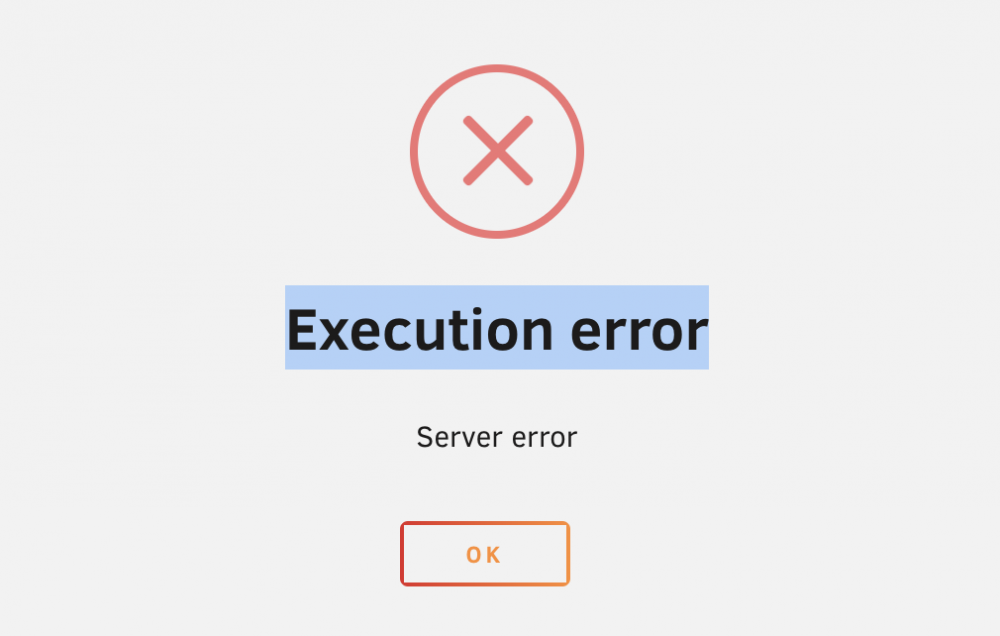
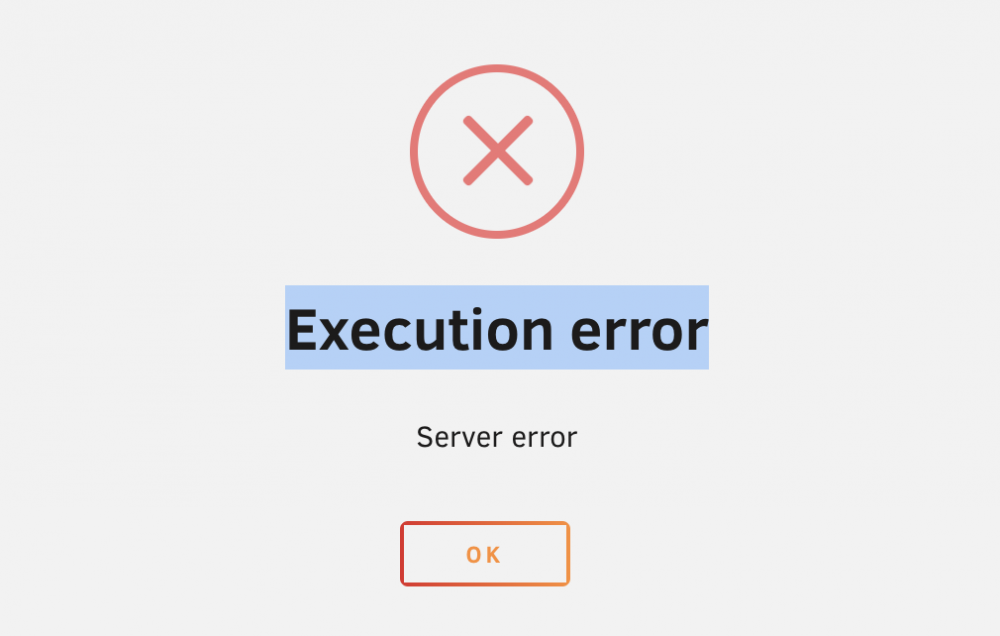
Hi, I have dockers for plex and jellyfin, and I am using Hardware transcoding with Intel-GPU-TOP, it is running fine and I can see that the transcoding has been running fine. however, after a few days later, I noticed the grphic card was disappeared from "System Devices". (it was on when I booted up the Unraid). when I tried to stop or restart jellyfin or plex again, it said what does this mean? why my graphic card was gone inside Unraid? attached is Thankse diagnostics. thanks tower-diagnostics-20220423-1121.zip
-
gotcha. thanks
-
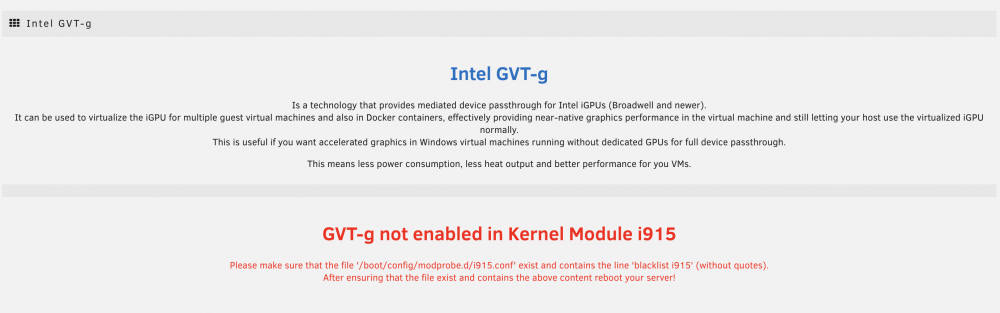
HI @ich777 I am using 6.10 rc4, but when I tried the plugin, it said GVT-g not enabled in kernel module i915. I read from the release note that this file no longer needed in unraid? echo "blacklist i915" > /boot/config/modprobe.d/i915.conf I have attached the diaglostic files. thanks tower-diagnostics-20220407-0906.zip