





xokia
Members
-
Joined
-
Last visited
Everything posted by xokia
-
If I want to pull one of my "cache" drives out and make it disk1 now so its just a normal disk but has all the appdata.....rest of the unraid system files is that an easy task? I would like to move the existing disk 1 down the line as some other drive.
-
Kinda wondering the point of the "cache" at all. Could you not just install the drive as a normal drive and operate out of the drive and get parity protection at the same time? I guess if you were just looking to speed up network data transfers this "cache" drive makes some sense. Will need to rethink my setup. Its not really a cache its more of a temporary storage if I understand it correctly.
-
So no way to write-through to HDD like a real write-through cache?
-
Is there a way to write-through to HDD say once daily but still operate out of the Cache? Do I just set the mover the other direction? But if it moves the data then does it no longer operate out of the cache?
-
Thanks for answering all the questions. I purchased a license. This forum has very helpful members.
-
If I want something to primarily run on the cache drive I have it set as primary and then I have the HDD as the secondary. Do I have this setup correctly or should the mover go the other direction? I'm thinking this config nothing would get put in the HDD unless the cache drive fills is that correct? So you have no backup of the cache? I guess my intuition says I want things to primarily run in the cache but write-through to the HDD at some point (whether that's hourly or daily).

-
The official image also got updated to 7516. When you say official image which version are you referring to? I was able to download using lscr.io/linuxserver/plex:version-1.32.5.7349-8f4248874
-
This is no longer pointing to 7349 its pointing to 7516 and for me this is broke.
-
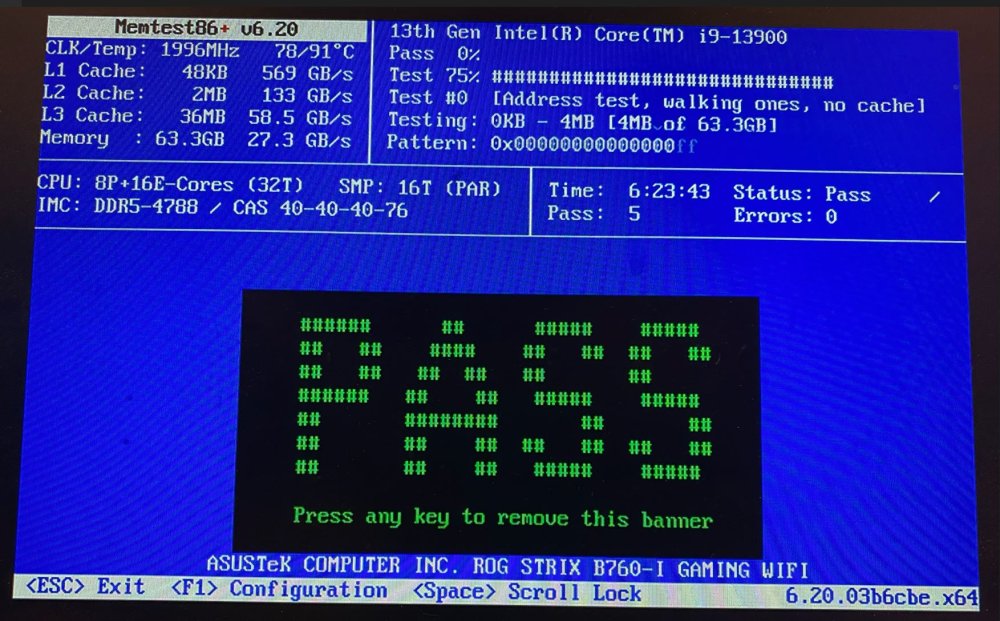
Is there additional debug switches we can try to enable to catch it? Hardware is CPU (which has been swapped) highly unlikely 2 CPUs would exhibit the same issue. RAM (swapped) RAM. Also increasingly unlikely both RAMs would exhibit same issue. MemTest passes no matter how long I run the test. Asus Motherboard and motherboard peripherals. This one is the only thing I can't swap. I have disabled as much as I can in the bios. The only thing I can't disable is the GPU or the LAN. I can try and disable IOMMU. Maybe Asus has a bug in bios?
-
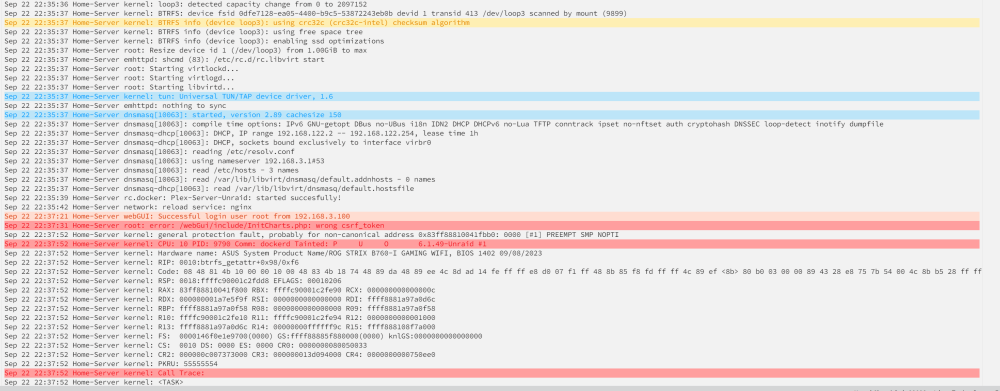
Both RAM sticks were run individually and it still crashed can't be the memory. Is there any additional debug switches that can be turned on that could give us some clue what is causing the constant crash? Broke it down as bare bones as possible, Removed the NVME, Removed the SSD, only 1 stick of 32GB RAM. Have 3 HDD which all work and a i-i9-13900 which the CPU has been swapped and the problem remains. I seem to always get the following before the crash Sep 22 20:22:27 Home-Server kernel: __vm_enough_memory: pid: 9429, comm: dockerd, no enough memory for the allocation I currently have just nraid and plex media server running. I suppose I can try shutting down plex and just have Nraid running syslog_9_22_2023_dimm2.txt
-
BIOS update did not resolve issue moving onto single 32GB RAM. Will see if it stays up. If this fails I'll swap the RAM sticks. *edit* First RAM stick still get crashes. Trying 2nd RAM stick only. This is so frustrating because this system is fairly basic. Using no external cards. Typically Seg faults are programs errors vs RAM errors but anything is worth trying. 😟
-
On debian and other linux builds apt install intel-microcode If your bios micro code is older then the update then it gets applied
-
Good suggestion will try that. Just seems weird to me that issue wouldn't be hit under load if its faulty RAM. This only occurs when things are idle. Make me think C-state or package S-state issue. I noticed Asus released new bios code yesterday with micro-code update. I will try bios first. Then try try single stick of RAM. Can you update micro-code manually with slackware? I'll add CPU has been swapped and issue remains. So the only other hardware would be memory or motherboard.
-
Windows WSL comes to mind. Nifty feature that windows now supports. If you have a USB drive case pop it in and use windows WSL to read the drive.
-
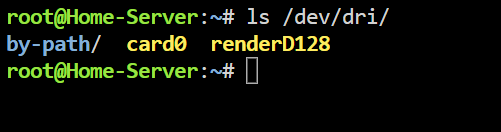
In your BIOS did you enable IOMMU?
-
My System randomly crashes with what looks like seg faults. I can not figure out why. I have an i9-13900 cpu iGPU is using 512MB of system memory asus b760-i motherboard WIFI & bluetooth -> disabled in bios Soundcard -> disabled in bios G.SKILL Ripjaws S5 Series 64GB (2 x 32GB) 288-Pin PC RAM DDR5 5600 (PC5 44800) Desktop Memory Model F5-5600J3636D32GX2-RS5W 2TB solidigm NVME -> not added to anything Team group 2TB SSD -not added to anything 20TB exos HDD 10TB WD red pro HDD 2TB random drive Nothing else installed. Nothing over clocked. I have tested the RAM every way possible and it passes. I can not figure out where the fault is. It doesnt appear to be hardware. Issue never happens when the CPU is doing something always happens when things go idle. home-server-diagnostics-20230919-1456.zip syslog
-
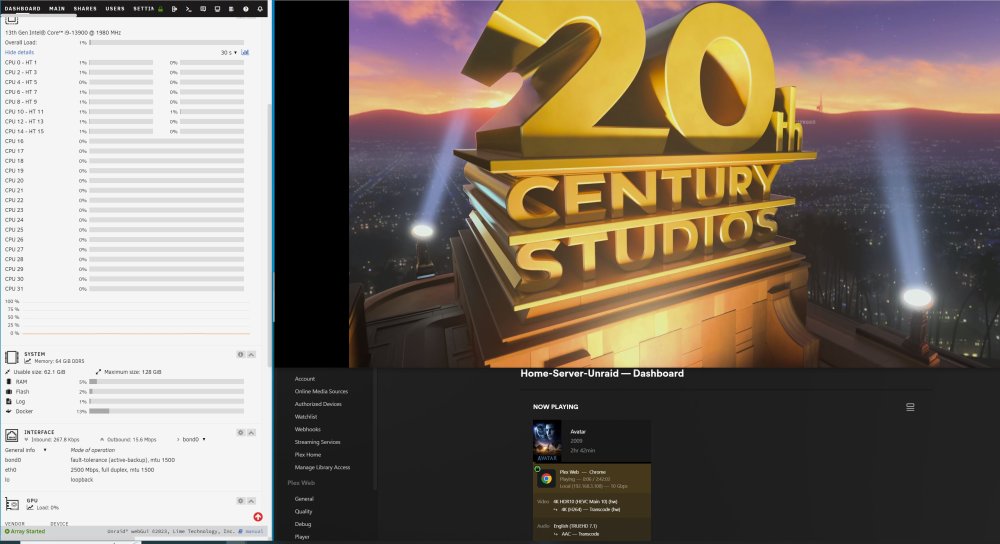
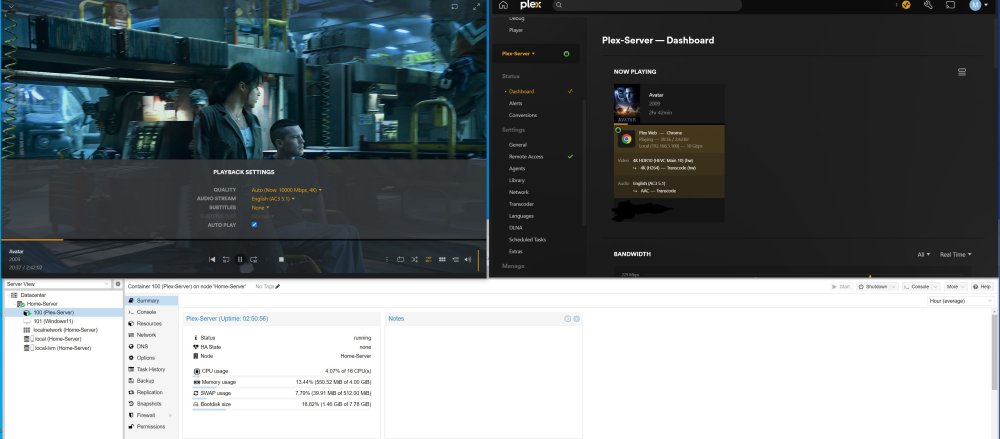
Unraid offered similar performance. Sorry if I took things off topic of this thread. Thanks for the information. Looks like for me subtitles was the performance killer.
-
You are correct looks like subtitles makes the biggest hit I will try this on unraid next. Also correct in I wasn't paying as close attention. I am evaluating unraid to switch to from proxmox. So trying to put it through it's paces.
-
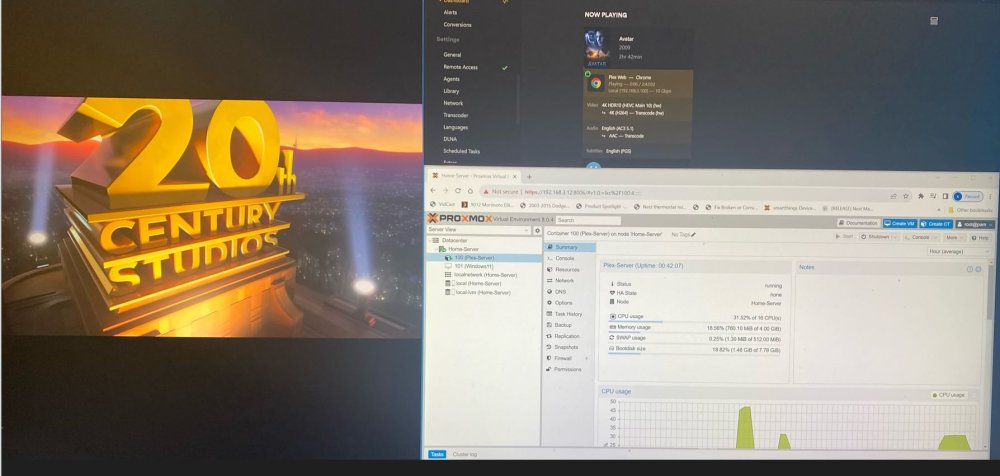
Just wanted to reaffirm this statement if any folks have doubts. I started up the linux machine (same box I am running unraid) with PMS 7349 and I see the same thing. Via web browser even though it says HW transcode it uses 32% of my CPU. Even if I use my iphone I see significant CPU effort involved in transcoding. Something I never noticed before. If I use Nvidia shield device as player CPU effort is near 0 to transcode.
-
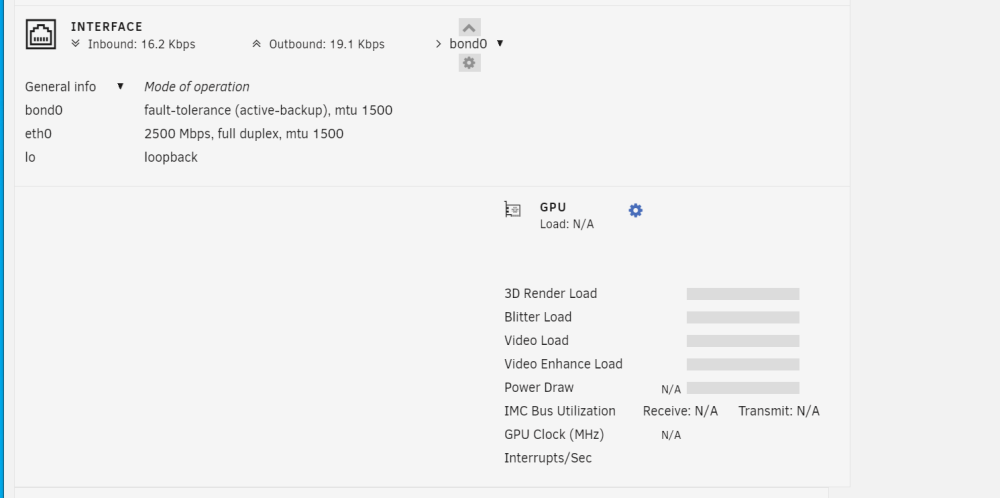
I Maybe my GPU crashed? I have been trying to get win11 with GPU passthrough enabled and cant seem to get it. I always lose the vnc if I pass through the GPU. It's possible I crashed the GPU and it cause some miss behavior. I dont know, I can only share what I experienced. I know when I noticed gpu statistics stop working I manually tried intel_gpu_top in the command prompt and that still worked. If I knew what caused it I'd be happy to share.
-
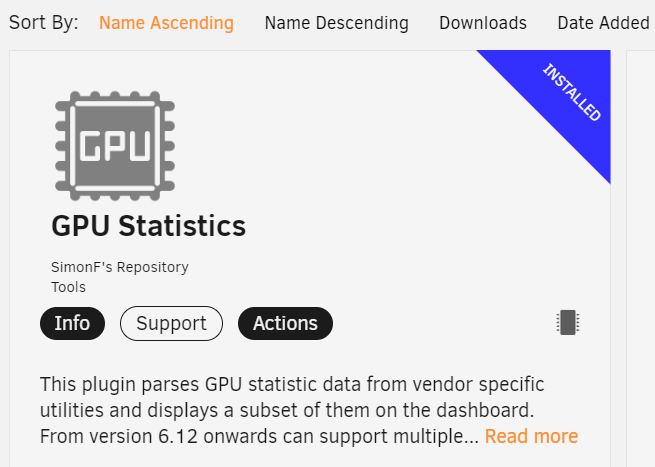
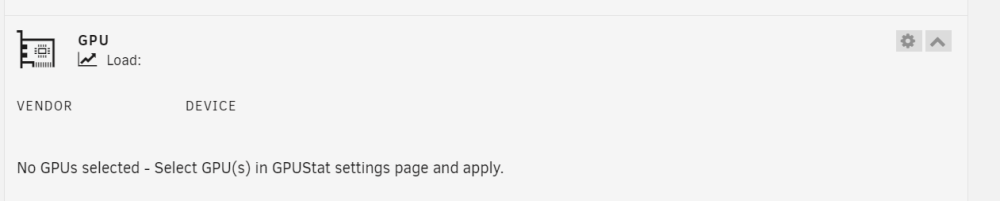
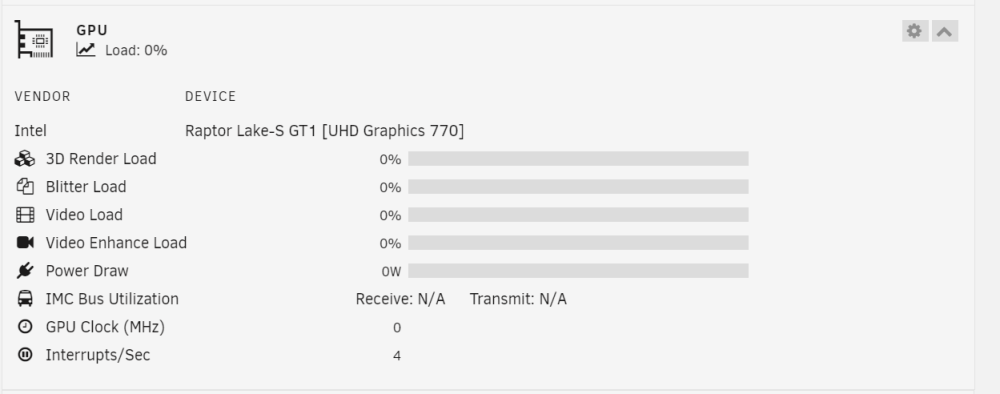
when I checked plugins said latest. 😐 What seemed to break it is I went in an selected no for the AMD/NVIDIA items. Then update, after that it said no gpu selected. If I went in to select the GPU nothing was available. Uninstall -> reinstall I was able to select the GPU and select no for NVIDIA and AMD. Then it worked. running intel_gpu_top and data was still available.
-
After the update to intel gpu top things went wonky with gpu statistics. It wants you to enter the vender but no vender option is available (This is the version under apps) If I manually install via the link on first page the vender shows up and I can select intel. Although its shifts the panel to the right and nothing shows up looks like the version from github provided by the link is incompatible with latest unraid this is the version from the app location uninstall reintsall and now I can select the GPU
-
maybe remove virtiofs if you dont intend to use it. I doubt that is the issue but just something to try. I dont see anything else in your setup that is different then mine.
-
I want to pass through the iGPU for transcoding with Handbrake. But I want to log into the machine with VNC. I booted once with both enabled by adding the iGPU as a secondary video card. But after a reboot I tried to log in via VNC and just got a black screen. Once I removed the iGPU I was able to log in via VNC again. Is there a trick to enable both? How do I make the VNC the primary other then selecting VNC as the first device?
-
I fixed this problem.....It makes zero sense to me. Created a backup of the same USB drive that said was read only. Then used the unraid tool to restore the backup and now it can be written by unraid. What in unraid is deciding its a good idea to make a drive read only with no way to undo that?






