Power_Stone
Members
-
Joined
-
Last visited
-
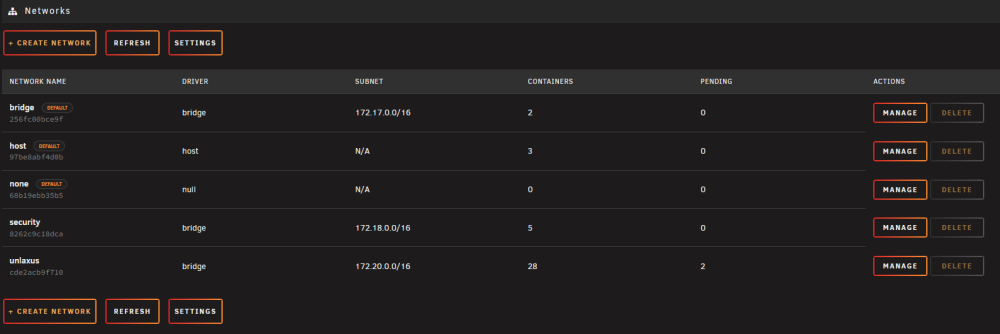
Just wanted to report a bug. I wish I could remember the steps leading up to what happened but long story short, using the docker network to move multiple docker containers to/from different networks broke my docker network configs. It left 26 dockers in the "pending" entry in docker networks. This prevented docker containers from properly connecting to the network and left them unusable on that network. Deleting the network with CLI did nothing to remedy this. Completely deleting my docker.img file did nothing to help. Doing the previous tasks paired with a system restart did not work. Putting the dockers on a different network allowed them to work, but putting them back on the original network resulted in issues, mainly: endpoint with name DOCKER_NAME already exists in network NETWORK_NAME. I managed to fix this for the most part by reinstalling all of my docker containers back to the affected network, and then I had to use docker network plugin to disconnect them from the docker network before I could reattach them without issues. For some reason, I cannot get these last two containers out of pending. EDIT: figured out why they are left in "pending" at least for me. For the docker containers on the template page, I had to click open the advanced view and clear out post arguments. Worked flawlessly after that
-
Not sure if you figured this one out or not but I finally nailed down what was causing this issue for me. the TL:DR is I was running authentik, for some reason when using domain wide auth it was breaking the tandoor setup process. After removing the config applied to tandoor in Nginx Proxy Manager I was able to complete the setup.
-
Hey found this plugin recently and its been exactly what I've been looking for. My problem is I have a AXi1500 and its not showing statistics. I checked with lsusb -t and found the device and noticed a driver was not binded to it. I tried binding the cp210x driver to it as shown in earlier posts but either that driver is not on my machine or its not located where I think it would be. Any help on this would be greatly appreciated.
-
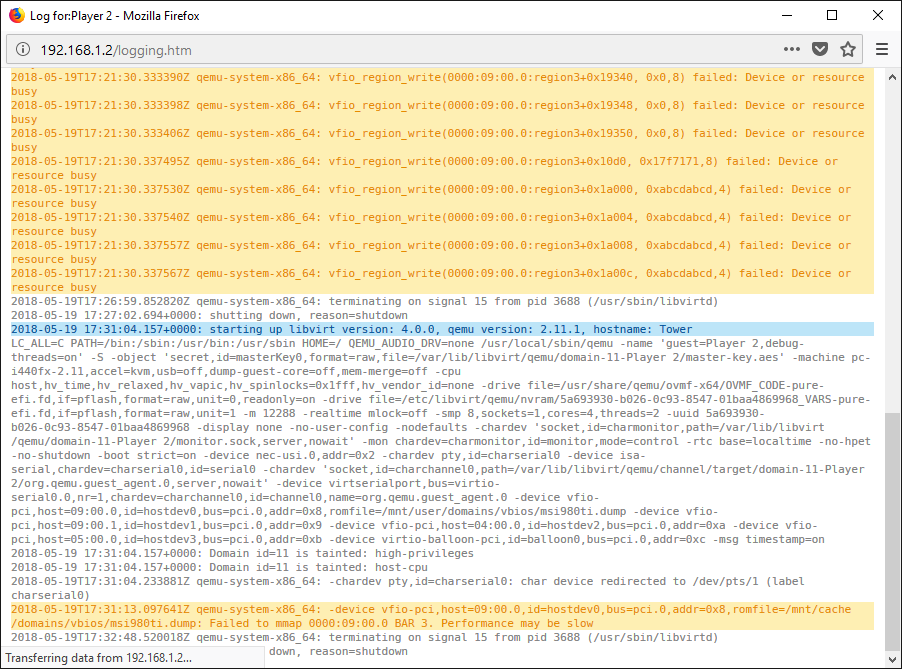
following this now because this follows my failing to MMAP error....