DayspringGaming
Members
-
Joined
-
Last visited
-
That's what I did. Once the inherit state actually worked (I have a BIG backup) it has been flawless.
-
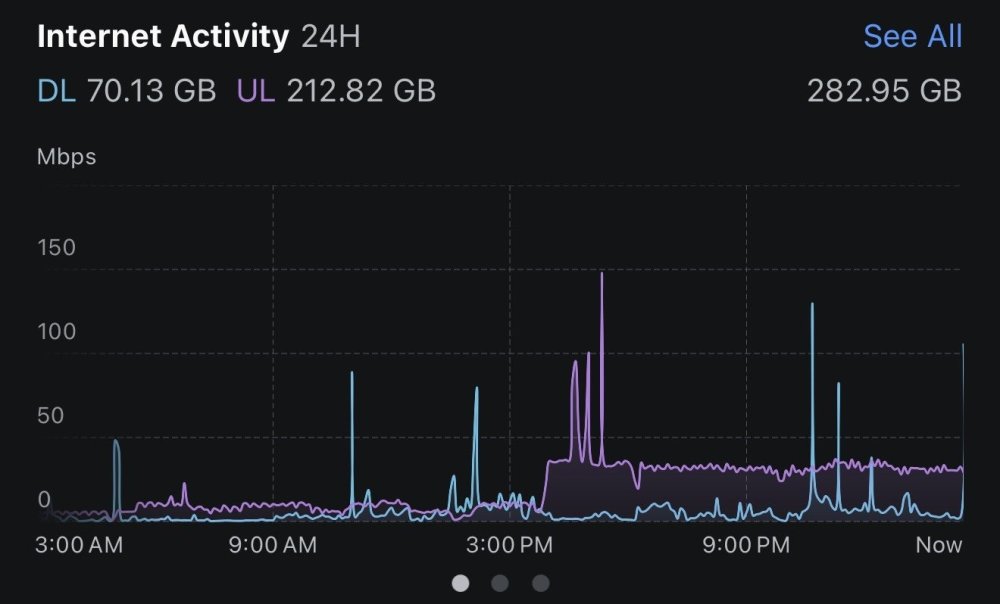
You can see where I changed from the stable branch to the beta branch almost in real time. You're definitely on to something!
-
I'm trying to inherit a backup state (a rather large one) and I'm getting what I think is a "WINE is crashing" error: noquiet: dlls/win32u/window.c:97: alloc_user_handle: Assertion `index < MAX_USER_HANDLES' failed.
-
All of a sudden getting an internal server error, and the error log shows the following when trying to log in via the webUI: I haven't made any networking changes or anything - ran the updater tonight without issue, still having this error.
-
I'm getting the same error as well. So now all of those specific containers that use it are broken.
-
What would cause a file to fail transcoding? I had it run through a library of linux ISOs, and have about 5000 or so that just won't transcode via NVENC. (A large amount worked correctly, though.) And most new files are failing as well. Ideas?
-
Just replaced my GPU and am getting 1/3 or so of the performance I had before. Tried removing the TDARR node setup and reinstalling. But sitting at 30 FPS on processing. Used to get 100+ or more with my older gpu. Old GPU: TitanXp New GPU: 3080 FE I checked the logs and am seeing the following error: [HPM] Error occurred while trying to proxy request /socket.io/?EIO=4&transport=polling&t=Nq_Iyn7&sid=hebFTjgL85ANwTZjAAAC from 192.168.1.35:8265 to http://192.168.1.35:8266 (ECONNRESET) (https://nodejs.org/api/errors.html#errors_common_system_errors) [HPM] Error occurred while trying to proxy request /socket.io/?EIO=4&transport=polling&t=Nq_IzGR&sid=9nczrJjdDz0tA5VBAAAA from 192.168.1.35:8265 to http://192.168.1.35:8266 (ECONNRESET) (https://nodejs.org/api/errors.html#errors_common_system_errors)
-
Just installed this docker as the other Handbrake docker went the way of the dodo. I've passed through the NVidia unRAID parameters - but not seeing the NVENC choice within the UI. Is this not a thing with this image?
-
After a full deletion of the app-data folder for Handbrake, I've re-downloaded it but am getting a server disconnected: code 1006 error and red X on the web ui. Any ideas? The log is showing several of these as I try and log in: 13/04/2021 00:11:40 Got connection from client 192.168.1.164 13/04/2021 00:11:40 other clients: 13/04/2021 00:11:40 Got 'ws' WebSockets handshake 13/04/2021 00:11:40 webSocketsHandshake: incomplete client handshake 13/04/2021 00:11:40 Client 192.168.1.164 gone
-
So apparently there's a "hack" to allow consumer card virtualization. It sounds like SR IOV. https://www.tomshardware.com/news/nvidia-gpu-virtualization-unlocked-on-client-gpus Am I correct here?
-
Updated without issue so far.
-
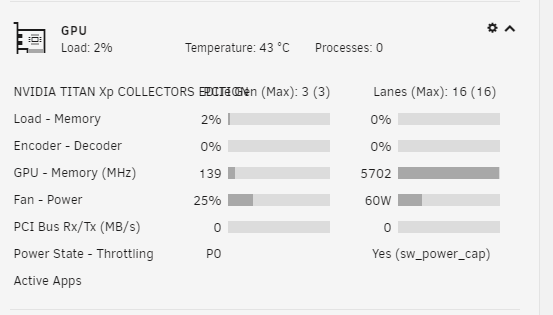
Name shortening works perfectly! Thanks for fixing!
-
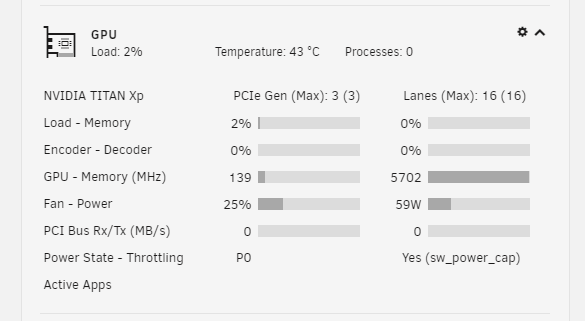
Just updated to the new version - still having an issue with the long GPU name.
-
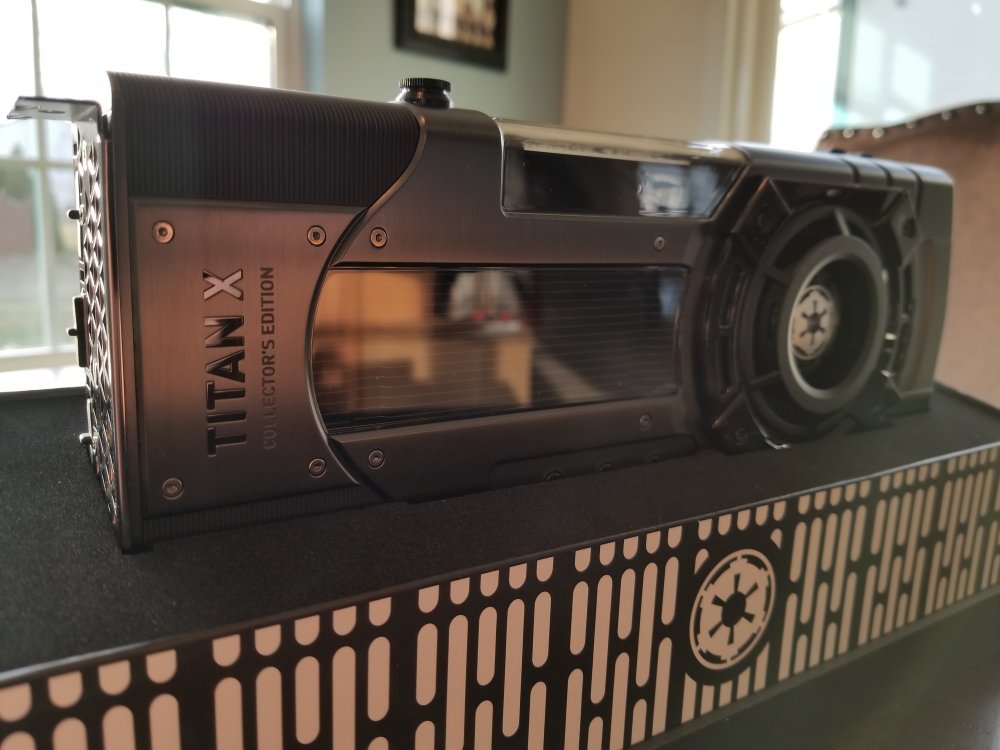
Done and done. And yeah - totally a 1% problem to have. It's just such a pretty card though...
-
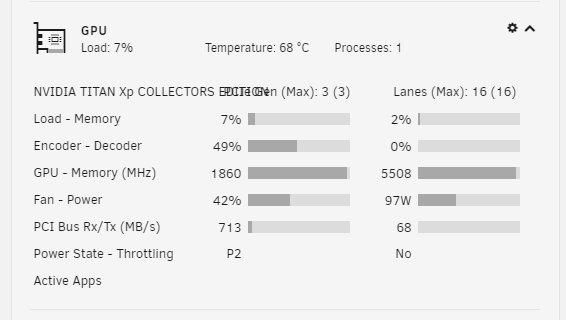
So 1 small nag (maybe a feature request) and an actual enhancement request: Transcoding using handbrake NVENC, but the icon not showing in the UI. From an at-a-glance standpoint, would be nice to have that included. The other "issue" I have is my GPU name is stupid long "Nvidia TITAN Xp COLLECTORS EDITION" - is there a way to make that editable so the characters don't overwrite/overlap each other? GPU_Stats.txt SMI_Log.txt