





Abigel
Members
-
Joined
-
Last visited
Everything posted by Abigel
-
Hi, I used the sample for guacamole docker and adjusted only IP address but I am getting only 502 Bad Gateway I can access the docker in local network via http://192.168.2.212:8080 The DNS is showing to the right IP-address Can somebody please help me?
-
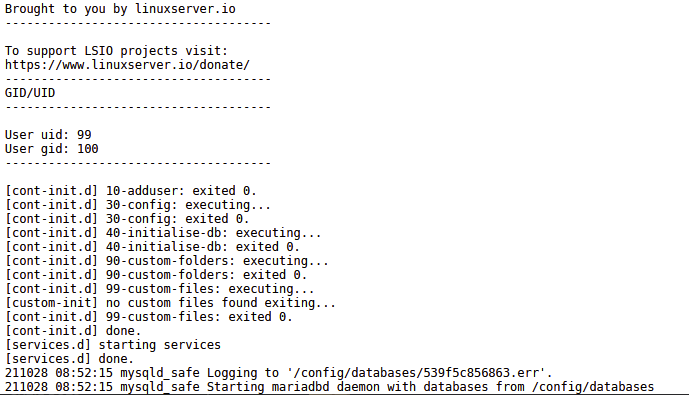
hi my mariadb has high cpu usage and idk why

-
Same issue Somebody you can help?
-
Thank you but I sent the device back because I was a bit overwhelmed with it
-
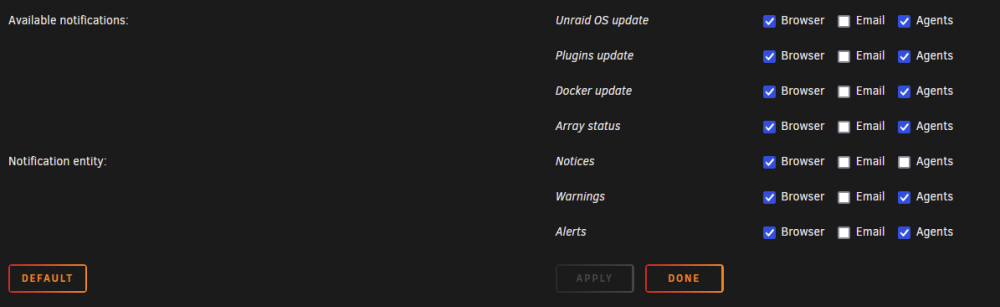
Hi, I disabled all Mail Notifications but I get every day an Mail when I remove an external HDD "fstrim: /mnt/disks/disk07: FITRIM ioctl failed: No such file or directory" I don't know which application generates ths message and how to disable it
-
Hi I want to connect my AP to the controller but he can't find it. I used set-inform http://IP-from-controller:8080/inform but it doesn't worked AP: U6-Lite-BZ.5.60.9 Controller: LTS
-
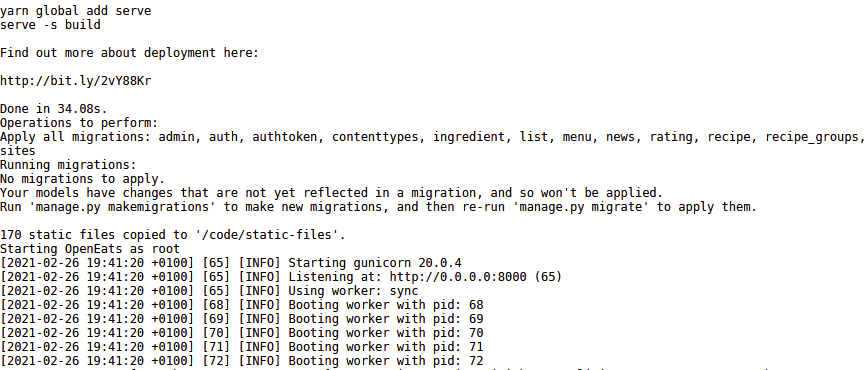
I have a similar problem. I also only see the start page with the three dots.

-
Hi, why do I not have the Emergency Access option ?
-
Hi, Is authelia integrated in swag? I noticed that I have authelia files under /appdata/swag/nginx/: auhtelia-location.conf and authelia-server.conf
-
So I need a stream for connecting to a database over other port than 443? Should I also create a port forwarding for the database port in my router ?
-
How can I use the stream function? I want that other people can connect to my database
-
Hi, is it possible to connect to a mariaDB over https with swag? So that I use an URL to work with a database and set the port 443 for connections?
-
Is it possible to import the recipes from nextcloud cookbook?
-
Thanks now I have found it! 😀😁
-
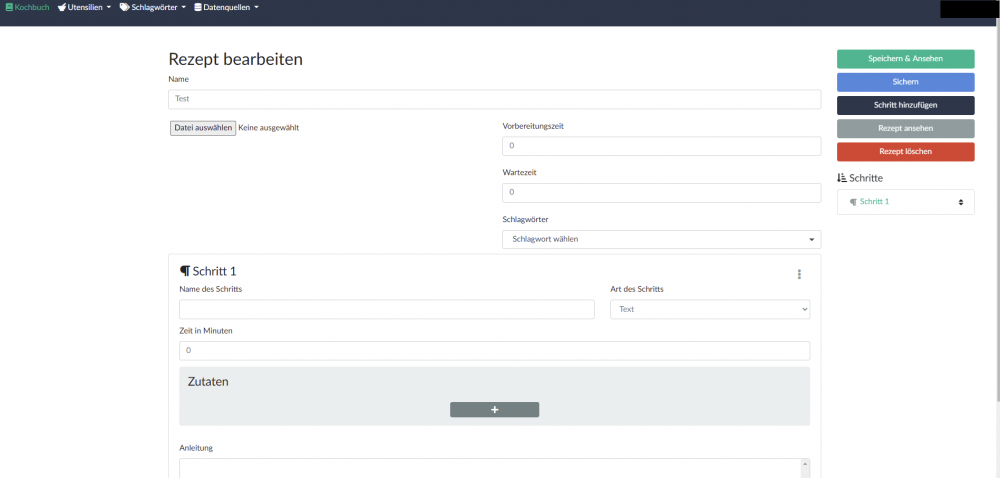
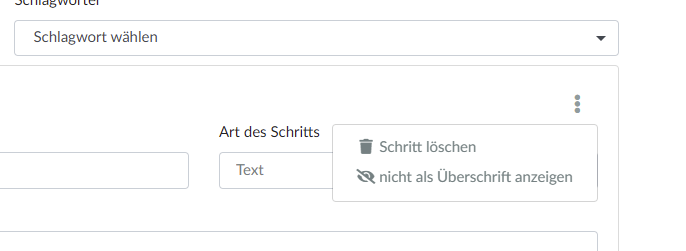
I can not find the icon
-
Thanks for the great Container! I have been looking for something like this for a long time. I have a question that you might be able to answer. I can create cookbooks but where and how do I assign recipes to a cookbook ? Can't find an option for it
-
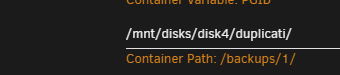
Hi, I want to mount an external hard disk but when I turn it off and put it away, duplicati docker goes off How do I set it up so I can swap external hard drives and still have the path available because I want to use one name for 7 hard drives for all 7 days of the week. While I'm at it, can I tell duplicati that a backup should start when a particular disk is attached?
-
I have not changed anything. The automatic docker update has run and nothing more. I did not get an error message or anything like that. I only have warnings: "Could not connect to appstore: cURL error 7: Failed to connect to apps.nextcloud.com port 443: Connection timed out (see https://curl.haxx.se/libcurl/c/libcurl-errors.html)"
-
Hi, after upgrading Nextcloud to version 20 via a docker update, when I open a document, I get the following "ONLYOFFICE is currently not available. "
-
Now it is working! Thank you
-
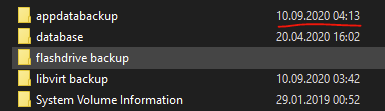
The USB is mounted and I can access it over the network-share This is the content and the schedule for backup was successful but I don't get the option to recover When I am getting in the folder there are folders for every date and in there is a file like "CA_backup.tar.gz"
-
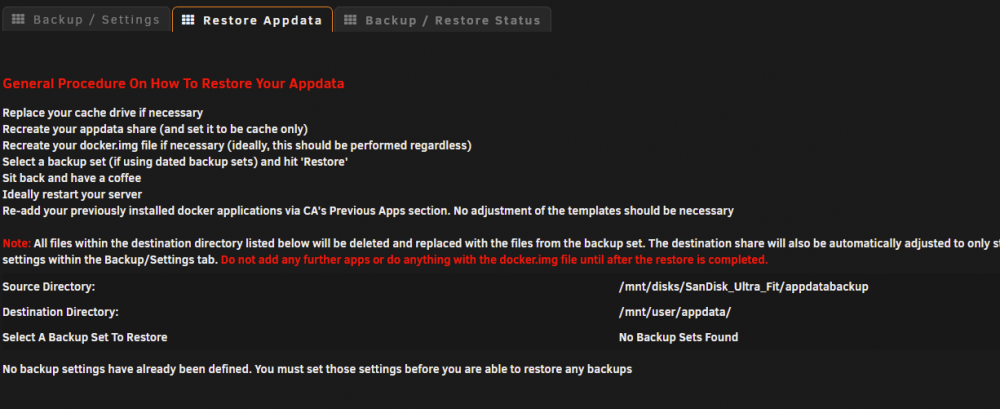
Hi, I don't know why but I can't start a rebuild. I have not changed anything and there are now Backups but they are still on the stick.
-
I can't find the file
-
Can somebody explain how to mount and edit the php.ini ?
-
If you figure out how to do it, please let me know. I don't know where to find this either.


