





blaine07
Members
-
Joined
-
Last visited
Everything posted by blaine07
-
Well, that does seem to work as far as saving things past that certain point I couldn't make changes past. For now will probably just set it as a script to start when Unraid starts array; seems to work though. Server scheduled to backup regularly tonight; i'll be able to tell pretty quickly if it excludes the stuff it should this time.
-
Any update on this?
-
I realize maybe that's outside scope of this particular container but how on earth could I begin to figure out what that might be caused by or how to troubleshoot? This am's scheduled backup was randomly successful with having backup of the flash drive disabled: ffd5fa0a-19f4-4401-ab92-8c9dcd66424e
-
Not that it matters at this point - but ran another backup this evening with thumb drive disabled - it resulted in server going offline and unresponsive and unable to be resuscitated without "pulling the plug" again.
-
So I was only *part* crazy LOL 🙂
-
ONE: https://justpaste.it/dh2k5 TWO: https://justpaste.it/h97fm Definitely a difference between the two.
-
Downloaded a flash backup in mere minutes start to finish:

-
I'll turn off flash drive back up and run a backup again in bit and see if it doesn't result in server hanging. But yes, the other day when we mentioned potential flash drive back up issue I exported drive in GUI of Unraid out of abundance of caution. I noticed backup was ~550mb and it took a reasonable amount of time/didn't lock up exporting thumb drive in that fashion. Edit for clarity: the server ONLY is crashing when backups run/running. Server goes days any other time without hiccups and until last week server uptime was in the months in general.
-
I did the other day create one on it's own as some posts above I mention that I thought maybe it was hanging on thumb drive - exporting thumb drive through unraid only took a few minutes; nothing outside the scope of ordinary. Rebooting server at moment; when it comes back up I can time it if necessary.
-
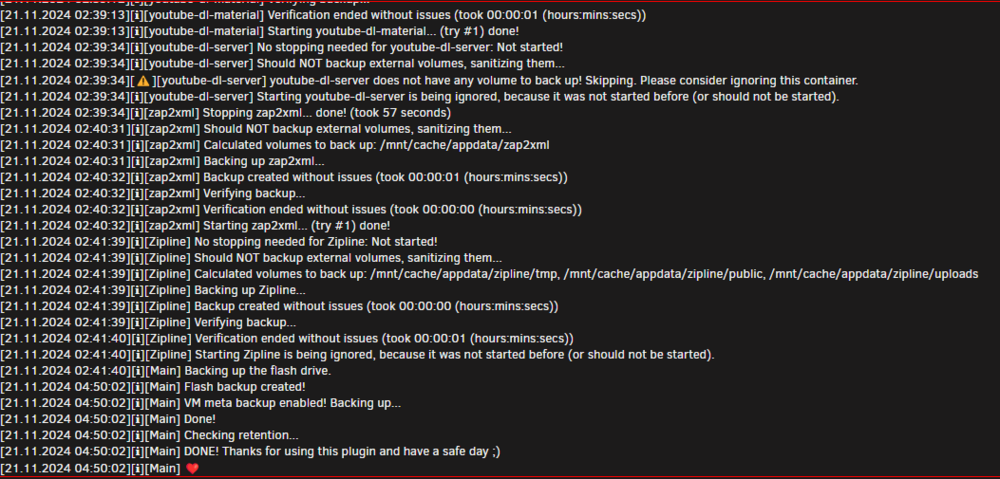
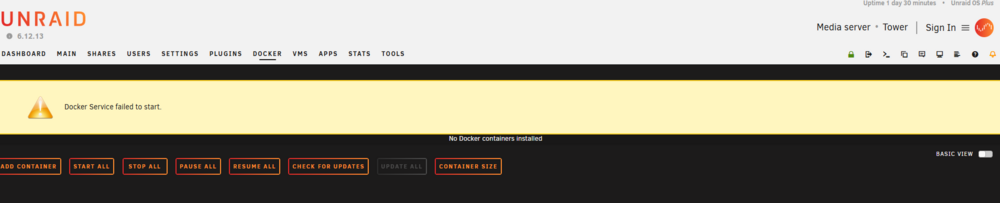
I was finally able to successfully get a backup to complete last night; Debug ID: 224a8953-127f-4f2c-b9d3-2086d3b969f5 I oddly noticed the hangup in mine seemed to be: Zipline was last container to back up but the flash drive took OVER 2 hours to back up? That's never been the case before... Yeah, I definitely dont think all the the config.json is being respected; in my case past the ~1500 lines or whatever - whether it's receiving it all back to save I have no idea of lol Oh, found another issue; so server will have to be restarted; not sure why docker service would've ever stopped?: Only thing in Unraid log I see maybe helpful:

-
Just a few ago changed backup locations seeing if maybe that would correlate to anything. I DID watch backup as long as I could. THIS TIME it made it to "Backing up the flash drive" HOWEVER earlier it only made it to the "V"s. No idea on exact time but over a hour - hour and twenty or thirty minutes. I dont see any other indication that their is anything wrong with thumb drive...I can edit the plugin settings and it successfully saves/writes to the thumb drive... I don't think issue is the thumb drive since I expect that's where you're going to want to head with this? Not sure it matters, but yesterday I exported copy of thumb drive off server; I thought it was odd it was ~570MB...? Also, today, I uninstalled backup plugin, rebooted server, re-installed and reconfigured plugin - it didn't make any difference or change anything.
-
Is it likely whatever it's cutting off is what's keeping backup from completing correctly and crashing the unraid server itself, too? EDIT: I also find it odd it's been fine until recently. Up until earlier this week all containers were backing up correctly and not crashing server.
-
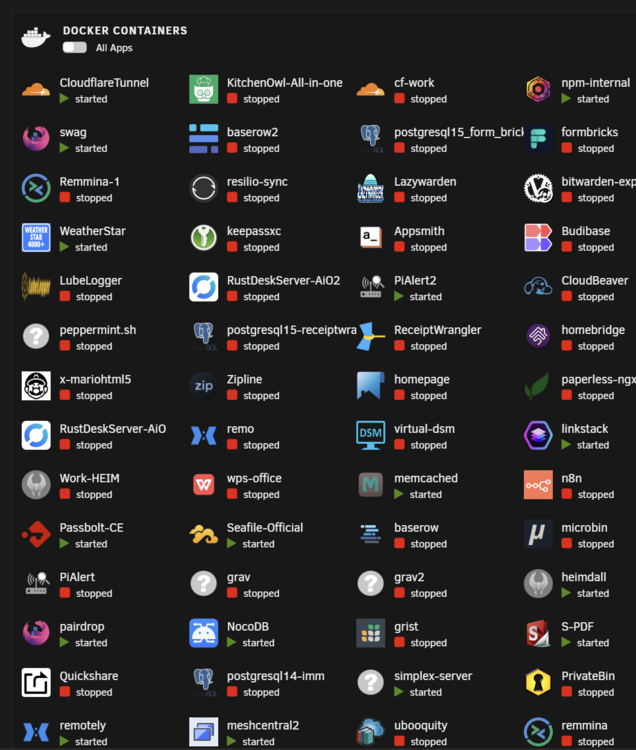
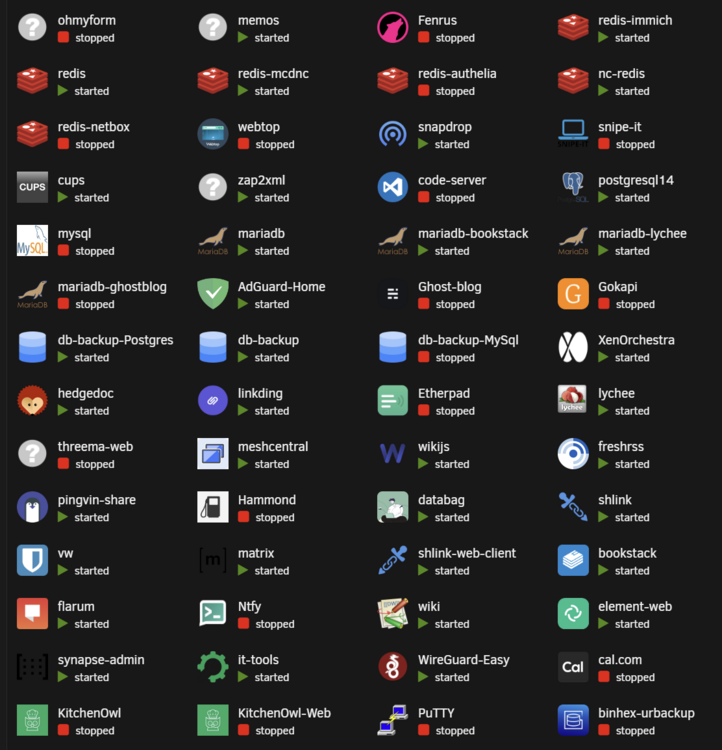
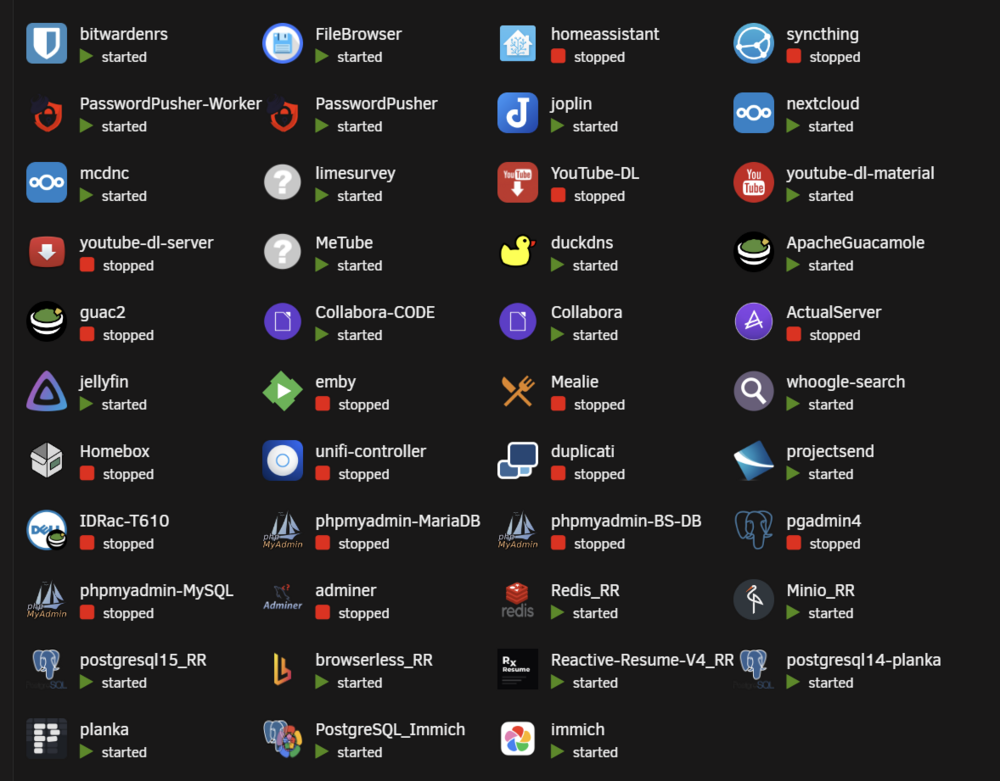
Is there a easy way to get a number?
-
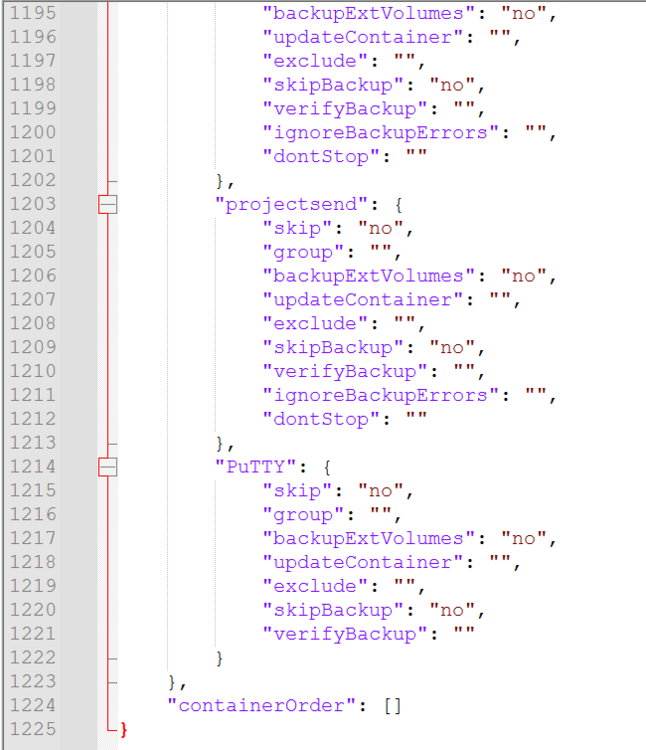
If I delete a container above "PuTTY" in the list it DOES add for example "Quickshare" container to config.json below "PuTTY" and save file successfully. We've reached some sort of container or code line limit in the config.json; has to be somehow.

-
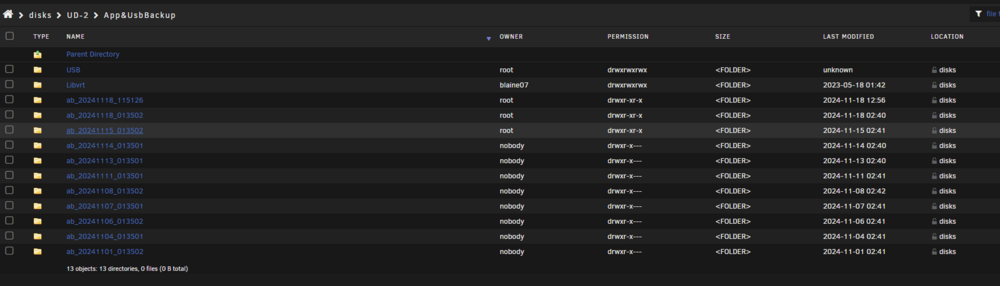
Everytime I try to run a backup and it locks up I am having to manually reboot server; it's been rebooted many times. Permissions attached. What other ideas might you? Not sure why backup folder suddenly creating as a different user, either? On global log I glanced but didn't see anything telling. EDIT: config.json has this many lines; if it matters:
-
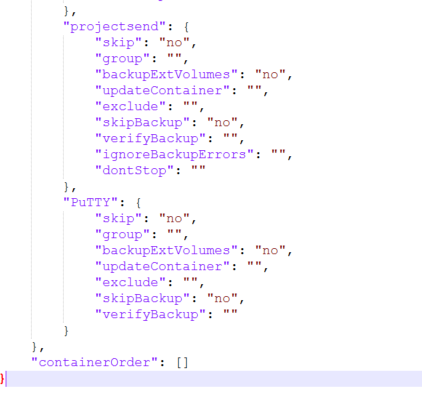
Also noticed my config.json doesn't have any containers listed after" PuTTY" and coincidentally when I try to change anything, as in skip the container yes or no, for containers BELOW PuTTY in the list is what making setting changes to doesn't save. Around time it quit working it changed the user that is creating the back up folders, too? EDIT again: is there a limit on number of lines that can be contained in this config.json file? I do admittedly have a ton of containers. I dunno, so weird that creator of folder recently changed and config file only goes to "PuTTY" and no containers below the "P" are listed in the config.json.
-
This started a week or so ago. Only way I have found to recover is to remotely restart entire server. Does anyone have advice on what logs or how I can grab logs to maybe aid in figuring out what's going wrong? Is there maybe something I could do via command line or something? Yeah, it goes down my list of apps to backup and gets 5-8 from end and bam, goes ghost. EDIT: also when I change containers to NOT backup and hit save at bottom it is NOT saving the option when I go back into the plugin settings. Could that be related to issues? Why would plugin not save the options?
-
Lately towards the end of my scheduled backup running my server has been crashing. Not exactly sure why as rebooting is clearing logs. Anyone been seeing anything else odd lately?
-
https://github.com/jordan-dalby/ByteStash
-
Ente: https://ente.io Github: https://github.com/ente-io/ente/tree/main/server Their instructions: https://help.ente.io/self-hosting/
-
PSA couldn't get into Administration settings once i upgraded to 30.0.2 today. Had to disable the "passwords" app: https://github.com/nextcloud/server/issues/49043
-
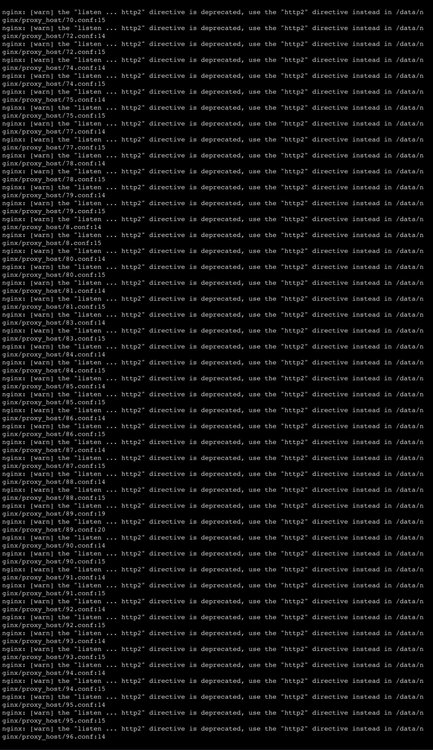
Pardon my idiocracy but can someone tell me in layman’s terms what this means or what it’s wanting me to do? Screen shot perhaps? I simply don’t know what it wants. Edit: maybe it’s this they’re trying to fix https://github.com/NginxProxyManager/nginx-proxy-manager/pull/4075#issuecomment-2418276909
-
Anyone else seeing this issue out of curiosity? My NPM instance has a update and I am leery to update; to say the least.
-
Pardon my ignorance; it's been a while. Wanting to set up a "new" Unraid server as a Tailscale Exit Node using this plugin - What is the today and now correct way/how to enable a device as a exit node?
-
Woah, figured mine out, finally. Not sure what should or shouldn't be on to be honest...Recently, a few weeks ago? Converted from Tailscale DOCKER to Tailscale PLUGIN. This, Tailscale DNS, was set to "YES." Once I changed it to "NO" and restarted NPM it updates and does as should correctly. Do I need DNS on or off or is that going to break what I am doing with Tailscale plugin or?






