corfoto4
Members
-
Joined
-
I was able to get some features working. I used the NUT plugin and there are my settings. I am only able to get the power consumption of the server from the UPS. No battery level or anything and I've now retired my ups since the batteries have died. I was able to get some features working. I used the NUT plugin and there are my settings. I am only able to get the power consumption of the server from the UPS. No battery level or anything and I've now retired my ups since the batteries have died. https://imgur.com/a/mwzuIUw
-
Hello, I am trying to connect radarr to prowlarr for syncing indexers. However I keep getting issues when testing the connection. Unable to complete application test, cannot connect to Radarr. HTTP request failed: [404:NotFound] [GET] at [http://<server_ip>:7878/radarr/api/v3/indexer/test] Note: <server_ip> is the ip address of my server but has been removed for this post. I have entered the api key from radarr. Any help would be greatly appreciated. Please let me know if and what logs are needed. Thank You
-
Thank you, I have now changed the setting that you mentioned. Is it ok if I ask why this would make much difference? While I test out this change, I have worked out how to run the syslog server so if any issues show up I will have some proper logs to post
-
Hi all, my UNRAID server keeps crashing everyday and I have no clue why! I was able to take a picture of some sort of crash report (see image). Does anyone know what might be causing this issue? Please let me know of anything that would help to fix this issue. Thanks!
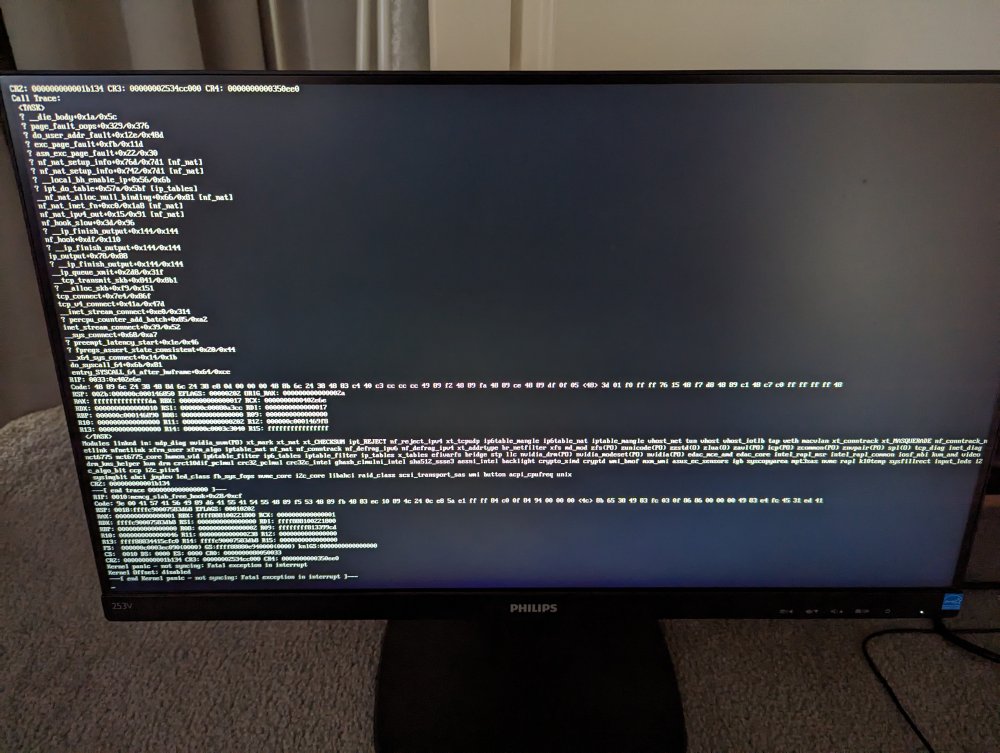
-
I'm in Australia too. Maybe I should try tunneling. Where is the best place for it?
-
Ever since I started working with UNRAID I've always had slow and failing downloads of the OS from the website. But updates through the server service itself is ok? Just doesn't make sense to me.
-
Hi all, Is anyone else finding that the UNRAID OS zip file takes forever to download from the UNRAID website? It is only 321MB and it is going to take me about 4 days?! I need to replace all of my bz files since the bzfirmware checksum failed on boot. Is this the correct way to go about it? Thanks
-
Hello, I I have an error where the docker container won't fully start. It keeps repeatedly trying to connect to OpenVPN servers. I looked in the logs and I keep seeing this error: 6:35,430 DEBG 'start-script' stdout output: 2023-06-30 14:46:35 AUTH: Received control message: AUTH_FAILED Any help would be great thanks! Edit: Issue fixed
-
Thank you. If I just copied the data off the disk, do you think that would be a sufficient backup? Then re-format and put data back on? Thanks for your help!
-
Hi all, I am experiencing a number of errors when using docker and some system applications. I am not sure what is causing the problem and need some help. I have attached my diagnostics. Thank You for Help! rynvis-diagnostics-20230621-1136.zip
-
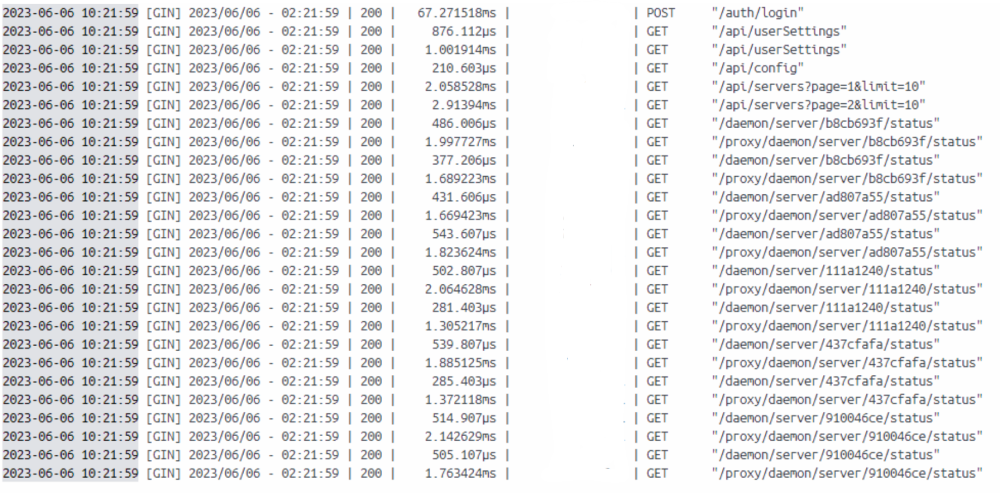
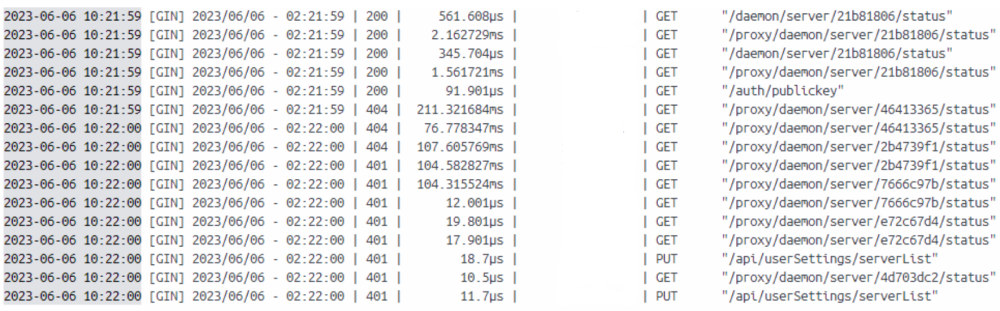
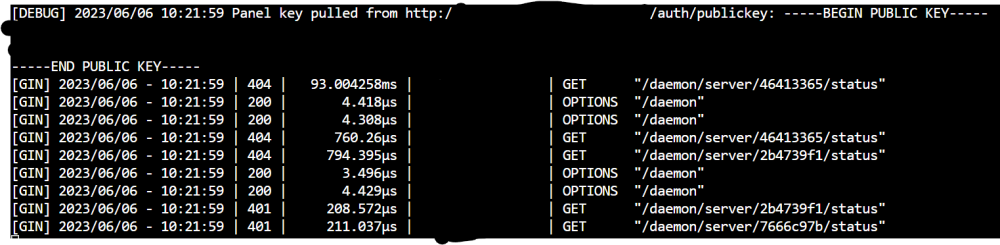
Yes, I have attached the logs. I apologise for sending them as a screenshot. I needed to remove private information (ip addresses and web addresses). Overnight the master pufferpanel instance was taken offline because the computer lost power. I am now getting 401 errors and cannot log into the pufferpanel while the remote node is connected. Before when I sent the previous message in this thread I was only getting 200 and 404 (errors) and I was able to log into pufferpanel when connected to the node. There are servers currently running on the master panel which cannot be removed. There are no servers in the /servers directory on the remote node. However, the master node still thinks that there are still servers (hence the 404 errors). Master: Client:
-
Hey! I have a master pufferpanel node that is connected to another pufferpanel node on a remote pc. I cannot delete the servers created on the remote node from the master node. So I went into the files and deleted the servers manually. However, when I try to remove the remote node from my master node it comes back with an error that there are still servers connected to the node. Does anyone know how to remove these ghost servers? And also why when I try to delete a server on the remote node it comes back with an error? Thanks!
-
Thank you. Hopefully Nvidia fixes the drivers. I'll have to get the shutdown thing working.
-
I can confirm that the issue has occurred again. Here are the diagnostics just after waking up from sleep: rynvis-diagnostics-20221220-0942.zip I have also tried restarting the docker service as suggested and that did not fix the issue. I think I will have to go down the path of shutting the server down rather than sleeping.
-
I'll try this tomorrow morning So just by updating the Nvidia drivers which are provided by the plugin would fix the issue (when Nvidia fixes the kernal issue mentioned)? Thank you, I'll try the other options first and then give this a go. I'll send a update tomorrow morning.