





bobalot
Members
-
Joined
-
Last visited
Everything posted by bobalot
-
Are there any updated instructions for this? I have tried installing this a number of times and it has ended it failure every time.
-
Thanks. Did exactly that and it worked. The preclear took 60 hours which seemed a bit excessive.
-
Thanks! Wondering how to preclear the 16TB drive before starting this process. I have no spare SATA slots.
-
Hi, I have been reading the official tutorial wiki on this and watching some YouTube videos on this. There is a recommendation about pre-clearing the new parity drive. Just want to confirm I'm doing this in the right order. I have the following: 1x 8TB parity drive 2x 4TB data drives 1x 8TB data drive All my SATA slots are used up. I have a new 1x 16TB hard drive I want to: Replace the 8TB parity drive with the 16TB hard drive. Replace one of the 4TB hard drives (which is currently basically empty) with the former 8TB parity drive. This is what I plan to do: Stop the array un-assign the 4TB hard drive (which I want to replace with the current 8TB parity drive) Start the array and check the "Yes I want to do this" Stop the array Power down Take out the 4TB hard drive Install the 16TB hard drive Power On Stop the array Pre-Clear the the 16TB hard drive <- This is the only difference from the tutorial Un-Assign the current 8TB Parity drive Assign the 16TB drive in the parity slot Assign the former 8TB parity drive into slot for the old 4TB hard drive (which I removed) Go to the Main ->Array Operation Put check in the "Yes, I want to do this" and click copy and then wait a long time Once the start button is available, check "Yes, I want to do this" and click start. Is this the correct way of doing this?
-
I went into my garage and physically turned the server off and on and things seem to be back to normal. I don't understand why that fixed the problem. Anyway, managed to get the diagnostics. Not sure if this would be helpful identifying the original problem. tower-diagnostics-20231105-2253.zip
-
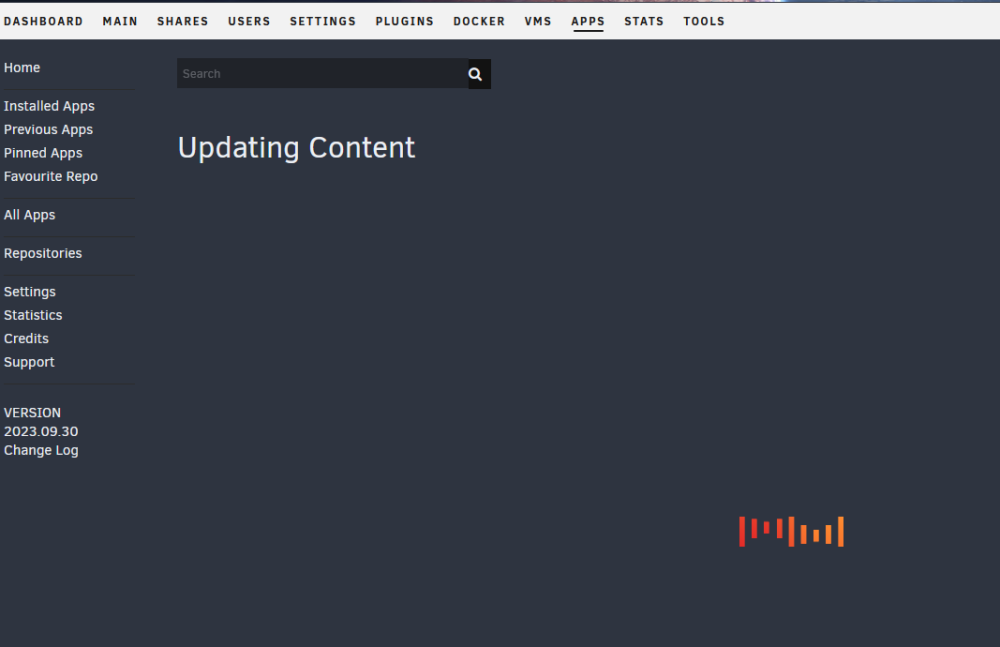
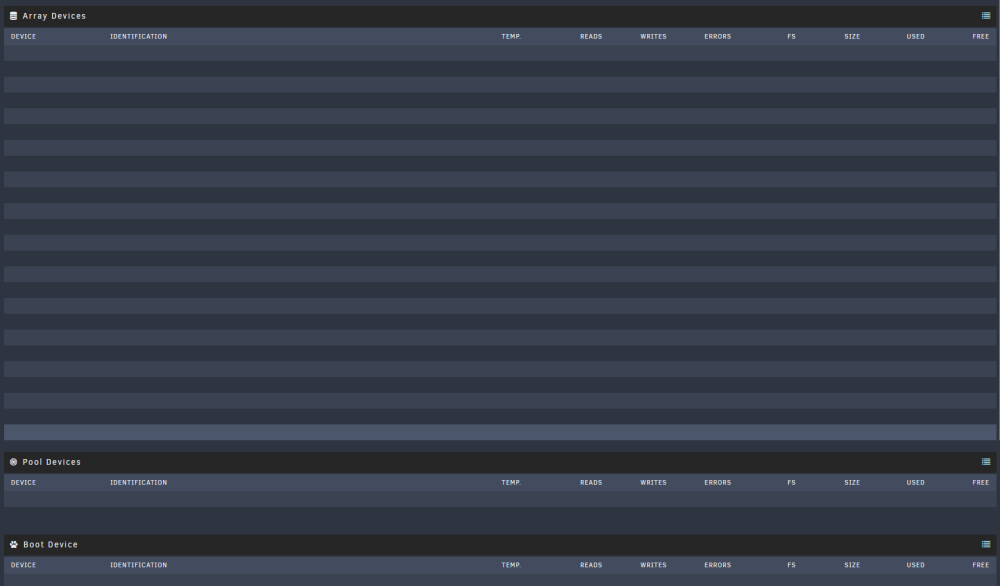
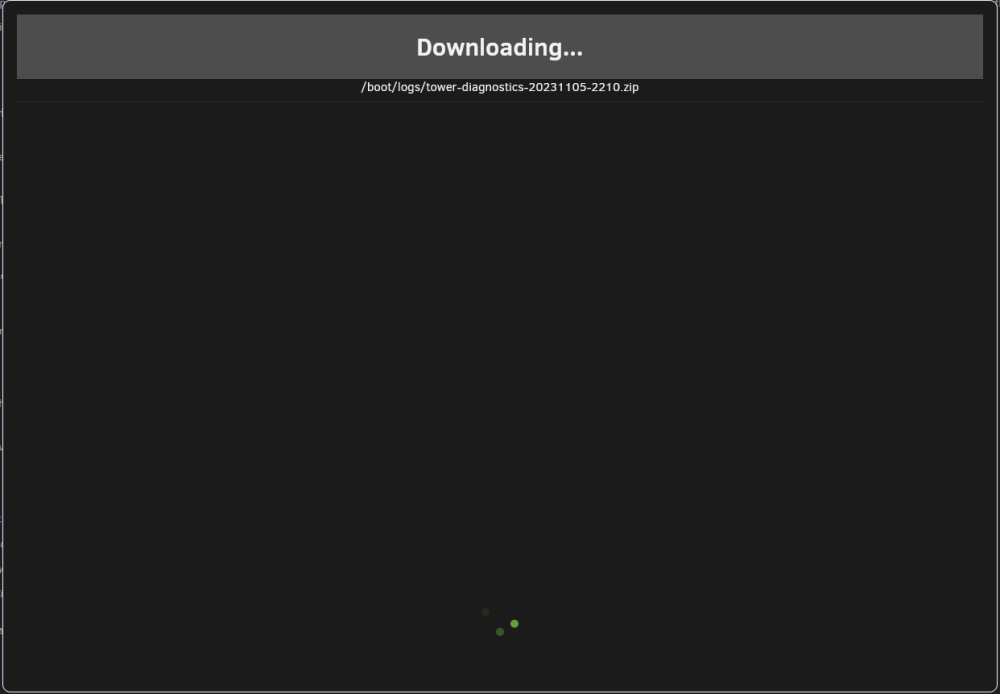
I have changed my router recently but my access to unraid was working fine (I had to change a number of settings of dockers when my IP address changed). The Apps never finish loading: The Main tab doesn't load anything: The docker tab doesn't load anything either: The tools tab seems responsive but trying to download the diagnostics never ended. My plex server seems to be working fine. A website that I host is working fine as well. So the dockers seem to be working. I can't work out what the issue is. Tried restarting my server. Didn't fix the problem. Has anybody ever encountered this problem before?

-
Now I feel like a dingus. That seemed to have worked.
-
I have an issue with the sleep function. I disabled the S3 sleep function. But now my server seems to randomly go into standby / sleep mode. Not sure what is going here.
-
Would love to host a lemmy server.
-
Cheers. I restarted and it cleared the error. Regarding the syslog, is repeating message you are referring to: "port X (XXXXXX) entered blocking state" "port X (XXXXXX) entered forwarding state" "port X (XXXXXX) entered disabled state"?
-
I deleted a few dockers I wasn't using any more and fixed a few that had various issues (not talking to each other, VPN was not working, etc.). How do I tell the problem is sorted? Also how would I clear the var/logs?
-
Hi, I received the following warning through the Fix Common Problems plugin: With the advice: My uptime is only 3 months. I thought it might be mover log spamming (I read some previous posts with this error), but it wasn't that. I can't work out what is causing this issue. I have attached the Diagnostics file. Any help would be appreciated. tower-diagnostics-20230410-1537.zip
-
Apologies. I never responded to this post. I can't explain it but it just started working. I didn't do anything differently.
-
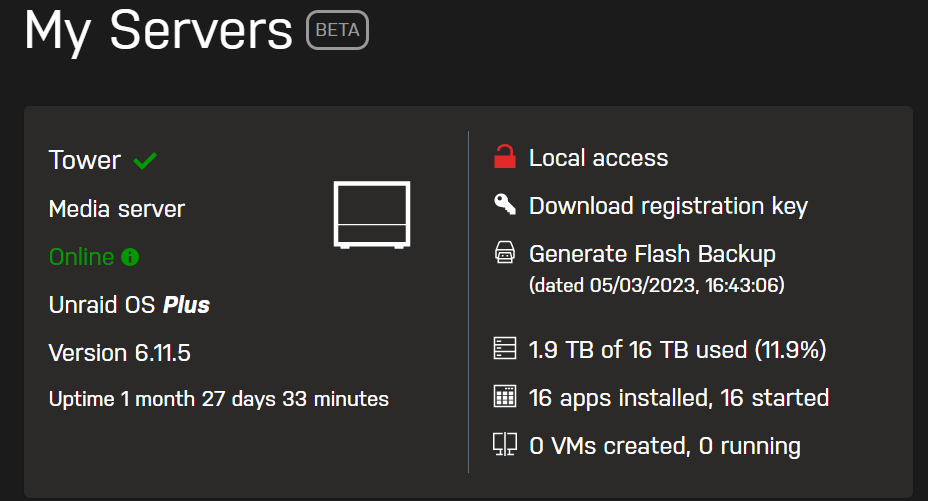
Hi, I cannot work out why I cannot access my server via My Servers remotely. I used to have remote access and it stopped at one point. According my Myservers settings, it should be reachable from the internet. I have tried logging out and back into my unraid account via MyServer. I have tried resetting the application via "unraid-api restart" command in the console. Is there something I'm obviously doing wrong?
-
Hi, Unfortunately, I'm away away from my server for a bit and can't double check a few things. This is what I think will work: 1) completely removing the moodle docker (including the files in appdata using the community applications clean up application) 2) completely deleting/dropping the database (I'm assuming you as using MariaDB and Adminer to manage it) 3) Recreate the database (pretty sure it is utf8mb4_unicode_ci from memory) 4) Install Moodle without Moodle_skip_bootstrap as moodle needs to set up the various fields, etc. Make sure your values are all correct (dbname is the database name and not the docker name etc.) and changing the pathing to what I had done before. It should work the first time. 5) Add Moodle_skip_bootstrap with a value of YES after you successfully connect the first time and restart the docker. 6) I'm not sure if this helped, I did have both dockers (MariaDB and Moodle) on the same custom network. Regards Bobalot
-
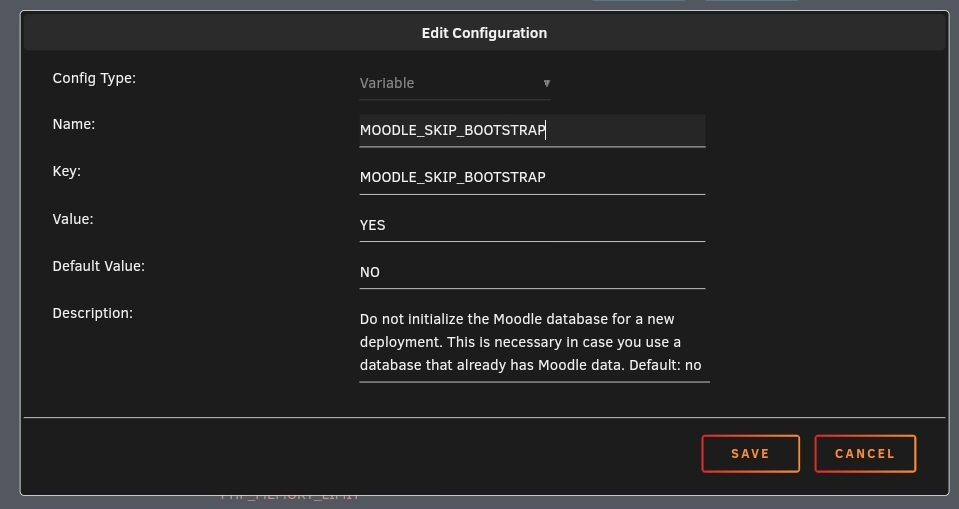
I think I worked out a solution. I had to add the following parameter: MOODLE_SKIP_BOOTSTRAP with a value of YES I think docker was trying to initialise a new database every time it loaded up rather than using the existing database it had created.
-
Hi all, I noticed my issues only seems to occur if I disconnect from the database and attempt to reconnect (docker update, server restart, etc). There also doesn't appear to be any appdata for moodle. Does anybody have any advice?
-
Hi, I have exactly the same problem on connecting to the database. It actually connected once but I keep getting this error. How did you fix this?
-
Any of the maintainers of this docker seen this issue before?
-
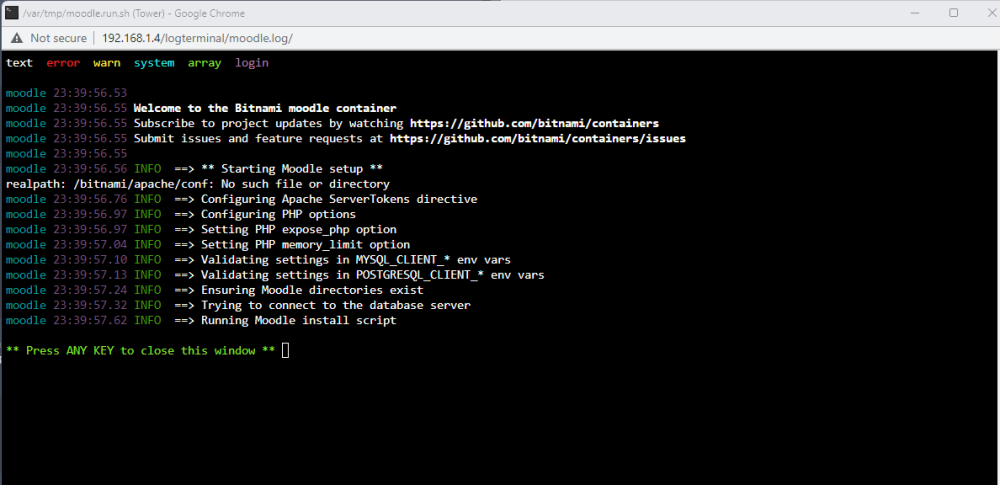
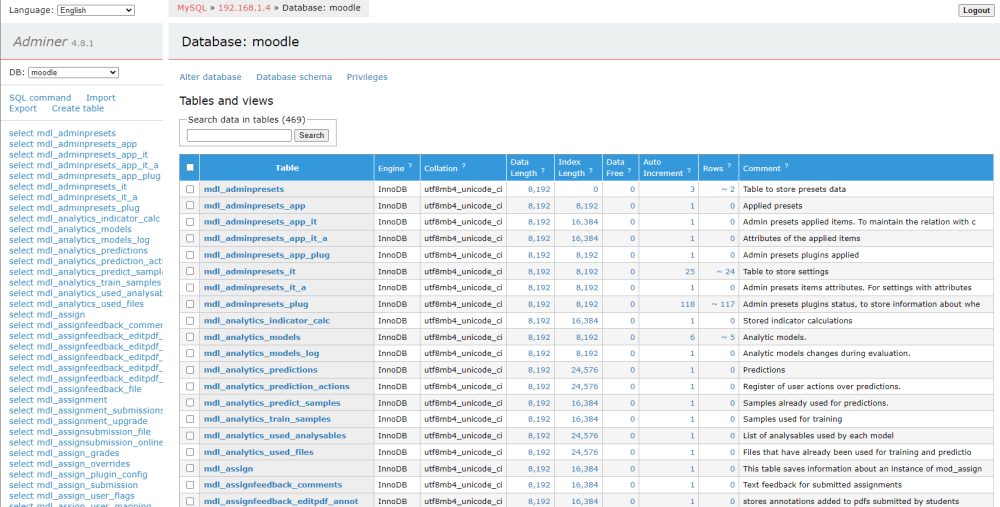
Actually, it's gone back to not working. I was able to enter the moodle docker and muck around a bit but after a while it just stops working. I checked the database via adminer and moodle has created a whole bunch of tables, etc. If anybody has any idea how to fix this, it would be much appreciated.
-
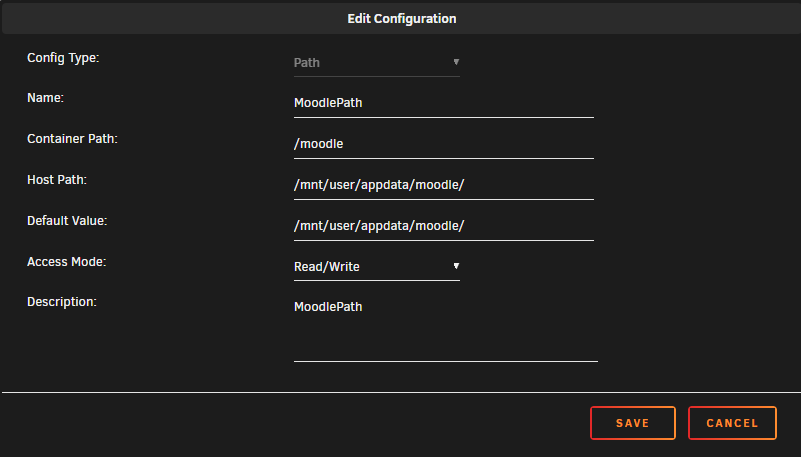
I managed to get the docker working. Not really sure why (because I'm a newb). I changed the containers from: /bitnami/moodle to /moodle /bitnami/moodledata to /moodledata Is it because there was no Data Dir setting (or similar) that set the base container for /bitnami? So the sub containers /bitnami/moodle and /bitnami/moodledata didn't have a valid path?
-
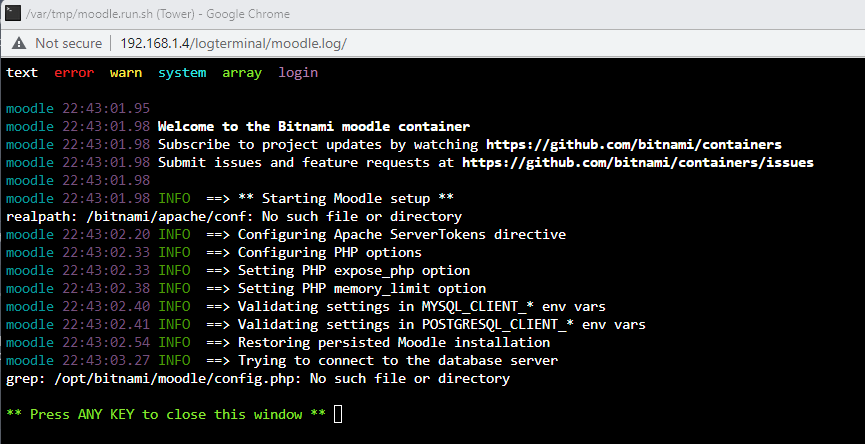
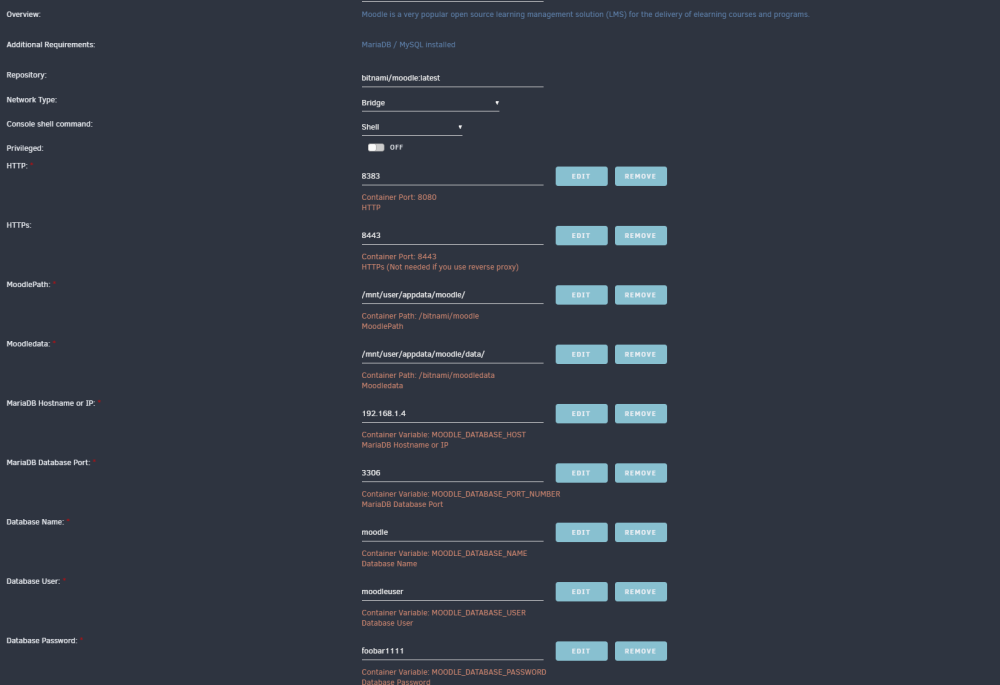
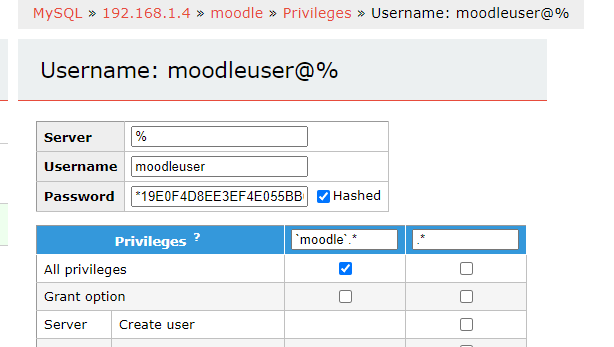
Hi all, I have recently added this docker and it doesn't start. I keep getting this error: grep: /opt/bitnami/moodle/config.php: No such file or directory This is my setup: The MariaDB address and port is definitely correct. I changed the HTTP port (as it is being used by another docker) Via Adminer: I created a database called "moodle" (utfmb4_unicode_ci) A user called "moodleuser" with a foobar1111 (which I will change after this is resolved!) But I keep getting the error: grep: /opt/bitnami/moodle/config.php: No such file or directory I dropped the database and user and tried it again (hence the non-default names) and it won't work. What I have done wrong? I can't work it out.
-
Did you ever work this out?
-
Managed to avoid this issue, I got a replacement 8TB drive and it works ok. It is rebuilding right now. Thanks for all your help.
-
I did have a parity tuner scheduled to run around this time. I disabled it and also turned off all dockers and it has allowed me to stop the array! Cheers. Only problem is that it wont allow to swap out the 8TB for the 4TB even though they were both empty (and there were problems with the 8TB). It says: Is there a way to get around this?





