Nanobug
Members
-
Joined
-
Last visited
Everything posted by Nanobug
-
I have typed it exactly the same way, with capital D and I. I'm not sure about the second part. I can show you some screenshots of the paths of both Deluge and the share?
-
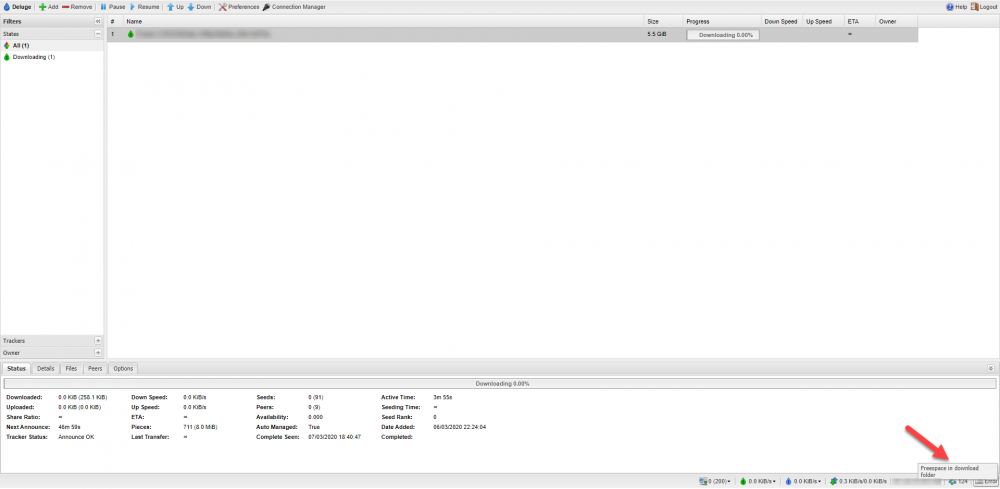
Hello unraid people. Whenever I'm starting to download through Deluge WebUI, it starts at 1 Mbit/s or something, until it turns down to nothing at all. I've attached a screenshot of it , where it says "Freespace in download folder" (marked with a red arrow). It's set to download in a folder called "Download/Incomplete" just like Spaceinvader One did it. I've downloaded 0 byte of anything so far, so I don't know why it says there's no free space. Can you help me out?
-
I just did it. I realized I couldn't even use a docker, so I asked here on the forum about that as well. Thank you. It works now. Amazing people here!
-
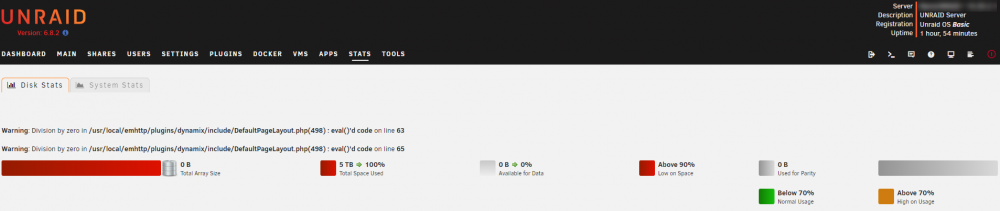
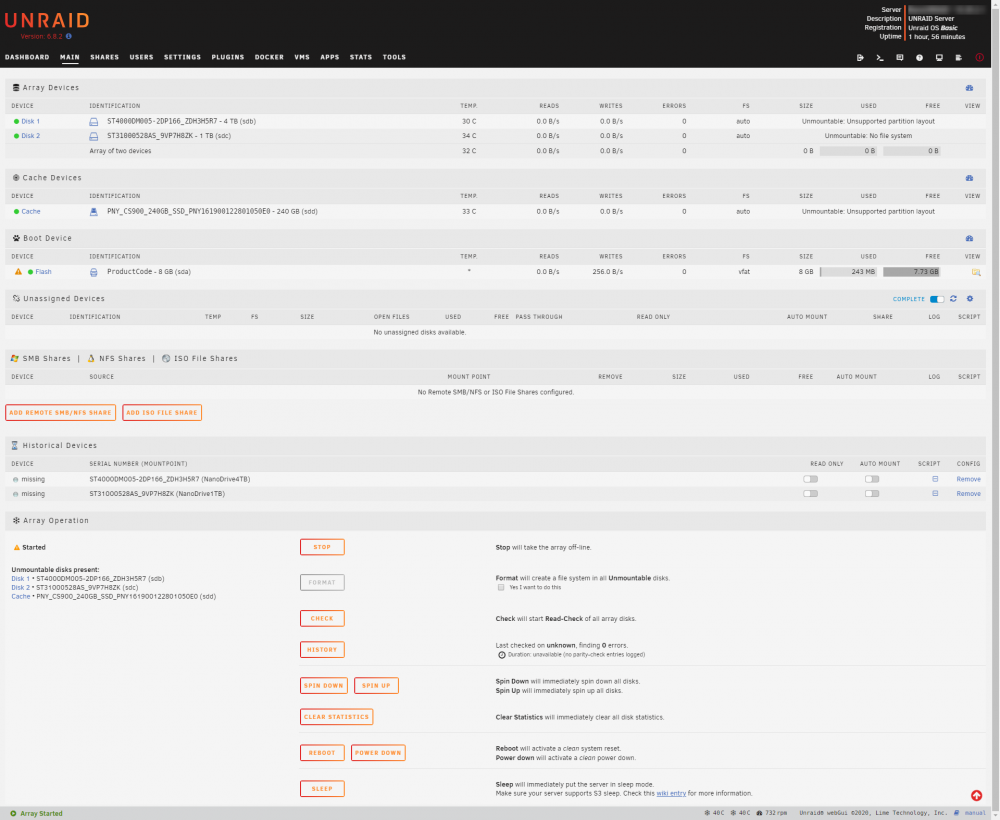
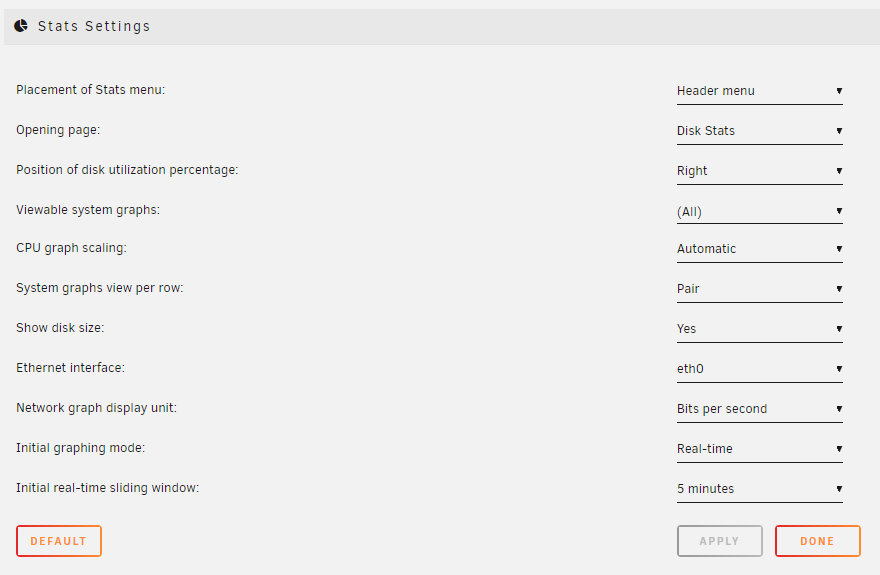
I have an issue with the system statistics. It says this: I'm completely new at unraid, so I don't know what you need to help me, so I've taken some screenshots of main, stats, and the settings in the plugin. If you need anything else, let me know.

-
It's not empty. It was running with a Windows 10 Pro before. So I just wanna clear it completely, and then use it, or whatever makes more sense.
-
I'm using no parity atm. I don't have a spare drive. I'm going to upgrade capacity and add a parity drive later on.
-
I'm following Spaceinvader One's basic tutorials since I'm completely new at unraid, and I'm preclearing the drives. And I can't do it for the SSD/cache drive.
-
Do you have a noobs guide for that? Because I can't stsart it after I've removed/unassigned it.
-
I'm new at unraid, so bear with me for being noobish. I'm folling Spaceinvader One's basic tutorial, and I'm at the PreClear part, where I've run the SMART test, the extended one, and now I want to preclear the SSD, but it says this: I did have it assigned as the cache drive, but no longer, it's not mounted, and the array is not running. Can someone tell me what to do in order to preclear it? I have a 1 TB and a 4 TB drive that is currently running the same SMART test, but it takes more time, the one at 1 TB is at 50 %, and the 4 TB is at 20 %. Will I have the same issue with those 2 drives? They were assigned in the array, but is no longer, the same as the SSD. Let me know if you need any other information.