





Pillendreher
Members
-
Joined
Everything posted by Pillendreher
-
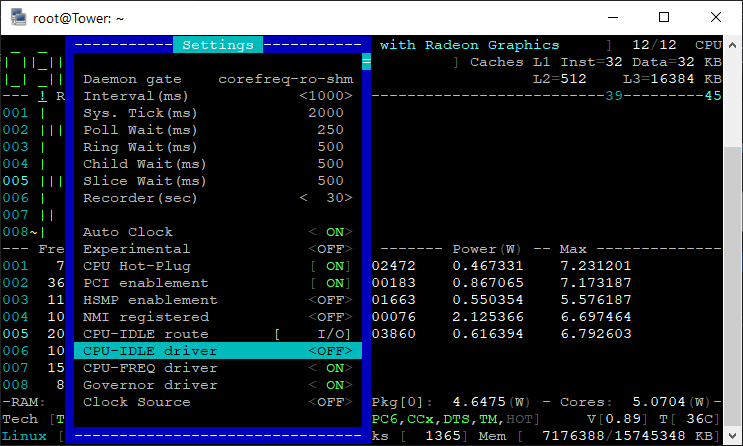
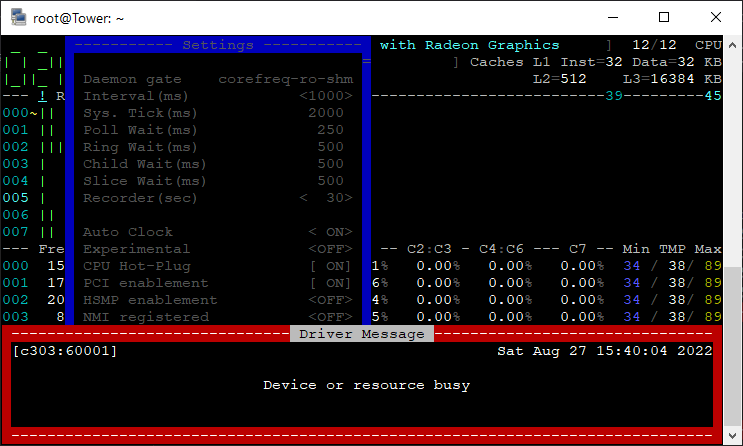
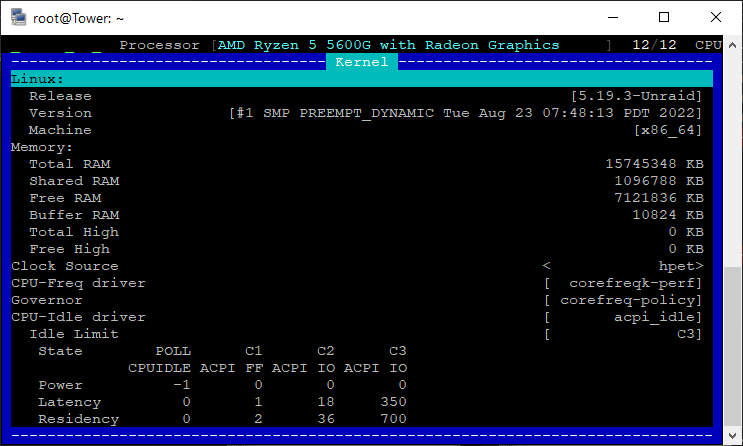
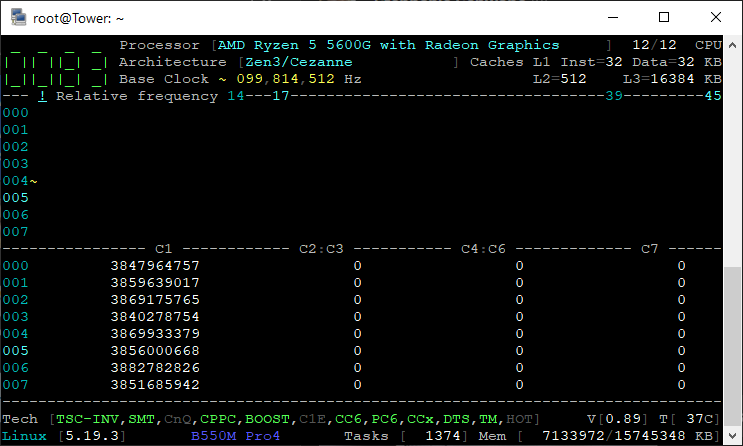
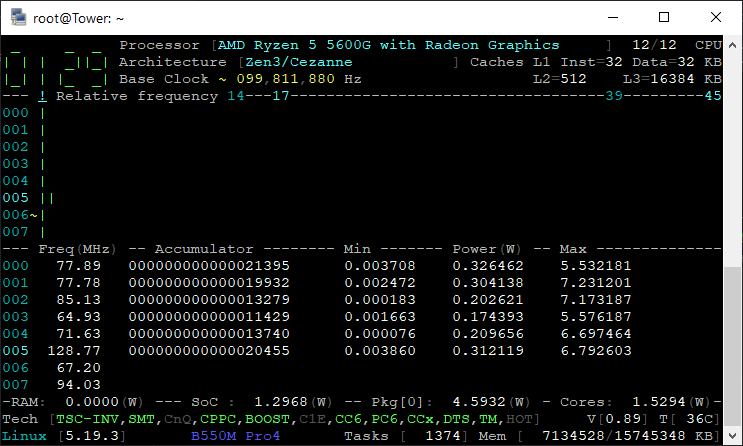
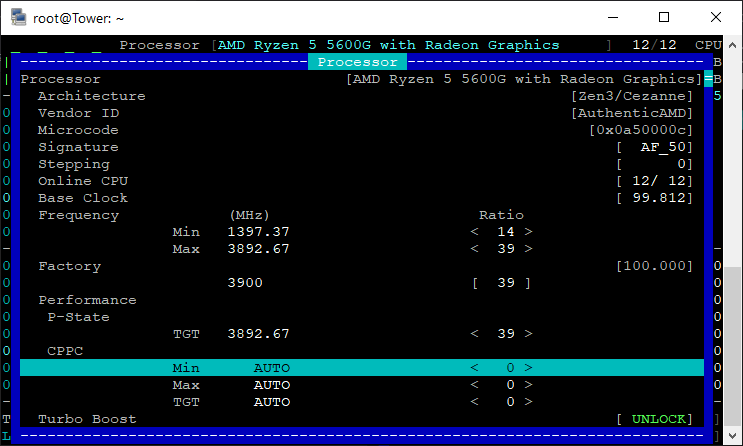
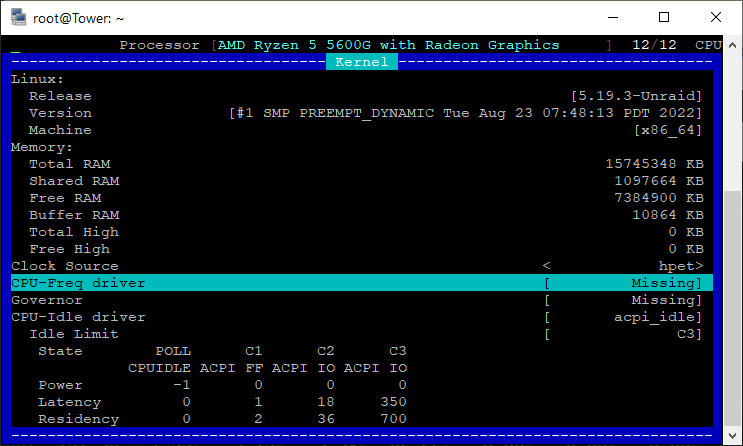
OK, so I've installed the latest version (Danke @ich777!) and tried registering everything. This is as far as I got: This is what happens when trying to register the Idle driver: This is what the Kernel data looks like: PS: Idle Limit C3? Any way to change that? Also, it looks like the CPU is never quite leaving C1: Anyway, this is the core power draw in idle: And now the CPPC "ranges" are set to auto:
-
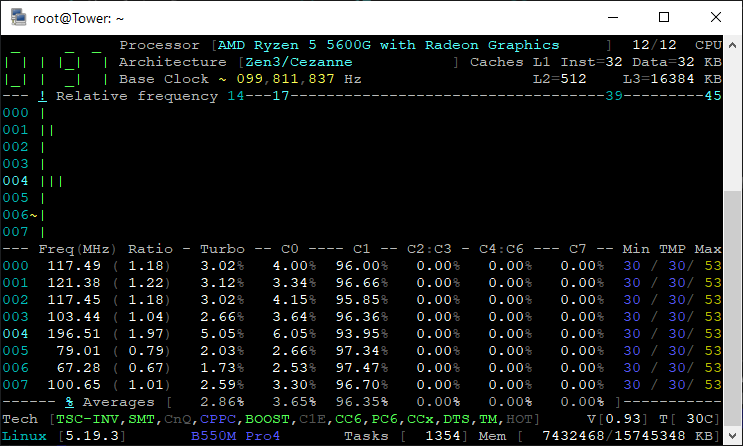
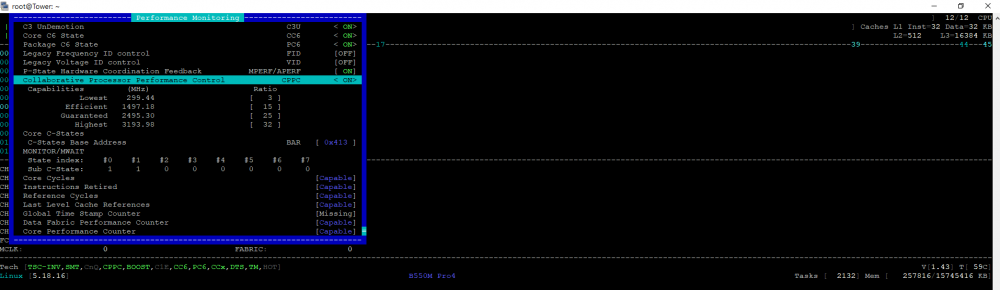
@CyrIng OK, so this is what corefreq looks like after passing the following kernel parameters: Here it loos like corefreq doesn't recognize the P-State driver: Yet here, P-State is mentioned: And this is what the frequency-window looks like after "activating" CCP in the "Performance Monitoring" window: This does looks weird, doesn't it? "Min" higher than "Max"? Seems something's off:

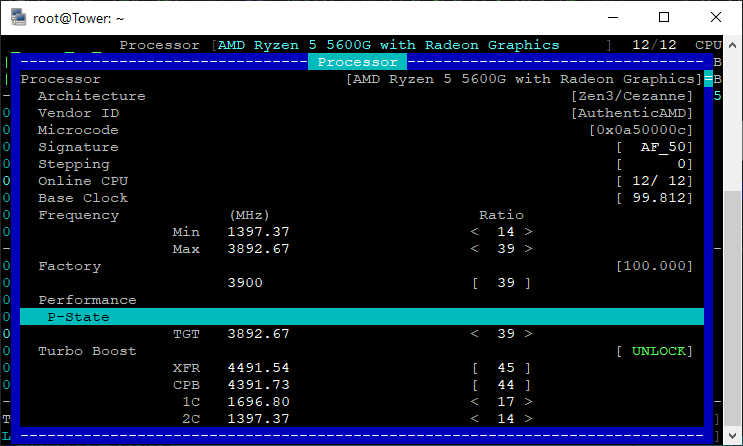
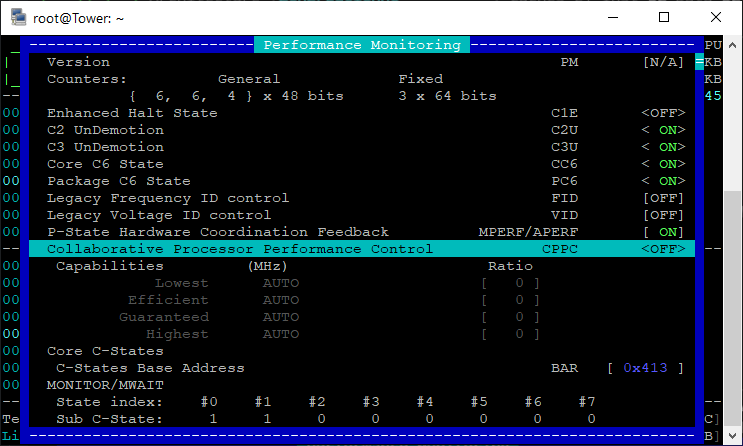
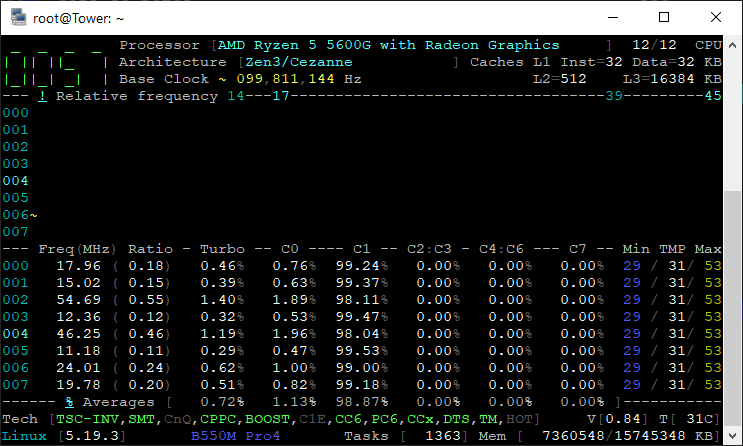
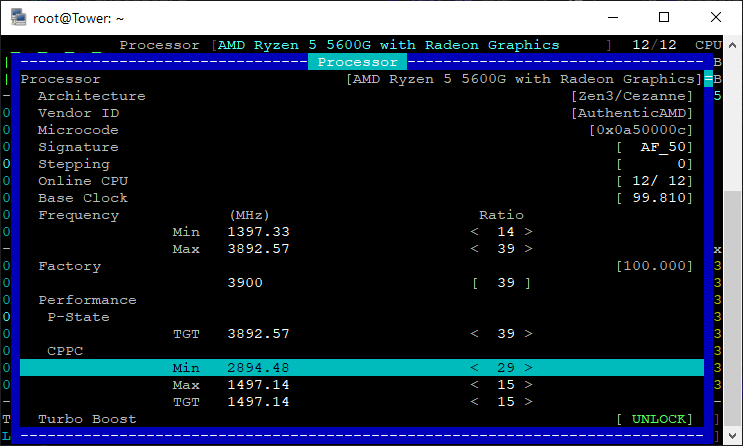
-
So, mal kurze Frage: Sind diese Werte nach ca. 43h laufendem Server bedenkenswert? Sieht schon nach viel aus, oder?

-
Trying to simply switch to the Cezanne APU is resulting in a failed attempt for me: I can't RDP to the VM anymore after making the switch with this being the last log message: 2022-08-16T16:20:02.284507Z qemu-system-x86_64: -device vfio-pci,host=0000:04:00.0,id=hostdev0,bus=pci.4,addr=0x0: Failed to mmap 0000:04:00.0 BAR 0. Performance may be slow I'll go through this thread again and will give it another try.
-
In der Original-Meldung klingt das zumindest so, als handele es sich nur um Anpassungen am Treiber und nicht um einen neuen o.ä.: https://www.phoronix.com/news/AMD-P-State-Update-But-Miss-6.0 Recently AMD has been working on precision boost control and other fixes to AMD P-State and that's the patches revised today. Those patches for the precision boost hardware control and fixes were sent out today in their fifth revision. EDIT: In den Kommentaren wird auf diesen Diskussionsfaden verwiesen: https://forum.endeavouros.com/t/how-to-use-amd-p-state-in-linux-5-17/25247 Schau ich mir auch mal an.
-
Stimmt, das wollte ich sowieso mal machen
-
Man kann CPPC wohl in Corefreq aktivieren?! https://github.com/cyring/CoreFreq/discussions/320
-
Ah, alles klar. Na dann kann ich das tatsächlich auch dort reinpacken
-
Ich hatte angenommen, dass ich damit weniger am "Kernsystem" rumbastele?
-
Ich hab mir übrigens im UserScripts Plugins die nun nicht mehr nutzbaren Teile des NerdPacks hinterlegt, z.B.: wget https://github.com/dmacias72/unRAID-NerdPack/raw/master/packages/6.10/python3-3.9.6-x86_64-1.txz -P /tmp upgradepkg --install-new /tmp/python3-3.9.6-x86_64-1.txz
-
Quick question, since I haven't found a clear answer on this issue: Is it possible to passthrough the APU without having an additional GPU installed? I'm only accessing Unraid remotely mind you, so I don't need any display output.
-
Well I do run a 5600G, so it should be green? Or is it the other way around?
-
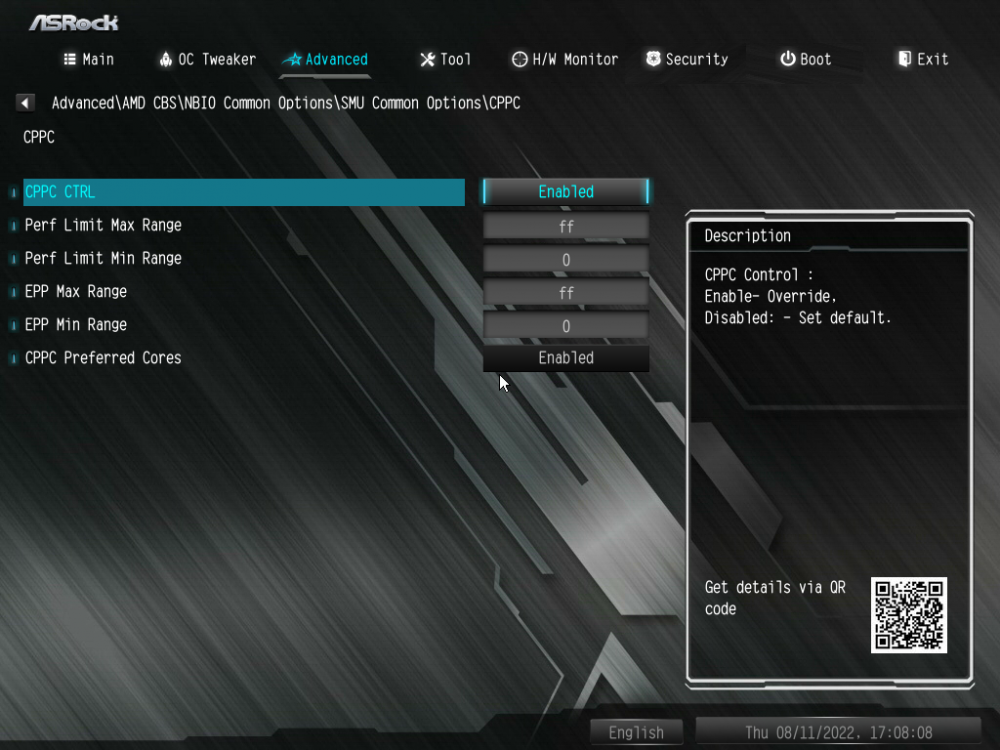
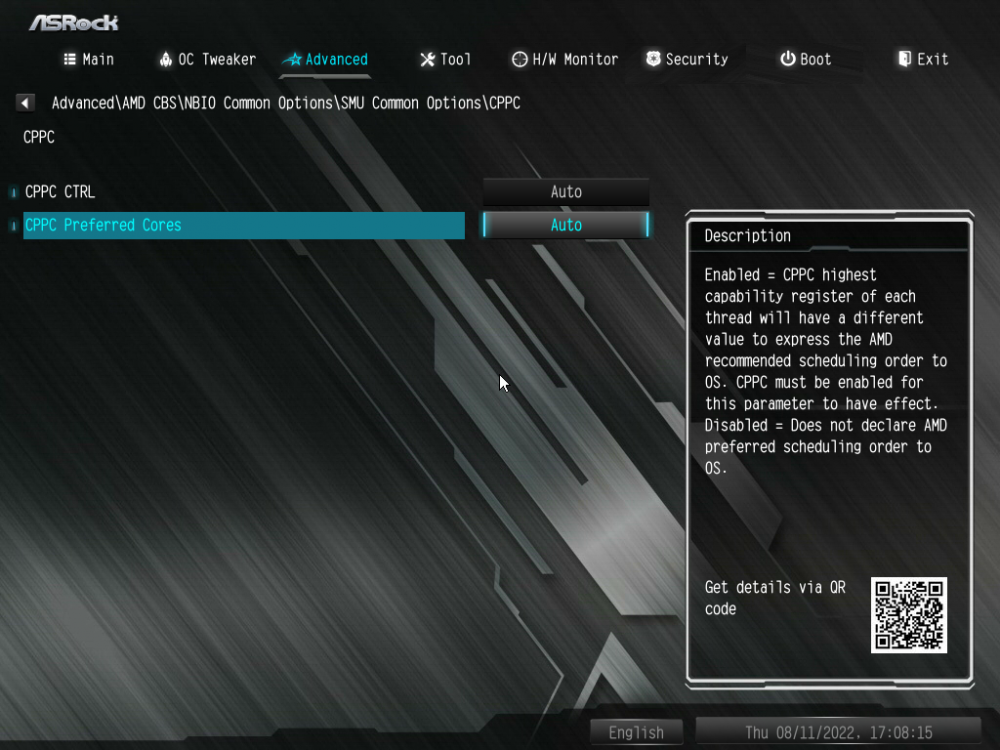
Im BIOS war bisher folgendes eingestellt: Jetzt habe ich auf Folgendes umgestellt: CPPC wird mir aber weiterhin in corefreq-cli nur als "blau" angezeigt...
-
Hab den shared-memory Befehl mal beim Start hinzugefügt, aber CPPC wird mir immer noch von corefreq als lediglich verfügbar, aber nicht aktiviert, angezeigt. Ich schau nachher nochmal ins BIOS; wahrscheinlich hab ich dort etwas nicht richtig einstellt was CPPC anbelangt.
-
Ich hab jetzt direkt an der Quelle nachgefragt: Blau bedeutet also unterstützt, Grün unterstützt+aktiviert. Keine Ahnung wieso das bei mir dann nicht aktiviert ist; muss mir meine BIOS Einstellungen noch einmal genauer anschauen...
-
Thanks for clearing that up. Curious since I enabled it in my mainboard's BIOS (or at least I think I did) a week ago...I'll go and recheck.
-
Quick question: What do the colours concerning the CPU's features at the bottom of the screen signify? E.g. @kdwg's screen shows "CPPC" as "green", yet mine shows it as "blue". What gives? Is "blue" better than "green"?
-
Gar nichts - es wird mir nichts angezeigt...
-
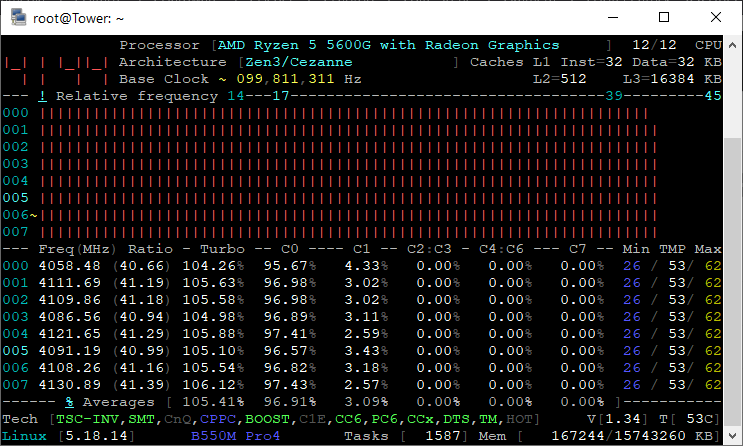
Er dreht z.T. schon voll auf: Ich habe eher den Eindruck, dass z.T. die Last nicht wirklich "ankommt", muss aber zugeben, dass ich das bisher nie beobachtet habe.
-
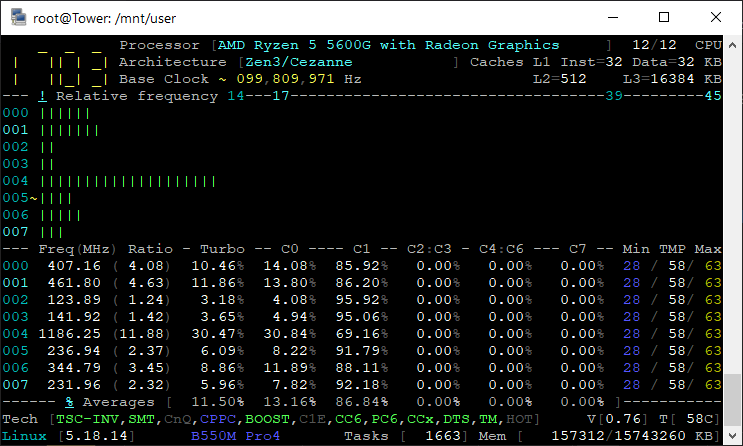
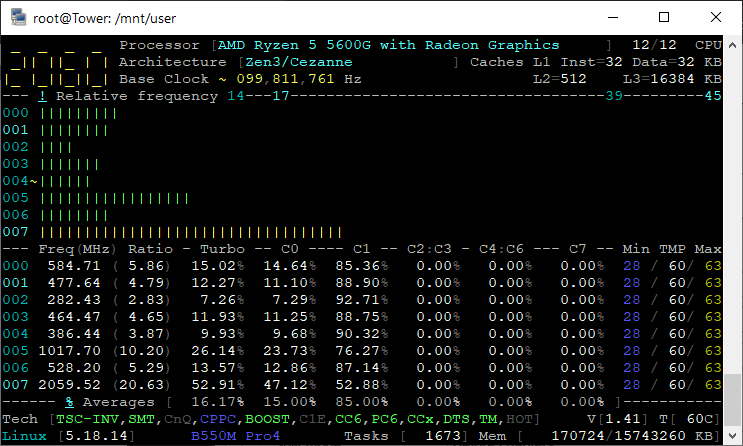
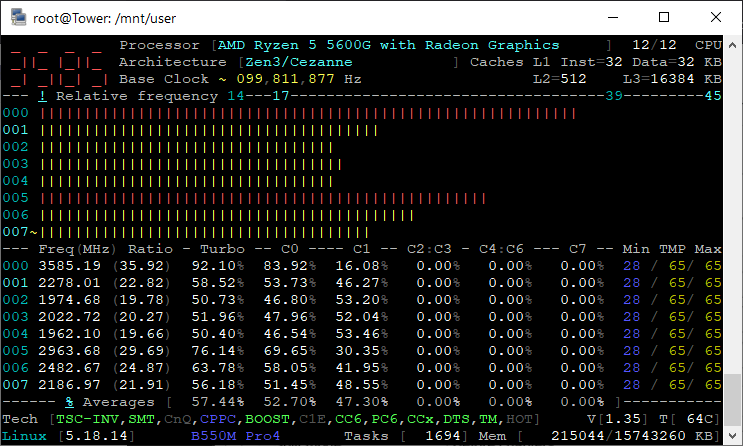
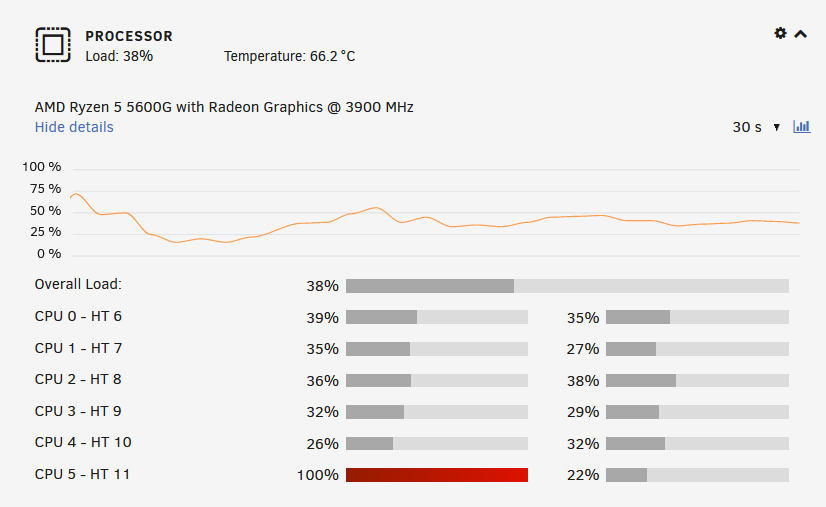
Also so ganz rund scheint das Ganze noch nicht zu laufen. Ich lasse gerade im Hintergrund den MKVToolnix-Docker eine fast 40 GB große MKV-Datei aufteilen und der Prozessor dümpelt so vor sich hin (selbst "ondemand" ändert nix): Auf "performance" ein wenig besser, aber selbst da schießt er nicht Richtung Turbo hoch... Das ist wahrscheinlich so nicht richtig, oder? EDIT: Vielleicht lastet auch der Docker selber nicht stark genug aus? MKVToolnix + Bilderimport per Lightroom in einer W10 VM: Aber so richtig voll über alle Kerne wird da immer noch nichts ausgelastet: Mal Prime95 ausprobieren 😄
-
Oh, my bad. The forum jumped to the latest posts automatically and I stopped scrolling backwards after a the first couple. Sorry!
-
2.30, also das aktuelle. Ich schaue gleich mal, wo der Stick steckt. Ich hab jedenfalls noch nen Empfänger für die Funktastatur dran, um im BIOS rumspielen zu können, aber der muss in der Tat nicht dranhängen, den entferne ich gleich mal. EDIT: Stick steckt in einem USB 2.0 Anschluss (zumindest gehe ich davon aus, denn der verwendete Steckplatz ist nicht "blau"); hab den Funkempfänger entfernt, jedoch hat sich am ASPM Status nichts geändert. Auch der Leerlaufverbrauch liegt bei abgezogenem HDMI Kabel und entferntem Funkempfänger weiterhin bei ca. 20 W.
-
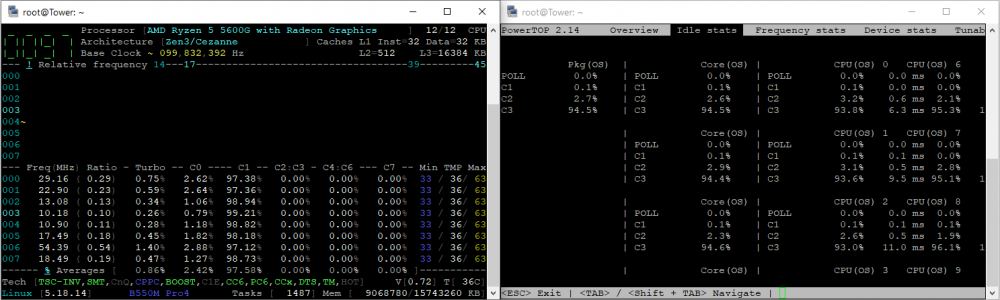
Hab auf Powersave umgestellt. Hier corefreq und powertop zur selben Zeit: Als Mainboard kommt ein ASRock B550M Pro4 zum Einsatz.
-
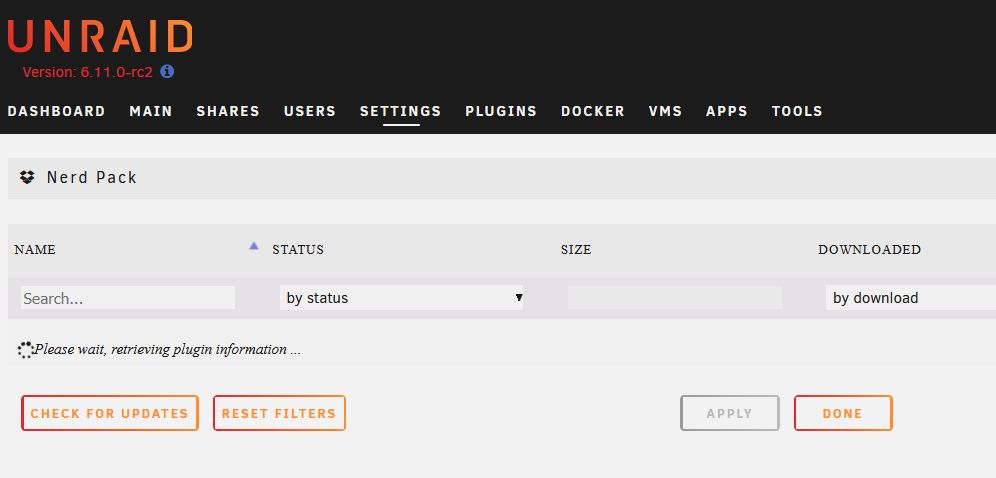
Anybody else stuck on this on 6.11.0 rc2? Already tried reinstalling, even deleted anything Nerdpack related on the flashdrive...
-
Ja, hab das alles in nem UserScript drinnen, welches bei jedem Start ausgeführt wird. Auch deine 2.14 Version zeigt mir bei den "tunables" keine offenen Punkte mehr an. Komme im Moment so auf 20 W im Leerlauf mit schlafenden Festplatten. Laute corefreq-cli aber immer noch nur C1. Interessanterweise habe ich den modprobe Befehl jetzt auch in Userscripts und habe wohl jetzt nen anderen CPU governor?! root@Tower:~# cpufreq-info cpufrequtils 008: cpufreq-info (C) Dominik Brodowski 2004-2009 Report errors and bugs to [email protected], please. analyzing CPU 0: driver: amd-pstate CPUs which run at the same hardware frequency: 0 CPUs which need to have their frequency coordinated by software: 0 maximum transition latency: 131 us. hardware limits: 400 MHz - 4.46 GHz available cpufreq governors: conservative, ondemand, userspace, powersave, performance, schedutil current policy: frequency should be within 400 MHz and 4.46 GHz. The governor "ondemand" may decide which speed to use within this range. current CPU frequency is 1.60 GHz.






