






gyto6
Members
-
Joined
-
Last visited
Everything posted by gyto6
-
Your concern is kind. Thanks however
-
ARC is also included with ZFS single drive volumes (or vdev). It caches each file read in RAM and the most used files used. Some more properties proper to ZFS can also be managed.
-
Euhhhhh... You can already use ZFS in Unraid with no GUI, instead of leaving the dust on your server : Support Forum

-
I doubt as the PR is still opened on the github. But indeed, the operation is already available for mirrored vdev. Concerning ZFS support in Unraid, it's "coming" in Unraid 6.12
-
In this expected configuration, the SQL docker must run on its own storage datastore, independent of the application pool storage running grace to your database container. Because the expected failure is then your SQL storage, what about the application storage? You'll be only able then to restore your system in one situation. Not ideal but that's a beginning. Whatever, an HA is litteraly a copy from your whole system on several servers. So your scenario is still not ideal for full HA.
-
The only good DIY alternative would be to proceed ZFS replications and using Mikrotik router (cheaper and customizable) to proceed "heartbeat" from your VM with ping or from your host each minute. In case of failure, of VM or container answer, the Mikrotik can proceed an SSH session to boot the sibling VM/container on the backup server, but trafic also need to be manage on the network side. So another mess to script also according to your need.
-
Don't expect to do HA with Unraid, it's not expected to do so. ESXi with the vCenter is the basic one system to do so. You can proceed to replication each hour with a third server (better than a VM) hosting Veeam. The vCenter Replication can do so each minute and give more automatic actions in case of emergency. Some other solution, still with vCenter, is Datacore, but as all others solutions I quoted, you've to pay and you can't crack this solution, whatever, it works with an ideal HA server and its network. You can find ESXi and vCenter keys on github dedicated for labs. Host Unraid VM on it and proceed to replication according to the solution you're using. But if you're a rookie, I stronlgy do not recommand to do so. It's easier to manage backup instead of setting up and managing an HA solution. Load Balancing and Failover need to be also managed from your router if you're expecting traffic from WAN to work.
-
Reserved - ZFS and Usage
-
Reserved - Hardware Choices and how to skip bottleneck
-
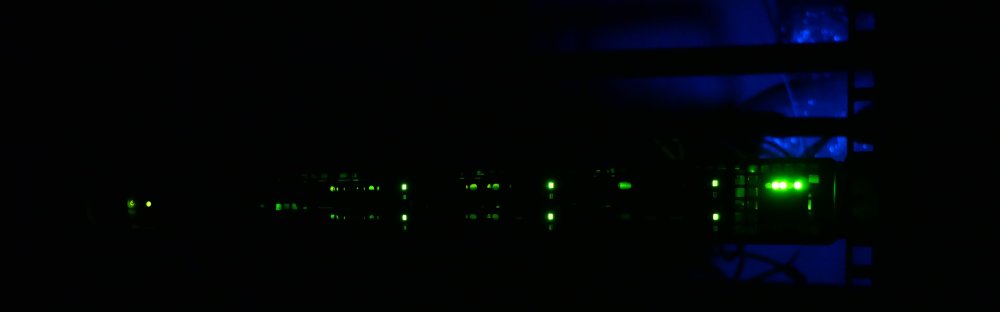
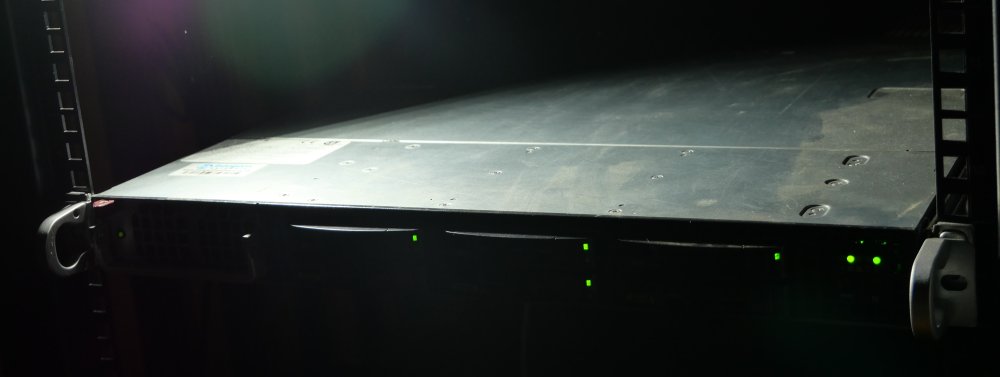
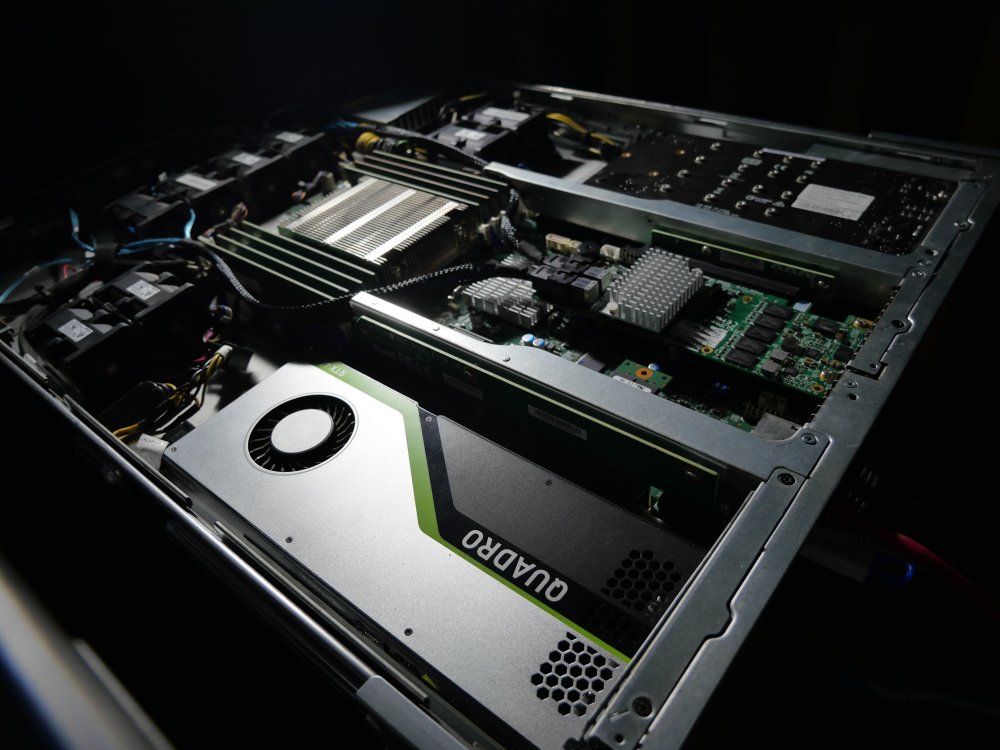
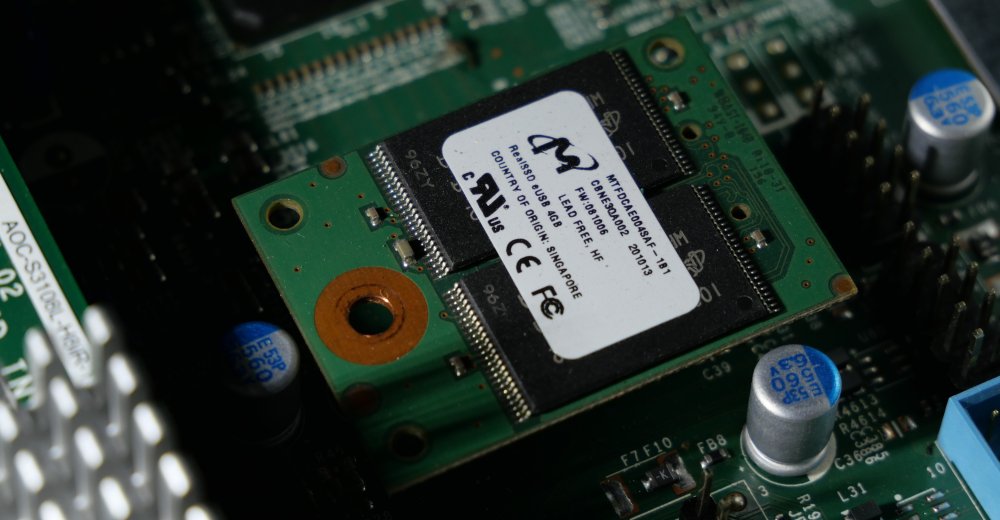
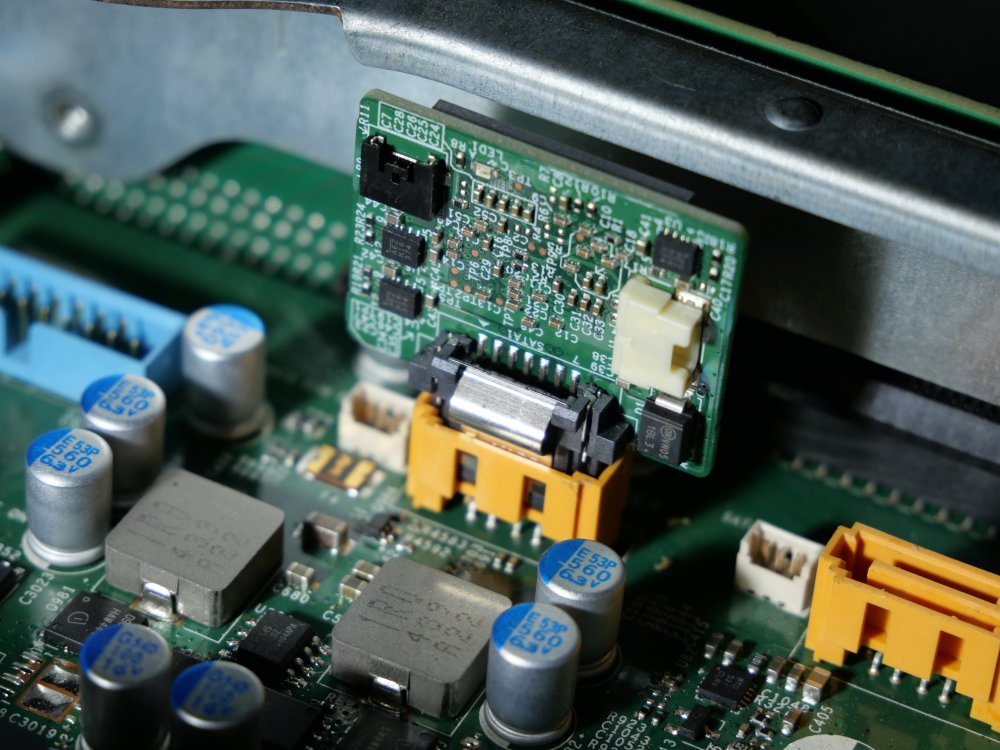
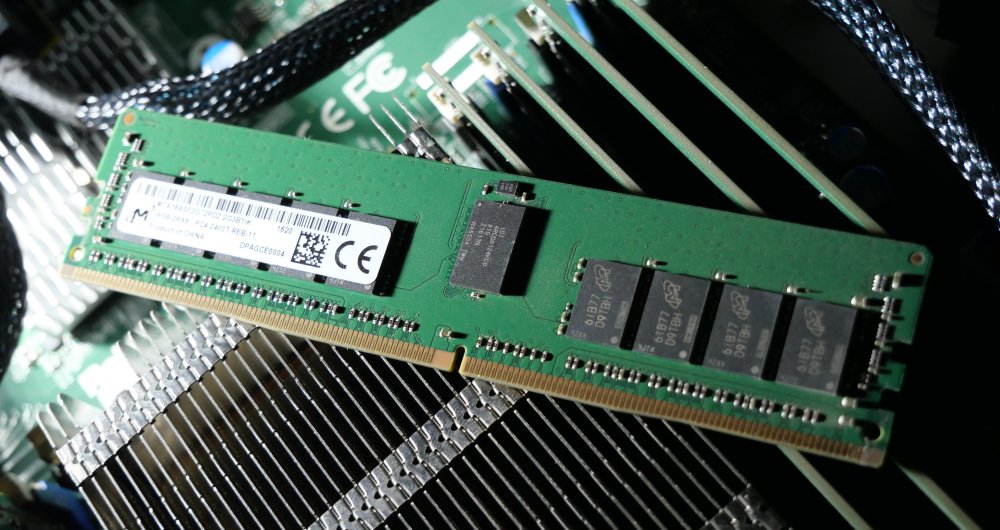
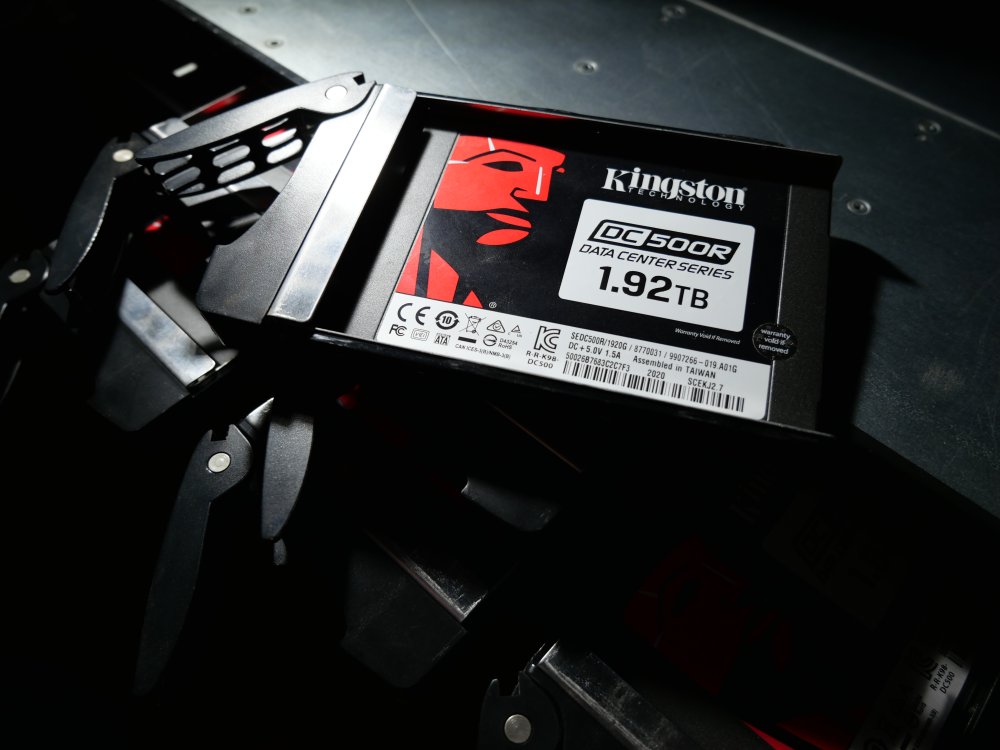
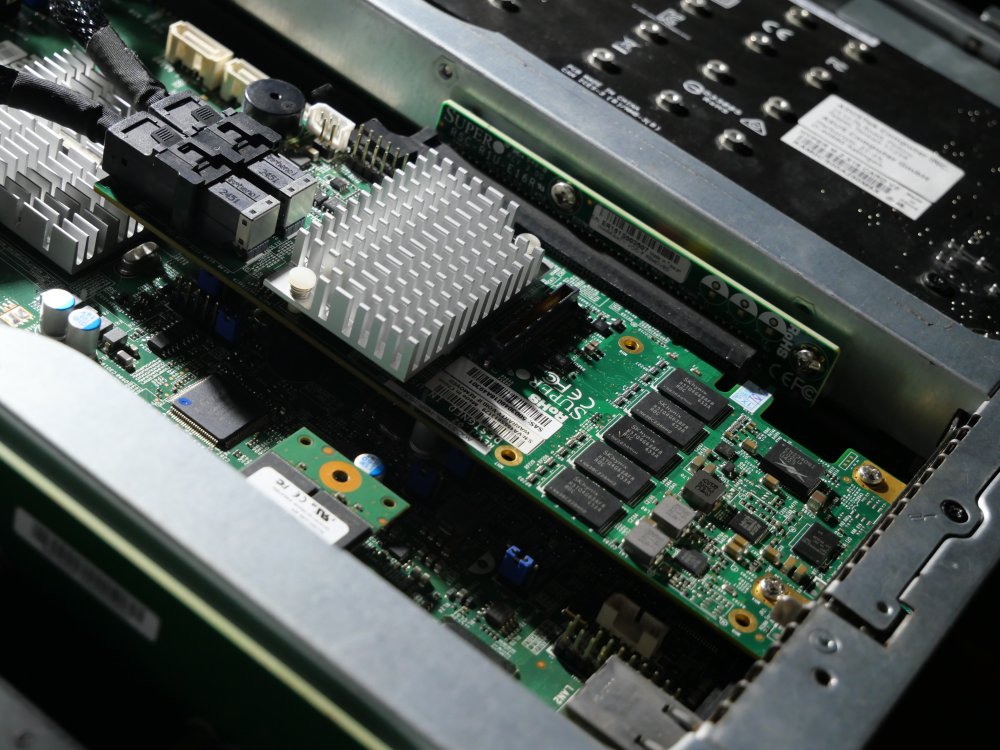
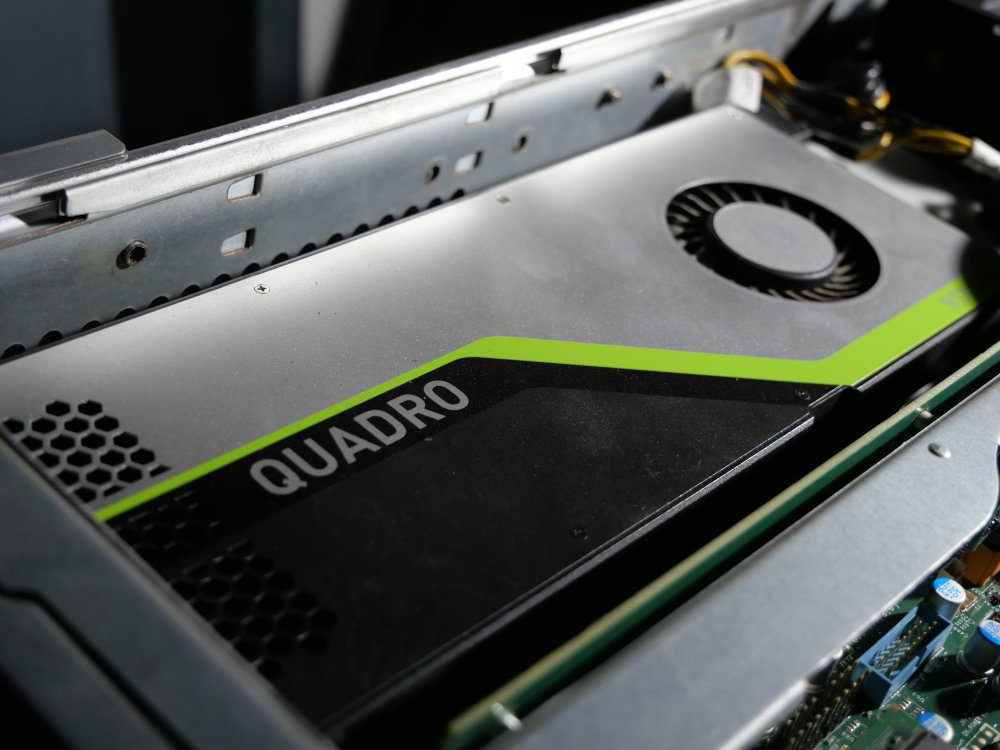
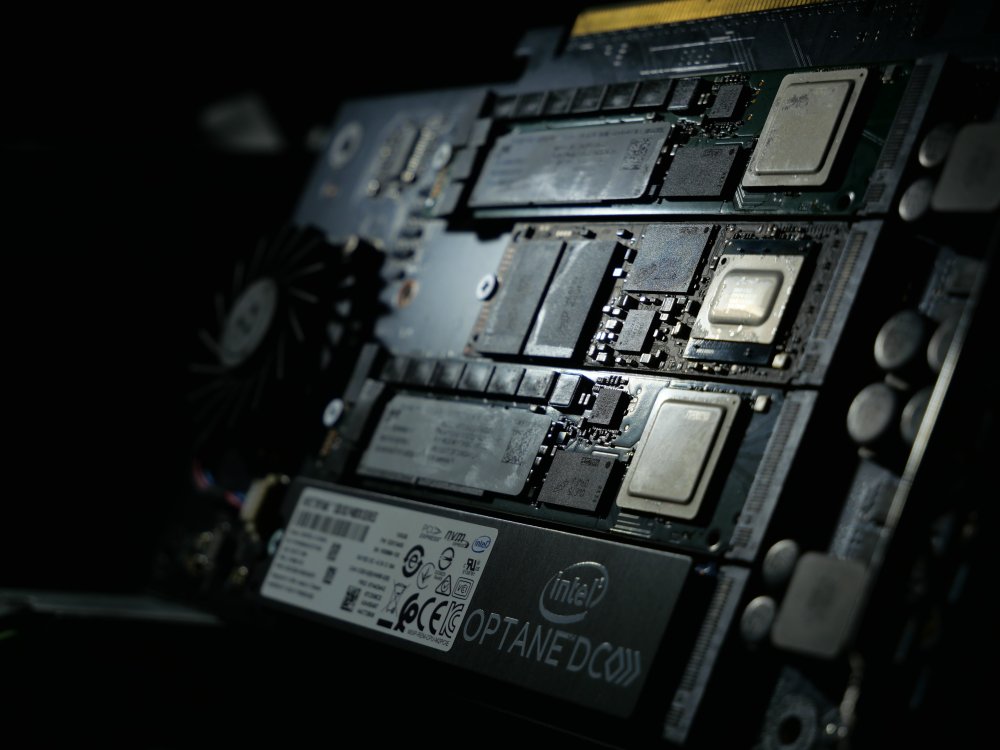
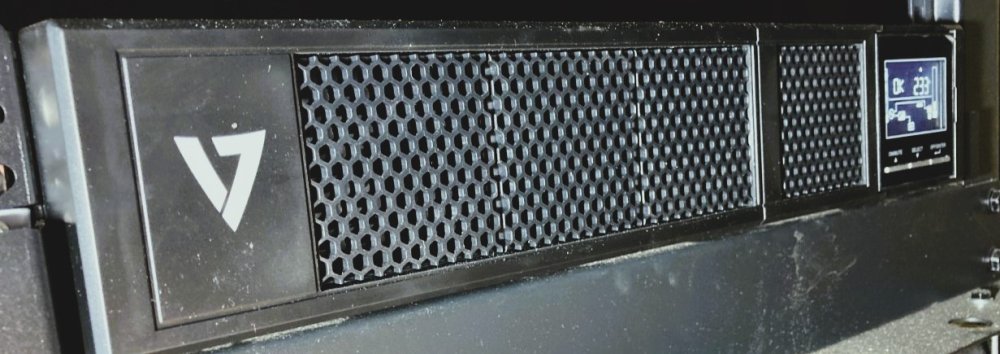
0 Deep in my cave, is stored a silent server, only its fans wheels can be heard like a whisper. This server is a SuperMicro 1018GR-T. This 1U server is connected from the deepest places of my home to the brightest places of the internet by Mikrotik RB4011-GS+ directly connected to my French ISP (Orange) GPON. up. Once the server is opened, most of these secrets shows Its components are brighter than the shade around us. First of all, the heart of the beast : a Micron e230 USB DOM. This tiny card of 4GB/Go is equipped with ECC components that shall assure that Unraid doesn’t suffer from corrupted file due to magnetic interferences.. How can it be reached in such as dark place where no light seems to descends ? A second vital element then shows up : an SSD-DM06 from SuperMicro, this special SATA port is able to give it the power to run. This cards is dedicated to store the Unraid’s logs. Not so far can be seen 8 sticks of RAM from Micron. It appears that the server is equipped with 128GB/Go ECC RAM from Micron. Enough to run one Chrome tab with a bright sun if this last one would come down here. The machine is equipped with 6 SATA SSD from Kingston. With a capacity of 11.52TB, this server could store a quarter of Star Citizen at max SATAIII speed 600MB/Mo’s. With its Power Loss Protection (PLP), the data cached in its own RAM can safely be written to the NAND in case of power outage. Those 6 drives are connected to a AOC-S3108L-H8iR from SuperMicro. As the SATA SSD saturates the DMI which needs to vehiculate ethernet packets too, the motherboard needs it to not suffocate. Finally, a green card can catch our eye. This RTX Quadro 4000 is more than enough to run Minecraft Java. This less blinky card show up. The dark plate was hiding a silver one on the otherside. It seems to hide something in it… The card dissected, some jewels can catch our attention. An Optane P4801x ! This memory’s so fast, that no RAM are required to access the data in its cells quickly. PLP is still present as some capacitors appears on its body. It let the controller the time to run the last received instructions and store it in the 100GB/Go storage. Some more conventional flash cells are also on the Hyper M.2 Asus card. 2 Micron 7400 Pro with PLP are there as long as the 110mm Optane stick’s length. A little 80mm stick remains, a Crucial P5 with 2TB/To of storage, as much as the Micron sticks. Finally, a V7 1500VA UPS is calmly sitting in the floor of this rack to assure the best to run endlessly, even in case of power outage for 40 minutes



-
ZFS raidz expansion is not available yet. You must destroy and create a pool with each disk. Copy your data to an external USB drive temporarily to create your new zpool.
-
Well, I agree with you. I'll get in touch with the container developper to get a clue on why I can't get the variable as usual on Unraid.
-
Hi everyone, I've some trouble with one container. I need to pass a variable in it, but this same variable is already set in the docker-compose.yml container's file, so I have to edit the variable at the source. The problem is that I'm using the Docker vDisk file, and due to all these docker layers, I'd like to know what could be the best way to edit this file. I'm not experienced enough with docker, and maybe that using vDisk might lead me to a dead end, but i've still a lot of interess to any explanation. Thank you!
-
Server updated. No problem.
-
From the IPMI, I'm running at 90W IDLE... I expected better from this 1400W PSU concerning the ratio:

-
-
A quick note for ZFS users with NVMe devices. While scrolling the OpenZFS github page, I've discovered this PR from Brian Atkinson concerning the Direct IO implementation within ZFS. Not applicable for databases, but many others situations shall see a real benefit with its implementation. You must understand that we're bypassing the ARC, and Direct I/O is very specific. So it's not a "performance booster" but a property that should be set accordingly to your need. https://docs.google.com/presentation/d/1f9bE1S6KqwHWVJtsOOfCu_cVKAFQO94h/edit#slide=id.p1
-
ZFS "plugin" downloads the last ZFS version from OpenZFS github, so the functionality is there.

-
First, you'll find many informations on Aaron Toponce website : https://pthree.org/2012/04/17/install-zfs-on-debian-gnulinux/ Second : In Situ scenari, I wrote this tutorial to optimize ZFS for another application. I tried my best to explain ZFS so it might worth the shot. https://github.com/photoprism/photoprism-contrib/tree/main/tutorials/zfs Third : ZFS/Unraid Compendium from @BVD https://github.com/teambvd/UnRAID-Performance-Compendium/blob/main/README.md
-
No need to come back to Unraid if you're only planning to use Plex and to store personal data on your server I think.
-
Nope. If Unraid add ZFS support, it should be a bit more graphical. But with many caveats probably as they are tons of properties to customize a Zpool and a dataset.
-
First thing that comes to my mind, according to the required space, set a raidz or raidz2 and dedicate your 18Tb drive as a spare. https://docs.oracle.com/cd/E53394_01/html/E54801/gpegp.html https://docs.oracle.com/cd/E19253-01/820-2315/gcvcw/index.html (french one) Proceed to a safe test; with no data in the array; to check that in case of a drive failure, the 18Tb drive is automatically mounted. Just remove the SATA cable to simulate a drive failure. When creating the raidz, set the autoreplace property.
-
ZFS is not more pertinent. But if you’ve the required stuff in your server, you can custom the Filesystem in this way. Whatever, if you’re meeting performance issue, I don’t think that ZFS will magically solve the trouble.
-
For those wishing the use of a ZVOL with XFS for a XFS docker disk image: zfs create -V 20G yourpool/datasetname # -V refers to create a ZVOL / 20G = 20GB or 20Go cfdisk /dev/zvol/yourpool/datasetname # To create easily a partition mkfs.xfs /dev/zvol/yourpool/datasetname-part1 # Simple to format in the desired sgb mount /dev/zvol/yourpool/datasetname-part1 /mnt/yourpool/datasetname/ # The expected mount point
-
To explain: Zfs create : Is used to create a dataset, so any path following this command refers to a zfs pool (already created) and a dataset (or sub dataset) to be created. Do not mix up "zfs create" and "zpool create". BTRFS or XFS : At the time I posted it, I tried first to make a docker disk image run in a ZVOL, so I began with the BTRFS. Several specifications tends to prefer the use of XFS instead of BTRFS. Use XFS docker disk image in a ZVOL partitionned with XFS. Error accessing specified device: /dev/pool/docker is a ZFS "file". /dev/pool/docker-part1 is the relative path to the partition included in the ZVOL. Once your partition configured with the appropriate file system, you'd better use a script to mount the filesystem at boot in a different path to enable writing. My own actually : mount /dev/zvol/pool/Docker-part1 /mnt/pool/Docker/






