





lovswr
Members
-
Joined
-
Last visited
-
Went from 7.0.0 to 7.2.0 with no issues.
-
Upgraded to 6.12.6 with no issues.
-
Yes, it is still the same with an incognito window. I also tried using the ip address instead of my server name & still get the same behavoir.
-
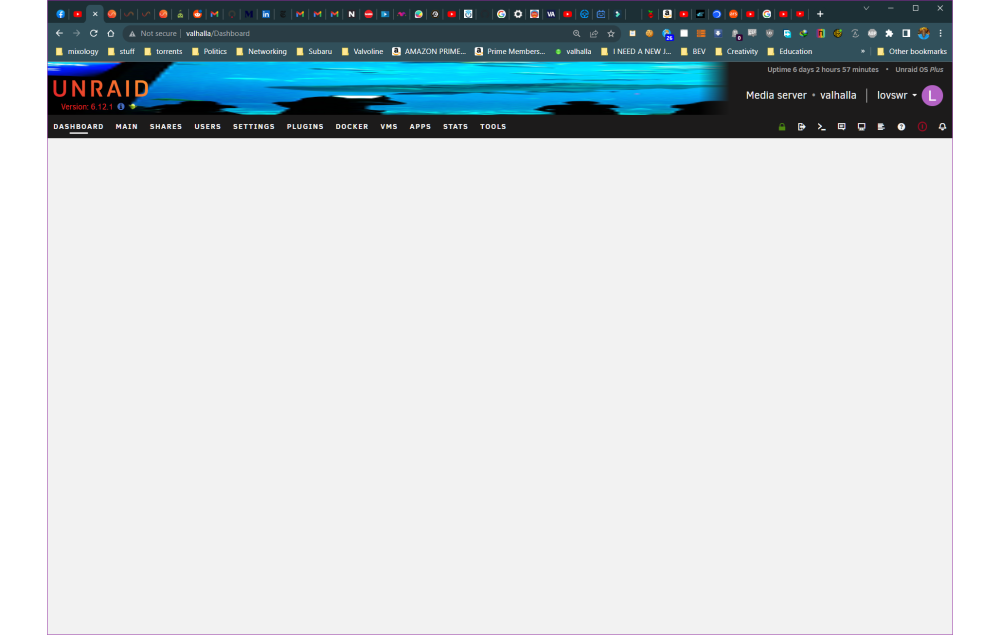
So I spoke too soon. Just white space under Dashboard. All other tabs work. This is in Chrome and Edge. IF I stop/start the server, it will work, until I navigate away from Dashboard, but when I come back, just white screen.
-
Was on 6.11.4. Upgraded to 6.12 wiht no problems. Then about 24 hours later, my Dashboard just showed a white screen (I use chrome). Upgraded to 6.12.1, just now, & dashboard is back. No problems with unRAID running with either version.
-
Thanks, Squid!
-
unraid v 6.9.2. Never seen an alarm anythng like this. Fix Common Problems' suggestion seems so dire. Told me to post diagnostics and ask for help, immediately. So here I am. TAI valhalla-diagnostics-20220123-1406.zip
-
I'm at my wits end. I have been having trouble with my docker for 2 or 3 months. Mainly, the running dockers just stop & the error is typically the docker image is either full or corrupted. I have done some of the things posted in this very thread such as deleting the image completely & changing the size. This helps for a few days but then it will just crash again. I keep the image on my 1 TB ssd cache & I have run tests on that drive that say it is ok. I just don't know what else to do. Docker was running fine last night & now this morning it has crashed. Diagnostics attached. valhalla-diagnostics-20211128-0642.zip
-
Just wanted to say I just upgraded to 6.9.2 with no problems. I never had a password for root (or any of my other selves as users) but I set one (for root & one user) just before I upgraded. Whole process took about 7 minutes or so.
-
Thanks for this quick fix. I set speedtest to run at 0300 every night. Just noticed it was not working. This is why this forum/unRAID is the best.
-
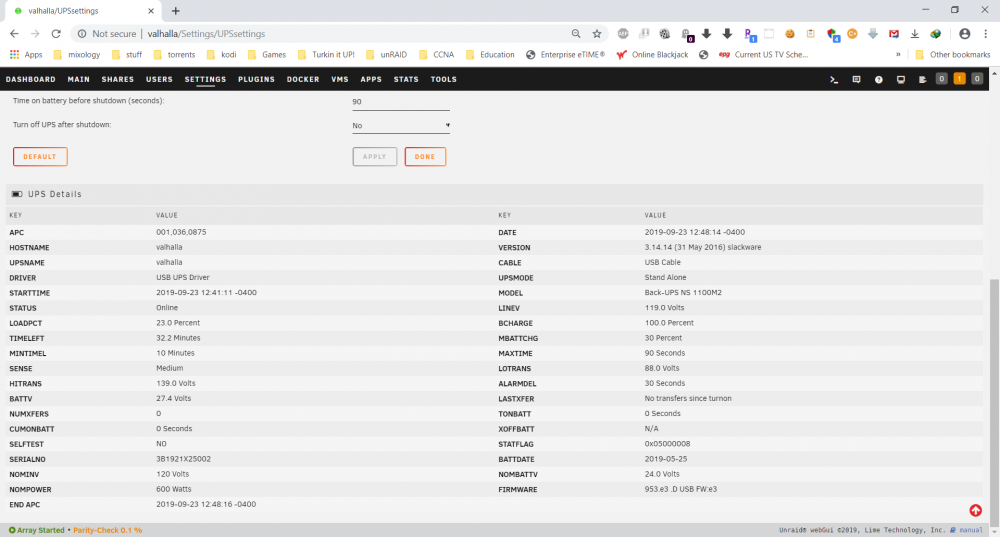
Just wanted to say that my old APC Back-UPS 550 finally bit the dust. I had it for over 5 years & the battery has been replaced once. I just bought a new APC Back-UPS 1100 & made no changes to apc-deamon. It appears to be working just fine.
-
I had a similar problem and my guide refused to update & I could no longer access my Plex server outside my house. Did as you instructed to move over to the Linuxserver version. It is now updating the guide & it also appears that remote access has been restored. Kudos & thanks!
-
I have the same issue. No sound at all. I also would like to commend the OP for this excellent tutorial. Really easy to follow AND he explains things. Having said that it was not obvious (at least not to me) that if you try to get Windows 10 from Microsoft while using a Windows machine, that download page will try to force you to use that horrible tool. The trick is to change the User Agent in the browser session of the download page. For example if one is using Chrome, here is how to do it. Last thing. Did anyone actually manage to buy a working Windows Pro license from that website? That price seems too good to be true.
-
Thank you so much for this. The things one does not know. I activated python 2/7 & Speedtest is working now. Now if I could only get Spectrum to give me my 100M consistently , haha.
-
I really like this utility, but unfortunately when I upgraded from 6.35 to 6.4 it stopped working. It keeps saying that I need Python 2 but of course that was already installed. I even uninstalled NerdPack (which contains python 2.7) & then uninstalled Speedtest - restarted my server & reinstalled both. I still get the below error when I try to run it. Is Speedtest not compatible with server version 6.4? This plugin requires python 2 from the NerdPack plugin https://raw.githubusercontent.com/dmacias72/unRAID-NerdPack/master/plugin/NerdPack.plg

