





eagle470
Members
-
Joined
-
Last visited
Everything posted by eagle470
-
This is ridiculous that this hasn't been addressed. @limetech please either update the allowed usb devices and the flash creator, open source the flash creator to allow others to update it, or remove it. I've been using a USB 3.0 Cruzer Fit in my main unit for years and an Ultra fit in my newer host for several months.
-
I'm trying to run t-rex miner on my server, sharing the gpu with unmanic and plex. I can't get the container to stay running (terminates immediately.) I can't fin any logs on why it won't stay running. Does this need dedicated access to my gpu?
-
I swapped out my jellyfin.subdomain.conf file for yours, minus the organizr configuration. I'm not running a custom network, I have everything going over IP, as I want to split some of these services out to other systems later on. I want to be able to scale to more servers as time goes on. I may have to go to the lsio discord at this point. You've been more helpful than most, but there has to be something that we all are missing.
-
other than automatic port mapping and the proxy address, my config matched yours for Jellyfin. Jellyfin logs report no issue. swag logs report no issue. Jellyfin is still not forwarding traffic to swag.
-
I have nextcloud working. I have the domain. I have cloudflare working. I have DDNS working. I have internal DNS working. I have all of this working. The issue is that Jellyfin isn't directing traffic THROUGH swag. I'm not getting TO the Proxy server, I'm not even worried about getting out of it, yet.
-
My issue is jellyfin isn’t forwarding to swag. I can still get to the jellyfin webserver internal. i have nextcloud up and working, so i was able to get the done once, but I’m unsure on why it’s not forwarding all traffic to the nginx proxy server.
-
grow your docker image. That should solve the issue.
-
For the life of me, I cannot get Jellyfin to forward to SWAG. I'm not using a dedicated bridge, instead I'm using dedicated IP addresses. My config files are attached below. Please help. Thanks network.xml is for the Jellyfin container Subdomain is my sudomain config jellyfin is my server config my Jelly fin container is IP'd 10.10.1.251 with ports 80 and 443 my swag ip is 10.10.1.222 jellyfin.subdomain.conf jellyfin network.xml
-
I'm trying to add a second top level domain to SWAG and it says it's doing the request, but I can't see that it created the directory or a cert for the TL domain.
-
Another option would be to be able to exclude file types, such as mp4 files and things like that.
-
It would be great if each app was zipped independently so that they could be restored separately. Additionally, it would great if it was simpler to drill down on a container and exclude specific folders inside a container. For example, Plex keeps the transcoded (think downloadable/optimized) files inside the container. I don't need to back those up.
-
It's in your nextcloud config.php file right after the overwrite values.
-
My issue was several things, I needed to change the SSL type from Flexible to Full in cloudflare, I needed to add a trustedproxy flag, I also missed an apostrophe. I had to add a cname in my dns servers (pihole) for my proxy host (swag) as well. I chose to use a fixed IP, figuring it gave me more flexibility in the long run to lock things down.
-
I've known American Nationals that couldn't use written english as well as you can. Mostly from my time in the Army, but still, your English is pretty good.
-
I've been following this guide which I figured out was seriously out of date: https://www.linuxserver.io/blog/2017-05-10-installing-nextcloud-on-unraid-with-letsencrypt-reverse-proxy Then I also looked at the Linuxserver.io documentation for swag and this other blog https://linuxserver.tips/en/nextcloud-install-on-unraid/ I made this post earlier today: https://www.reddit.com/r/selfhosted/comments/p6a26g/linuxserver_documentation_for_swagnextcloud/ I'm unsure where I went wrong. I'm using cloudflare to get DDNS working, so I'm good there. I HAD a working instance of NextCloud locally, now I get Internal Server Error The server encountered an internal error and was unable to complete your request. Please contact the server administrator if this error reappears multiple times, please include the technical details below in your report. More details can be found in the webserver log. if I run docker logs swag -f everything looks clean in the logs there now. When I run. docker logs nextcloud -f I get this notorious error: PHP Fatal error: Uncaught Error: Call to a member function getLogger() on null in /config/www/nextcloud/cron.php:162 Stack trace: #0 {main} thrown in /config/www/nextcloud/cron.php on line 162 Looking at ./log/nginx/error.log I see this error: 2021/08/17 17:13:23 [error] 407#407: *2 FastCGI sent in stderr: "PHP message: PHP Parse error: syntax error, unexpected ''overwritehost'' (T_CONSTANT_ENCAPSED_STRING), expecting ')' in /config/www/nextcloud/config/config.php on line 25" while reading response header from upstream, client: 10.10.1.89, server: _, request: "GET /ocs/v2.php/apps/notifications/api/v2/notifications HTTP/2.0", upstream: "fastcgi://127.0.0.1:9000", host: "10.10.1.221" If I comment it out I learn I get that same (roughly) error for these three config entries: 'overwrite.cli.url' => 'https://nextcloud.server.com', 'overwritehost' => 'nextcloud.server.com', 'overwriteprotocol' => 'https', If I comment those out I can get to everything locally but not through my public DNS. If I leave them in, I can't get to anything locally or externally. I really want to get this working and I feel like I'm close. I'm just not sure what I'm doing wrong. I'm using all the linuxserver.io containers (mariadb, nextcloud and swag) to make this work, though I've been testing with the NginxProxyManager just to check my work on the proxy server side. It does not appear thats an issue, so I'd like to switch back to the swag container, in which case I turn one off, the other on and change the port forward rule. Please help me figure this out, I need a fresh set of eyes on this. error.log nextcloud.subdomain.conf nextcloud.subfolder.conf config.php nextcloud
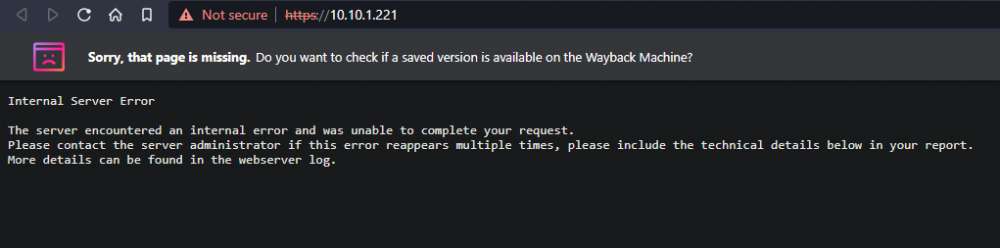
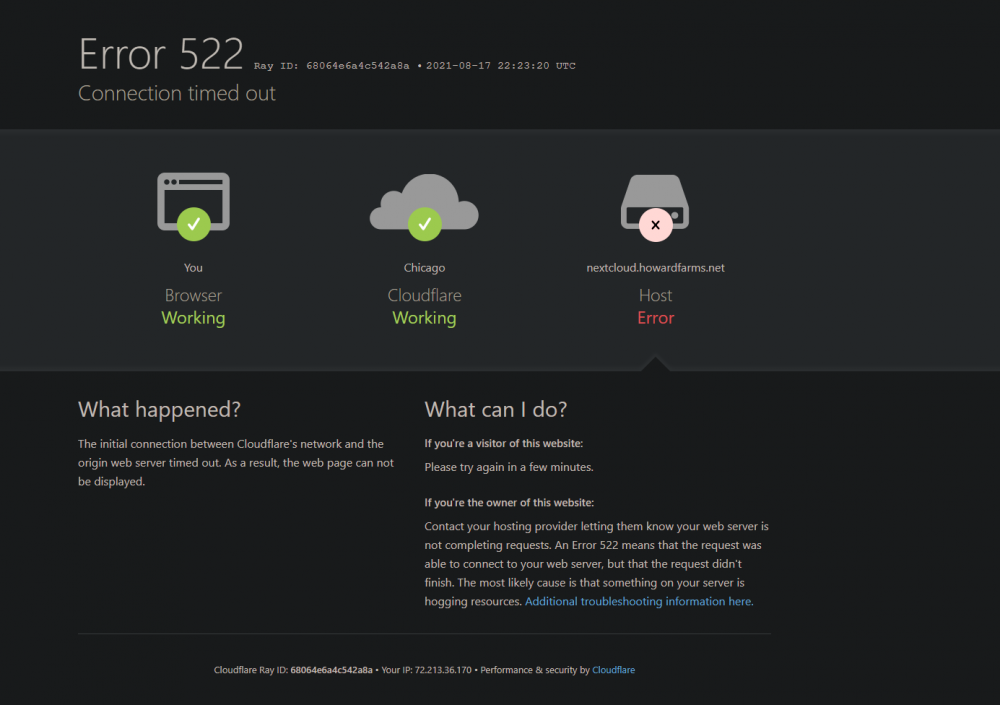
-
I'm trying to start a clean instance and I'm getting the error: Composer autoloader not found, unable to continue. Check the folder "3rdparty". Running "git submodule update --init" will initialize the git submodule that handles the subfolder "3rdparty". Do you have any advice?
-
I had corrupted sectors on my thumb drive. When I plugged it into windows it asked to do a repair. consider this issue closed.
-
Yes I have that. I can actively change the password with out that. I can start and stop functions, open a web shell session, change the password. I just can't authenticate. This isn't a lost password issue it seems. This is something else.
-
I changed my password for root and now I'm unable to login through either the webui or ssh. I have a valid webui session going right now, but I'm unsure what the issue is here. I even changed it to something stupid simple like 'abc123' and it still won't let me in. I've tried changing through the webui AND through CLI. neither seems to be working. unraid1-diagnostics-20210812-1421.zip
-
Thats the one.
-
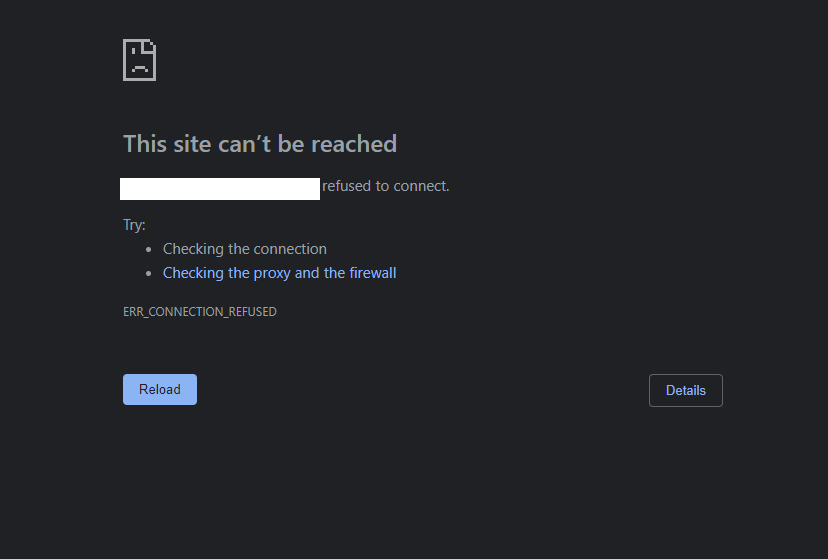
OK, I'm not sure where I went wrong, but it may have been when I stayed up way too late working on this. I have MariaDB running for my NextCloud Container, that is front ended by SWAG (all from Linuxservers.io) which sit behind my USG-PRO. I have swag setup with a bridge and am forwarding 192.168.1.41:443 out to the world (obviously I'm not using that IP, don't spaz out.) From there I'm using DNS-o-Matic to update Namecheap with a records for WWW.AWESOMEDOMAIN.NET and NEXTCLOUD.AWESOMEDOMAIN.NET. Both return a good response when running an internal (my computer) and external (someone's web page) nslookup. I'm still getting this: I've attached redacted versions of my nextcloud and swag config files.
-
My bad, I will delete this then.
-
With the recent announcement from Apple, I'm moving off my iPhone, can't take pictures of my kids on day0, nor in the tub. SO screw it, I'm moving on. It's how M$ and Facebook started their Orwellian creep into scanning your shit for everything they don't like. Rant over. That being said, I have an ubuntu VM up and running docker-compose. I've been learning all about self hosting email and from what I can see, doing it from a residential IP is stupid. I'm not buying a business line again, it's not needed for anything other than this and I would lose my symmetrical gigabit. I've been using apple photos to keep from losing my pictures, so I also need an alternative there, likely nextcloud. That being said, I can TRY to run my own mail server on a residential IP. OR I can buy thehelm.com (v2). Essentially what they do is proxy the mail through their IP's using IPtables. If I could find someone that did this as a service for self hosted email, I would pay for that in a heartbeat. SO what are your thoughts, you see the options. All the comments on this reddit thread have me leaning towards thehelm.com product. Unless @limetech wants a new service to offer. https://www.reddit.com/r/selfhosted/comments/oo81ja/ive_conquered_selfhosted_email_and_you_can_too/ If I thought I was smart enough, I'd build the tool myself as a mail proxy server tunneling to my own stuff.
-
It would be super slick if we could just go and pull down the latest copy of Ubuntu or Mint or ScientificOS the same way we do a docker container or plugin.
-
Did anyone get past the issue of losing your settings when update the container?



