gxs
Members
-
Joined
-
Last visited
Everything posted by gxs
-
root@Tower:~# ls -la /mnt/user total 1048596 drwxrwxrwx 1 nobody users 234 Oct 4 17:04 ./ drwxr-xr-x 13 root root 260 Oct 8 14:20 ../ drwxrwxrwx 1 nobody users 48 Sep 22 22:02 ISOs/ drwxrwxrwx 1 nobody users 126 Jun 27 21:47 Scans/ drwxrwxrwx 1 nobody users 85 Aug 13 2019 Wii/ drwxrwxrwx 1 nobody users 208 Dec 14 2019 apivk/ drwxrwxrwx 1 nobody users 788 Oct 5 07:23 appdata/ drwxrwxrwx 1 nobody users 26 Sep 25 15:17 bpivk/ drwxrwxrwx 1 nobody users 6 Sep 29 19:50 dmz/ drwx--x--- 1 root root 254 Oct 4 17:06 docker/ drwxrwxrwx 1 printer users 16 Mar 17 2021 downloads/ drwxrwxrwx 1 nobody users 52 Mar 3 2020 gpivk/ drwxrwxrwx 1 nobody users 19 Jul 23 21:32 irena/ -rw-rw-rw- 1 nobody users 1073741824 Feb 12 2021 libvirt.img drwxrwxrwx 1 8 mem 44 Apr 12 11:02 mail/ drwxrwx--- 1 nobody users 148 Jun 20 21:10 nextcloud/ drwxrwxrwx 1 nobody users 70 Feb 16 2021 paperless/ drwxrwxrwx 1 nobody users 4096 May 12 11:28 programi/ drwxrwxrwx 1 nobody users 4096 Feb 3 2019 roms/ drwxrwxrwx 1 nobody users 4096 Sep 25 17:41 series/ drwxrwxrwx 1 printer users 16 Feb 2 2020 series-download/ drwxrwxrwx 1 nobody users 4096 Jun 1 04:20 video/
-
Hi I'm also experiencing problems. Two of my servers don't work but one server does. I can't add them even though both are found by using automatic search. It just works on it forever (spinning circle). Same result if I use manual mode on both http and https. Also if I click on the Open Web UI ( v3.0.0 ) link I get ERR_CONNECTION_REFUSED in all browsers on all of my machines. This is also weird. Server that is not working: controlr 8549 root 11u IPv6 1355 0t0 TCP *:2378 (LISTEN) controlr 8549 root 12u IPv6 30575 0t0 TCP *:2382 (LISTEN) Server that is working: controlr 13117 root 11u IPv6 34868 0t0 TCP *:2378 (LISTEN) controlr 13117 root 12u IPv6 30249 0t0 TCP *:2382 (LISTEN) controlr 13117 root 13u IPv6 22407 0t0 TCP *:2379 (LISTEN) It seems that port 2379 (web interface) is never created. Any insights?
-
It seems that something broke on the update. It doesn't like this setting anymore. access based share enum = yes Did something change?
-
Hey I have a problem with the new version. After updating to 6.11 all my shares are invisible. Navigating to my servers IP shows me this folder is empty message. But when I navigate to a specific folder the shares are there. Basically: \\192.168.0.250 - no shares shown \\192.168.0.250\personal - opens folder normally How can I get my folders to show up? Edit: My phone also doesn't show the shares. No shares are set to Yes (Hidden).
-
Hi Guys A bit of a dumb question probably but how do I map folders to compose.yml? I have this: volumes: - redis_data:/mnt/user/appdata/myapp And at the bottom this: volumes: redis_data: driver: local Am I missing something because the folder never gets filled up and the data just goes to: /boot/config/plugins/compose.manager/projects/Compose Is there something I'm missing?
-
I have found it. It was in shadow but the file was empty. It seems that Unraid backups omit passwords. Good for general backups but I guess a pain for wireguard tunnels and user passwords.
-
Edit: Problem solved (sort off). It seems that I need to change all the passwords on users. Even though I can log on I don't see the files. But when I have changed the password to the same one I use the folders reappeared. Which file holds the passwords so that I can try and replace the file without changing all the users?
-
I have tried that. I have also tried from my phone. Same results. Setting the share to public shows it immediately. Setting it to anything other than that it just hides it. I have tried using a different user and just assigning another folder to see if it would show it but it doesn't.
-
I planned to do that but I had loads of problems since I'm working from a phone while my wife took me shopping. 🤣 I have added the file
-
kodeljevo-diagnostics-20220319-2021.zip kodeljevo-diagnostics-20220319-2021.zip
-
Hi. My server had a Usb failure and I had to set a new one. I had a backup but now I'm experiencing all loads of issues. All my users and shares are showing and are set (read/write are as they should be) but I can't see the shares on the network unless I set them for all to see (public). As soon as they are set to secure or private they just don't show up under shares. Can anyone help?
-
Yup. No errors or anything. There is stuff logged but no errors. The documents just don't upload.
-
I tried with TXT, PDF, Word,... Error is all the same. It just doesn't upload anything.
-
Hey Guys I'm struggling with paperless. When uploading through any web browser the only thing I get is "An error has occurred while uploading the document. Sorry!". I have tried using shares for file location, my personal folder inside a share but whatever I do it doesn't work. I have to be missing something. The logs are empty so I don't even know where to check.
-
Because the local endpoint is your internal IP and not external? Just a guess. Recheck that and test for open ports to see if it's the firewall.
-
That is normal as it happens on all my servers. What happens only on this one server is that it does stop but then doesn't restart back. The funny thing is that it's a barebones server so there is no reason for it to not work. What I did notice (half an hour ago) and will check if it matters is that I have bonding enabled and one of my links is not working due to faulty cables or bad router (one port is down and another is working with 100mbs). I wonder if that is the cause. I have ordered them to change the cables and I'll see if it's a weird combination of bonding and wiring problems.
-
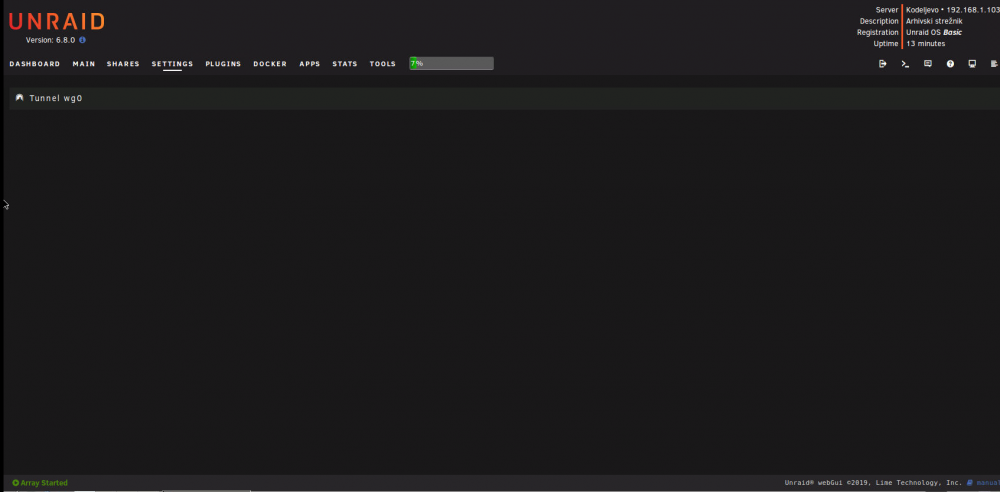
The screenshot is from after the reboot. But I have found out that the no tunnels showing problem is because of a VM not showing it so it's not a bug with Wireguard. Only one user is active (me) and the rest were just created. Even if I change just the Peer name the software disables itself. I have changed the IP address to another subnet and I'll see if it helps although this subnet should be perfectly fine.
-
Hey I have a problem... Wireguard randomly stops working (disables itself) and I have to manually enable it. And one additional problem is that when adding multiple (8 users) seems to crash the VPN itself. I just get a blank screen. And this screen doesn't change as well as the tunnel which doesn't ever start again. I can connect but handshake fails and keeps failing. I have attached a screenshot. kodeljevo-diagnostics-20200108-0910.zip
-
There are no errors. It's working fine. The text could be somewhat smaller but I guess that it's for people that ignore the big yellow sign up top. Although come to think of it if they ignore the yellow sign even a big allcaps words won't discourage them.
-
Same here. I have reinstalled docker and it's ok but it's a pain to reinstall since I'm afraid I'll experience provisioning problems or something similar. I'm kind of afraid to reboot my USG now. Although I was surprised to see that my custom jsons transfered over. Edit: Oh thank god! At least the restore function works like a miracle. Created a new docker, restored the backup and everything is back up without any problems. Now onto setting up Wireguard (which is why I have noticed that Unifi is dead).
-
Yes it works now. Thanks
-
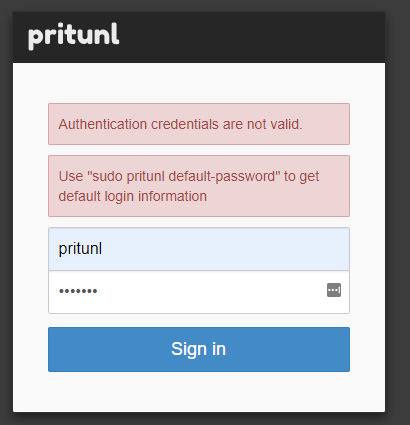
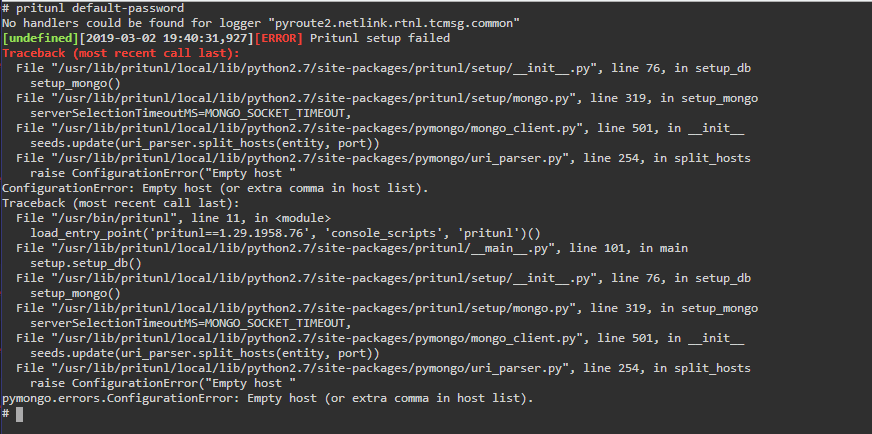
Probably from https://github.com/jippi/docker-pritunl But these commands don't work here.
-
Same error Log.txt
-
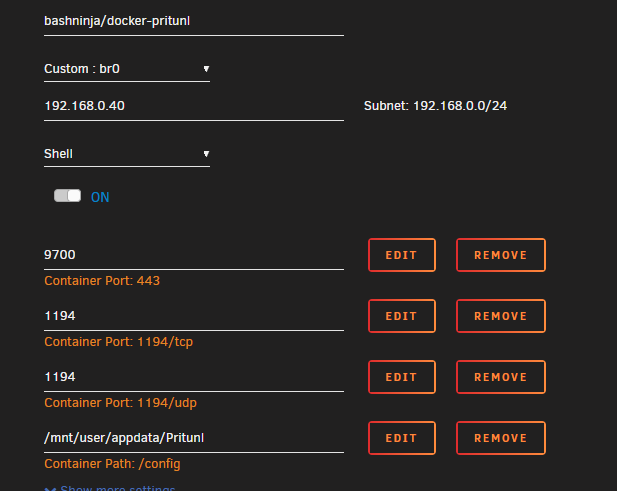
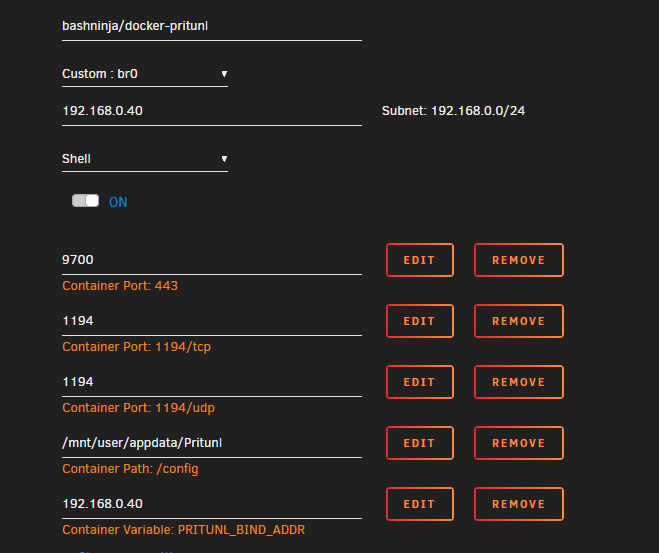
Yeah the error is something that bugged me. That's why I've changed from host mode to br0 hoping it would be solved. Maybe they changed something as I've also seen port 80 as being in use as well.
-
Sorry I was under the assumption that it was abandoned and that it doesn't work for everyone. The screenshot is for br0. I get the same errors in other modes as well. Log.txt