






H2OKing
Members
-
Joined
-
Last visited
Everything posted by H2OKing
-
Are we going to be able to use dedicated gpus soon? Sent from my iPhone using Tapatalk Pro
-
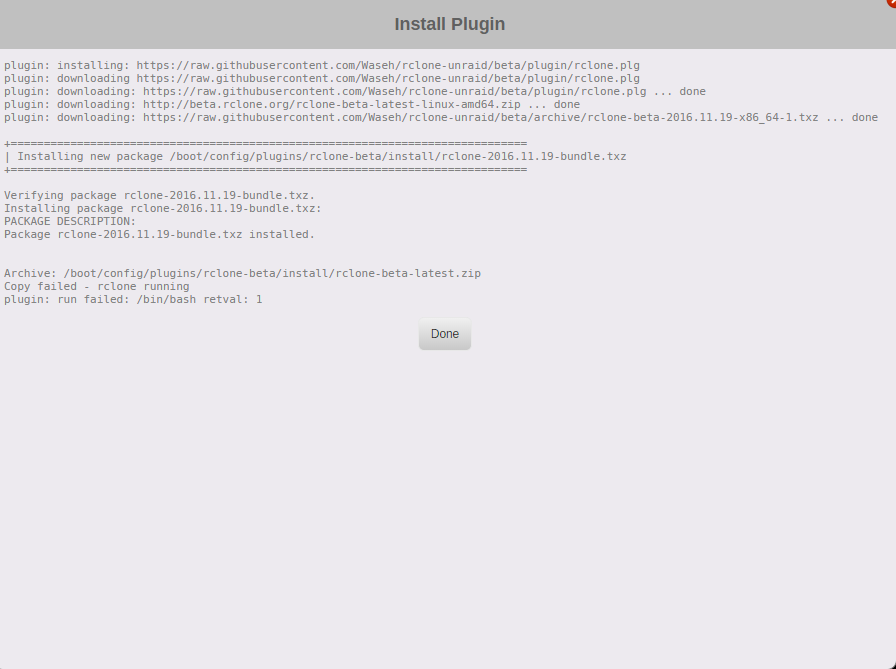
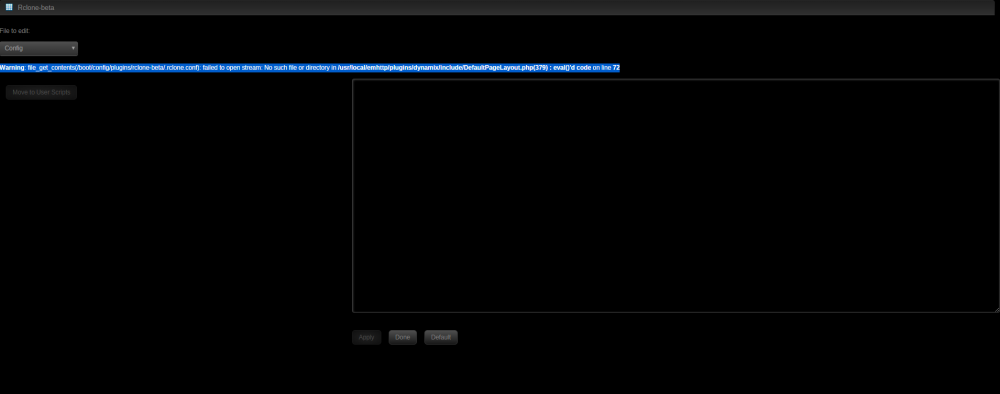
is there an issue with rclone? tried with two unraid systems 6.4.1 and doesn't work
-
had a weird issue today. Radarr didn't want to start. some how the port in radarr config changed to 8080
-
********Before Updating********* backup>nuke>clean install>restore if anything there is auto backs done /mnt/user/appdata/unifi/backup/autobackup clean install work
-
I think the last update broke it. can you back down to 5.7.19? @brettm357
-
Are you staying on 5.7 or going to 5.8? Sent from my iPhone using Tapatalk Pro
-
The issue was with the chrome. I Cleared browsing data and fix the issue
-
My USG pro is on 4.4.14.5041708. I wonder if i need to install the the new F/W
-
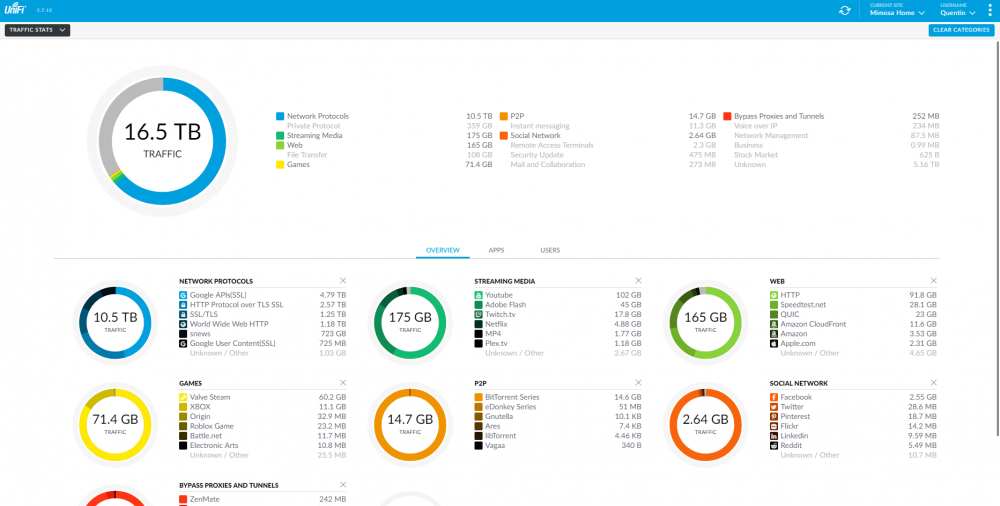
non of them are on but DPI works fine on it's own page
-
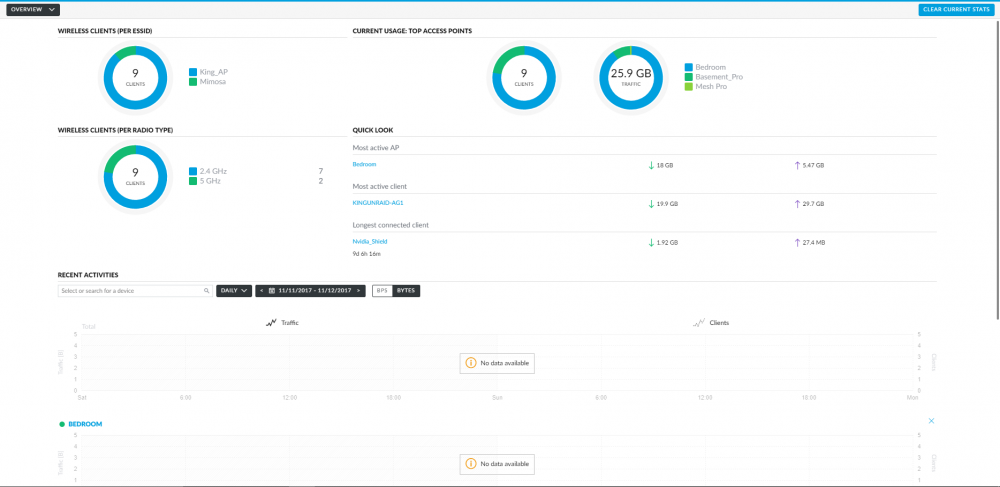
5.7.15 is out also is anyone having issues with statistics > recent activity showing no data available?
-
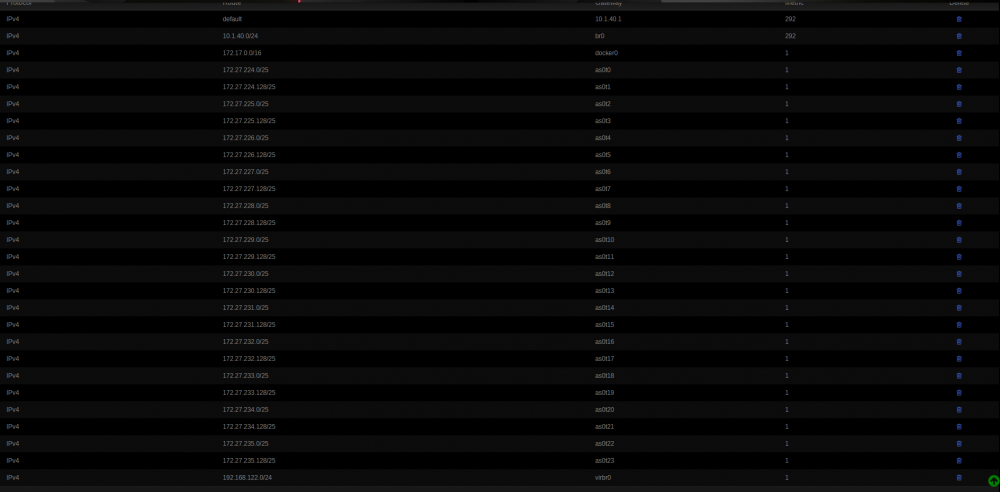
is this norm to make these many Routing Tables?
-
Thank you. I like this because I want to stay on 6.4 till it comes stable. Sent from my iPhone using Tapatalk
-
any info about the cornjob for the logs?
-
5.6.22 Stable Candidate https://community.ubnt.com/t5/UniFi-Beta-Blog/UniFi-5-6-22-Stable-Candidate-has-been-released/ba-p/2127830 Controller bugfixes/changes from 5.6.20: Enable Custom Antenna Gain if user is Professional Installer. Show 'Version' column in AP/Switch filtered view by default. Add links to UniFi mobile apps on login page. Fix applying custom antenna gain for US region. Upgrade button no longer disappears upon naming. Fix map device RF button not working correctly. Fix client name not showing correctly in DPI Application Usage widget. Fix the guest portal and preview. Security improvements. Update WebRTC JNI to v1.0.27. Various backend improvements and bugfixes.
-
I kept getting no execute. ill just keep it on it's own ip. now is the corn job still needed? I was using User Scripts.
-
Okay just want to make sure I understand this. ^^^ and this is old^^^ don't see a date on this. also is there a cornjob still needed for log? im on 6.4rc10 and change the port to 84 under Identification settings and still can't start in bridge and no other docker is using port 80. Change to br0 and gave it an ip works but Fix Common Problems is bugging my OCD
-
I’m going to assume external clients? If so did you update the router port ? Sent from my iPhone using Tapatalk
-
Looks like hot fix for stable 5.6.20 is being push Sent from my iPhone using Tapatalk
-
Is there any way to get the auto remove to work? In settings I have it set to remove @ 0 but when a download starts in the options of the download auto remove is not check Sent from my iPhone using Tapatalk
-
New stable candidate pushed out 5.6.19 Sent from my iPhone using Tapatalk
-
looks like another update
-
port 80?
-
Still can’t get this to work. Can’t put in https:// Sent from my iPhone using Tapatalk
-
any way for this to work with the new rc8 https?
-
not even 3 days and just push 5.6.16


