






ezhik
Members
-
Joined
Everything posted by ezhik
-
Also, how do you know this is surplus? The eBay auction has no mention of surplus.
-
I'd like to see some evidence. You still have to plug it into your PC to create a bootable unRAID USB. I do appreciate the write-up though and you are not wrong, but many do not have the tools nor competency here to acquire the same analysis results. What is this iTracker tool? I have never heard of it. $3.99 per drive is way too cheap, I cannot see why somebody would sell this at this price.
-
I am VERY skeptical of the eBay seller. Don't buy USB sticks on ebay, please read up on "badusb" (rubber ducky) attacks.
-
Updated three systems from 7.2.7 to 7.3.1 - no issues. Running on USBs. I skipped the config wizard post-reboot on login. Thanks!
-
Thank you for 7.2.7. Updated from 7.2.6 no issues.
-
Going to wait for 7.3.1
-
You are talking about actually updating files on the USB? The manual way?
-
I hate the new UI, can we go back to simplier times. Without stupid warnings on "License Key Mismatch Detected" even though your registration is fine. without "To proceed link the key to your account" and failures to link to your account. I don't like this at all. It's annoying. I am on 7.2.5. I want classic menus back, update used to be smooth.
-
You can inject an easter egg into the OS in memory of bonienl.
-
That's a serious issue to be frank.
-
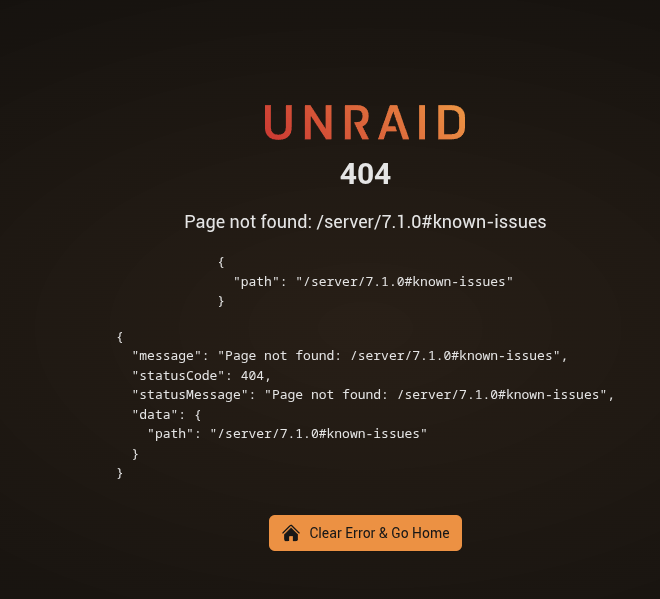
Click on "7.1.0 release notes"
-
My feature request made it into release! Thank you! You can now create VMs and remove GPUs after install to not expose VNC. "nogpu option"

-
Upgraded 4 systems, no issues.
-
The what? This is my firewall/dns/webproxy unraid setup... Rock solid... What hardware are you running it on?

-
This is HUGE. Such a long journey to get to where we are today. Respect.
-
Can you fix the release notes please. This is bothering me ^
-
maliciious -> malicious
-
-
I marked this thread as Answered. How do I know if this patch will be included in the next release?
-
-
-
These are data sensitive systems and I don't want VNC to be exposed on them. I access them using SSH + TOTP (MFA). I want to add a layer of security by not exposing VNC.
-
Right, my request is to have this in a more user friendly option. I can edit XML and I do edit XML for that. If you have user friendly VM manager, you should provide an option to also set the GPU to none.
-
Feature request: Ability to create a VM without VNC exposed. In particular this can be accomplished by manually removing the "graphics" section in the XML: <graphics type='vnc' port='-1' autoport='yes' websocket='-1' listen='0.0.0.0' keymap='en-us'> <listen type='address' address='0.0.0.0'/> </graphics> Can this be included in the user-friendly editor too?
-
Updated 3 servers, no issues. From 6.2.6 to 6.2.8 with nvidia plugin.



