






Lee B
Members
-
Joined
-
Last visited
-
ok i will try ipvlan see what happens
-
is there any disadvantages with ipvlan?
-
I currently have my unraid in mode 4 of bonding and bridge turned on, But after a while the server is not accessible, so after checking the logs i found the following that resulted in a kernel panic... see attached txt file. Anyone have any ideas i have also added the diags log Logs.txt prometheus-diagnostics-20231022-1217.zip
-
Lee B changed their profile photo
-
Does the influxdb have a usename and password set?
-
Ignore mine, i have sorted it, removed the remote share entries from the config files and it worked, was a permission issue back to my PC

-
I'm also getting the wavy section now on the Main page, all i was doing was trying to add a remote path in the unassigned section.
-
I have the same issue, anyone resolved this ?
-
I'm having the same issue, have you tracked it down?
-
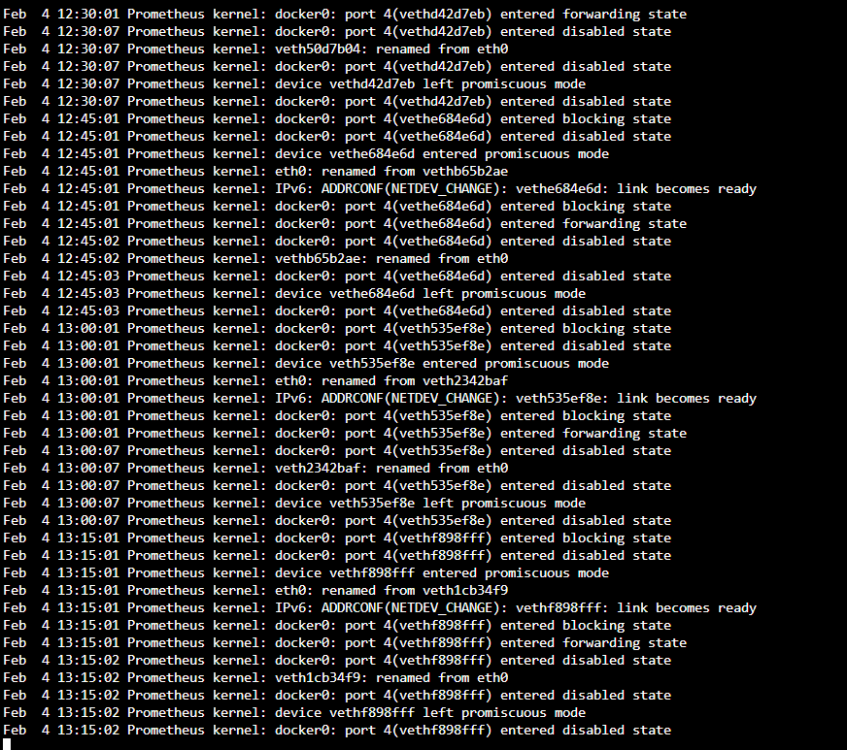
Hi All, I'm looking for some help in pointing me in the right direction of what is causing my unraid's logs to be filled with the following I'm running 6.11.5 i have added the diagnostic info also diagnostics-20230204-1317.zip
-
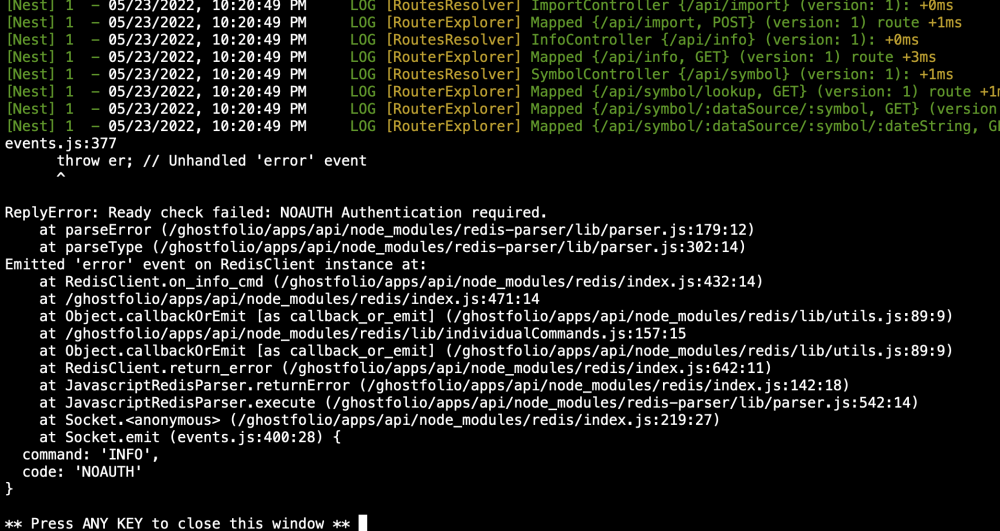
hi, I'm getting the following error, I have tried adding redis_password
-
Hi All, can someone help, I'm just getting this screen when I connect and unable to load OBS

-
Its ok I was being a plank
-
please find attached the log supervisord.log
-
never mind found it.
-
Hi, sorry but where to I find that log?


