






david279
Members
-
Joined
-
Last visited
Everything posted by david279
-
Can you really pass a iGPU to a VM? I hear it can be tricky.
-
Are you using lilu and whatevergreen kext ?
-
You need to make some adjustments to your clover config. You can use clover configurator on your clover config file and check out the graphics section. From there you may have to check the inject ati box and save. That may get you there, if not I will refer you to tonymac or insanelymac for more.
-
I will say I once had my ram fill up while watching and recording a football game. Half way thru the 3 quarter the system crashed. I have 32 gb of RAM...if I was just watching movies and TV shos etc I would just transcode to ram but I do a lot of watching/recording live TV. So I had to back off it.
-
Try this clover IMG. https://drive.google.com/file/d/1-xQs-qFD88_sHITeIe9sDjbvW0jxjYIt/view?usp=drivesdk
-
Everything set as sata for the disk?
-
You can read the first post here https://www.tonymacx86.com/threads/nvidia-releases-alternate-graphics-drivers-for-macos-high-sierra-10-13-6-387-10-10-10-40.255913/ TLDR.... you need <key>SystemParameters</key> <dict> <key>InjectKexts</key> <string>YES</string> <key>InjectSystemID</key> <true/> <key>NvidiaWeb</key> <true/> </dict> In your clover playlist but it can be enabled real easy using clover configurator.
-
Thanks for that link to the git. The OVMF files allowed me to change the resolution so im not stuck in crazy 1024x768 anymore.
-
Are you able to change the resolution for the vnc version. I was never able to change the resolution in the ovmf platform configuration. Hitting f2 or esc at boot would not get me into the menu. I was stuck at 1024x768 for the vnc. Sent from my SM-N960U using Tapatalk
-
After playing around with it the git page gets it booting but the performance is definitly not at the level when using a regular unRAID setup so its back to the drawing board trying to get clover 4900+ installed.
-
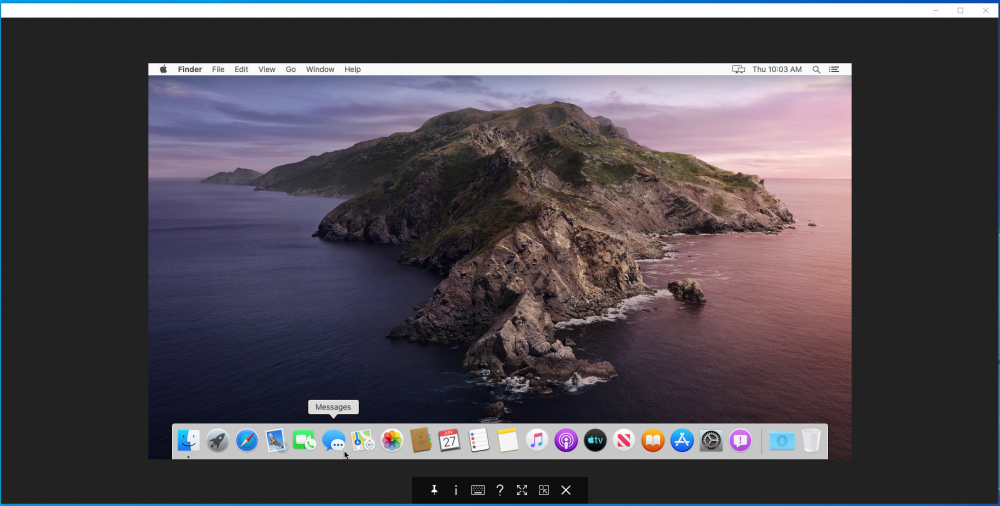
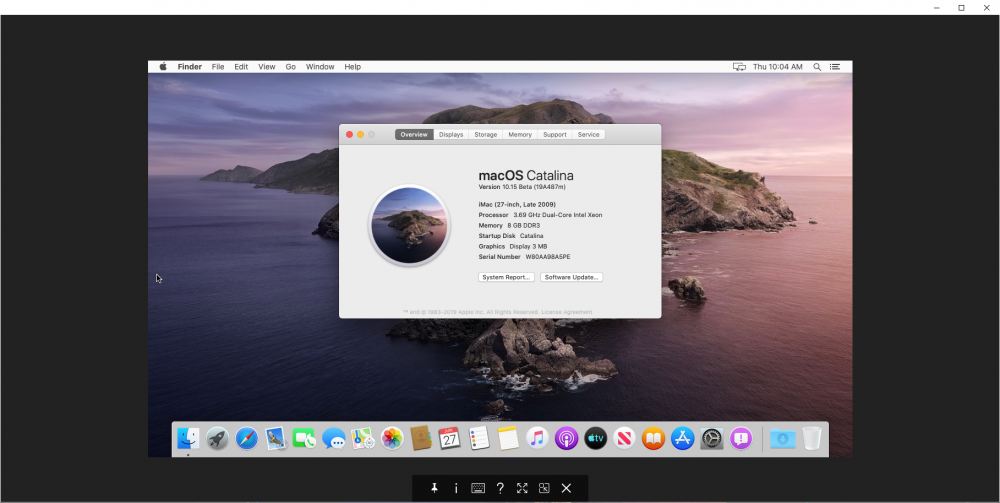
Im using stuff from here https://github.com/foxlet/macOS-Simple-KVM I used the OVMF stuff and the clover img from there to get it going. Also the script on the git can be used to build the catalina img. Still playing with stuff though. Cant change the OVMF resolution so im stuck at 720. F2 not working. But everything else is ok.
-
And time to play
-
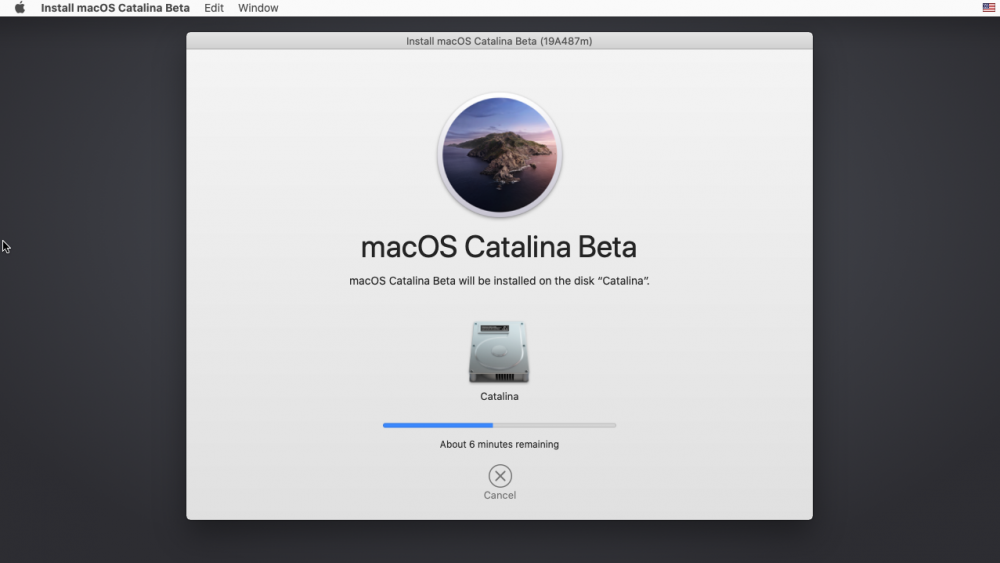
Baby step for Catalina
-
Anyone have a clover version higher than 4900 running on their VMs? Cant go Catalina with the earlier revisions.
-
Ran this on my mojave qcow2 vdisk and works. qcow2 disk start small by default but without being trimmed they grow as well so this should keep the size down.
-
Hey remove this line and try again <topology sockets='1' cores='6' threads='1'/>
-
guess right you would hate to pass the port you are using for your unRAID key
-
I don't know about all of them but the one i linked uses PCIe power
-
560's go for about $110 and they come pretty small. https://www.newegg.com/Product/Product.aspx?Item=N82E16814930003&Description=rx 560&cm_re=rx_560-_-14-930-003-_-Product
-
If you can get a amd card without the reset issues go for it. Any RX card should work fine. Ill be sticking with high sierra till apple gives in.
-
Type it87 in the available driver section and hit load driver.
-
You should be able to do updates. Make sure to keep your clover up to date and any kext you use. Sent from my SM-N960U using Tapatalk
-
Look back about 8 post for some help
-
Run it as administrator
-
Download it from the release TAB, thats the source files.


