





mkyb14
Members
-
Joined
-
Last visited
Everything posted by mkyb14
-
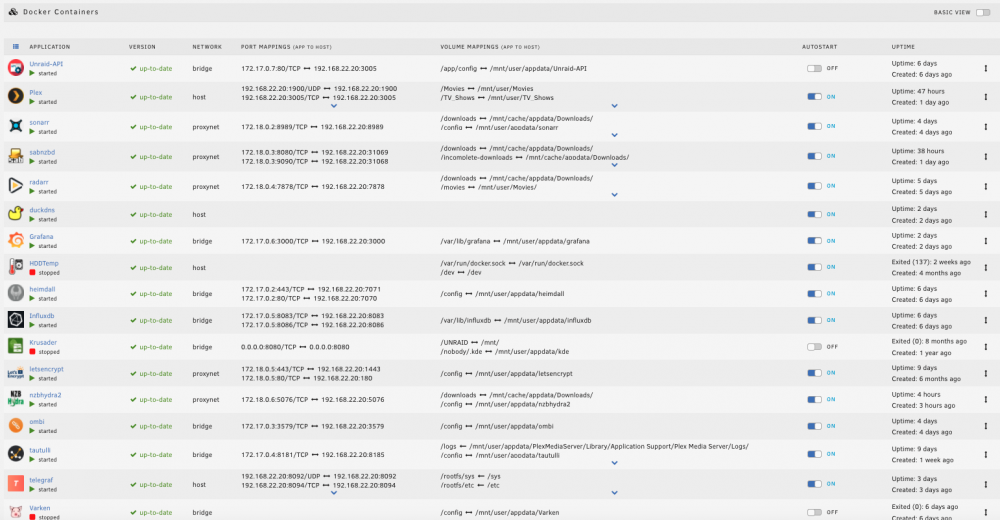
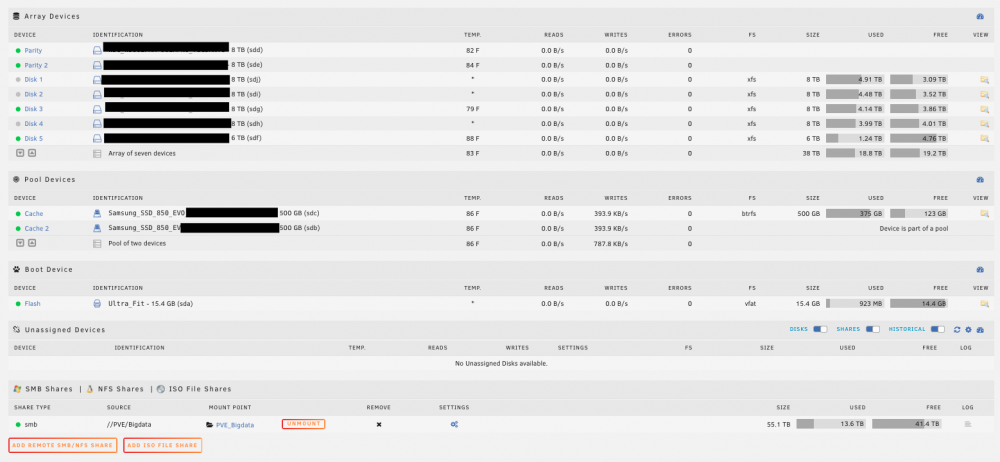
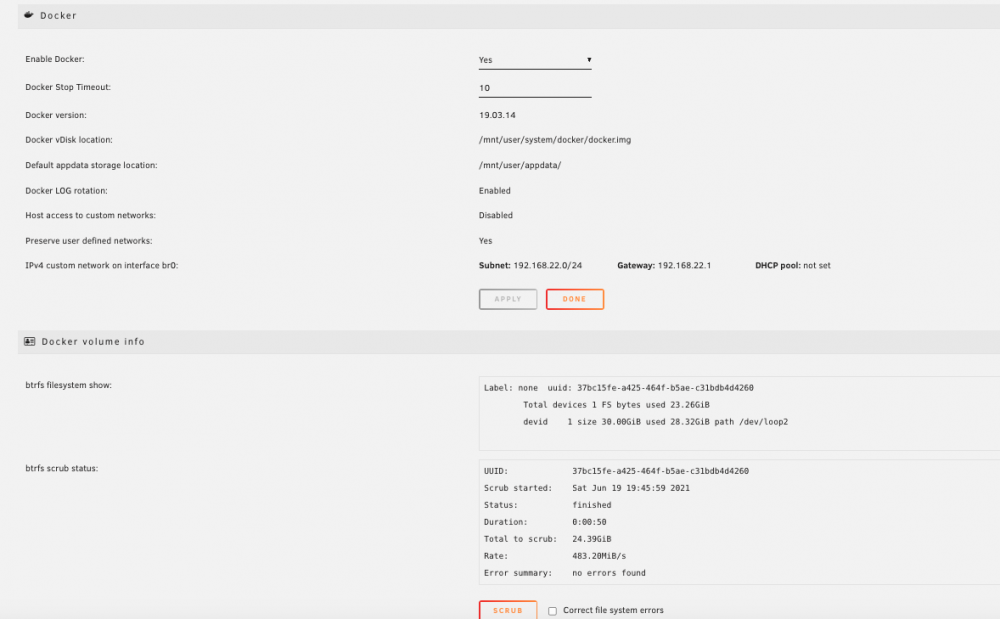
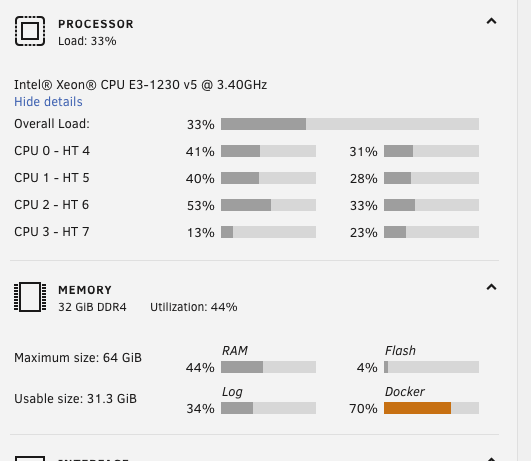
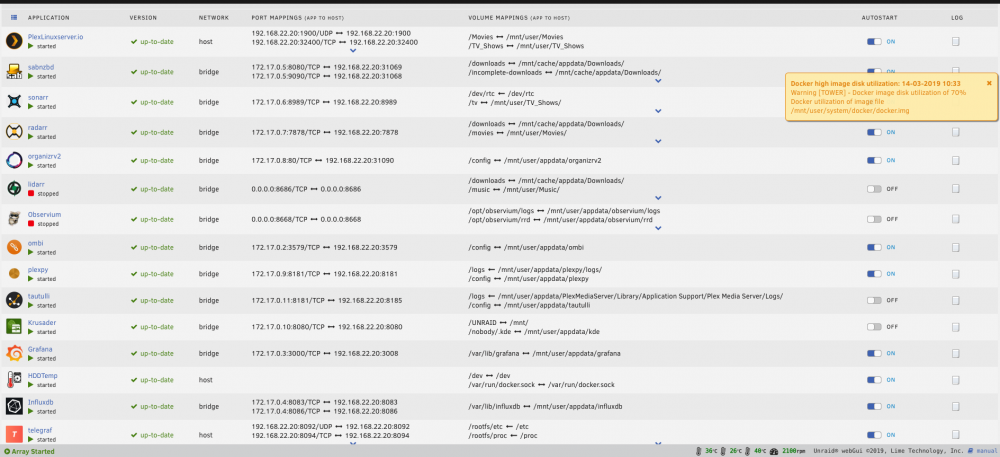
I've been reading about the docker image filling for a while now, making changes to what I thought was the correct way to setup over the years... but it always seems to be growing. Think it's set to 30GB atm. Looking to see if someone can look at the images below and give a quick (ah-ha) moment to understand what I might be missing. Current setup is a SM-846 with only 5 HD's and 2x 500gb ssd for cache. Currently docker is around 85%, and only seems to really go up when I download something new to plex. I thought all my settings were correct to have the Cache for appdata and downloads so that it's fast and move everything to rust when mover runs... but it would seem I'm either missing something or not understanding if my setup is correct. I'm guessing it's plex, and I'm guessing it's library files...
-
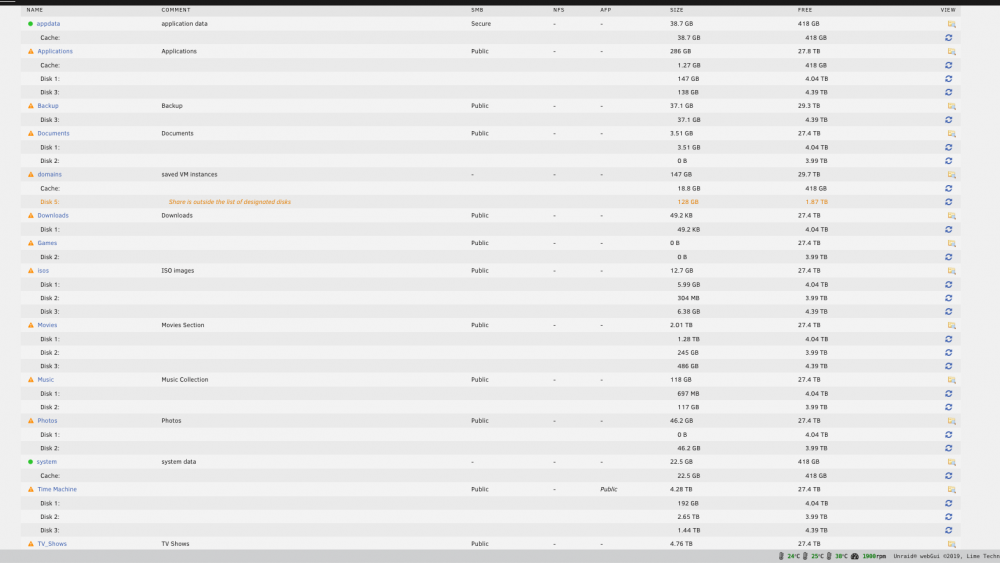
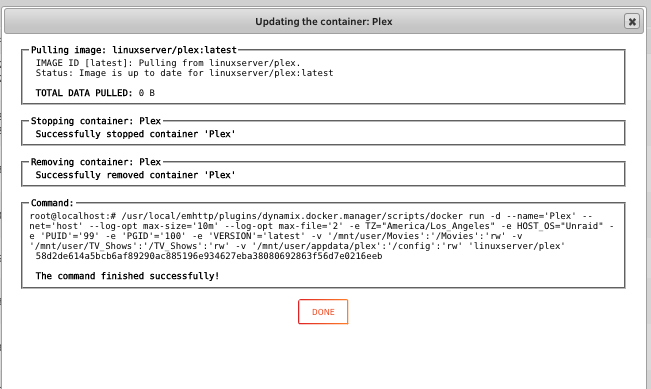
ok, screenshot of the shares. For the sake of doing this one last time, deleted the plex docker, deleted the CA template. re-installed plex (did an immediate update), added library's back. Currently rescanning all files (gonna take a while)

-
doing this now. I'll check my CA templates and files... might end of just starting fresh again. This was a fresh install friday, did the plex update to the docker today and poof. made all the changes above, waiting for Mover to finish and i'll come back with a screenshot. Thank you for the help
-
Guess I was thinking this was all point, click, shoot and done. It was working flawlessly for a long time, made some updates to the os for using a p2000 nvidia card and now it's lost what was there before. I appreciate the quick response, just at a loss as to what needs to be done. Before, to my understanding, all I had to do was create the mount points for the files and then add them to the docker container paths (Movies / TV Shows) . Never messed with a config file etc. Assumed that was all taken care of by the template.
-
I guess now after googleing docker /config for plex, I was assuming the template used by linuxserver.io had that preconfigured.. are you stating that I need to manually set this as a variable?
-
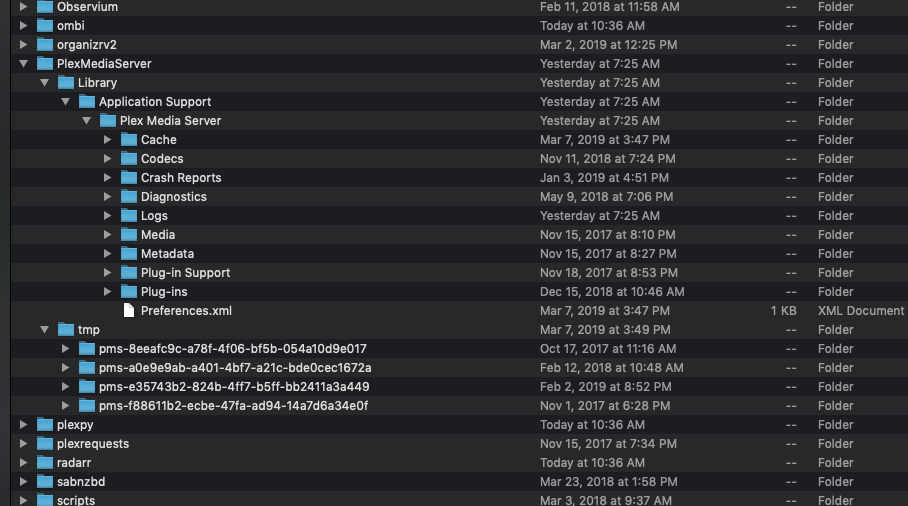
this is what I show when going to the folder. as for the /config container volume, I've never set that before...
-
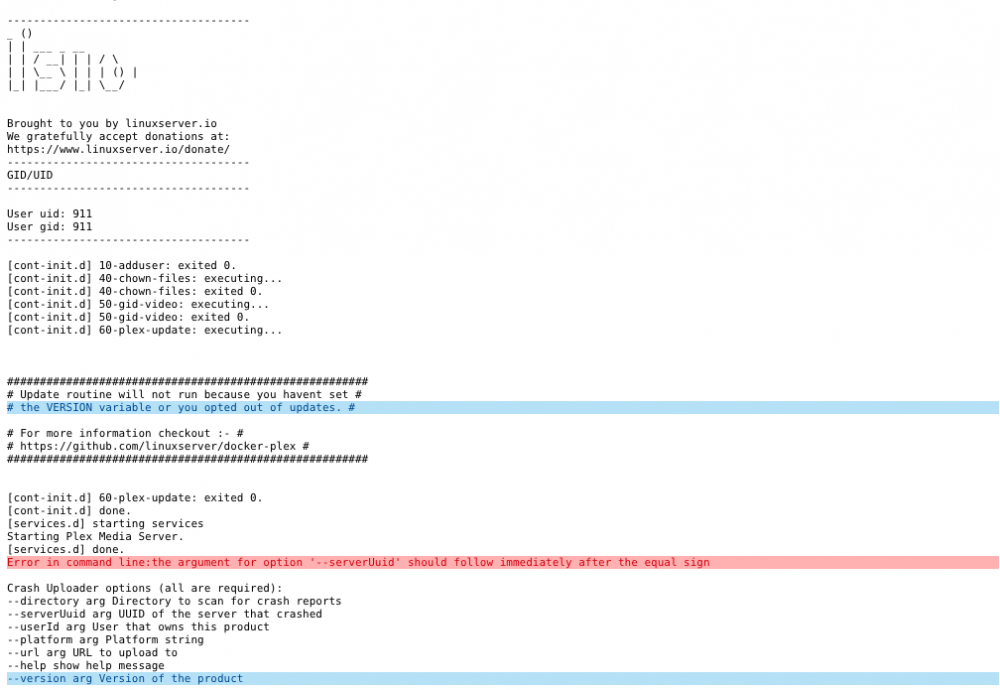
Everything was running fine till I did the p2000 unraid-nvidia updates. Now it would seem, when plex updates it's wiping my library everytime... do I need to set the path for the library to something different? Everything is default to my understanding.
-
tower-diagnostics-20190314-1730.zip

-
Just updated this morning to the latest push, now plex has no library's or information... why would updating the docker wipe out my current config? How do I restore it?
-
that was it, thanks!
-
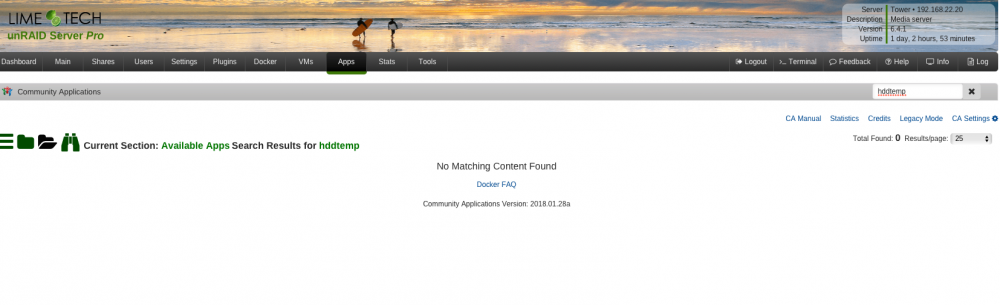
anyone know why I'd be missing the "Get more results from Docker Hub" if an app is missing? I'm working on a Grafana dashboard, and in searching the apps section for hddtemp, I'm supposed to see a whale with get more results, but I don't.
-
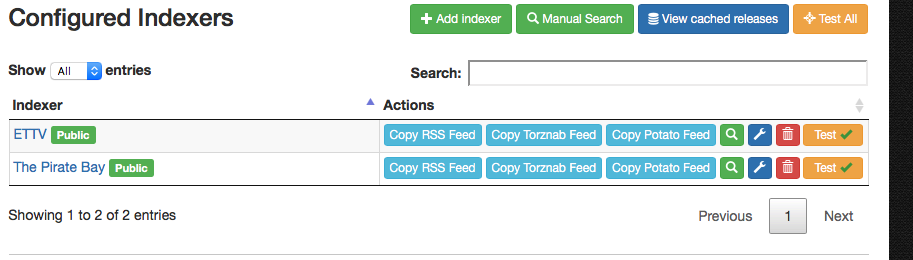
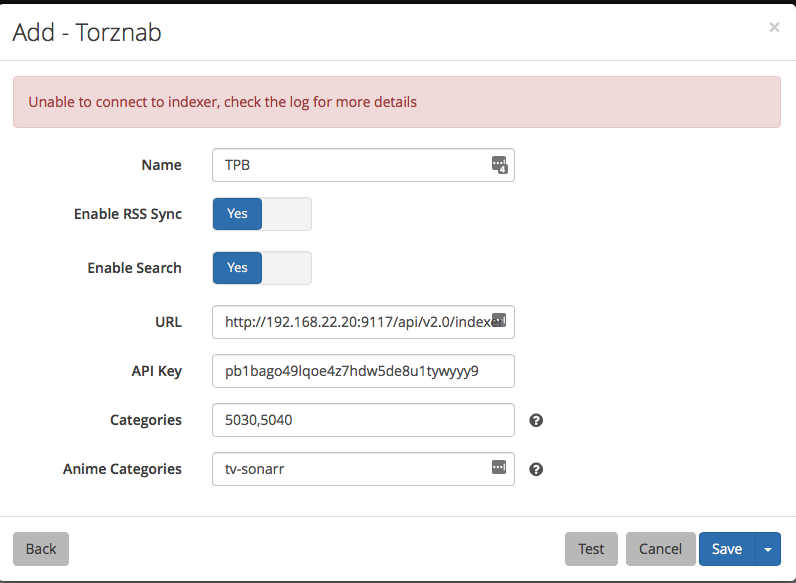
Is anyone else not able to get Jackett to work lately? Sonarr, Radarr are install correctly. Jackett installs just fine, when adding a search engine like TPB or EZTV, everything tests fine. When adding the TorzNAB (custom) and inputting the info, I keep getting generic error in Sonarr's log. Google and other searching isn't really yielding any direction...

-
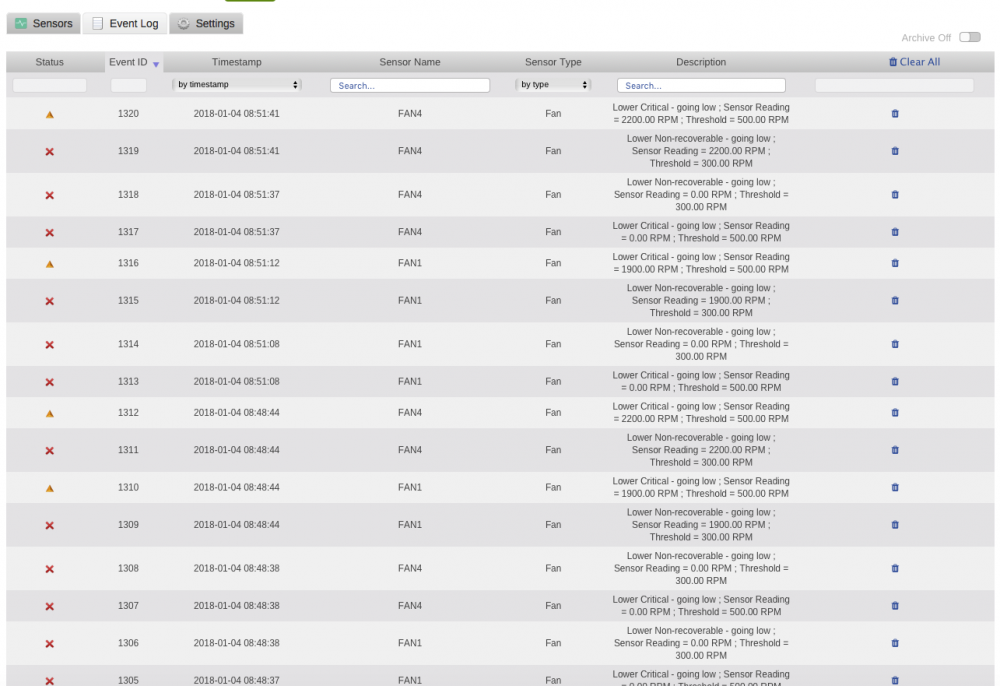
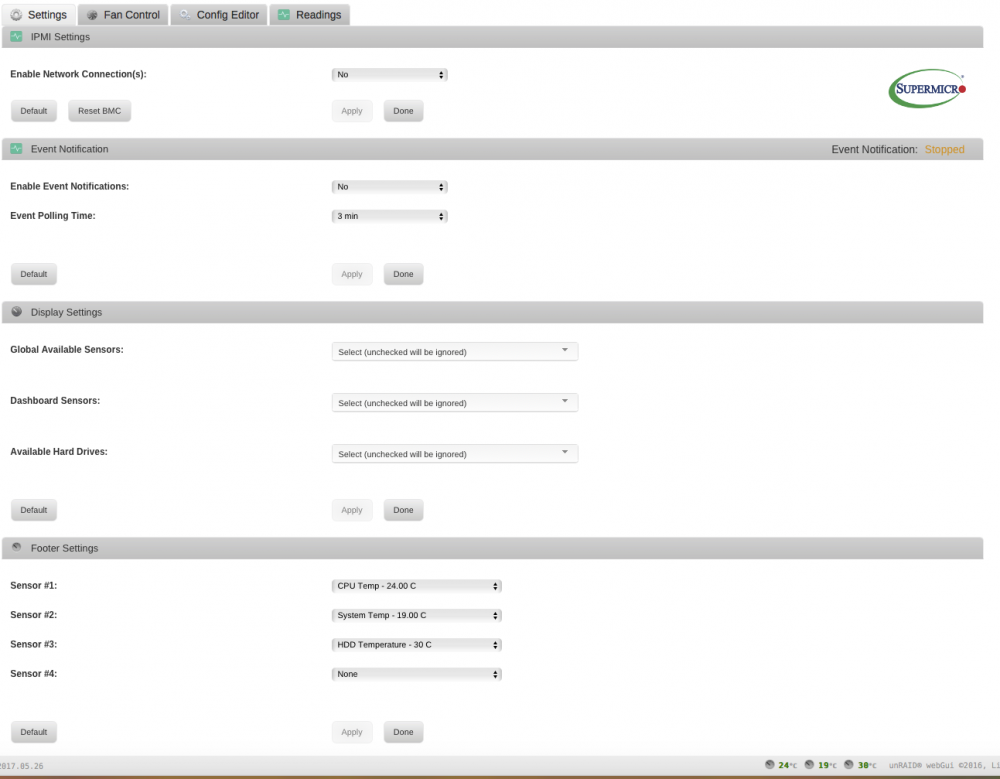
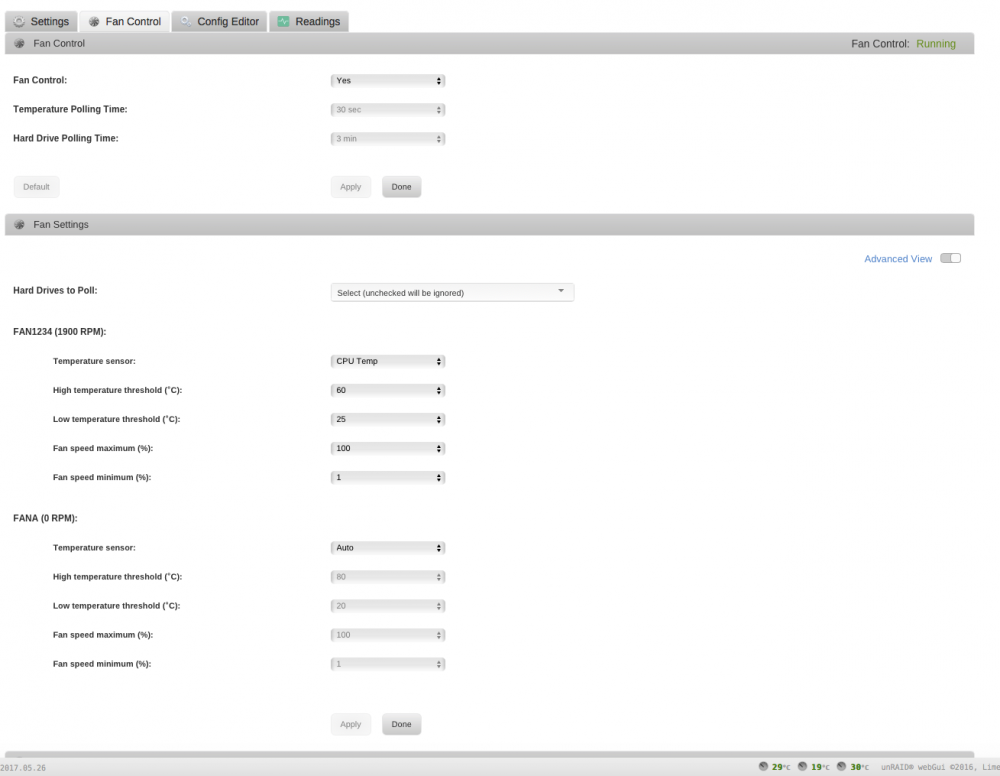
ok, jumping in on this one as I'm now having cycling problems with a SM MB x11ssh-4lnf using 3 industrial Noctua 120's as a fan wall, Noctua CPU can and two rear 80mm Noctua's. I've been going through the discussion and nothing I enter in makes a dent. I can go into BMC and set it for full, and it just stays on full blast. If i change it to standard or optimal it goes up and down non-stop. Then I found the IPMI plugin and installed that. Went into the fan settings and changed it to 60c upper and 20c lower. Still cycling. running the commands listed above and trying to follow along, I've not seeing any changes in the RPM. and I'm not sure how to change the fan thresholds based on browsing the forums. current output, and subsequent output after doing any raw commands, no changes. root@Tower:~# ipmi-sensors -t fan ID | Name | Type | Reading | Units | Event 607 | FAN1 | Fan | 1900.00 | RPM | 'OK' 674 | FAN2 | Fan | 2800.00 | RPM | 'OK' 741 | FAN3 | Fan | 2900.00 | RPM | 'OK' 808 | FAN4 | Fan | 2200.00 | RPM | 'OK' 875 | FANA | Fan | N/A | RPM | N/A Fan1 - CPU noctua Fan 2-4 - fan wall 3x120mm industrial noctua, 2x80mm rear noctua
-
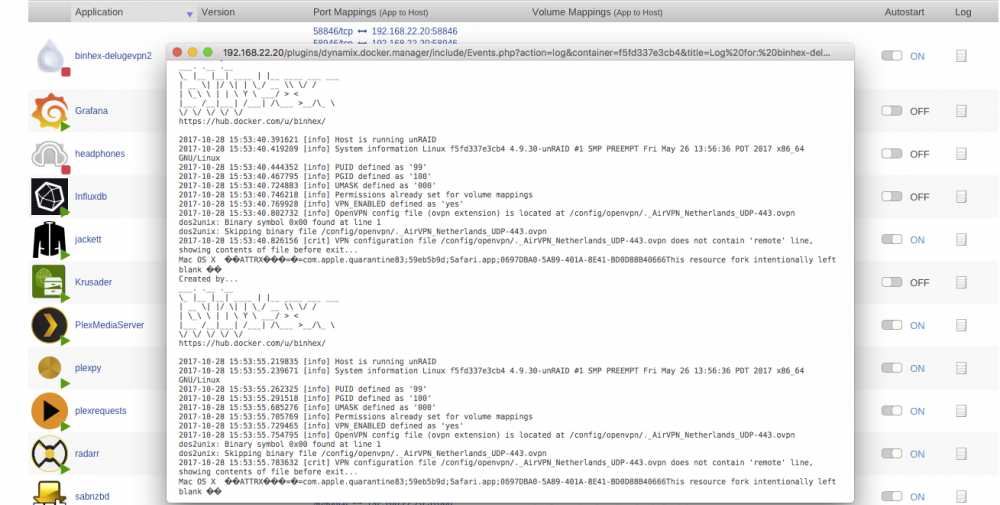
I'm still at a loss as to how to stop a MAC from scanning this folder. I routinely need to map /appdata to edit files and other things, yet I keep losing my vpn connection. Has anyone else figured this out, because I use the same file local to the machine to connect out and it works, but stored in a mapped folder, osx is messing things up.
-
no one? how do you install plugins within Grafana using a docker instance ? VM is straight forward cause you have a CLI
-
has anyone got an idea of how to get Ntopng plugin to work with Atribe's grafana docker? I have a separate offense box I'd like to pull in to this dashboard but I need to install it from the cli? otherwise, grafana says i need a hosted instance, and i do not want any of the data leaving my network. straight from the router to my unraid docker instance to visualize the data.
-
yes, this worked for getting telegraf to start within unraid.
-
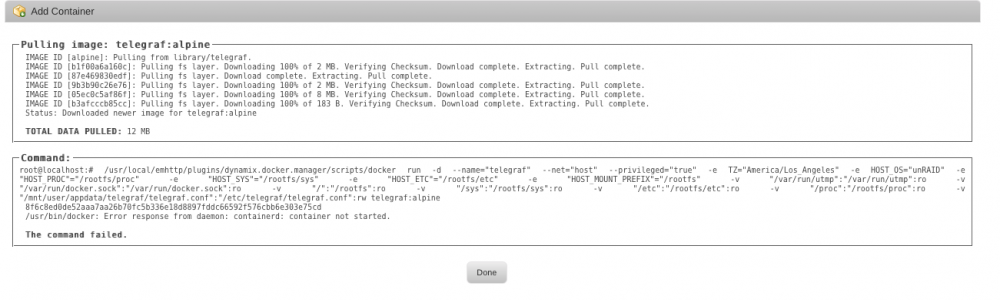
Anyone having issues installing Telegraf? I get the following error with no template mods.
-
I cannot for the life of me figure out how to stop OS X from messing with the file. works for about a day or so and must get picked up with /appdata is mounted on my Mac mini. Everything I lookup on Xprotect is minimal on how to exclude it from messing with the .opvn file. Found something that referenced Curl, but no real instructions. I have tunnelblick installed on the same machine, using the same .opvn file and it's fine. At a loss here, since this keeps breaking it and googling anything comes up cryptic.
-
ok, I'll not mess with it. On a side note, files are not moving once completed by sonarr with Deluge. Any insights as to why it would be happening? Sonarr and sabnzbd, works. Made sure to label it with the plugin... But any downloads done from sonar to deluge stay in the /data/downloads folder.
-
So what I don't get in all this, is how apple is involved if I'm immediately moving this file to unraid, and it works once start a fresh docker. Apple shouldn't even be involved at that point since it's on a completely different system. It's working now, see what happens with a few start and stops.
-
I don't have any, that's what's funny. unless apple has built something in, I'm gonna have to google this. it worked before. let me blow the container away and try this again.
-
think that's everything. supervisord.log
-
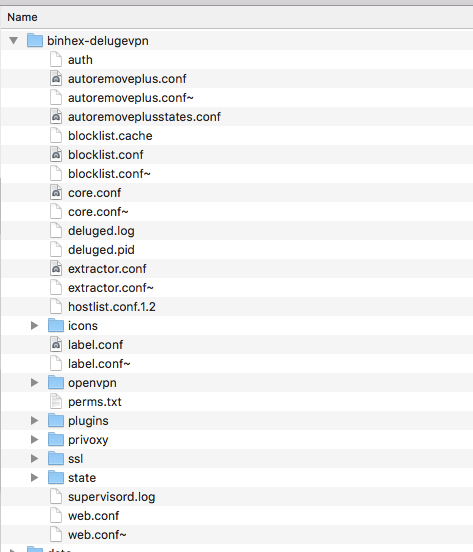
never changed it, so I don't know how it would have been changed. Here's what I have.

-
ok, the link provided the necessary understanding. Thank you. Only thing left is that after sonarr takes the info, it's not deleting the file from the completed folder. it's like it's copying it and not removing the original.


