





Danuel
Members
-
Joined
-
Last visited
Everything posted by Danuel
-
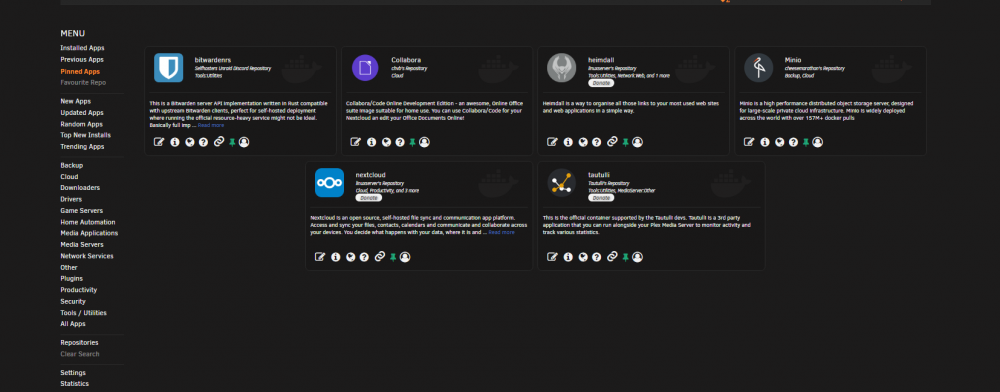
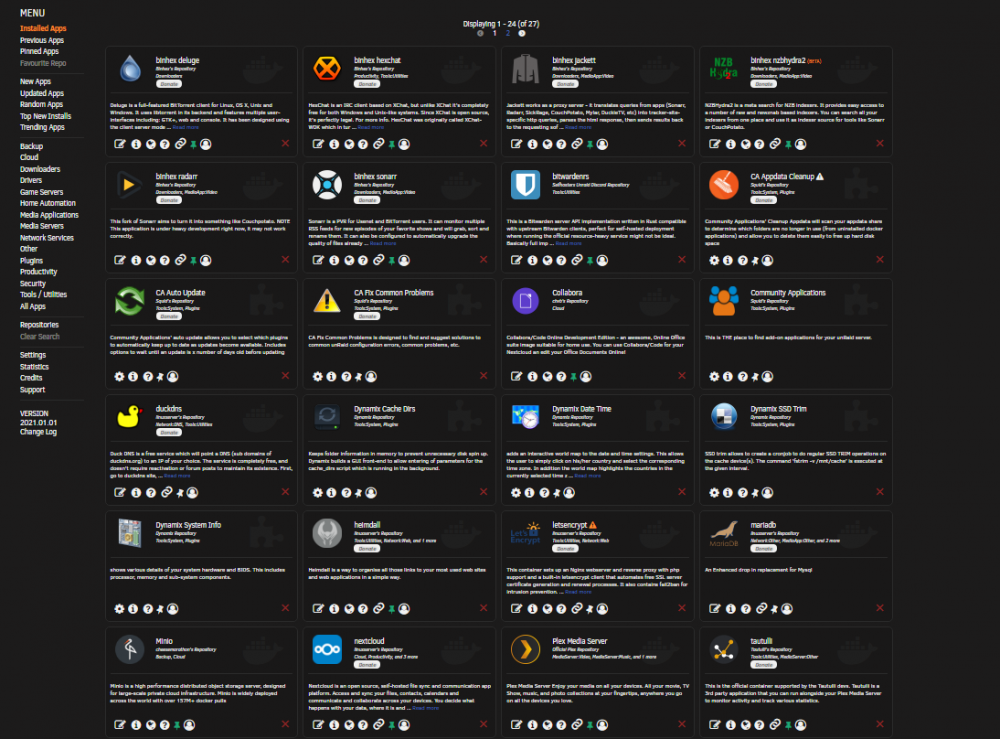
no, what i see is if i pin applications let's say like 10, only 5 will show pinned and sometimes if i go in the pinned app tab sometimes disappear (they do not pin) i noticed this behaviour when new CA with new layout came out and all my pinned applications were gone, and i try to add them back and is not working, i did try with different browser and i get same result, by they way another thing i noticed is that i can add only 1 repo at favourites, only 1 repo you can add in favourites repo ? and if i pin more, some of the already pinned got unpinned
-
when i first installed, i installed using the provided link in post from the first page, since then did autoupdate
-
i noticed this like a month or so ago is pinned application do not pin ?, i have pinned like 12 and only 6 show in the pin section ?
-
is this link valid to install CA ? https://raw.githubusercontent.com/Squidly271/community.applications/master/plugins/community.applications.plg
-
regarding my post upstream error after removing community application at this moment i can confirm that is a bug with the plugin, from what i see is interfering to work with docker when checking for updates and installing the updates
-
i don't understand my nextcloud docker was updated 4 days ago (i see on the docker hub latest release was 4 days ago to version 20.x), but when i look in my nextcloud my version is 19.0.0, then what is the purpose of update if the nexcloud container does not get updated to version 20.x ?
-
mange eventually to add users
-
i did saw that guide but does not help me from minio terminal, mc admin user add myminio newuser newuser123 if i type minio -h in terminal / # minio -h NAME: minio - High Performance Object Storage DESCRIPTION: Build high performance data infrastructure for machine learning, analytics and application data workloads with MinIO USAGE: minio [FLAGS] COMMAND [ARGS...] COMMANDS: server start object storage server gateway start object storage gateway FLAGS: --certs-dir value, -S value path to certs directory (default: "/root/.minio/certs") --quiet disable startup information --anonymous hide sensitive information from logging --json output server logs and startup information in json format --help, -h show help --version, -v print the version so i don't see any option to add more users
-
thank you, worked but, there is any way to add more users ?
-
ignore mu post, i just wake up, did not read properly remove / 'overwrite.cli.url' => 'https://nextcloud.protech.my/', should be => 'https://nextcloud.protech.my',
-
What do you see in letsencrypts logs ?
-
i just changed the subdomain server_name nextcloud.*; nextcloud.subdomain.conf
-
happy that you finally manage made it work
-
Hi, does anyone have minio.subdomain.conf.sample , if not can anyone please help me with that
-
does anyone have a Minio.conf.sample file for letsencrypt ?
-
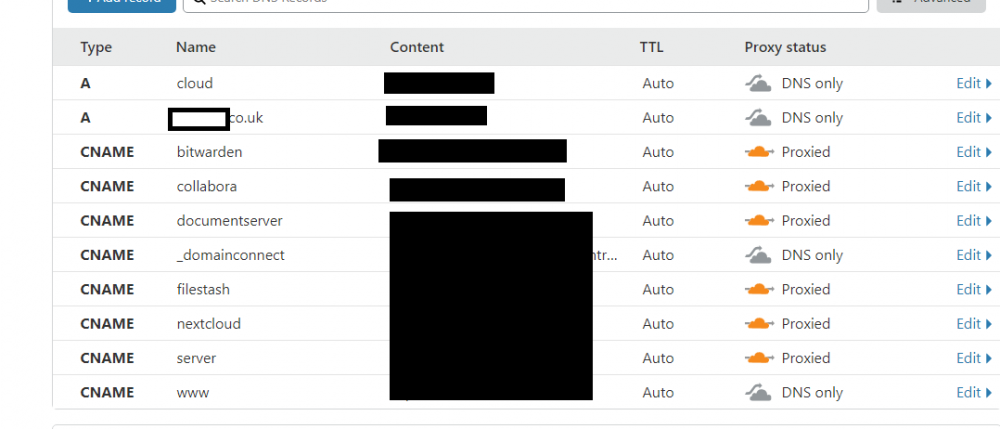
Well ya, that how i understand, did not worked for me with A record, and only if i enabled proxyed
-
well, what i have done in close flare i enabled proxyed and i used a wildcard but you have to use a A name if your IP is static and if is dynamic a CNAME
-
hi, does anyone have a filestash.conf for letsencrypt ?
-
are you using cloudflare ?
-
have you look if you have a conflict on port ? do you get any error in the logs ?
-
after i add the collabora conf file i get this message in letsencrypt i get error nginx: [emerg] "resolver" directive is duplicate in /config/nginx/proxy-confs/collabora.subdomain.conf:6 and network is custom a fix that is working for me is to remove the line 6 (resolver 127.0.0.11 valid=30s;) in my case that was on line 6
-
at the beginning i tough so, but after i made more test i get this errors on any container i want to install
-
i;m not sure how this is suppose to work but i am getting this error all the time when i try to install Jun 12 19:59:54 UNRAIDSERVER nginx: 2020/06/12 19:59:54 [error] 8877#8877: *16368 upstream timed out (110: Connection timed out) while reading upstream, client: 192.168.1.76, server: , request: "POST /Apps/AddContainer?xmlTemplate=default:/tmp/community.applications/tempFiles/templates-community-apps/knex666sRepository/nextcloud-Nextcloud.xml HTTP/1.1", upstream: "fastcgi://unix:/var/run/php5-fpm.sock:", host: "192.168.1.82", referrer: "http://192.168.1.82/Apps/AddContainer?xmlTemplate=default:/tmp/community.applications/tempFiles/templates-community-apps/knex666sRepository/nextcloud-Nextcloud.xml"
-
glad you sorted
-
maybe when you manually added you check added in pause state, if you press resume is not working ? try to refresh the page after you press resume


