





Hartless
Members
-
Joined
-
Last visited
-
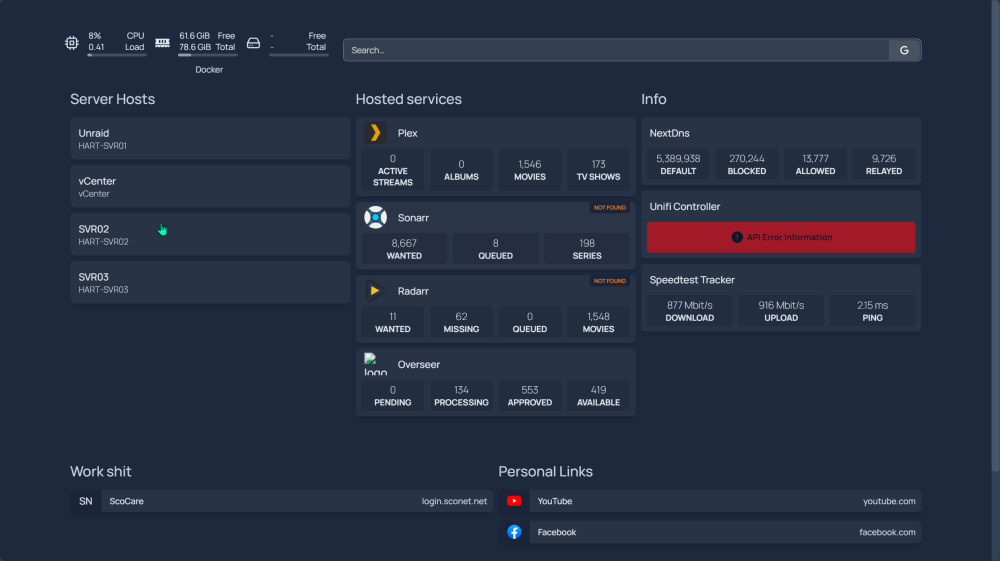
theres also issues with the unifi controller. im assuming it does not work with Unifi dream machine controllers but im still looking into this.
-
I'm having issue with the Drive widget at the top. I did take you .yaml file and configured it in a way for my homepage but now it's just blank. not sure if anyone has seen this before.
-
tower-diagnostics-20230121-1755.zip
-
I’m also getting the permissions errors. But I know it’s not universal as it was working before with 6.10, then I did a clean wipe of my server to remove broken things I did while learning ;). But now I get those weird perm errors with smb and with unraid trying to write to my shares.
-
Hartless changed their profile photo
-
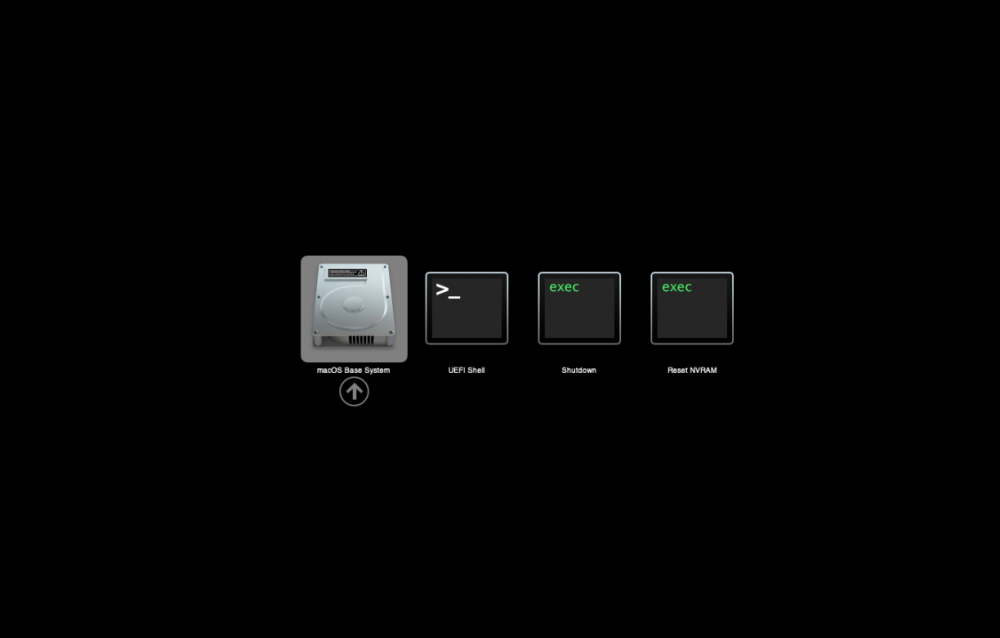
Im having an issue where i can get the VM running but when I run the base system it will load a 1/3 of the way then reset back to this screen. ive checked the XML and ran he script provided. just at a loss.
-
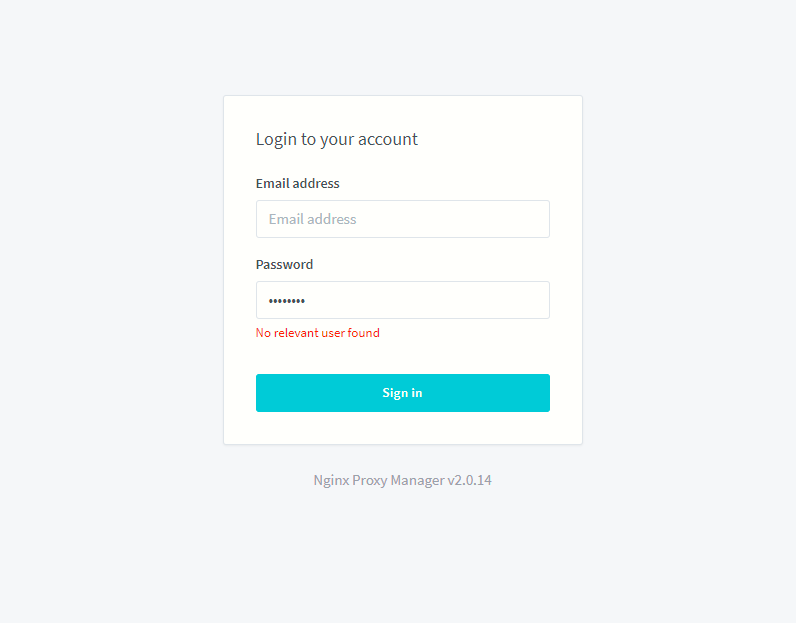
if there a default for the login? ask for email and password but didnt see anywhere in the docker setup to put this info .
-
anyone having the issue when trying to pass through something like and iphone or ipad? i did this on the unraid side but cant see it on itunes within the VM
-
only problem im having is giving myself OP, even if cheats arent enabled shouldnt i be able to give myself operator role.
-
Been using unraid for about a year and I now have 2 licenses for the pro, I use one for my server at home for a nextcloud storage and a gaming VM for my wife as she only plays minimal games, I also built a server for my mother and manager both of them easily with the web gui. All of this has been a great experience and I have enjoy every minute of it and the community. Happy unraid day!


