





Masterwishx
Members
-
Joined
-
Last visited
Everything posted by Masterwishx
-
If i want to migrate to plugin from Spaceinvader script + sanoid plugin , should be removed sanoid plugin first?
-
is the plugin not maintaining anymore ?
-
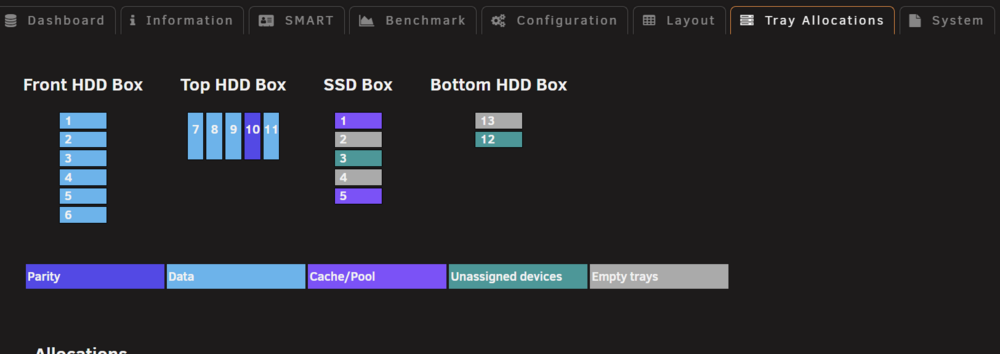
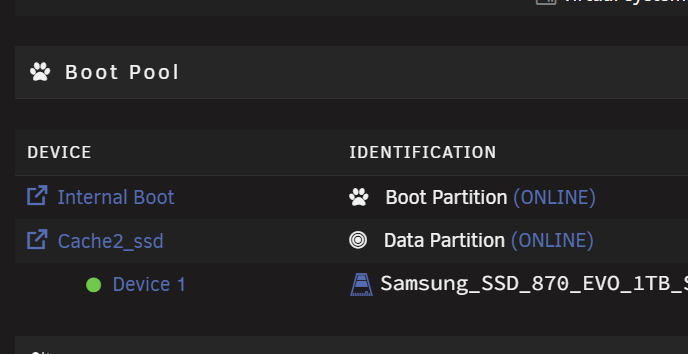
SSD Box disk 3 = Boot data Pool , but has color is of unassigned disk , can be fixed or need plugin updates ?
-
You need update to unraid 7.2+ to fix webui :). Use find in page ctrl+f for `Ignore files`, this is in filters section
-
-
You can click on option to see help for it or press F1
-
Can you confirm that remove bios, efi from lsi solve the issue?
-
Have x2 9207-8i flashed latest firmware in it mode + bios + efi bsd. Also x12 HDDs (hba sas2sata) + 3ssd (sata MB) Some time after boot, unraid not starting Becouse in log I found one hdd was empty, second hdd was missed. (Was thinking psu sata connectors issue 650w, updated to 1000w psu. ) But after boot all disk presents and can start manually. Can be issue Becouse both lsi cards have bios flashed and it couse some low init on boot?
-
Use find in page ctrl+f for `Ignore files`, this is in filters section
-
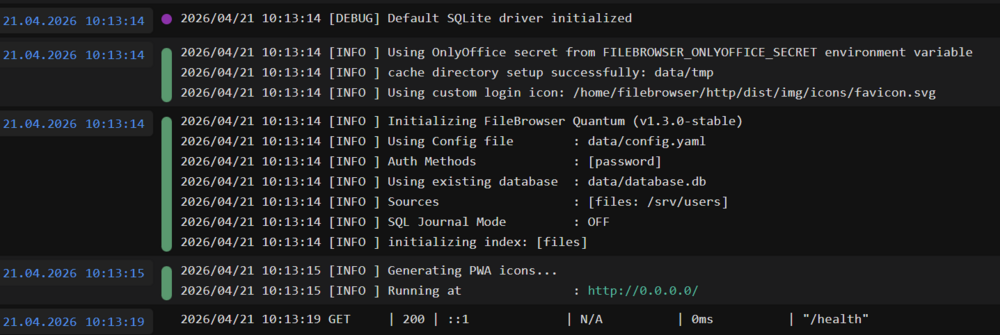
Strange my container still working fine , and cant see changes in docker hub : ENV FILEBROWSER_DATABASE=/home/filebrowser/data/database.db0 ENV FILEBROWSER_CONFIG=/home/filebrowser/data/config.yaml
-
Thanks i will check it, seems this was changed in image...
-
Yep, enable debug/log and check log files in /tmp/ca.mover.tuning
-
Yep inside mover_ignore.txt
-
Use cache path not user path
-
Yep, use exclude file path option
-
It should work fine on any version, but maybe broken ui in old versions (had no Time/test server with old version to fix it), Becouse plugin was updated to new responsive webui from 7.2
-
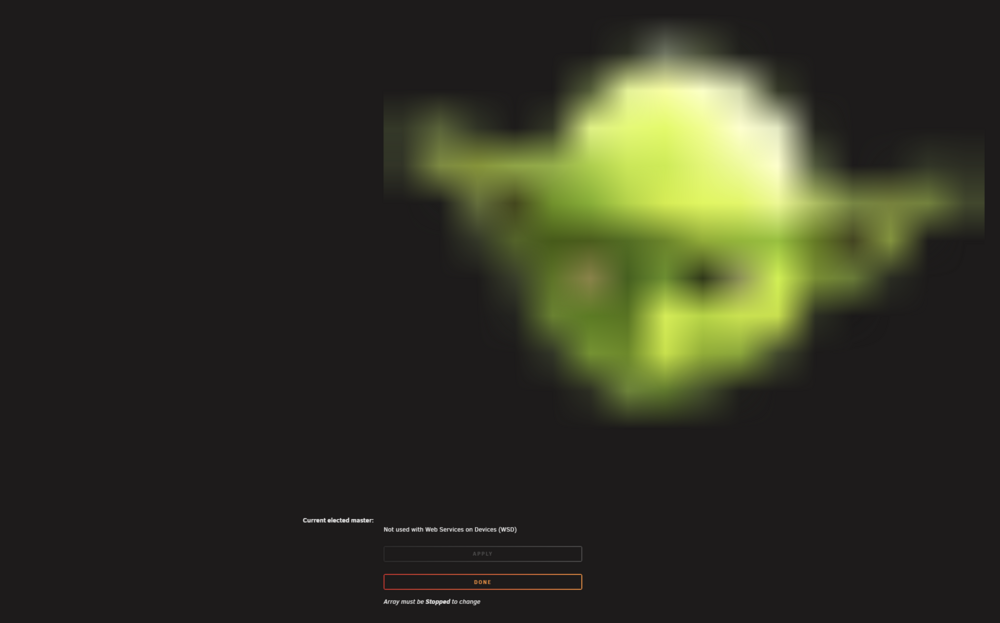
Do we still need `Dynamix Local Master` plugin ? Found the icon is broken and plugin not used when Enable WSD = yes in 7.2.4 ?
-
Yep, I understand you but I was asked by LT to separate plugin from unraid mover, so you can only disable it. I made separate plugin move button in plugin page with the symbol so you can't miss it...
-
Ahh OK, never mind just set 0 13 * * 0
-
It worked befor with SUN? Was no changes made in plugin for cron in last updates...
-
Do you have unraid mover schedule disabled? Forced mover plugin disabled? Use default cron values instead SUN
-
What unraid /plugin versions?
-
Check for permission of folder in container
-
If using user script, we can't use just for 7.2.4 or 7.3betaX? emcmd cmdStart=Start
-
Just use ctrl+f to find `Ignore files` in settings page. It's in Mover `Tuning - Filters` section





