





Hansa
Members
-
Joined
-
Last visited
-
Ok, thanks! 1 question, LMS by @dlandon is the "officiall" version? regards //Hans
-
Hi and thanks for the answer.. I dont have any external services connected. All is locally hosted. regards // Hans
-
Hi all, Lyrion LMS indicates that there is an update but Unraid Docker don't find it. Currently running: 9.0.1 Advertised is: A new version of Lyrion Music Server is available (9.0.2 - 0). regards // Hans
-
Another question, My old LMS found around 8k more songs than Lyrion server. Any ideas why?
-
Best way to update since i got an update notification? It's not visible in docker apps tab in unraid but in Lyrion server page. Edit: My bad, it was only the plugins that had an update... Clicked update and problem solved. Thanks or a great software! Will keep my 9 different Logitech players running! Regards //Hans
-
Hi all, I may be missing something but it seems like the plugin reads my parity drives as cache. And i dont find any way to change colors on ready assigned drives. I have tried to reset all colors but still the same issue. regards //Hans EDIT: Dont mind, seems like it rescanned an old database with old drives.. Problem solved after deleting the old databases.
-
newbie question, were is the limit of ports before the card needs to be multiplier? Probably 6?
-
Ok, thanks for the answer! I just ignore it then. Any way to really ignore it so action centre dont pick it up as an error? Best regards // Hans
-
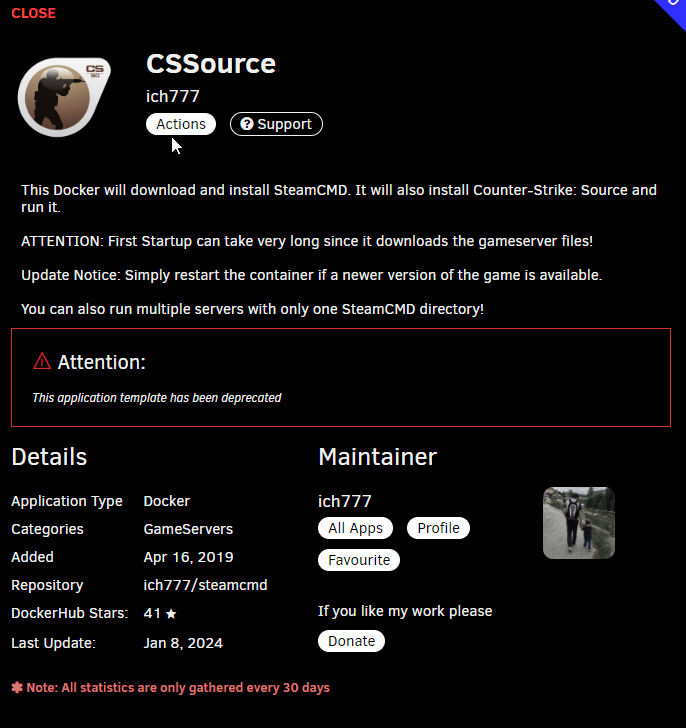
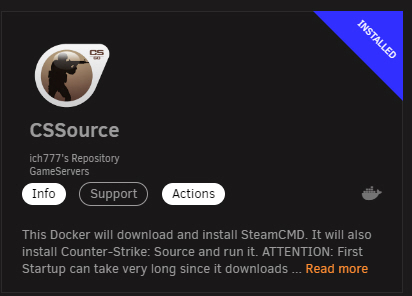
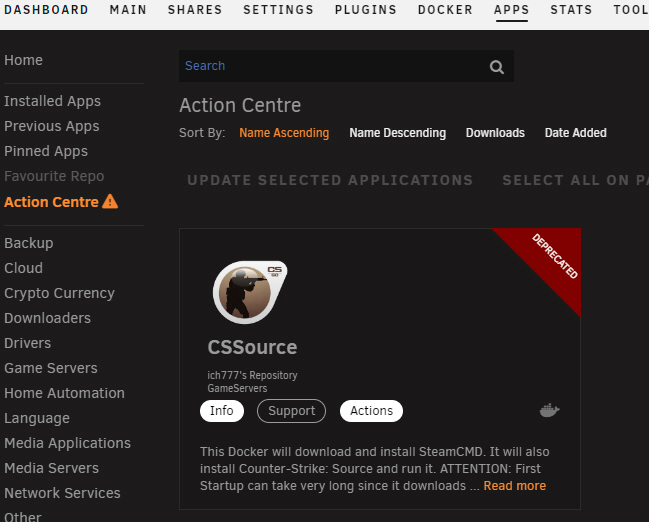
Strange.. This is what i get when open up Apps, CSSource installed... Click on the info and get the next pic.. And then action centre says Deprecated.... // Hans
-
Hi ich777..... Now when your CsSource container have been discontinued is there any other way to run CsSource? Thanks for the good work you do ! Regards // Hans
-
I had system temp running for a long time. After the last update it stopped working. Uninstalled it and tried to reinstall which doesen't work. Throws an error: plugin: installing: https://raw.githubusercontent.com/bergware/dynamix/master/unRAIDv6/dynamix.system.temp.plg plugin: downloading https://raw.githubusercontent.com/bergware/dynamix/master/unRAIDv6/dynamix.system.temp.plg plugin: downloading: https://raw.githubusercontent.com/bergware/dynamix/master/unRAIDv6/dynamix.system.temp.plg ... done plugin: run failed: /bin/bash retval: 4 Any ideas how to fix this? Regards Hans
-
Hi, When i run extended tests nothing happens, it says running but i do not get any status/messages, so i don't know if its done or just stopped. If i start another window and check, it says no tests are running. regards // Hans Edit: this shows up in the log directly after starting extended test: atd[426]: PAM unable to dlopen(/lib64/security/pam_unix.so): /lib64/libc.so.6: version `GLIBC_2.34' not found (required by /lib64/libresolv.so.2) Jul 12 04:59:08 Plexium atd[426]: PAM adding faulty module: /lib64/security/pam_unix.so Jul 12 04:59:08 Plexium atd[426]: Module is unknown
-
Is this valid for parity drives too? "You can even move it to a different SATA port on the MB or an add-in controller!" I have 2 that i want on a faster controller. Regards Hans

