





j0nnymoe
Members
-
Joined
-
Last visited
Everything posted by j0nnymoe
-
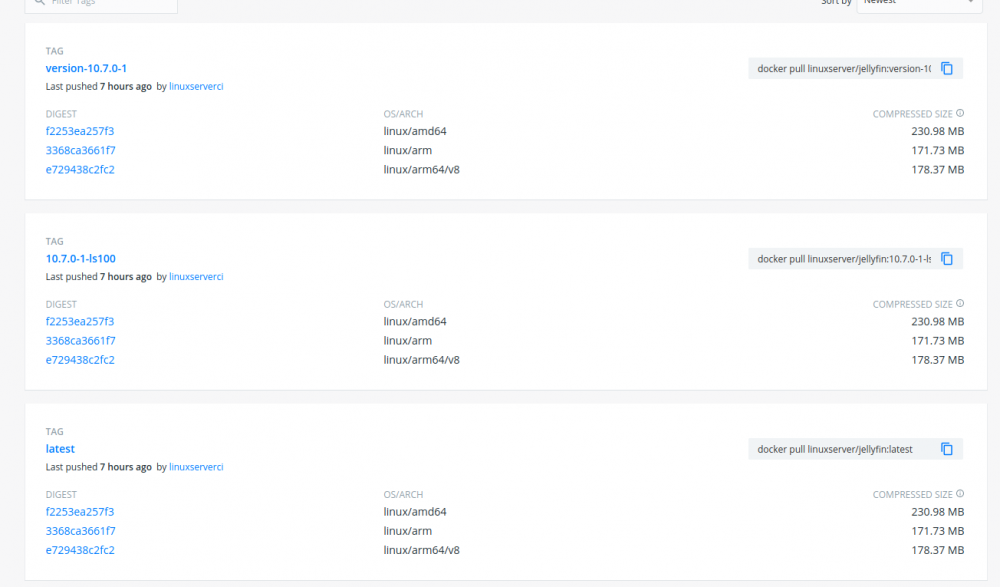
The container was updated a couple hours after it was released
-
When it's released yes. (And that means when they publish it to their apt-get repo, not just on their forum/blog.)
-
Unfortunately, the state of this container currently is that it's a lottery if it will work for you. There has been a long standing issue with this container: https://github.com/linuxserver/docker-openvpn-as/issues/113 everything is explained there. In short, if you have issues with this container, I personally would suggest not wasting time on this and finding a better solution.
-
Yea apologies - we just need to add the additional nginx bits to the site config file. Though if you've done it manually, all good 👍
-
If it's an existing install, you won't get offered the update until Nextcloud release the OTA's.
-
Add this to the site config within the nextcloud container. We plan to add this soon.
-
It's a headless install as in zero display. It's not possible to use vnc with this. What you're seeing is actually the native Kodi webui.
-
You'll want to be checking your logs. nginx logs within the `/config` mount and also the nextcloud log itself in the root of your `/data` mount. That should give some sort of insight to what's happening.
-
Looks like someone had the same issue here: https://github.com/nextcloud/mail/issues/2583 Seems related to the Mail app within nextcloud.
-
The nextcloud web updater should offer you newer versions or you can cli into the container and run `updater.phar`
-
This is just wrong - it's because you haven't been updating nextcloud within the container. It's our only one that you have to independently update inside the container aswell images.
-
As far as I know, the way unraid does update checks, it counts as a pull.
-
To be fair, it doesn't even need to be a pull, doing a check update on the image should keep it live.
-
Nothing is stopping you for pinning an image to a certain tag here https://hub.docker.com/r/linuxserver/unifi-controller/tags?page=1&ordering=last_updated&name=5.14
-
Package updates. Also it states in our documentation how to do the version updates: https://docs.linuxserver.io/images/docker-nextcloud#application-setup If 20.0 isn't showing, that's because the Nextcloud god's haven't decided to release the Nextcloud OTA yet.
-
Try removing whatever app `richdocumentscode` is and see if that solves it. I assume you did an update via the beta channel?
-
The script needs to be chowned to the user that you're running the container as. Also, this forum is support for unraid users only. Please use our own LinuxServer.io Forum/Discord for support - thanks
-
There is currently an issue with the latest build of `:nightly` - it's being fixed and rebuilt as we speak.
-
Seems like you answered your own question 🙂
-
Fixed image has now been pushed to the repo. It had broken due to the booksonic dev renaming the repo. Looks like they're rebasing booksonic on airsonic currently so we will switch to that once it is released.
-
Looks like there are some changes upstream so we will need to make some adjustments on our container. For now, please rollback to a previous tag.
-
Nextcloud isn't designed in a way to deal with the data being accessed another way, hence why they have the external storages app. In theory you should only access the data you have in the `/data` mount via the nextcloud interface otherwise if you're changing files, you have to force nextcloud to reindex everytime you make a change.
-
No because nextcloud designed it in way that won't work with containers.
-
It would help if you provided screenshots of your template or provided the docker run command.
-
You need to edit your template and change the `version` variable to `latest` as it's currently set to `docker` as per your logs.


