





Vesko
Members
-
Joined
-
Last visited
Everything posted by Vesko
-
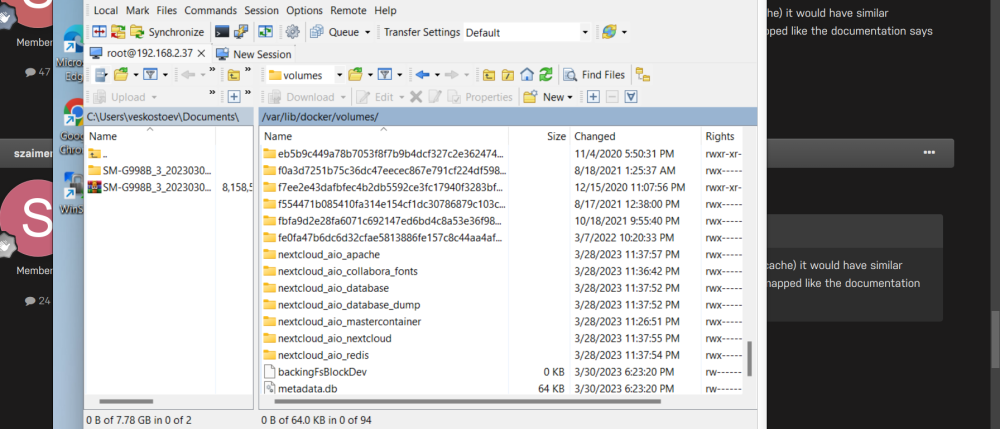
To not change Unraid permissions everytime after reboot go to directory on the screenshot which i attached and login with WinSCP to Unraid but before that enable SSH in Unraid interface in Permissions in Settings i think was. ,,config.PHP,, just change check_data_directory_permissions' => false
-
Hi,i am not double nat i think nat should be disabled on the modem its some optic box i don't know what exactly is.
-
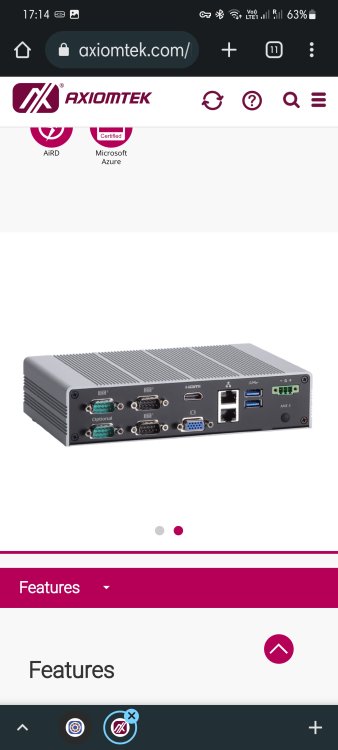
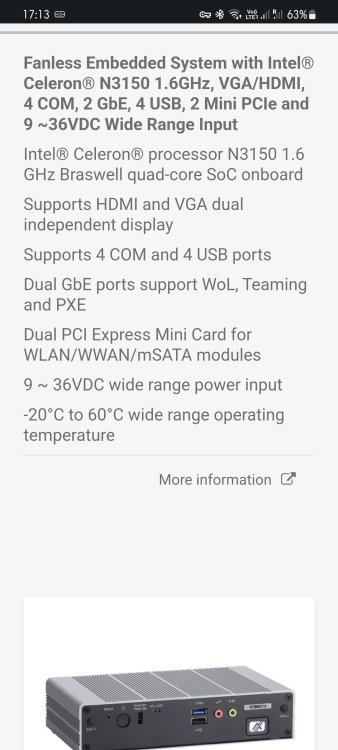
I have box 1 i7 4770 ,32gb ram box 2 Celeron N3150 4gb ram I try to use Celeron box only for Photoprism because is fanless and very low power use.The other box i turn off somethimes.I have 3 of this boxes on one is Opnsense firewall and 1 wanted to use just for Google photos replacement.Then i need to transfer all Npm to be on Celeron box and run it 24/7 and everything is gonna be ok.I think this is the most easy solution how you said also. Thank you very much for your help.
-
Thank you for the fast answer i was trying from yesterday to understand how it works.I will never try this way.Thank you again very much. So i delete the Npm on Box 2 and delete the second forward ports on the router and now works. So now the box 1 then should do all job then. If Box 1 is turned off how i can setup things to work. I need to install Npm on box 2 also with same settings but keep it OFF and if box 1 is off need to turn on Npm on box 2 because 2 Pnm cant work same time yes.



-
Hi,i have 2 Unraid servers and trying to install on both Npm on one of them everything works perfect but on second it works only if first one is turned off. I change and forward ports on the second Unraid box but still get some problems and cant access the dockers. I use OpnSense firewall . Should i put from my modem second router so i have every unraid on different router or i dont know. I use Godaddy thru Cloudflare. Thank you.



-
Thank you for the advice i reinstall with mongo:4.4.3 and now works i will never update if works like this. Dont see point to update until works normal .Updates brakes things:)
-
Me too Mongod cant start anymore i try reinstall and same.I get error: BadValue: security.keyFile is required when authorization is enabled with replica sets try 'mongod --help' for more information
-
Yes,you are right i will go for AMD vga i think. Thank you very much for your help and support. Happy New Year!!!
-
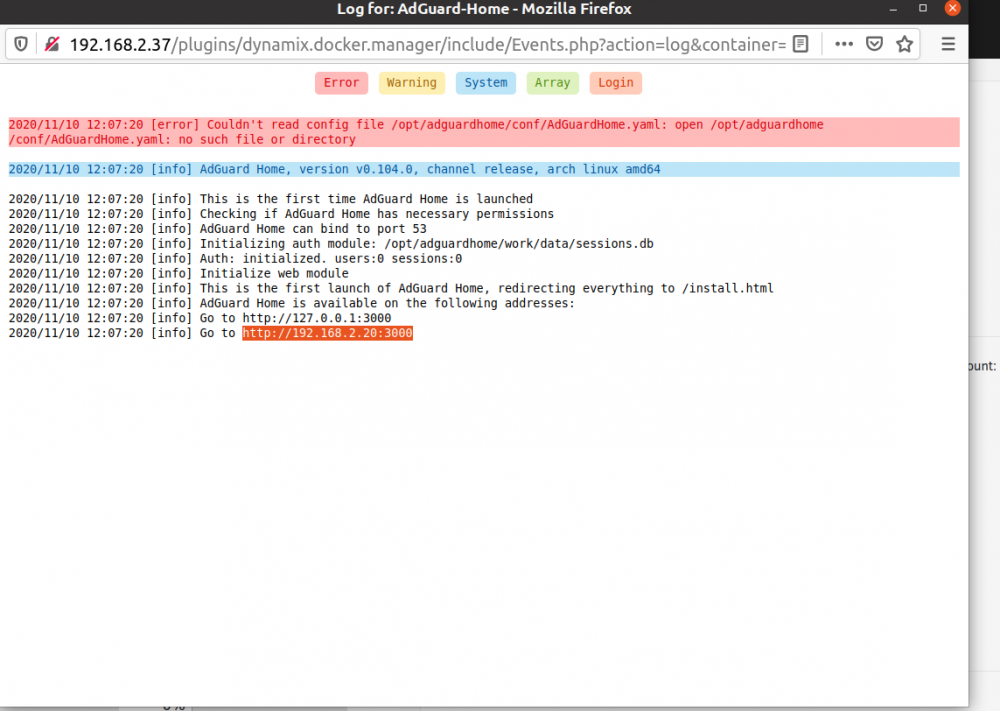
Hi,i installed Bigsur and everything works fine VNC and i connect to monitor and pass GTX 1050ti all good works. Today Bugsur loading only on VNC ,but on Gtx 1050ti it starts and load the Apple logo only and stuck.The white loading line under the apple wont show up. If someone knows solution for this please share. Happy New Year !!!Delete everything how i explain in previous post and install again and will be fine.If 202 is your unraid IP then give another IP 200 maybe to Adguard dont give same IP to the docker.Today i install it on my new installed Unraid and no just works straight away just give it fixed IP and done i think is updated or something. Try to uninstall the docker Adguarg then go to Appdata folder and delete the folder Adguard and then install it again and only fill up the ip before pull down the container.Open the logs and look for the last line just copy and paste in browser and should work.
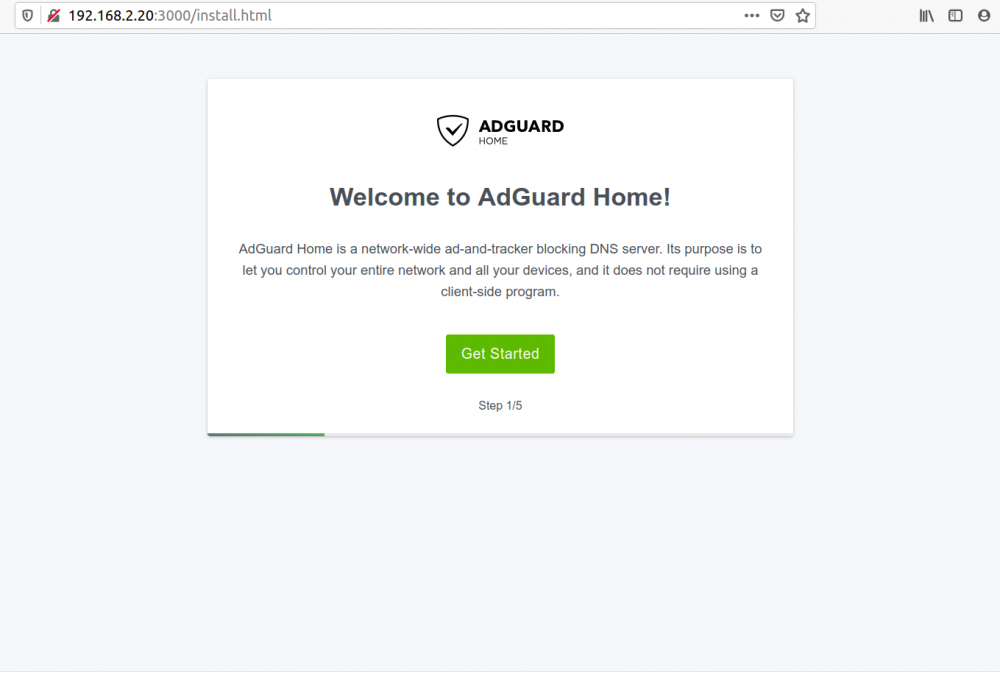
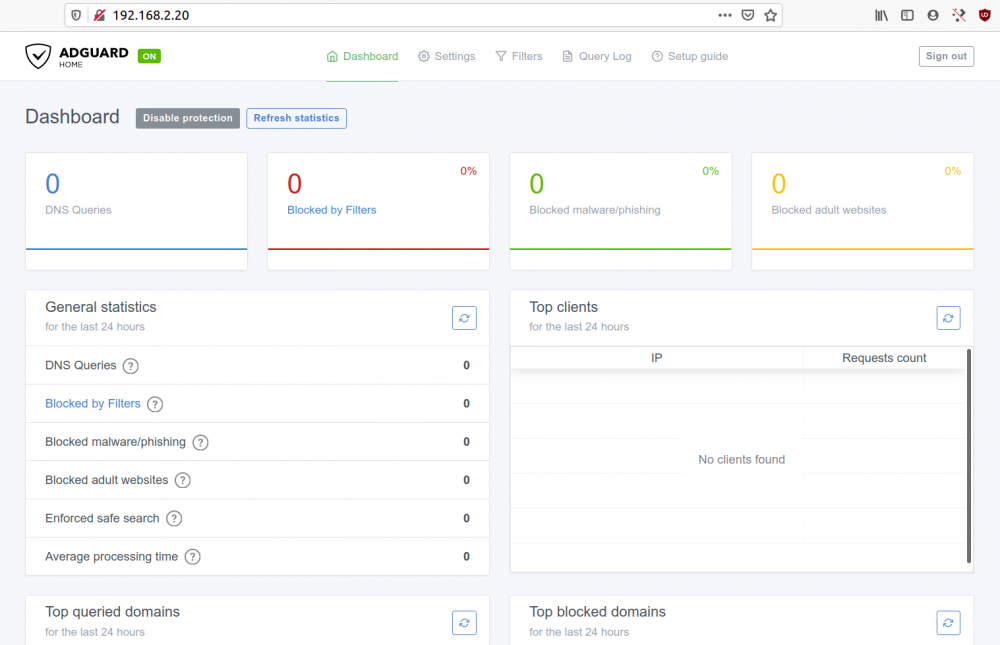
 You are welcome 😃😃😃 i was on few 🍻 when i got working so i hope works for you.😃Hi,just give it fixed IP then check the logs will be some errors because missing a file is some directory. Then just check where is missing the file and create it manual on the desktop and copy and paste in the directory. Log in in Adguard only with the IP which you set before dont add :PORT number and make the setup of the Adguard and put the ip in your router DNS and thats it. I stop using it because i buy Pi 3 and install it there because my server sleep from 23h til 07 and i lose internet connection so Pi runs now 24/7 but for a week the docker on Unraid was working and blocking perfect.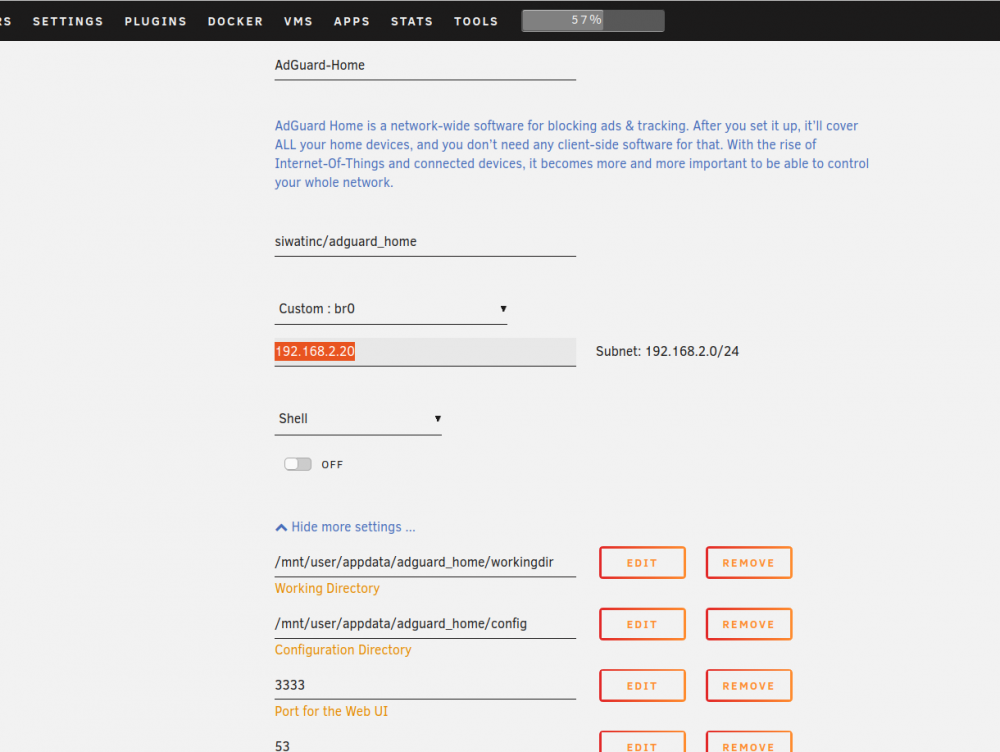
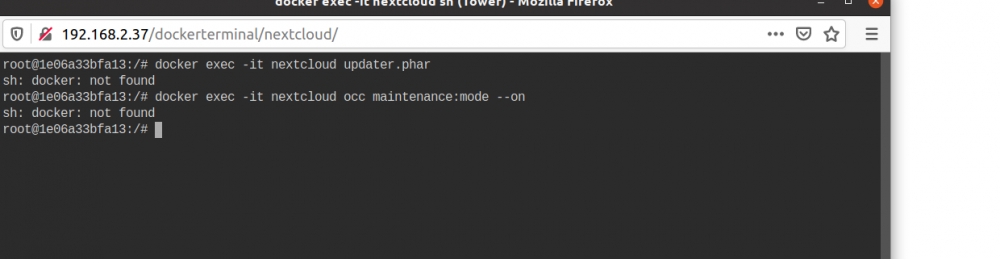
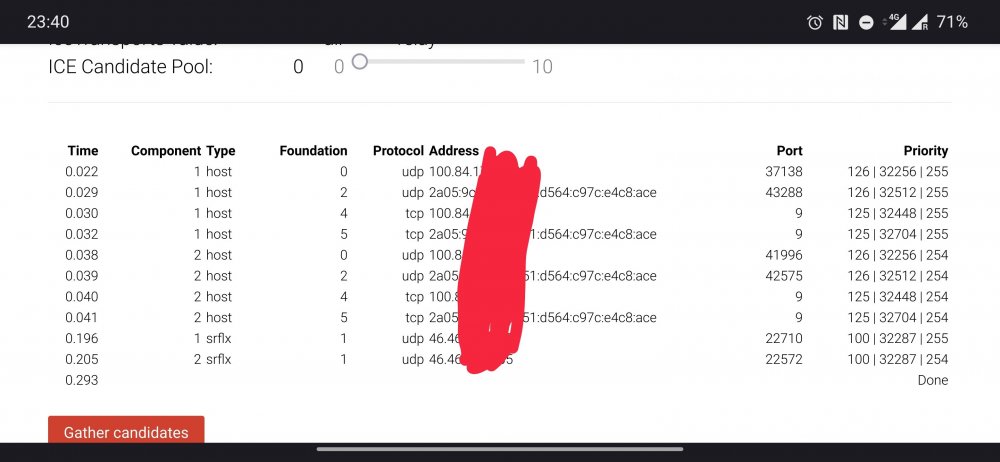
 Hi,i dont know but Nextcloud Talk android not work proper on 4G i mean outside my Lan i dont know even if configure proper Stun/Turn server i dont have so much skills maybe.We have to wait someone with more skills to help us to make tutorial .I wish i could but i not so smart . Could be the App for android buggy or nextcloud docker cant connect with Stun/Turn server docker i dont know.Yes i got is working today if you still need some help and can share some screenshots and tips.Yes,i update successful thanks to all you good people!!! I SSH to Nextcloud and remove the .Step and then i run the command in Unraid teminal not in Nextcloud terminal and everything goes smoothly updated to 19.04. Thank you!!!Hi,today i update to 19.04 and my update stuck on step 4 and now i cant update or do anything else.The command line did not work also.i get errors.Please help me to fix this problem.Thank you.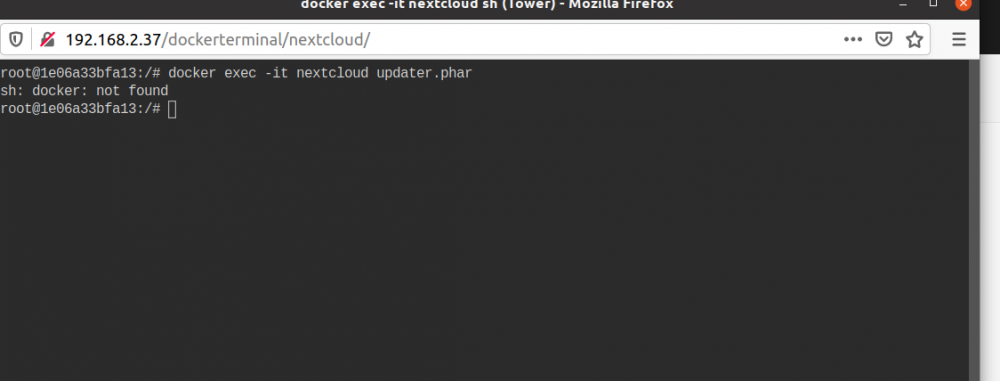
 Hi,is anyone have problems with reverse proxy.When i setup and i login to Shinobi pro my camera is not there and if i login on Lan is there just disappear when i login from WAN .I can see only the timer on right side. Thank you.Is it mean that now works.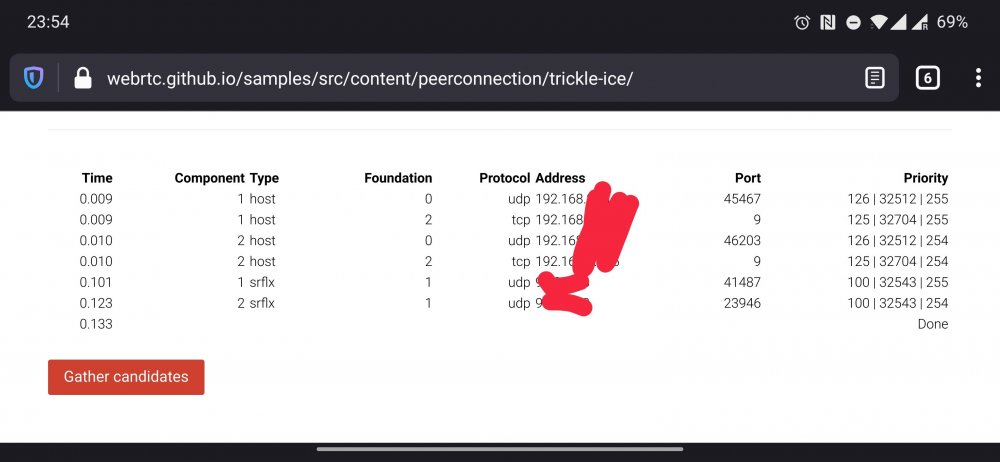
 First id like to thank you very much for helping me. Proxynet is custom network in Unraid which i add and Swag and Nextcloud are using it i add a screenshot. I use Mydomain.duckdns.org .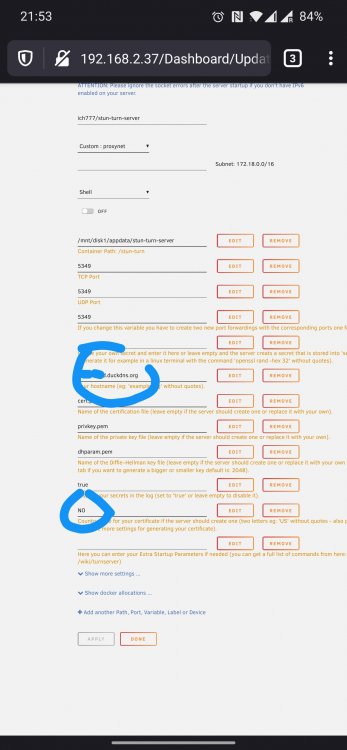
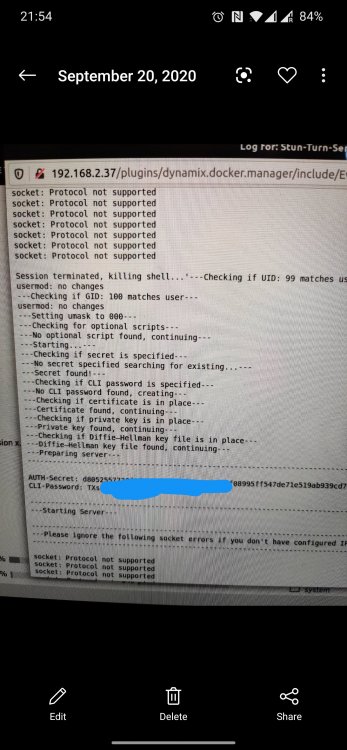
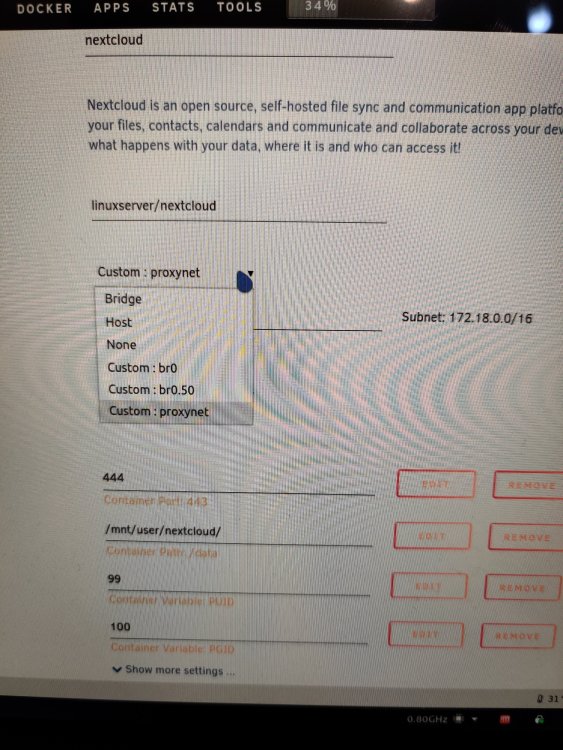
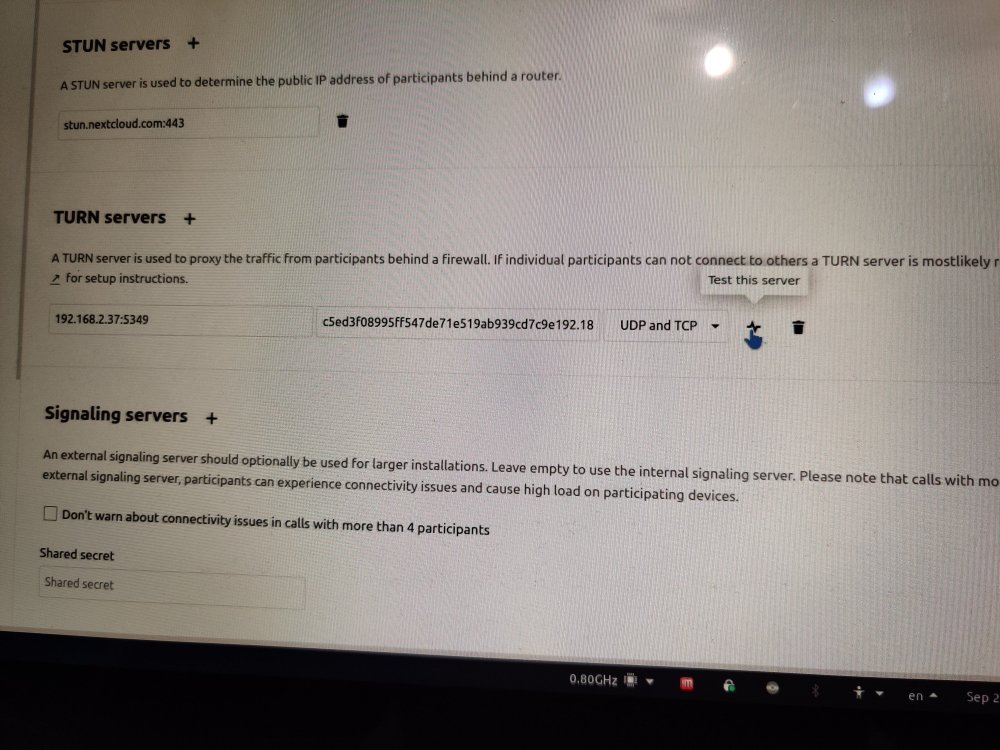 Please tell me how i have to fill up😃😃😃 i have setup my nextcloud by Spaceinvader video with let's encrypt no Swag docker.Do i need to fill up something in Advanced settings. My Nextcloud and Swag docker's are on Proxynet network and should i put Stun-Turn server need also be on same network. I forward ports on Pfsence. I mean i dont know maybe how to configure it correctly because on 4G network outside me Lan not works on My android phones i cant ring and not getting messages.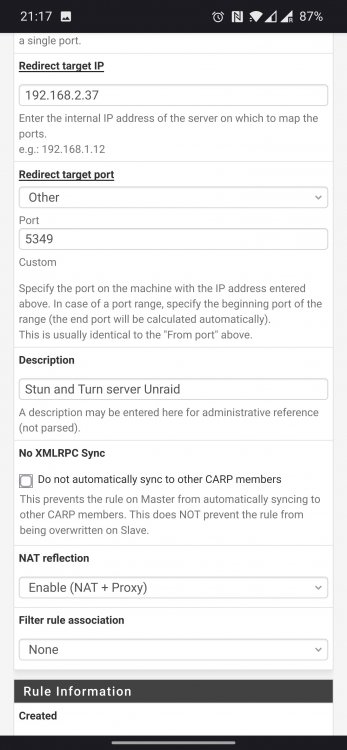
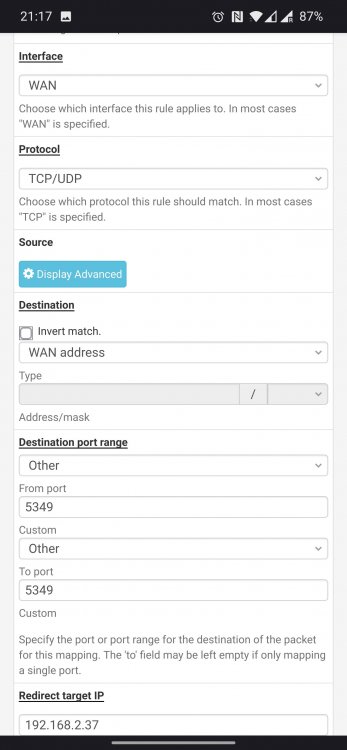
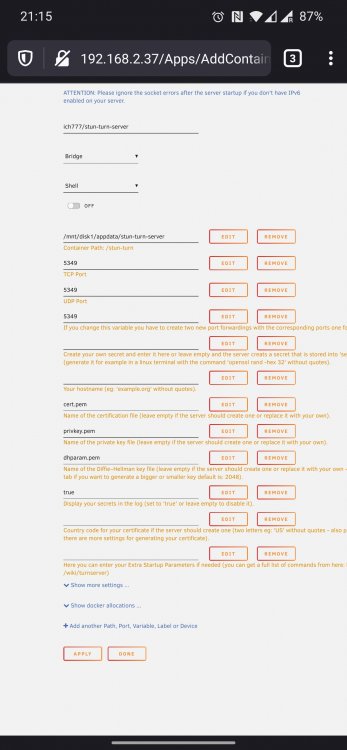 Hi,can someone post screen shot with Stun-Turn server for Nectcloud i cant get it work. Id like to ask is it works for anyone at all so i know if i still have to continue to trying. Thank tou very much.Hi,did you edit the file . SAMPLE in Appdata SWAG because i forgot and then remember that i have now new appdata folder not the old one with Letsencrypt name. For me everything is working now




