





Masterwishx
Members
-
Joined
-
Last visited
Everything posted by Masterwishx
-
It's just section name, all options are in same code, that read your config.
-
Do you run I test mode maybe? mvlogger "$(titleLine 'LET THE MOVING SHOW BEGIN !' '*')" if [ "$ENABLETURBO" = "yes" ]; then mvlogger "Forcing turbo write on" [ "$TESTMODE" != "yes" ] && /usr/local/sbin/mdcmd set md_write_method 1 fi
-
Do you have this enabled ?

-
Do you mean if turbowrite enabled in settings?
-
Do you have force mover enabled? Post debug.zip
-
What issues?
-
To move all files without plugin settings, you need to use force move that will run unraid move. Or `mover.old start` in cli
-
Rebalance for unnanttend files iirc
-
Synchronize use only rsync ,but for move files you can choose what tool to use. No , Forced mover run : unraid mover that move all files in share Sync work when pool is below Moving threshold
-
Thanks i found the bug , will be fixed in next version
-
No, I will check it. You can post the Debug.zip
-
You can check rebalance option maybe
-
Not sure if it possible, the plugin currently working with shares like unraid mover but with much more options. To add remote shares to plugin needs I believe a lot of code to add/change, but I will check it if/when will have free time. I really don't want to make plugin more heavy or break something that already work fine. In next version will be added validation files by selected chars for who interested.
-
Thanks, looks really cool.
-
It was easy to fix cloud shapes and remove scratches, maybe you can find similar tool for easy animation creation :)
-
Thanks I will check it all : But Folder and container text are lighter on hover :
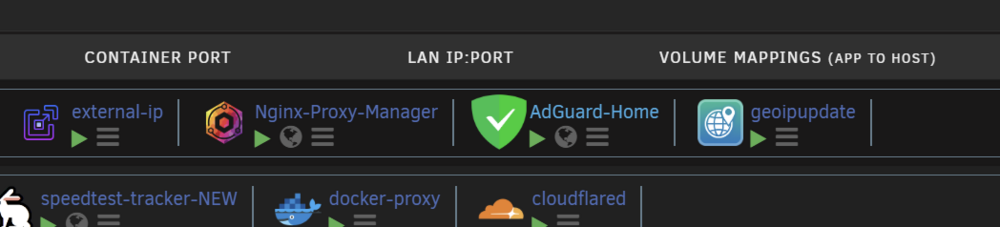

-
This shold be better than plain grey above, no?
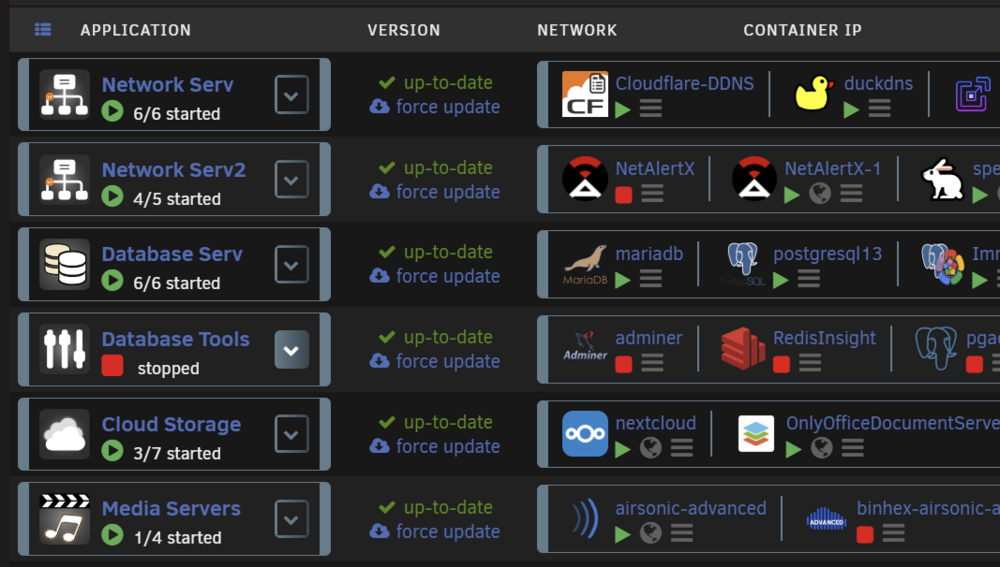
-
Orange icons was really annoying at the start but then with time was OK, but for now made like so grey gradient:
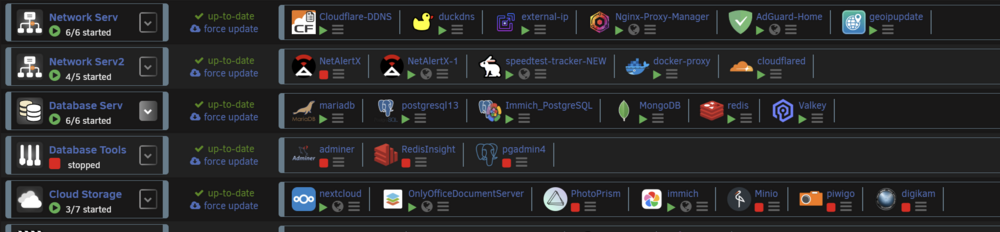
-
Just for you can look into : )
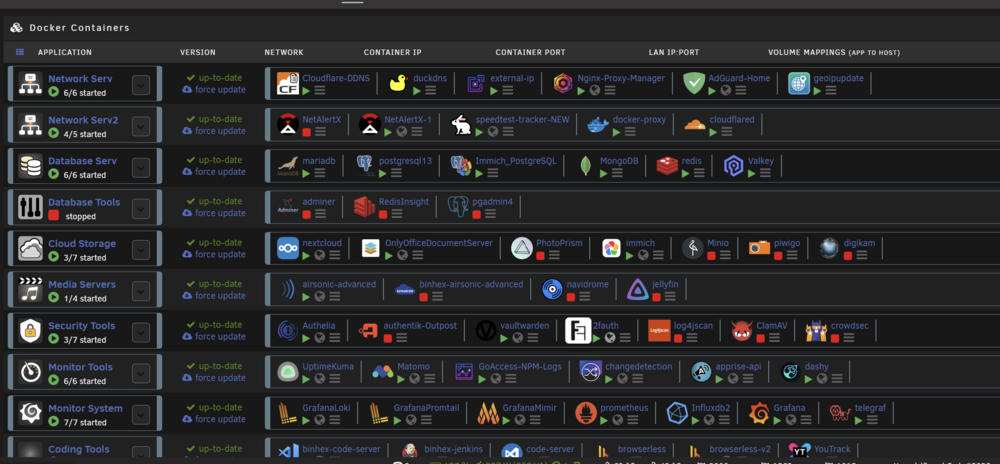
-
You can try https://boxy-svg.com/ as we talked before its was really easy to fix bugs in clouds images with this tool ... Yep used i think before @Mattaton CSS grey buttons with your Old CSS i think ...
-
Oops ,checked again and i see now , a lot of white color not so good with yellow and less details than Flat Grey , hope you can fix it :)
-
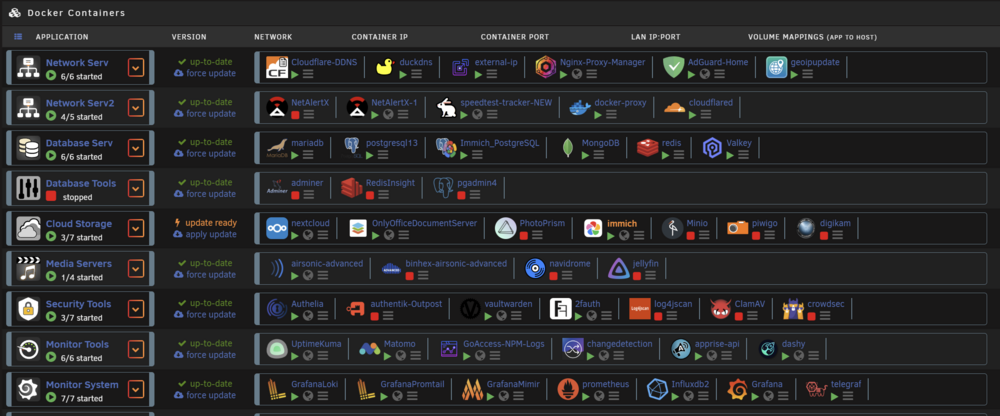
The Grey Flat is not enough dark for me (Database Tools,Cloud Storage as examples):
-
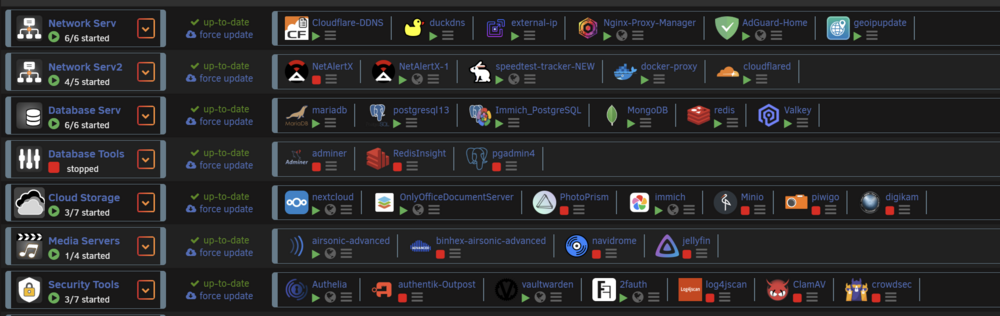
im using dark theme with grey collection will move to Flat dark grey later, Cloud Storage has Flat darkgrey-cloud2.svg as example,seems ok , no ?
-
Do you mean dark theme with Grey or Dark Grey Flat collection? Fixed also right side of clouds, please check pr on github. Boxy svg was very easy to fix for the end, even for me as have no svg experience :)
-
Yep not a big problem, but we like when all working fine hopefully:) What version of Unraid and plugin you using?





