





muwahhid
Members
-
Joined
-
Last visited
Everything posted by muwahhid
-
Hi, I installed mailcow in the virtual machine Ubuntu. Now I want to put it on Unraid. To do this, I decided to create templates for all 18 containers. I have little experience, so immediately there is a question. As denoted in Unraid, :z, :Z, :ro,Z in mount folder? docker-compose: unbound-mailcow: image: mailcow/unbound:1.12 environment: - TZ=${TZ} volumes: - ./data/hooks/unbound:/hooks:Z - ./data/conf/unbound/unbound.conf:/etc/unbound/unbound.conf:ro,Z
-
What about MariaDB vs PostgresS'L? What's better with Nextcloud?
-
thank you)
-
I'm sorry, I'm probably asking a stupid question. But I do not understand. mydomain.ru/ghostnot/login So write? Or what?
-
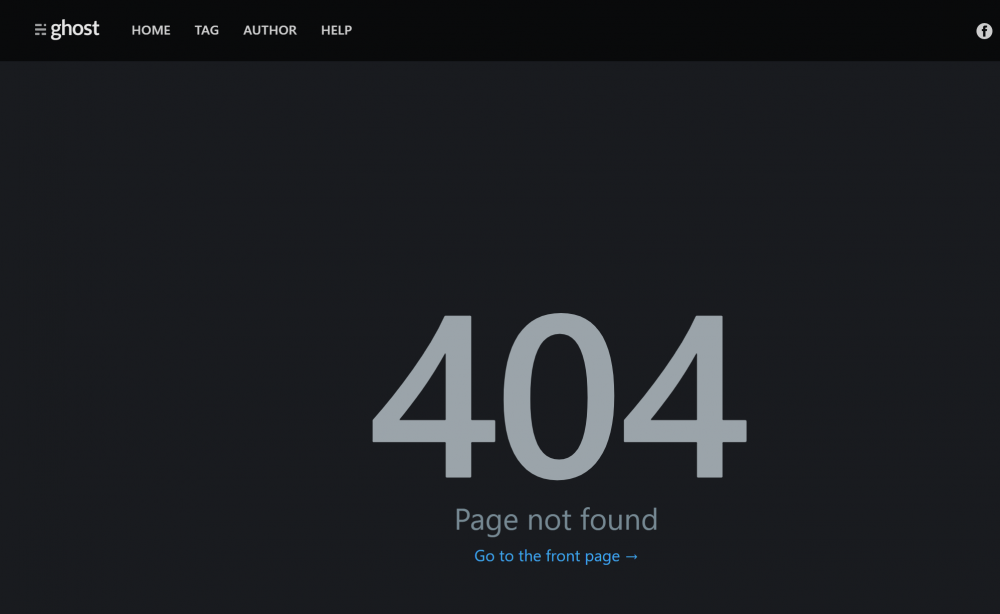
I'm trying to go to the admin panel of my site on the Ghost. mydomain.ru/login and getting a 404 error, what could be the problem?
-
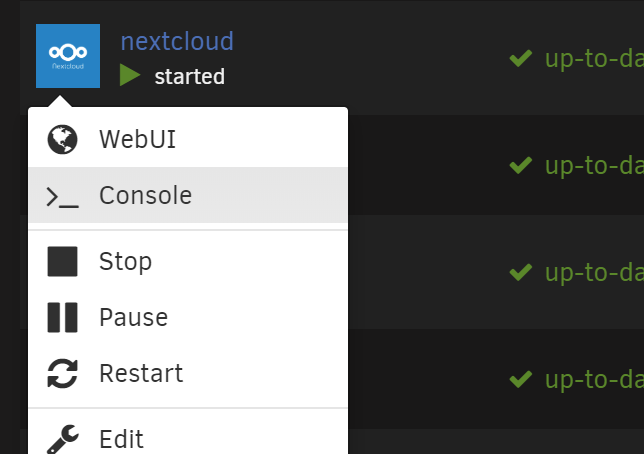
The www-data user is the default in Nextcloud, if you have another user, you can return everything this way. open terminal on docker nextcloud, and write: chown -R www-data:www-data /var/www/html/data
-
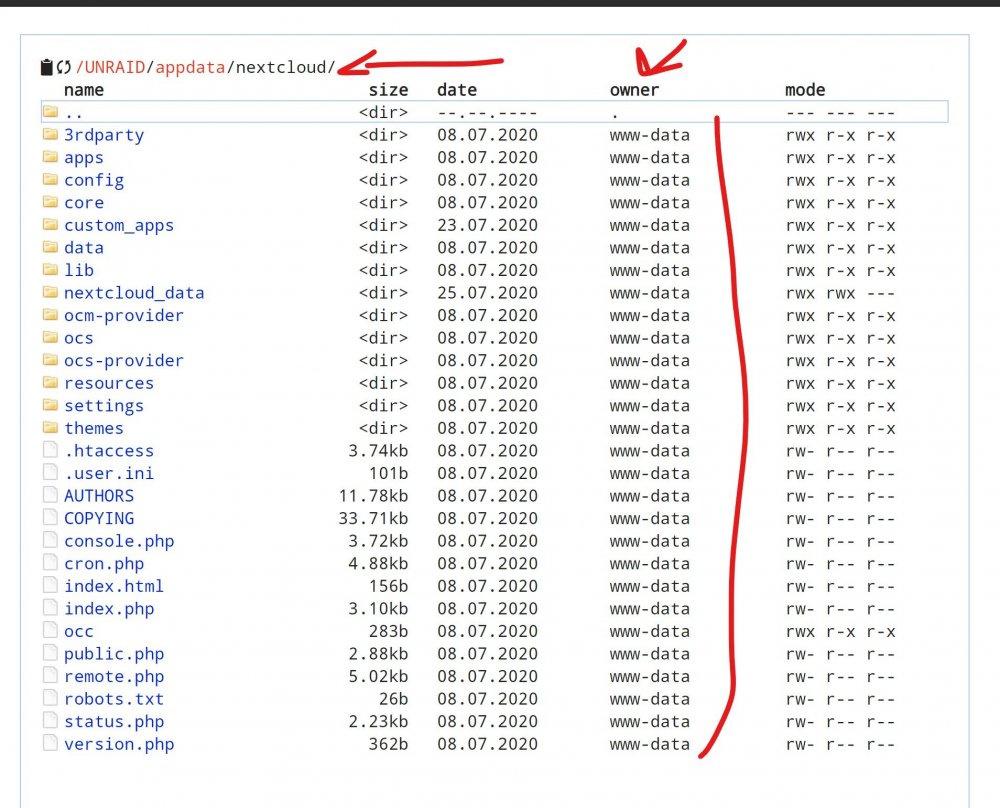
I have permissions to the "appdata/nextcloud" folder of the www-data user. You most likely have another user, so the error.
-
The latter installed the duplicate container. Then I wanted to delete it, and there was such a problem. All commands work, except START/STOP/PAUSE. The last one I installed was the DUPLICATE container, changed the repository to the official duplicate / duplicate. After the web, I did not like it, I returned the LinuxServer repository again. I set it up a bit, and then decided to delete it. And I noticed that the STOP command does not work. Also START AND PAUSE does not work muwahhid-diagnostics-20200727-1652.zip
-
После установки этого контейнера команды Docker start stop restart не работают
-
На сайте много пользы, плюсую.
-
Could you give a link to your subdomain? To check if it works for you?))
-
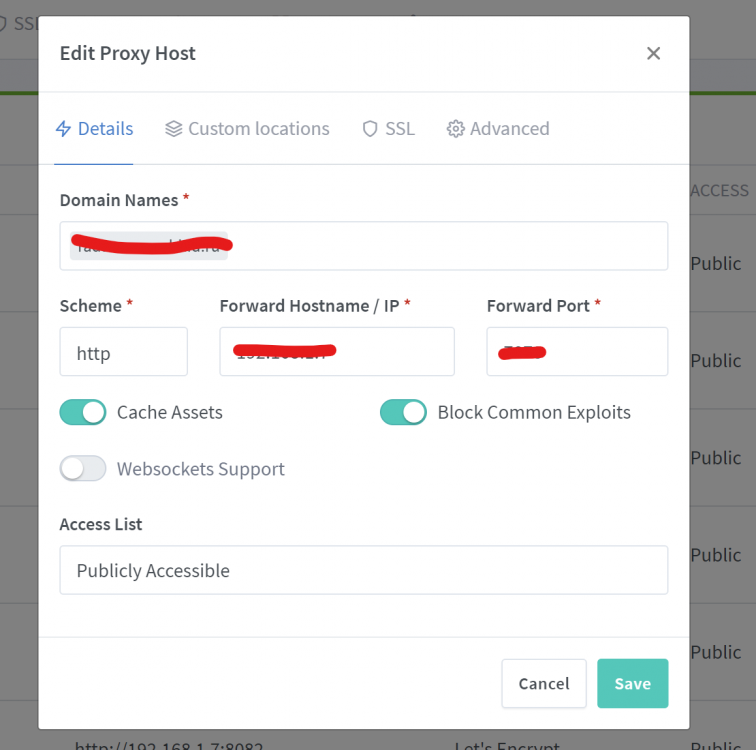
error_page 401 =302 https://auth.myDOMAIN.ru/?rd=$target_url;
-
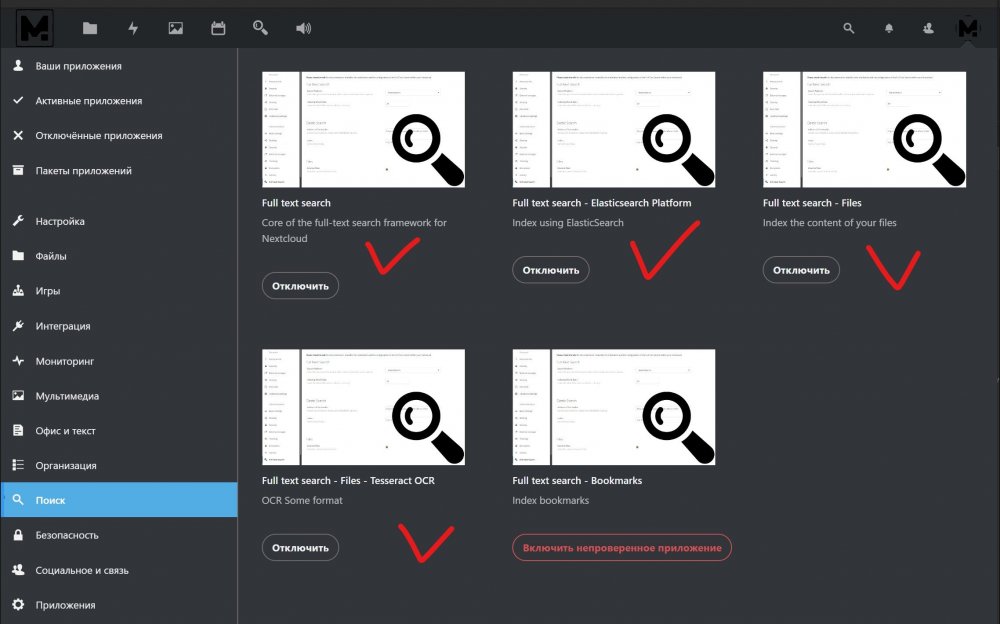
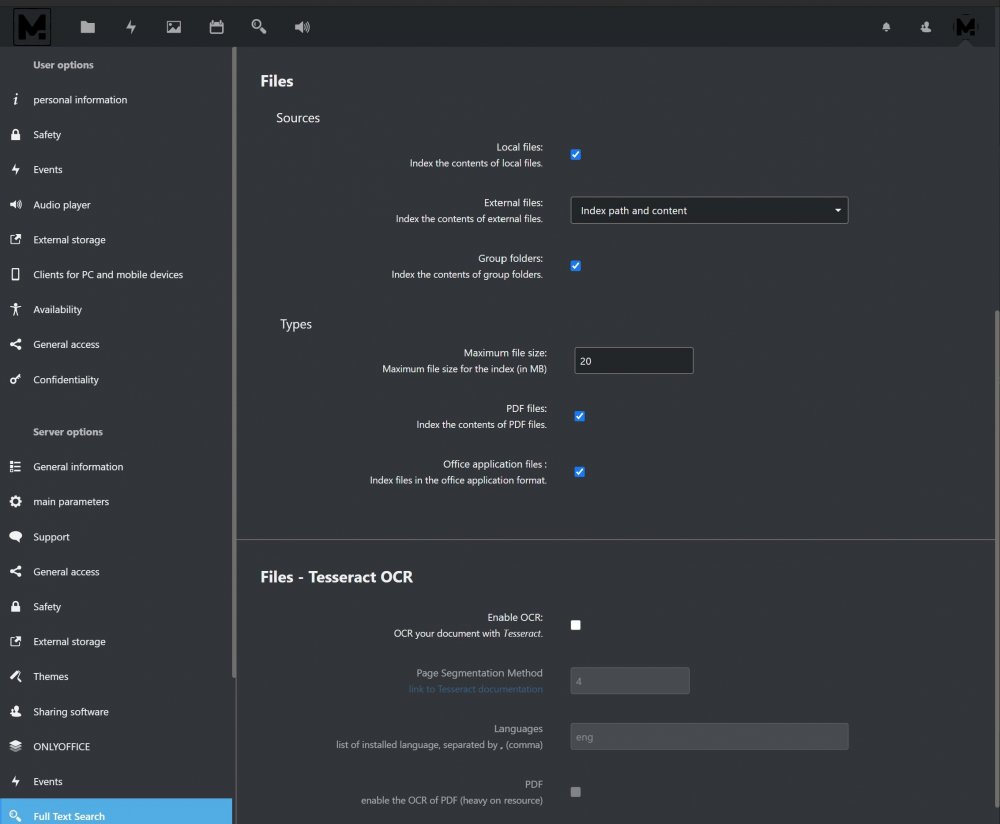
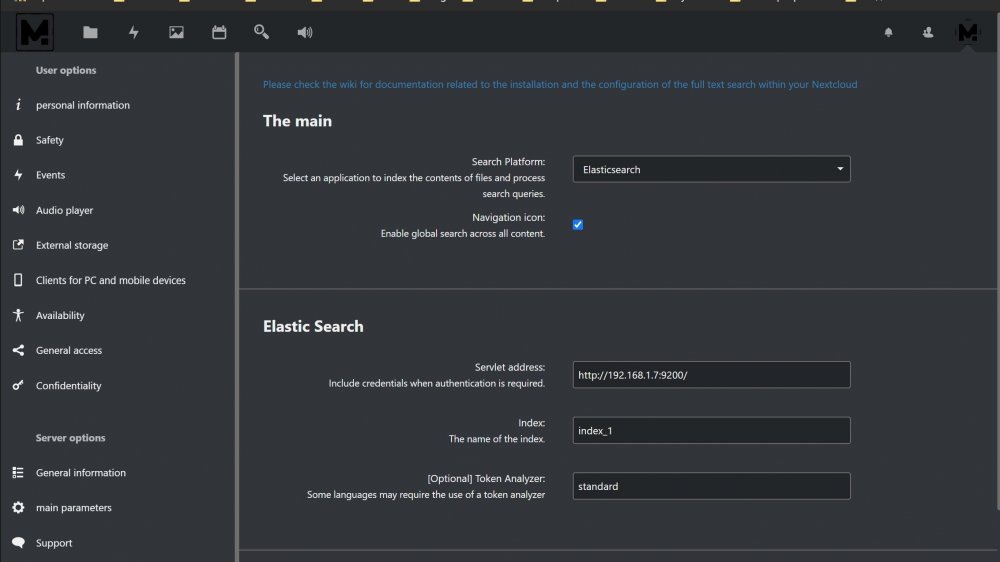
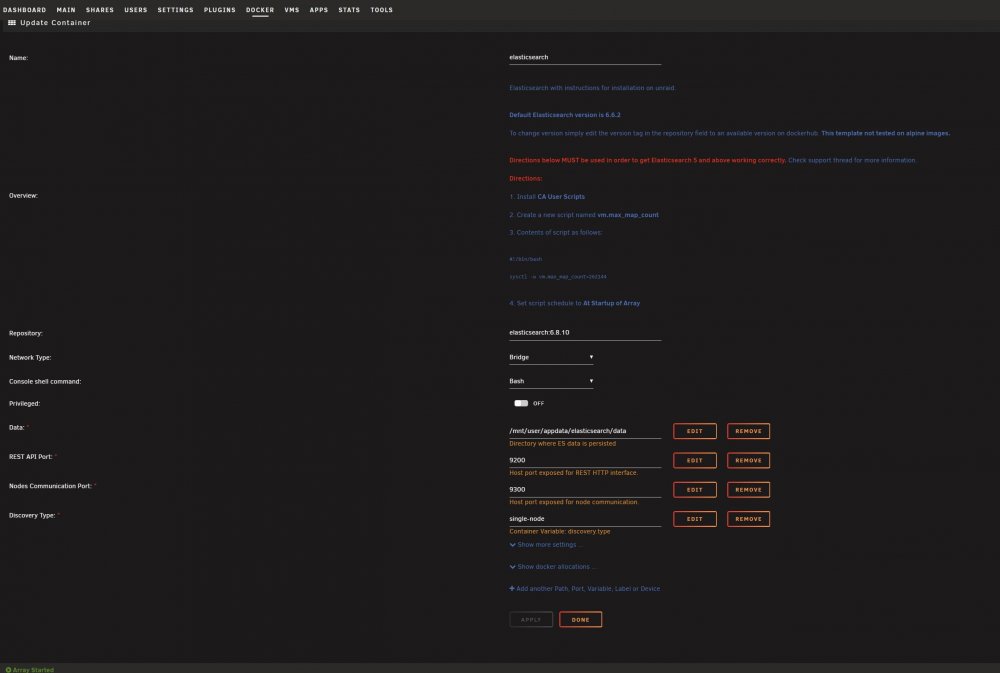
Hello. I want to share, because I myself was looking for Old. I have NextCloud production, nextcloud repository: production-apache. Version 17. 1. I entered the script from the topic in the terminal sysctl -w vm.max_map_count=262144 2. I installed 4 plug-ins with a magnifier in the NextCloud, on the NextCloud web. 3. I installed the plugin for NextCloud. ingest-attachment Entered in the terminal: docker exec -it elasticsearch bash /usr/share/elasticsearch/bin/elasticsearch-plugin install ingest-attachment 4. Then I made the settings in NextCloud, as in the photo. 5. Then started indexing. In terminal: docker exec --user www-data nextcloud php occ fulltextsearch:index ______________ I hope this helps someone.
-
I set up authelia, and I understood how it works. But there is a snag. If I give a link to someone, for example radarr.myDomain.ru. THEN this person has an error 403. In the address bar, it can be seen that the redirect gives the authorization address of the hostel + secure point, but the address of the secure point does not come out 'https', but 'http'. To avoid this, he needs to first go through the authorization of the network, then the cookies are saved, and the errors are also ok. Or he can manually attribute the letters 'S', go through authorization, and also, after saving cookies, there will be no 403 error in the future. I will send you a PM my web so you can see for yourself.
-
https://joplinapp.org/ joplin multi platform note. Evernote analog. Can be integrate with Nextcloud
-
It’s not me who wrote the discord) But you are right, the problem I had was in "/". Thanks for the clarification. If you do not mind, I will still write if questions arise. I'm starting to customize Authelia and all my web applications.
-
authentication portal.conf needs to be copied and pasted into /NPM /edit proxy Host- /Advanced (auth.MYdomain.ru)? and protected endpoint.conf needs to be copied and pasted into /NPM /edit proxy Host / Advanced (needProtect.MyDomain.ru)?
-
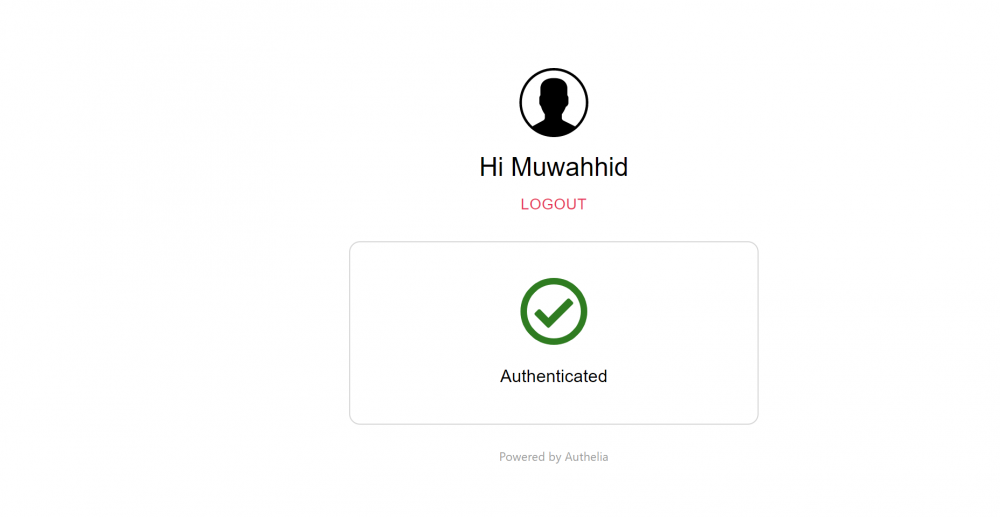
I successfully launched the container, created the user, logged in. Now I settled on the NPM configuration item. I have MyDomain.ru (my main domain), auth.MyDomain.ru (with local ip Authelia) and radarr.MyDomain.ru (with local ip Radarr). You write about editing files: (Change the data inside Authelia Portal.conf and Protected Endpoint.conf. If none of the ports has been changed in any of the above config files, you only need to change) Where are their files located? I can not find them.
-
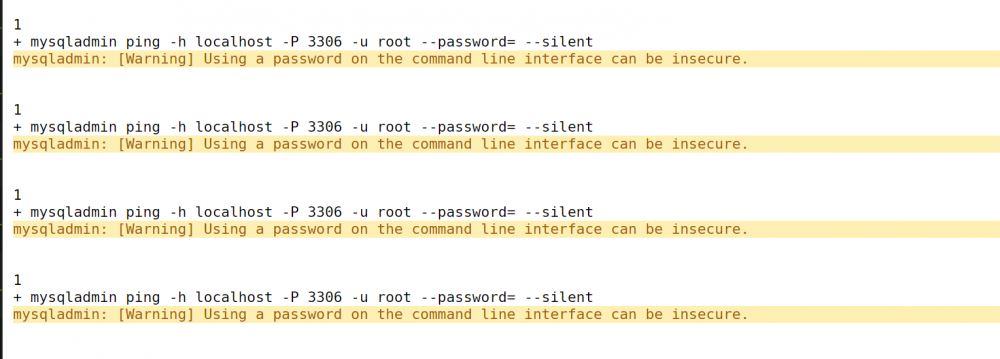
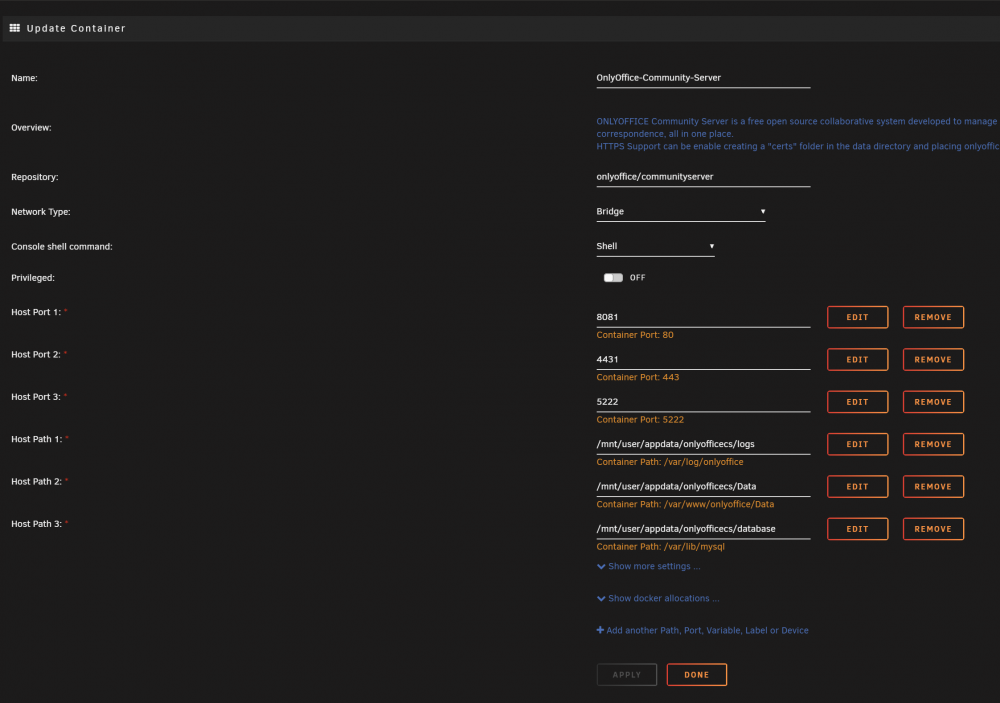
this error has already been voiced here. But I didn’t find an answer
-
Thank you, tomorrow I will try again, and if it doesn’t work out, I will send you for verification.
-
Forgive me for my ignorance.)) I repeat I am a beginner. A question. If I give you all my data and my completed config file, could you check it?
-
will be working with Ngynx proxy manager?
-
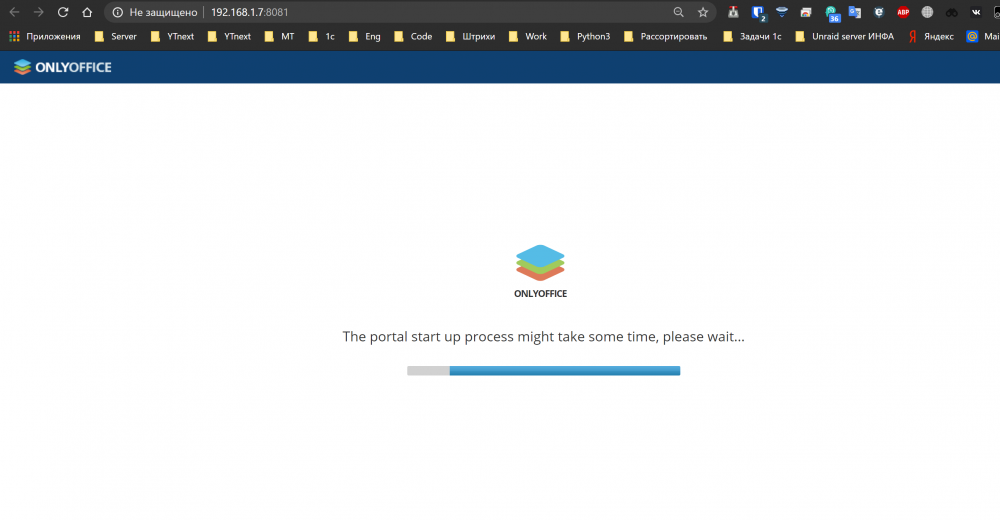
will it end?
-
error in YouTube is not only, will there be a correction? Or is this normal?
-
@SpaceInvaderOne I am calling you and your video guide))





