





muwahhid
Members
-
Joined
-
Last visited
Everything posted by muwahhid
-
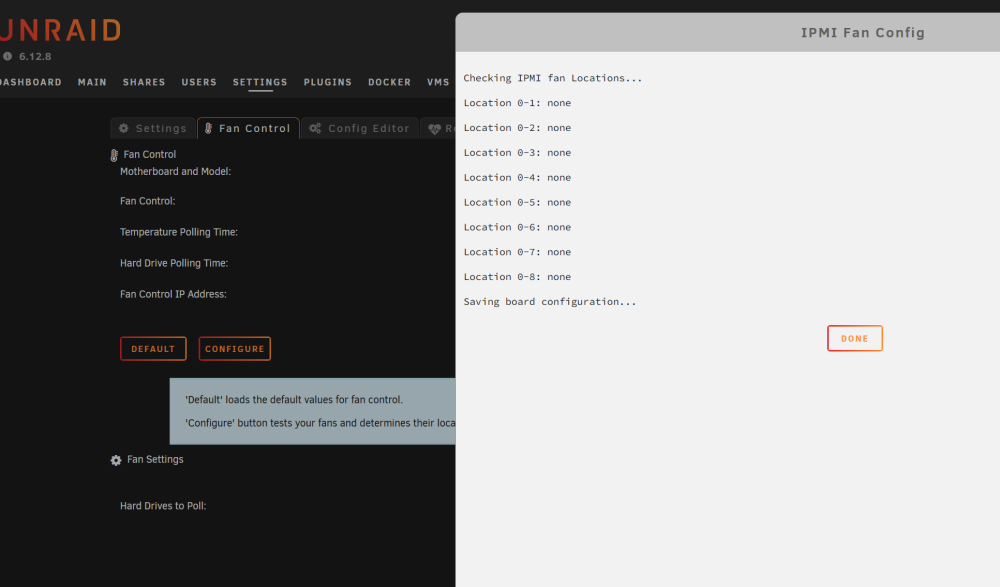
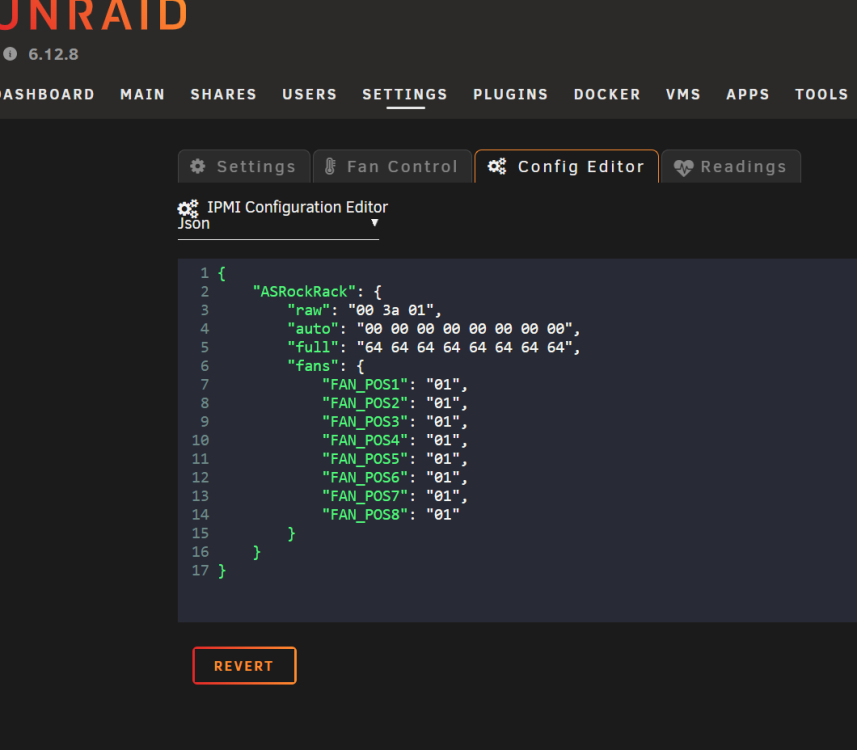
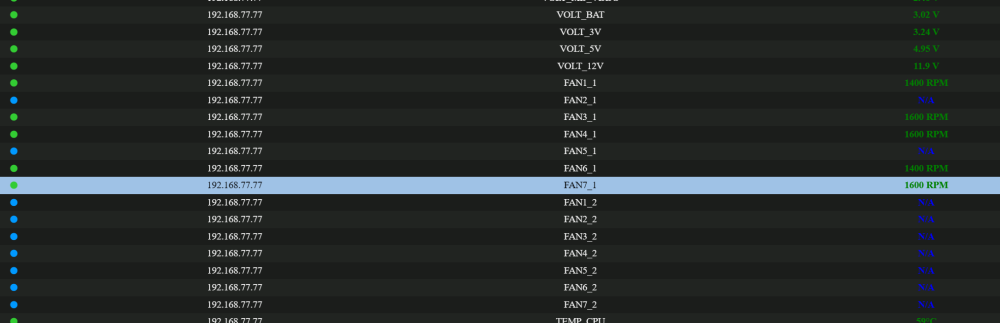
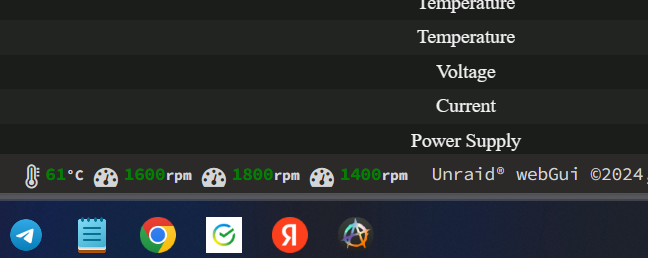
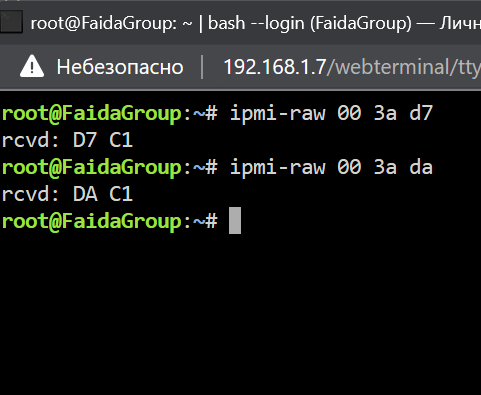
Asrock rack b650d4u-2l2t/bcm not work fan control Can you tell me what needs to be done to make the fan control work? Indicators work, management doesn’t.
-
Where are the folder icons in the system? I need this to send them, in messages, as notifications in telegram. I know that the container icons are here. And I also need folder icons. /usr/local/emhttp/state/plugins/dynamix.docker.manager/images
-
ZFS is not only a raid, it can also be used on a single disk. And even in this version, for me ZFS will be preferable to XFS, BTRFS. ZFS is now available by default on popular distributions. ZFS has a lot of fans. After all, when there is a choice of what to use it is good. Some people like Parity, others like ZFS raid. It's good when you have a choice.
-
If you add ZFS, it would be the perfect system for me.
-
Mounting the Mega cloud: rclone mount --max-read-ahead 1024k --allow-other mega: /mnt/disks/mega & In response to this 021/02/20 17:51:34 NOTICE: mega root '': --vfs-cache-mode writes or full is recommended for this remote as it can't stream What should be done?
-
Did so, all ok, thank you.
-
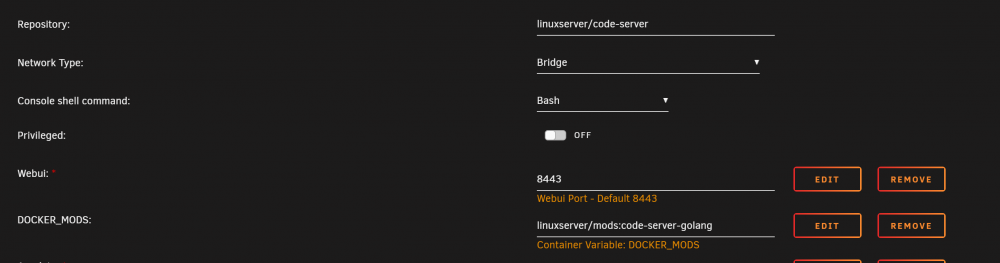
It's a pity it's so complicated. I didn't really know how to do it. I need to take three steps in docker terminal. 1. Download file: go1.15.7.linux-amd64.tar.gz 2. Unpack: tar -C /usr/local -xzf go1.15.7.linux-amd64.tar.gz 3. And export: export PATH=$PATH:/usr/local/go/bin
-
Started studying golang, used ide vscode. How can you install a golang in a docker so that when you upgrade, it doesn't disappear?
-
thank you guy))) it's work)) niceee
-
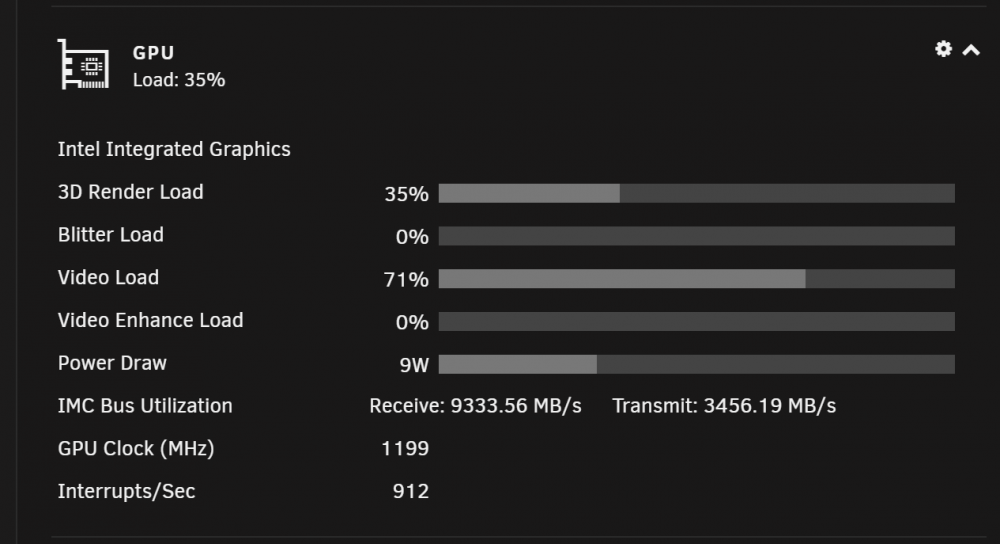
What does Blitter load mean? I only have it 0, no activity.
-
root@Muwahhid:~# timeout -k .500 .400 intel_gpu_top -J -s 250 { "period": { "duration": 0.003470, "unit": "ms" }, "frequency": { "requested": 0.000000, "actual": 0.000000, "unit": "MHz" }, "interrupts": { "count": 0.000000, "unit": "irq/s" }, "rc6": { "value": 0.000000, "unit": "%" }, "power": { "value": 0.000000, "unit": "W" }, "imc-bandwidth": { "reads": 6771.912149, "writes": 914.647875, "unit": "MiB/s" }, "engines": { "Render/3D/0": { "busy": 0.000000, "sema": 0.000000, "wait": 0.000000, "unit": "%" }, "Blitter/0": { "busy": 0.000000, "sema": 0.000000, "wait": 0.000000, "unit": "%" }, "Video/0": { "busy": 0.000000, "sema": 0.000000, "wait": 0.000000, "unit": "%" }, "VideoEnhance/0": { "busy": 0.000000, "sema": 0.000000, "wait": 0.000000, "unit": "%" } } }, { "period": { "duration": 250.287765, "unit": "ms" }, "frequency": { "requested": 351.595293, "actual": 347.599892, "unit": "MHz" }, "interrupts": { "count": 0.000000, "unit": "irq/s" }, "rc6": { "value": 100.000000, "unit": "%" }, "power": { "value": 0.000000, "unit": "W" }, "imc-bandwidth": { "reads": 2198.192893, "writes": 534.106159, "unit": "MiB/s" }, "engines": { "Render/3D/0": { "busy": 0.000000, "sema": 0.000000, "wait": 0.000000, "unit": "%" }, "Blitter/0": { "busy": 0.000000, "sema": 0.000000, "wait": 0.000000, "unit": "%" }, "Video/0": { "busy": 0.000000, "sema": 0.000000, "wait": 0.000000, "unit": "%" }, "VideoEnhance/0": { "busy": 0.000000, "sema": 0.000000, "wait": 0.000000, "unit": "%" } }
-
I have a 2288g xeon, the plug-in installed, everything works, shows the load. Do I need to introduce this team?
-
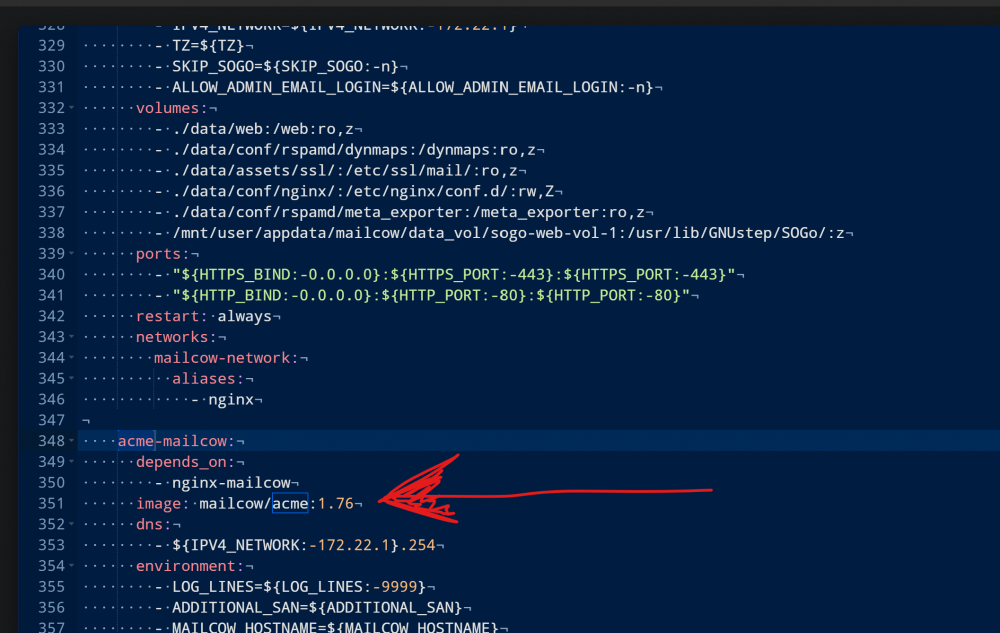
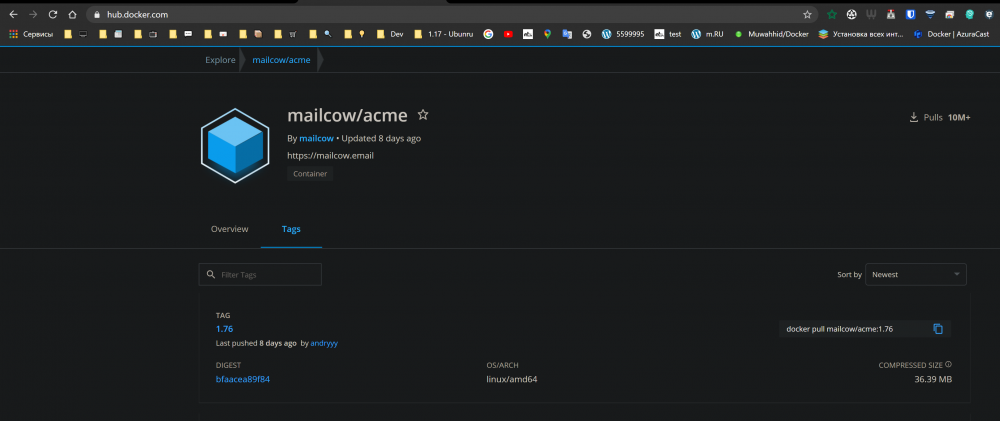
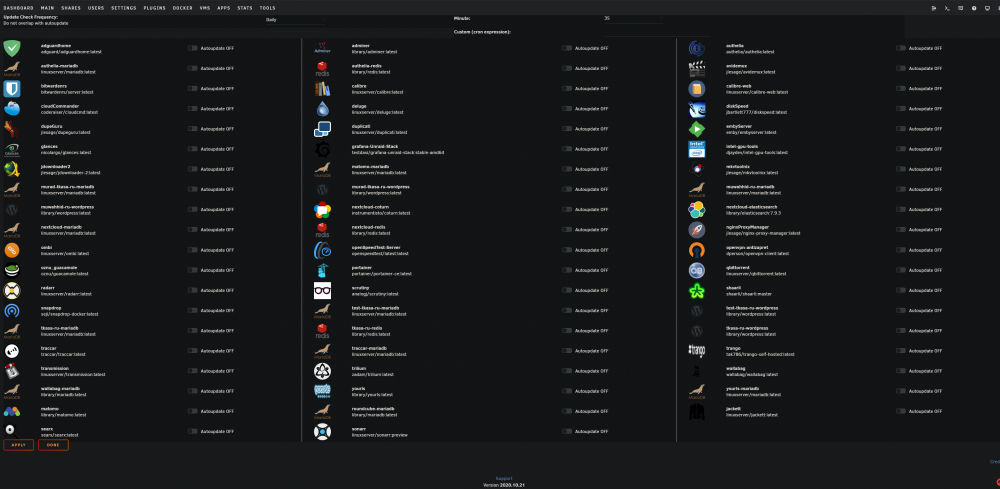
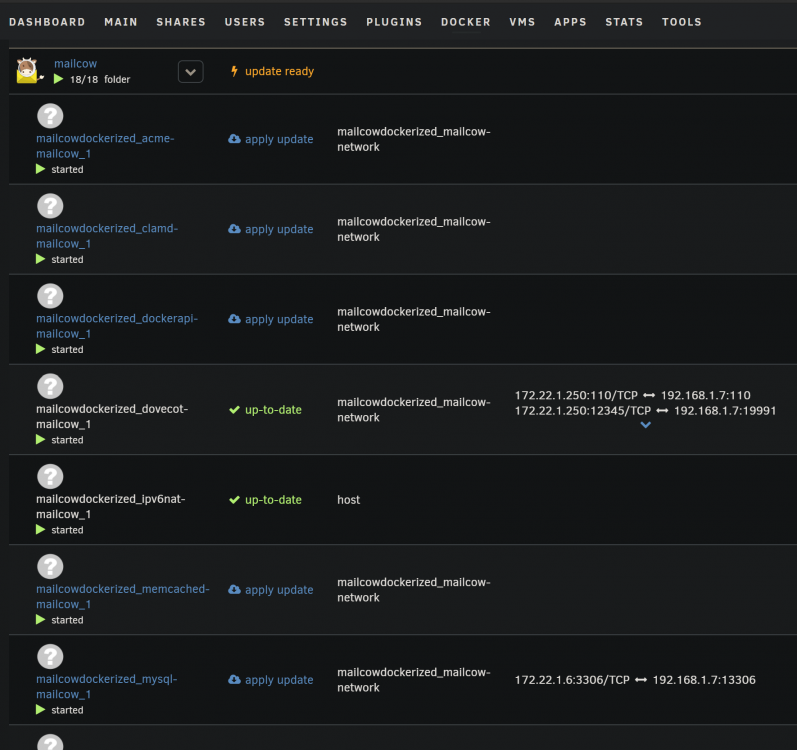
I have a Compose of 18 Mailcow containers. So, in the yml file, all the latest versions, but the plugin shows that you need an update. How to get rid of it? I've tried to disable the update check in the plug-in settings, but not all containers come out there.
-
I created a roundcube (imap mail client) container template, can you put it in your repository? I want him to show up at the in CA. A link to an image from the official roundcube repository, unnecessary information from me is not there, only a working template and a small description. my-roundcube.xml
-
Tell me, how can I get a certificate for one domain, but several ports? mydomain.com ports: 443, 444, 445?
-
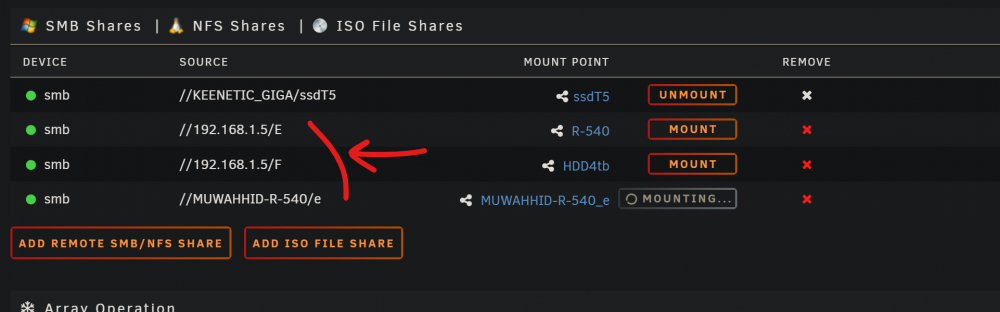
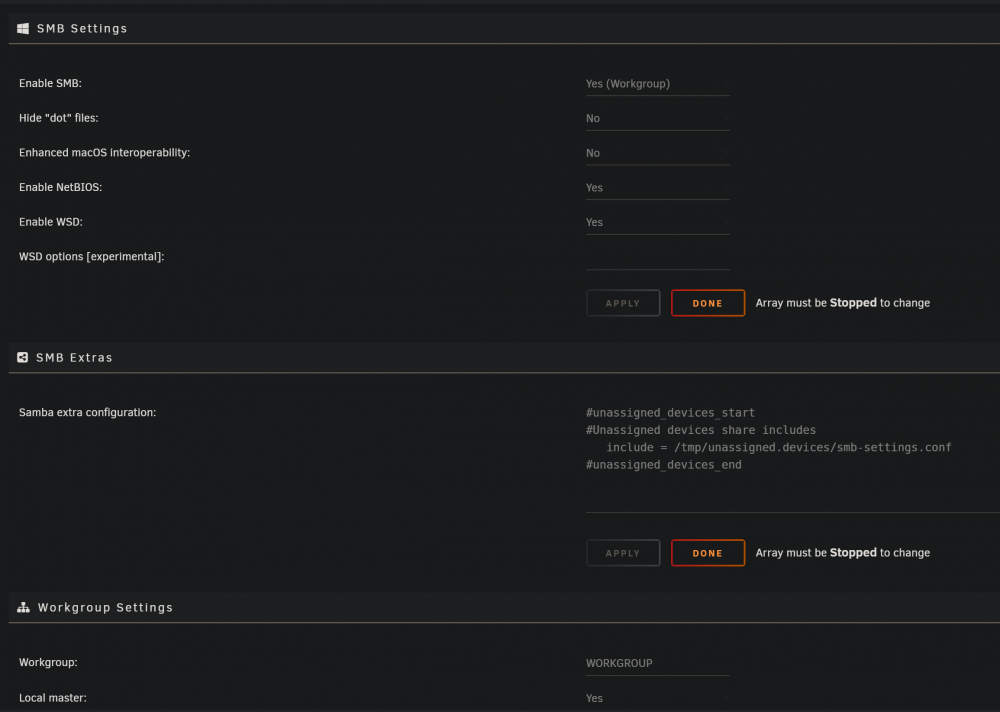
I can't mount these drives, although it used to be OK. syslog.txt
-
It's working, thank you!!!!!))
-
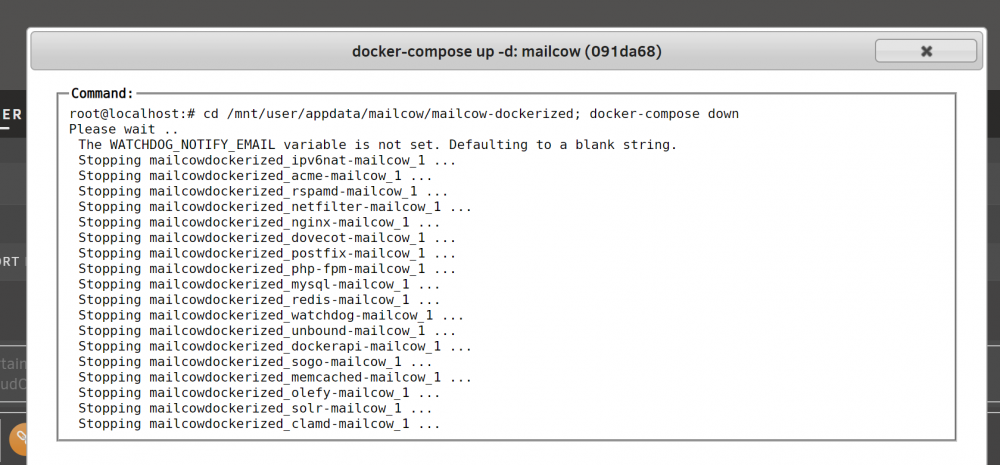
She doesn't seem to understand the gap? In the docker-compose team down ______update Now he kind of understands the gap, but the problem remains, the team doesn't start

-
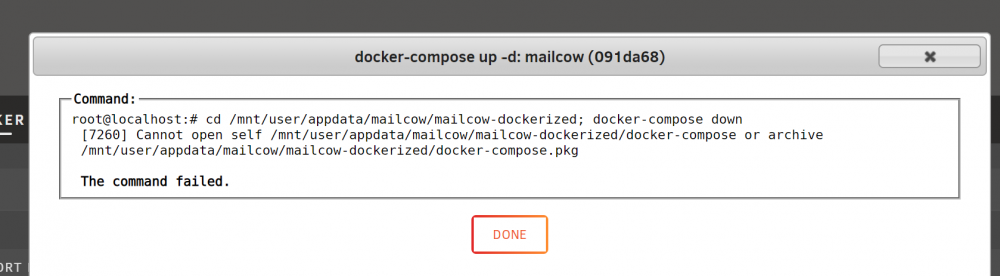
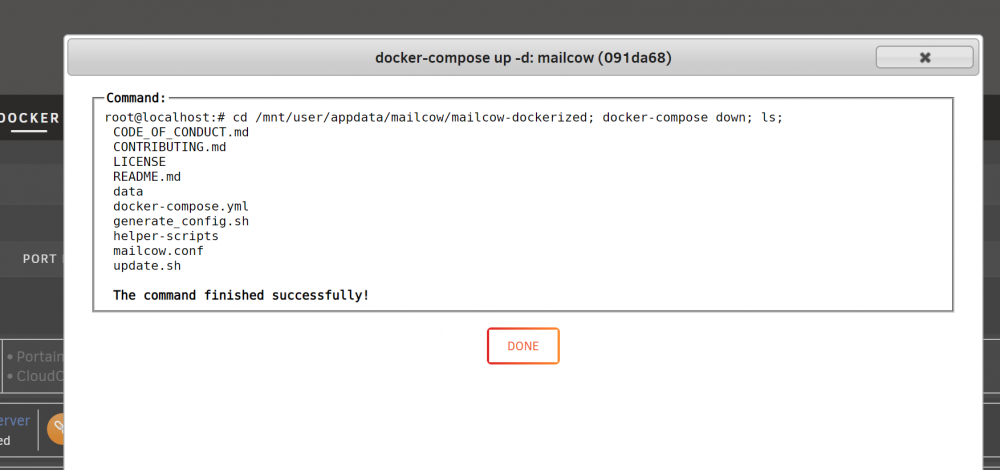
I don't understand how it works....
-
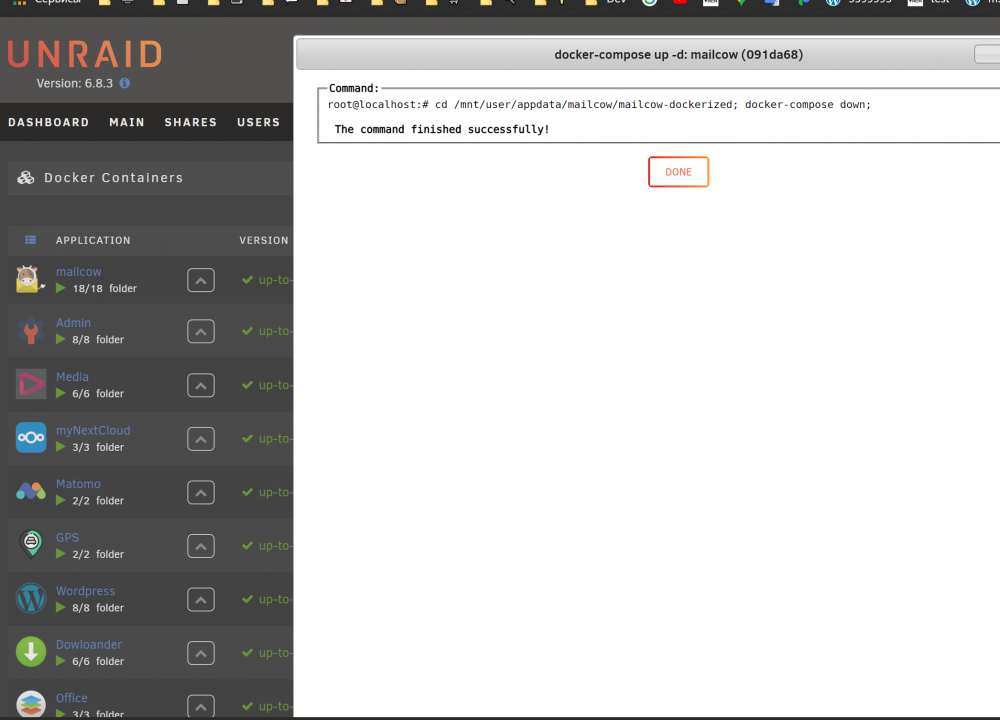
It is written so, but in fact the team does not work, and the Compose does not stop.
-
I've refreshed, but it doesn't work
-
I had a problem with deleting 3 days ago. Now that the case, the problem disappeared, all is well, when the container is removed, the container is removed from the folder. Thanks.
-
I'll wait for the bash to be fixed, a very necessary function for me. As for the deletion, I'm going to try to reproduce it and write it here.
-
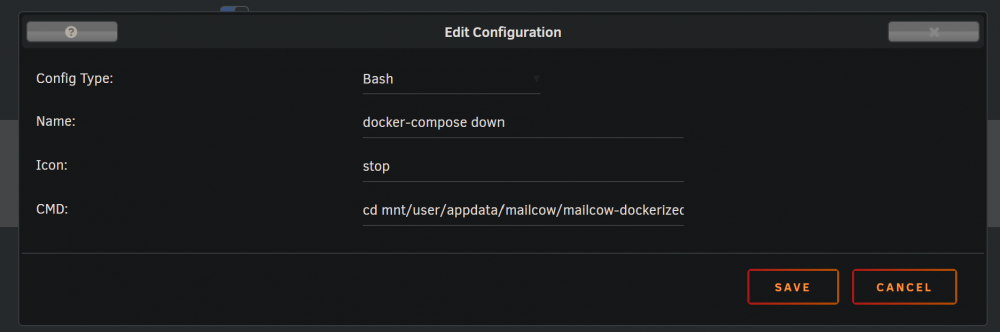
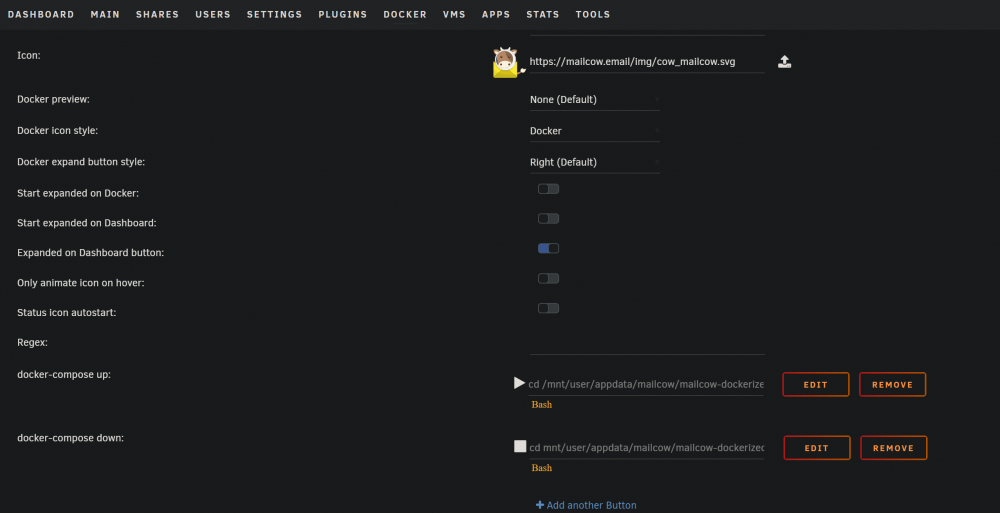
Question. I installed the mailcow compose, created a folder for them, clicked on the label I want to bring out the docker-compose-up-d buttons and docker compose down. I do it this way: But the team doesn't work. Is there anything you can do to make it work? cd /mnt/user/appdata/mailcow/mailcow-dockerized; docker-compose up -d; cd /mnt/user/appdata/mailcow/mailcow-dockerized; docker-compose down;
-
Thanks to the author for the wonderful plugin. I noticed such a nuance, I have a folder, there Nextcloud,Mariadb,Coturn. If I remove one of them, there will be a 3/3 mark left in the folder, but inside the folder 2 container, and the third deleted, from the folder will not be removed.


