





sdballer
Members
-
Joined
-
Last visited
Everything posted by sdballer
-
Feature Request: Per-Container Update Checks and Default Folder for New Containers Could we get an option to enable or disable update checks for individual containers instead of managing them globally? Additionally, it would be great to have the ability to set a default folder for newly installed containers. Currently, newly installed containers stack at the top of the list without being assigned to any folder. It would be useful to designate a default "Temp" or "Unsorted" folder where all new containers are automatically placed. This would keep the main container list organized while allowing users to move containers into their preferred folders later. Both features would improve flexibility and make container management much cleaner.
-
Yeah, I have the Tailscale admin panel using my Adguard DNS. I'm unsure why I can't use those DNS rewrites over Tailscale. I guess I'll keep looking. This is my Adguard IP per photo.

-
Yes, this does correct the issue, but it also seems to disable my ability to use internal routing, such as unraid.mydomain.com, when piped through NPM and Adguard DNS.
-
Same for me unraid 7.0.0
-
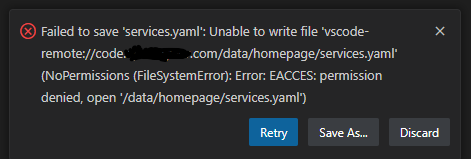
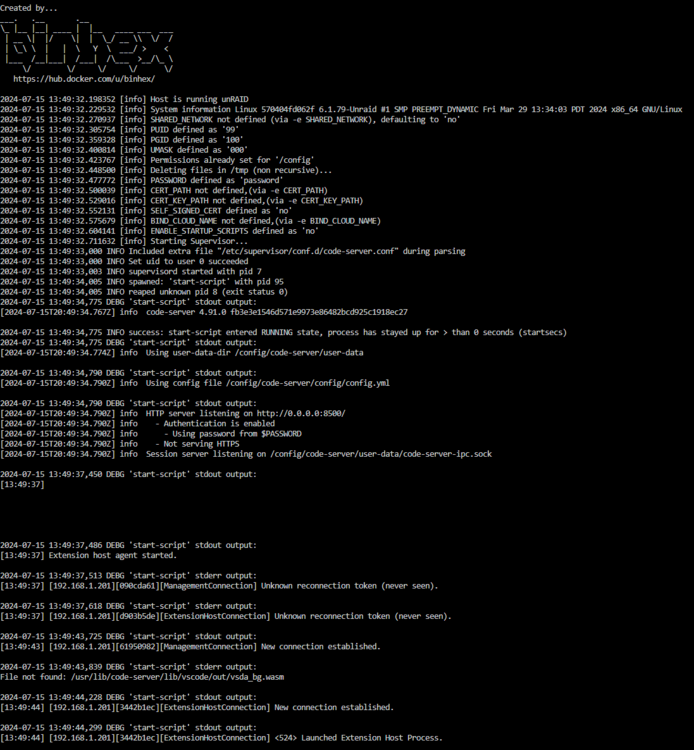
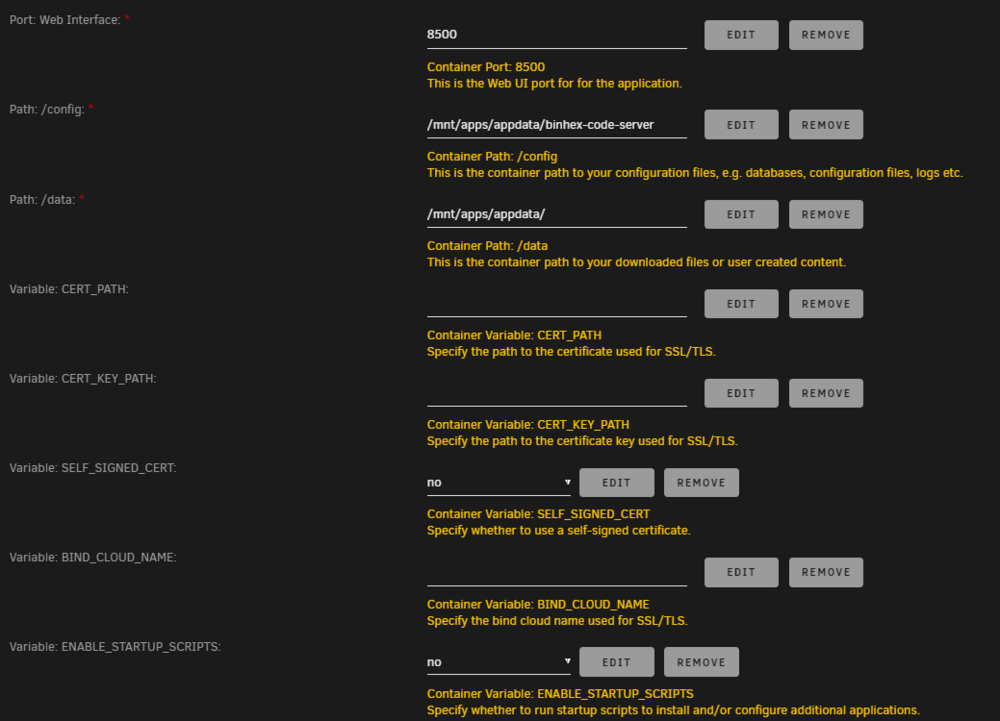
@binhex Any pointers to get past these permission issues?
-
It's the same problem on my end; I noticed it after my NPM wasn't renewing certificates... once TS was disabled, it was working again.
-
It would be great if the plugin page could have a way to organize each item, such as the DockerFolder plugin does for the Docker tab. It's my understanding that it's not possible now, even for the DockerFolder team to implement.
-
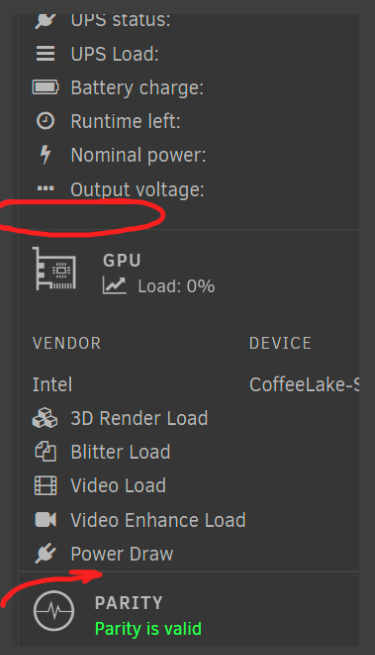
Anyway to resolve this spacing issue? All other dashboard items have a gap at the bottom.
-
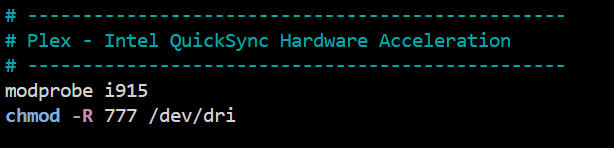
I am using modprobe i915 in the go file for Plex acceleration. Since GVT-g is asking for a blacklist, I assume I can't use both... Docker Plex + VM Windows? (Images below) I currently have all 3 plugins installed. Intel GVT-g Intel GPU TOP GPU Statistics With the following CPU: Intel® Xeon® E-2126G Processor with integrated Intel® UHD Graphics P630

-
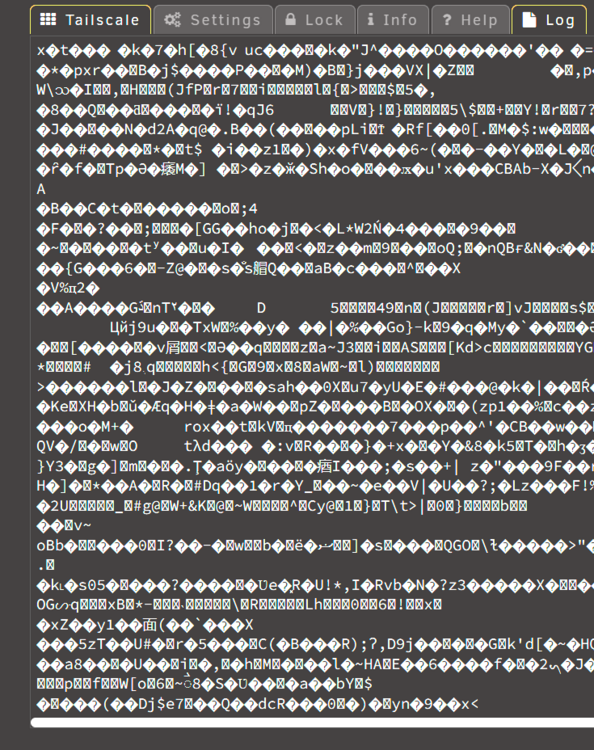
The dashboard shows a 5% utilization on logs. I do not see these glyphs anywhere else except the tailscale log. Any ideas?
-
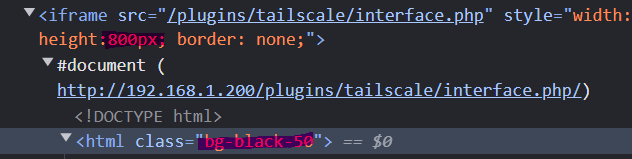
I must be blowing it because I get a permission error when saving. Any pointers?@binhex Have you seen this yet? https://github.com/kasmtech/KasmVNCI am noticing a bunch of glyphs in my log, any idea why that is happening... �R�i��3��?,}fu�Y�t�^o�C�@binhex Any idea if we'll never get seamless copy/paste like in KasmVNC?Is there another DoTDoH version that is supported you'd recommend?@testdasi What is the purpose of the Pi-Hole Container Variable: ServerIP: 192.168.1.24 (default)? Far as I can tell this is depreciated.When I use Cloudflare and NPM in Bridge mode, they work as normal (192.168.1.200). However, when I keep Cloudflare as a Bridge (192.168.1.200) and NPM in Custombr0 mode (192.168.1.201), it won't work... I triple-checked on my configs; maybe it's caching? Will the Cloudflare extension only work with the origination IP? Or am I missing something here? I really want to use my NPM in Custombr0 mode.It doesn't look integrated. For example if my iframe was just a few pixels taller, the scroll bars would disappear, in addition, the dark mode would match my unraid theme. I already have dark mode enabled on tailscale.com, so it does not transition back to the plugin. If you could inject these css changes I don't see why it wouldn't be possible.
 It would be cool to see this used to override the login prompt.You have to enable the subnet via console and approve them on the tailscale.com admin page, similarly to how you did the exit node. For example: tailscale set --advertise-exit-node --advertise-routes=192.168.1.0/24 --stateful-filtering FYI: adding --stateful-filtering to your docker container will fix a recent update, though the docker is discontinued starting next month unless a new developer takes over.@EDACerton Is there any way to enable dark mode on the default tailscale tab? Also, what about the iframe dimensions?@scolcipitatoAre we ever going to get a FolderView for the Plugins Tab... It's dated!.... group, grid, etc.https://tailscale.com/security-bulletins Description: Insufficient inbound packet filtering in subnet routers and exit nodes May 8, 2024 TS-2024-005I had the same issue... The Log tells you what to update in the advanced setting: --advertise-exit-node --advertise-routes=192.168.1.0/24 --stateful-filtering newly added to mine. --stateful-filtering working now.



